BIGTREETECH
✓3D Printer Controllers
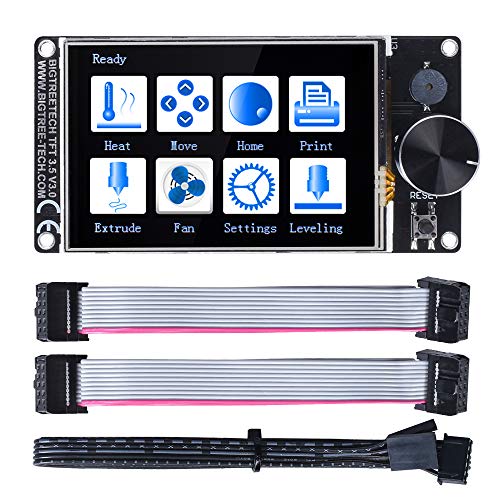
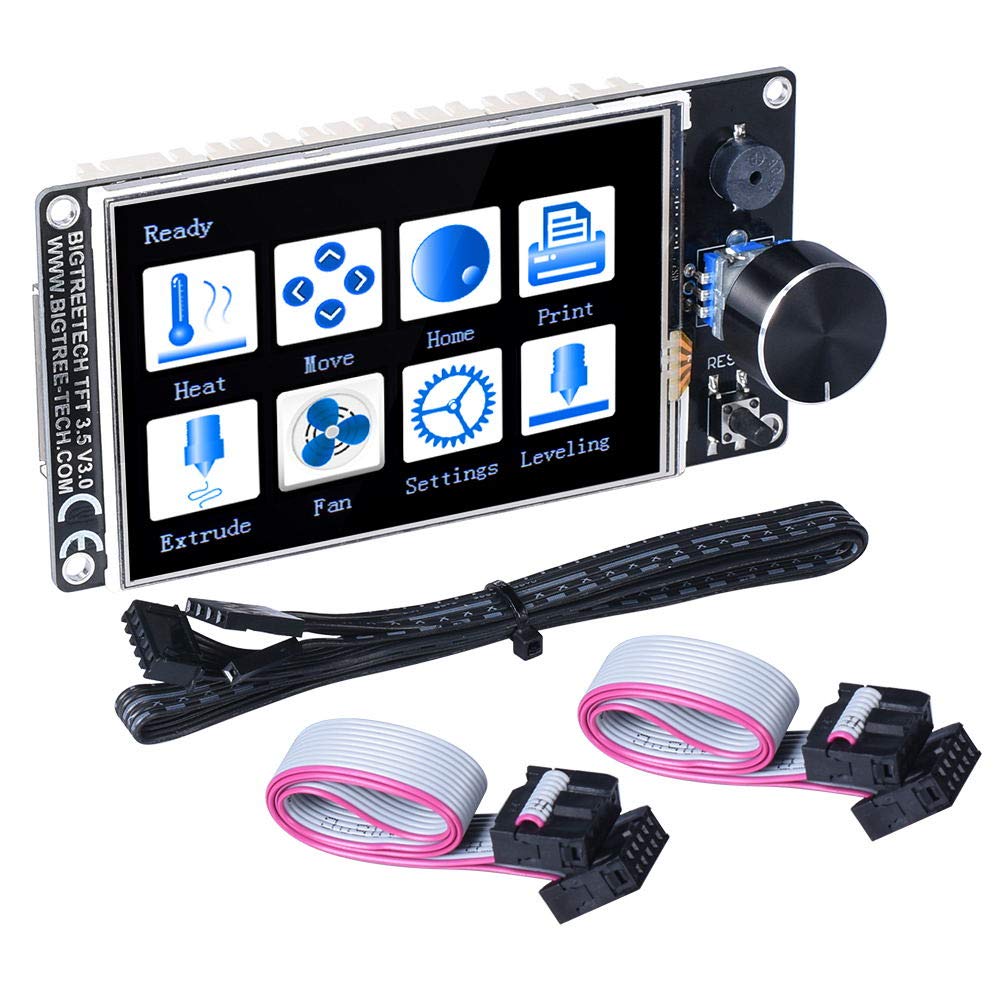
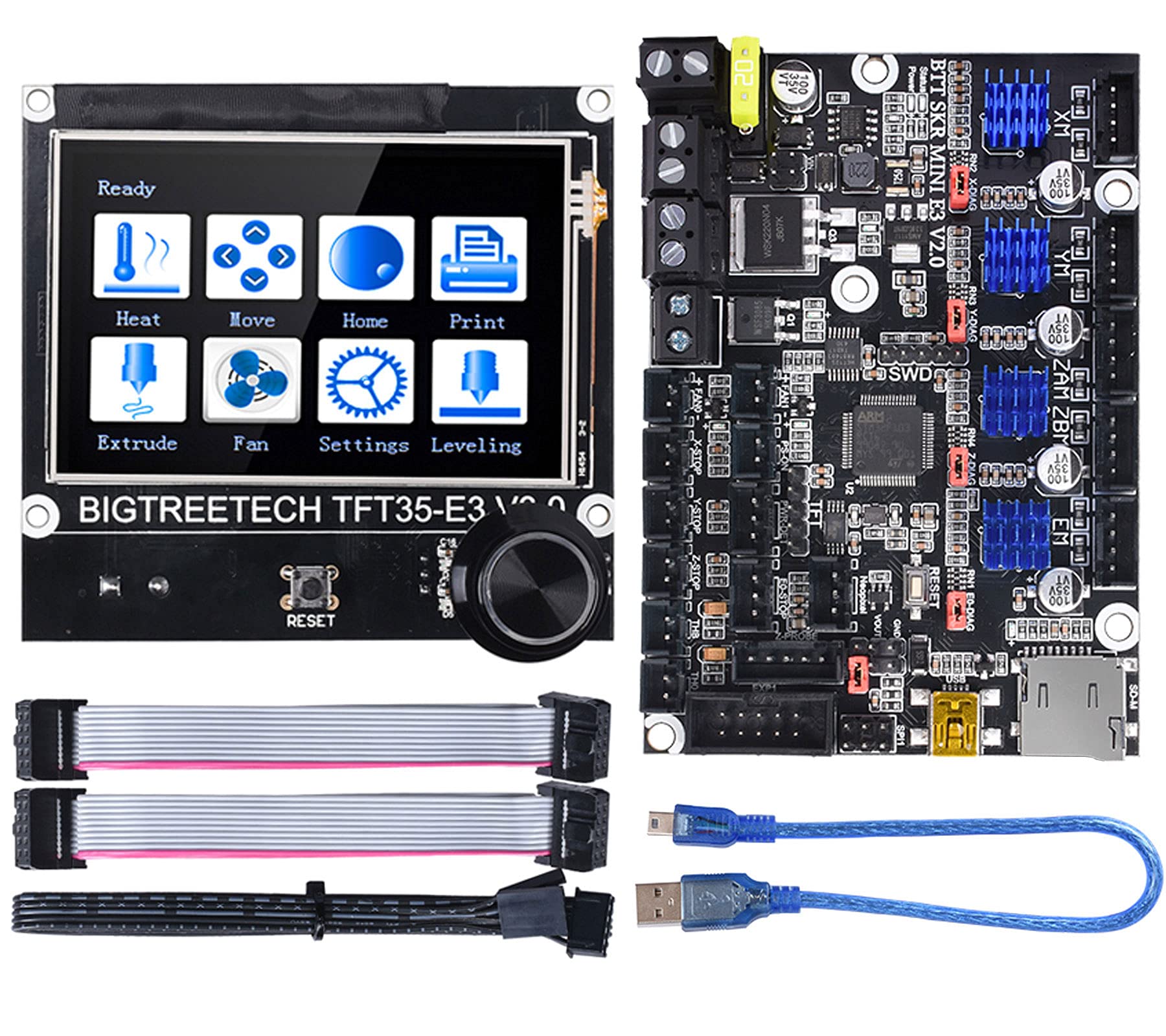
BIGTREETECH SKR Mini E3 V2.0 Control Board 32Bit Silent Motherboard For 3D Printer and TFT35 E3 V3.0.1 Display Touchscreen
★★★★★4.4
Price unavailableView
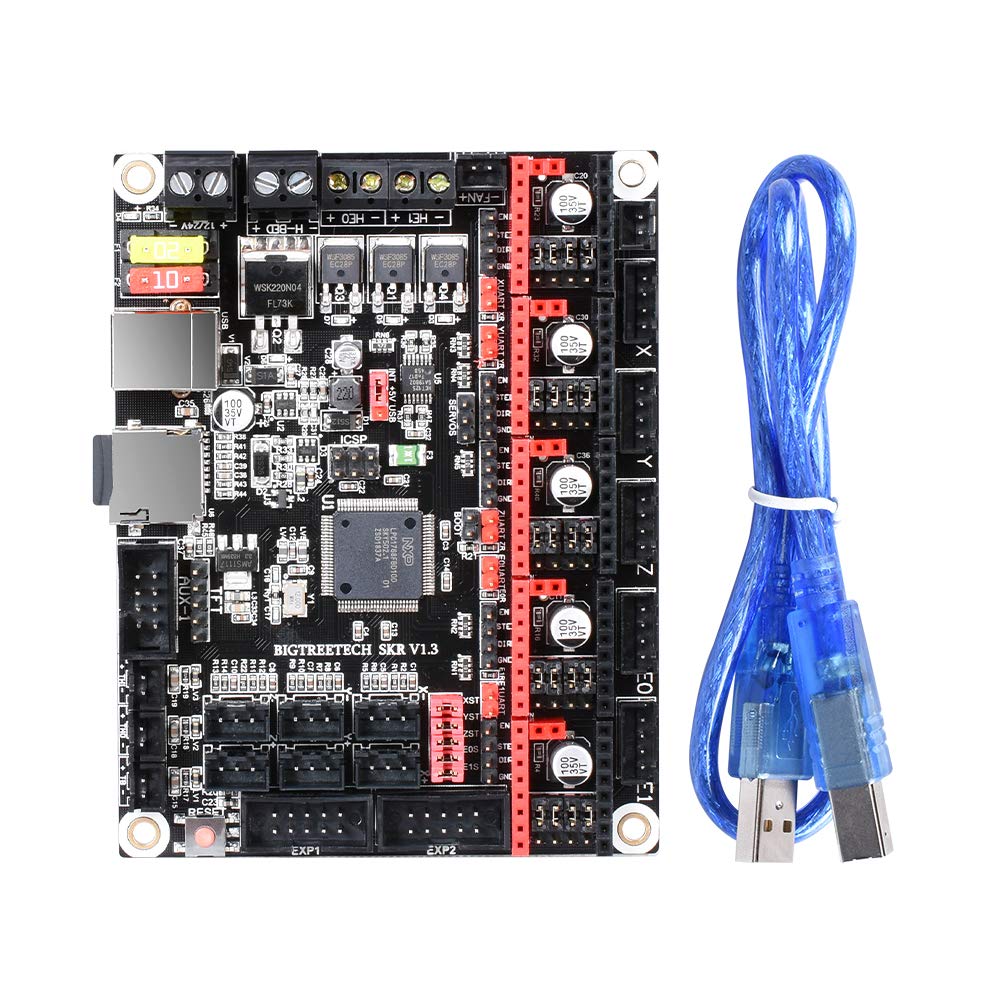
Product Description BIGTREETECH SKR V1.3 motherboard is R&D by Shen Zhen Big Tree Technology CO.,LTD. .The BIGTREETECH SKR V1.3 motherboard not only with a high cost-effective but especially suitable for small and medium-sized 3D printers How to connect with Computer The SKR motherboard connects with the computer via the [USB] interface. After the driver is installed, the motherboard can be inserted into the computer to recognize the port for data transmission. Without the driver installed, it is easy for the computer to not recognize the USB port 1. Smoothieware-usb-driver-v1.1 driver installation (Windows systems only) The driver can be obtained from our open-source network Https://www.dropbox.com/s/ighnj7oa2l0bm5g/smoothieware-usb-driver-v1.1.exe?dl= 0 2. After installing the driver, connect the computer and SKR motherboard with USB cable Note: When using smoothieware open-source firmware, since only Windows system drivers, the SKR board at this time can only be recognized by the Windows system port! ! ! 3. If you are using Marlin2.0 firmware, follow the tutorial to install: Tutorial:https://www.dropbox.com/s/ppjfflhf3j5yzh2/MarlinV2.0%20SKRV1.1%20instruction.docx?dl=0 Driver:https://www.dropbox.com/s/a0k5idjmf4fn82f/lpc176x_usb_driver.inf?dl=0 If you need more information about this Board please contact us Packing List: 1*SKR V1.3 Board 1*cable
Customer reviews
10 Trustpilot reviews total, with 2 shown at a time.
I wrote to Bigamart's customer support and they accompanied the process of reshipping the item until it finally arrived. I felt a genuine effort to solve the problem till it was finally solved.
The package was here in Australia from England in a few days — so quick! Something was missing and they refunded it straight away. Pretty happy with these guys.
You might also like