🌍 Worldwide shipping · 30-day returns · Rated Excellent on Trustpilot ★★★★½
Price
$60.73
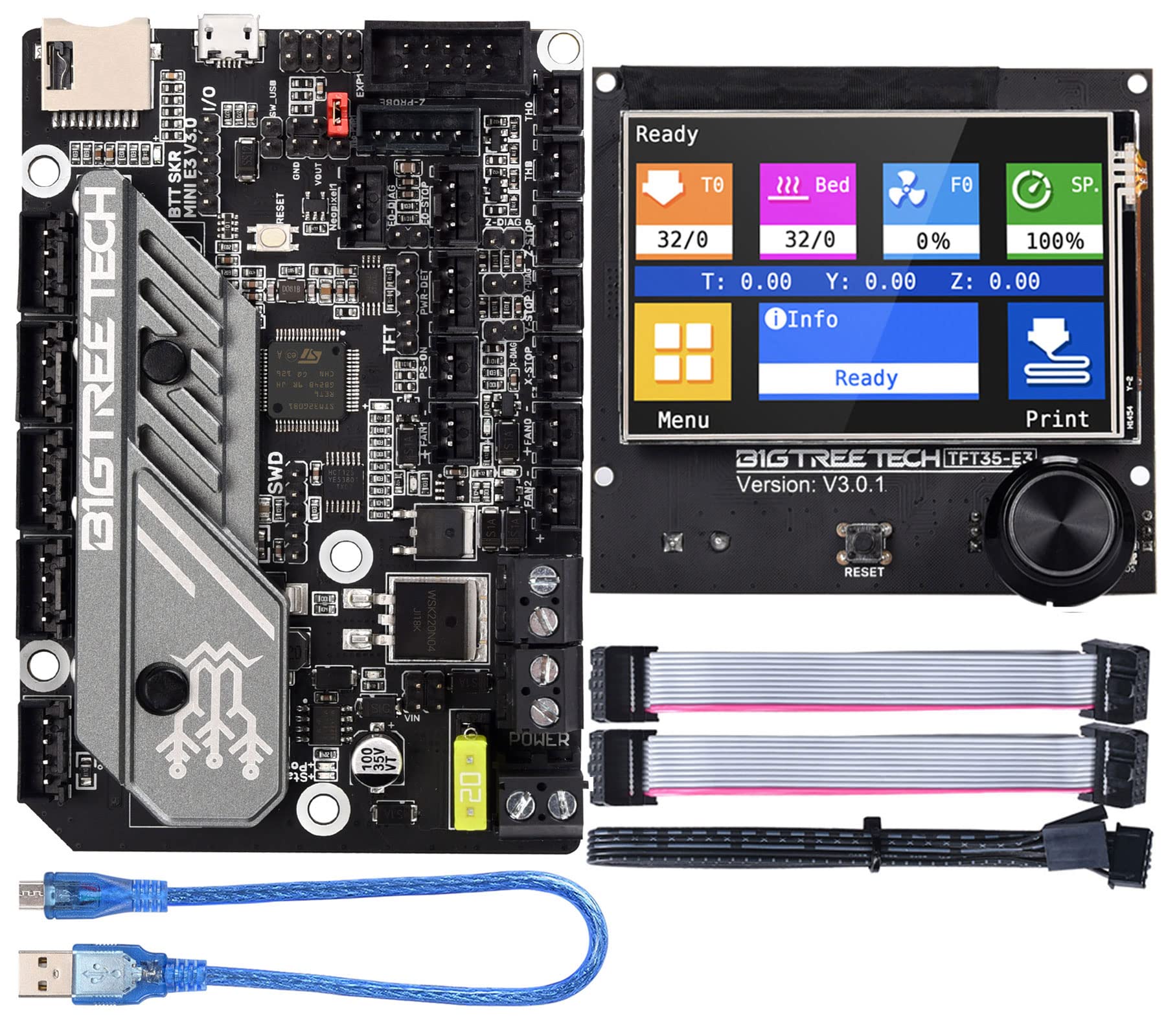
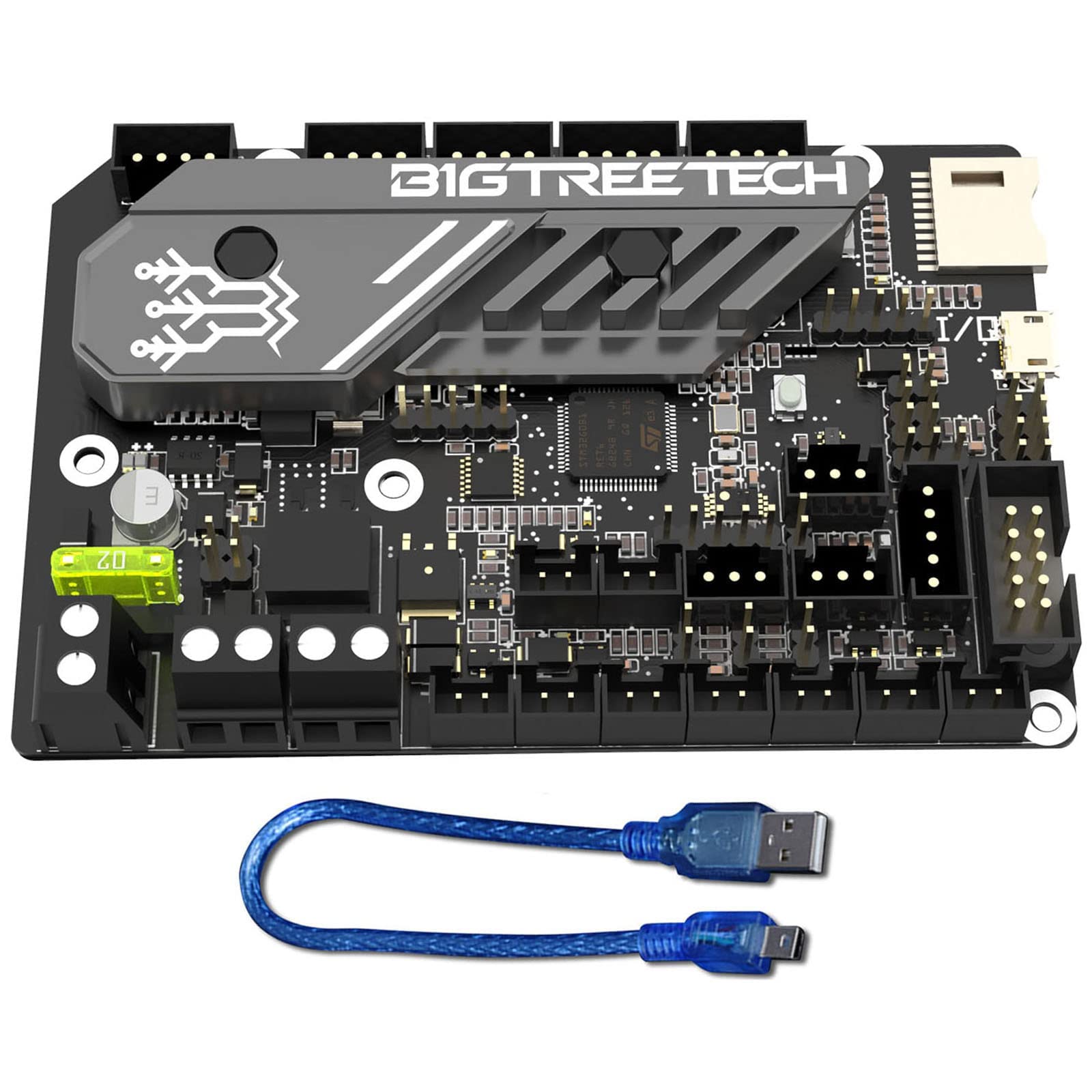
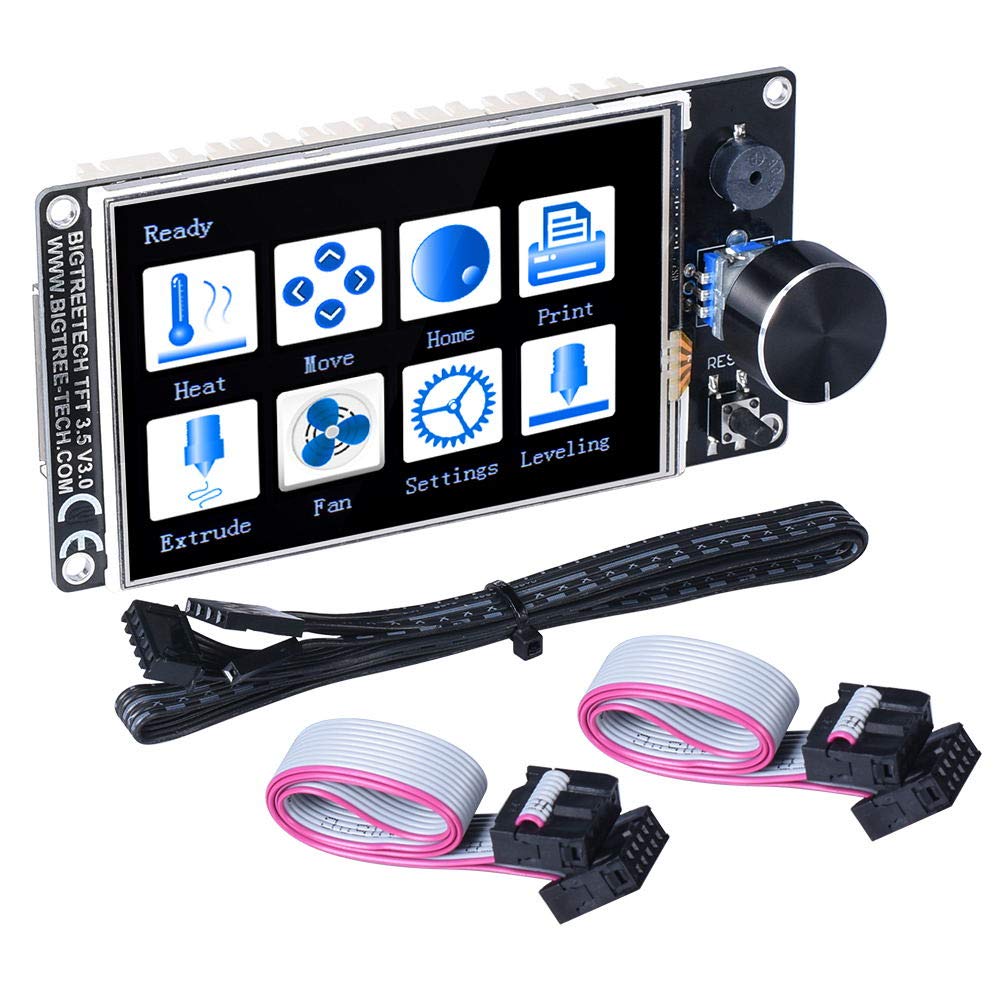
BIGTREETECH TFT35 V3.0.1 Graphic Smart Display Controller Board for 3D Printer Ramps 1.4 RepRap 3D Printer Can Select Two Work Modes for SKR 2 Octopus V1.1 SKR E3 Turbo E3 RRF Motherboard — image 1
3D Printer ControllersBIGTREETECH✓ In stock

BIGTREETECH TFT35 V3.0.1 Graphic Smart Display Controller Board for 3D Printer Ramps 1.4 RepRap 3D Printer Can Select Two Work Modes for SKR 2 Octopus V1.1 SKR E3 Turbo E3 RRF Motherboard

$60.73
Worldwide shipping
Fast tracked delivery
30-day returns
Hassle-free returns
Secure checkout
Safe & protected
Great service
Thousands of happy customers
About this item
  • 1.Upgrade the firmware by SD card. It is easy and convenient to operate.This display board has higher compatibility. Users can select two work modes,they are UART serial port screen mode and 12864 screen mode.
  • 2.Serial port screen mode supports two printing modes: SD card and U disk.
  • 3.Reserve WIFI port, and WIFI function is realized by external WIFI module.
  • 4.Reserve the extension port of filament breaking detection (FIL-DET);Reserve the extension port of automatic shutdown after printing (PS-ON);2 sets of UART serial port extension ports are reserved for DIY use.
  • 5.If there are any issue with the product, or if there are any problems in use, please contact the customer service team by message in time. We will try our best to assist you
Product description

ARM Cortex-M3 series STM32F207VCT6 chip with 32-bit CPU 120MHz; Power Input:DC5V SD card logic voltage:3.3V or 5V, support MEGA2560 motherboard, with higher compatibility LCD12864 mode uses EXP1, EXP2 and EXP3. EXP1 and EXP2 are LCD screen ports of normal motherboard, EXP3 is the LCD screen port used by SKR MINI E3 and SKR E3 DIP; Note:1. When using 12864 screen mode, connect the port EXP1 and EXP2 to the motherboard. (If user uses the SKR MINI E3 or SKR E3 DIP, just connect EXP3 to the motherboard.)There is no touch function in this mode. 2. When using serial port screen mode, connect with TFT or aux-2 on the motherboard via RS232. This mode has touch function; 3. Two work modes can be changed by one key. Press the encoder about 3 seconds until the mode selection page appears, then press the encoder after selecting the mode. If there is any issue with the product, please contact the customer service team via message and we will try our best to assist you

Product details
Brand
BIGTREETECH
Manufacturer
BIGTREETECH
Colour
black

Customer reviews

What customers say about Bigamart

10 Trustpilot reviews total, with 2 shown at a time.

Trustpilot
Excellent
4.5 average rating
See all reviews →
S
Sigalit
🇮🇱 · January 2026

I wrote to Bigamart's customer support and they accompanied the process of reshipping the item until it finally arrived. I felt a genuine effort to solve the problem till it was finally solved.

V
Verified buyer
🇦🇺 · November 2025

The package was here in Australia from England in a few days — so quick! Something was missing and they refunded it straight away. Pretty happy with these guys.

Showing 12 of 10 reviews

You might also like

Similar items

View all →