BIGTREETECH
✓3D Printer Controllers
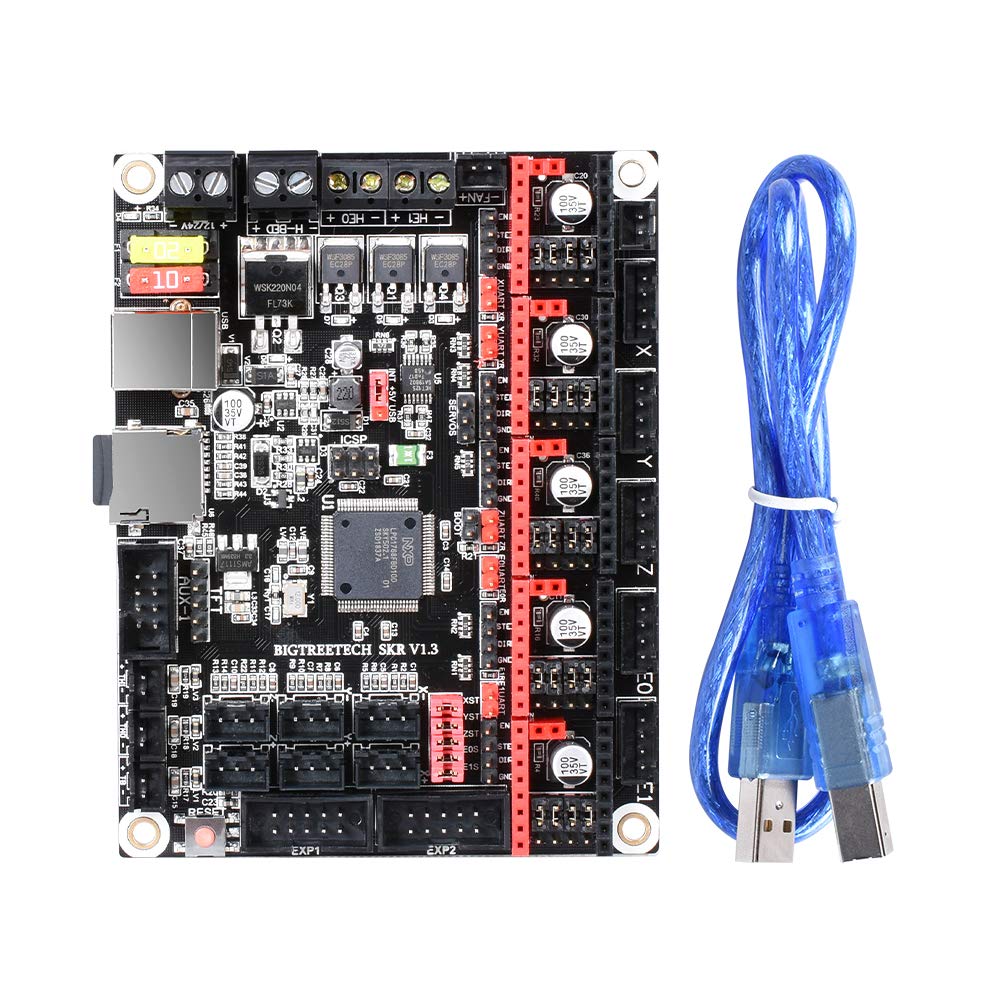
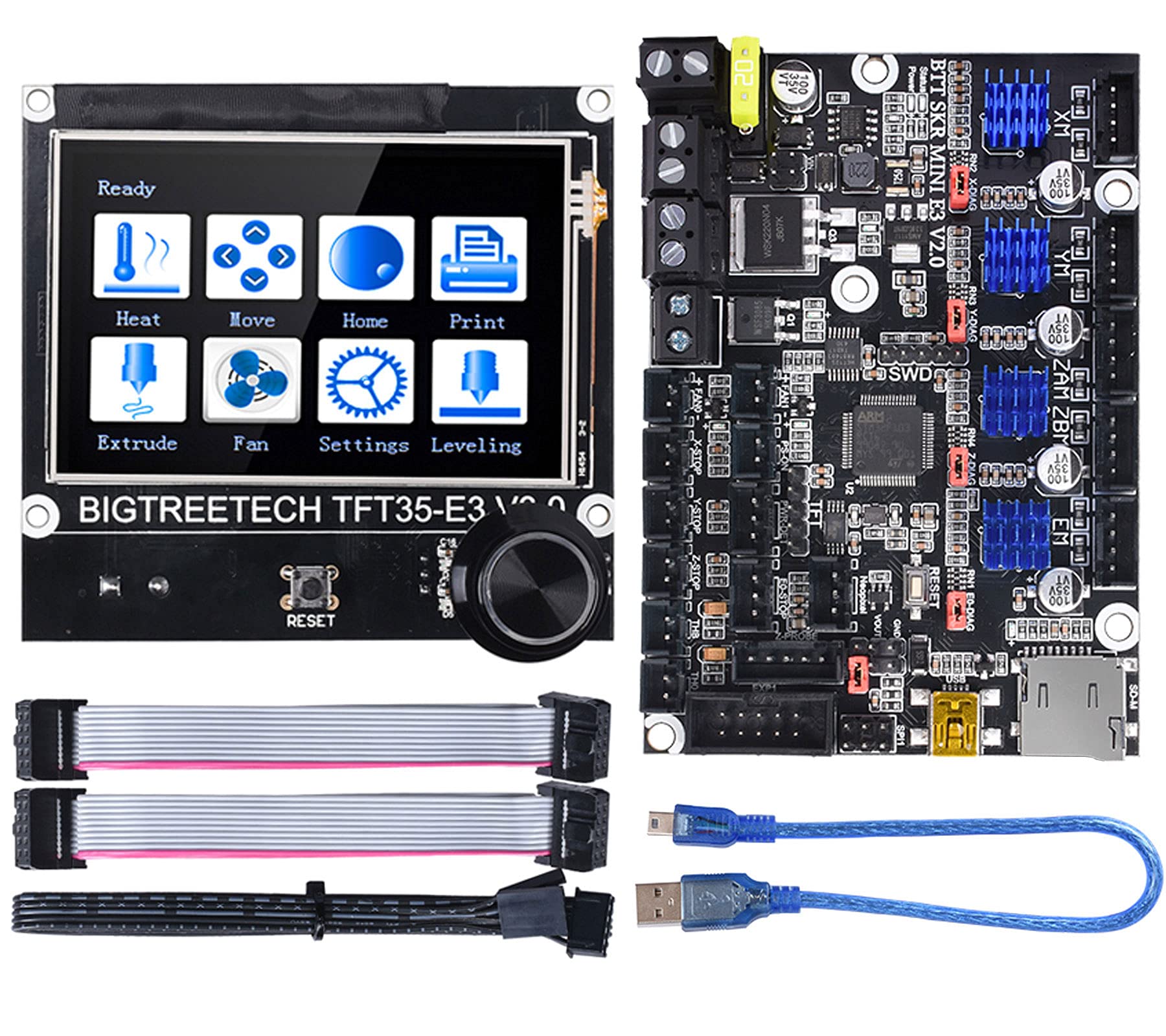
BIGTREETECH SKR Mini E3 V2.0 Control Board 32Bit Silent Motherboard For 3D Printer and TFT35 E3 V3.0.1 Display Touchscreen
★★★★★4.4
Price unavailableView
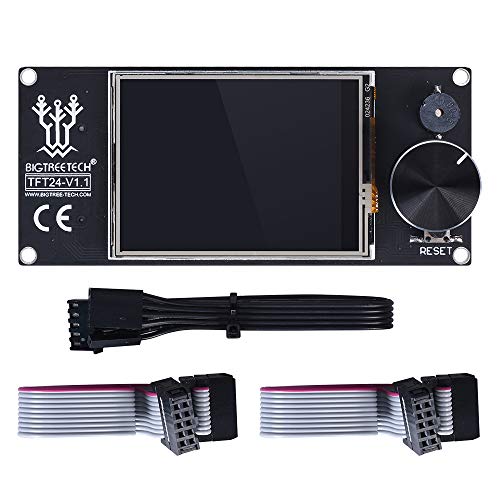
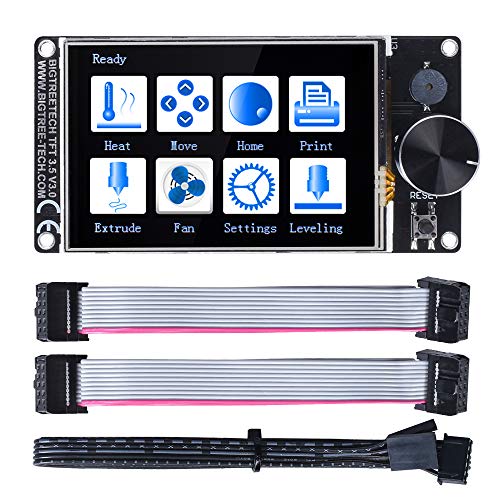
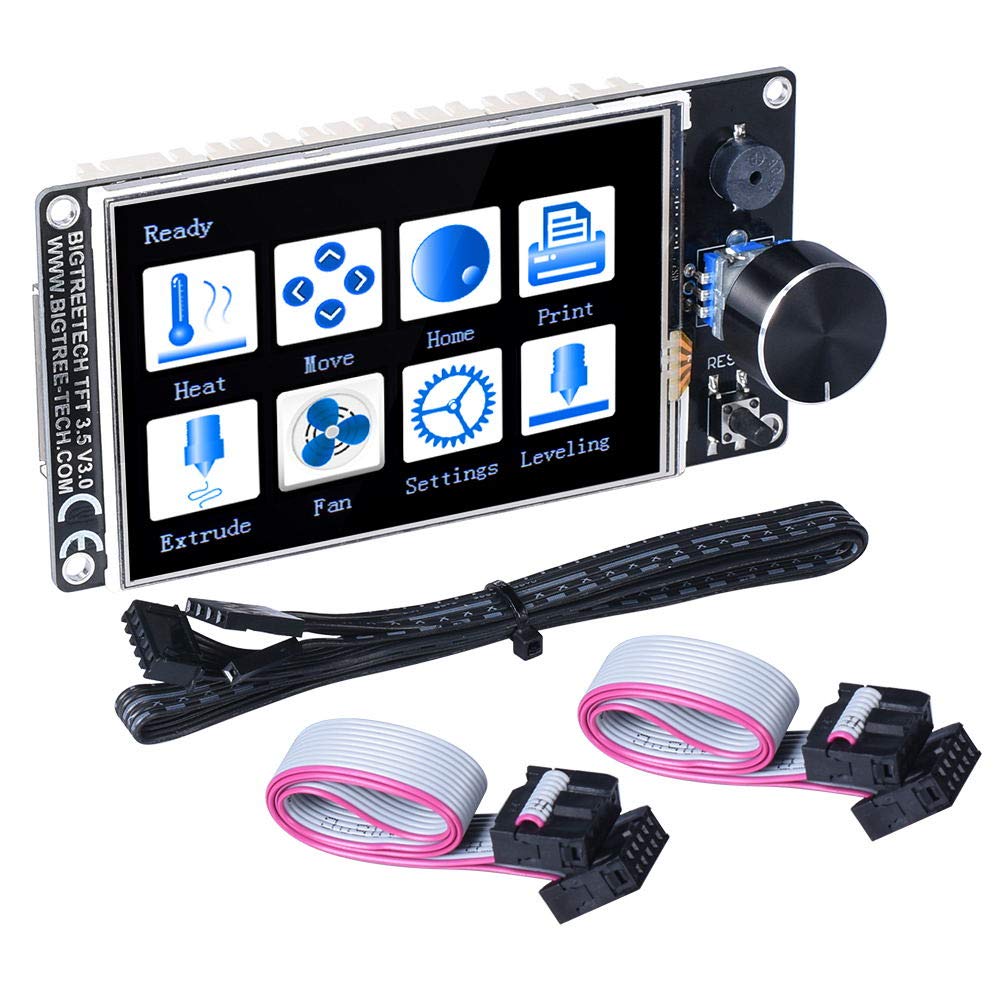
Product Description TFT24 Touch Screen Youtube Video: https://www.youtube.com/watch?v=TeRSGmcd8A8#action=share Parameters Appearance size: 105*46mm Microprocessor: STM32F105RCT6 Input voltage: 5V Some Important Tips for TFT 24 Touch Screen 1,When using class 12864 screen mode, connect to the motherboard's EXP1 and EXP2, in which No touch function 2. When using serial-screen mode, connect to TFT or AUX-2 on the motherboard via RS232. Touch function run in this mode 3,The two modes correspond to different firmware, please wire according to the pattern type of flashed firmware 4,There are two choice in the listing, if you select the “TFT 24 For Rnder 3”, we will send the extra cable which can connect with Ender 3 printer directly. Otherwise,it can’t connect without a special designed cable How to update Firmware 1,Log in the open source website of our company to download: https://github.com/bigtreetech 2,Firmware file name: BIGTREE_TFT24_12864_(version code).bin BIGTREE_TFT24_Serial_(version code).bin First copy the above firmware to SD root directory, and then insert the card into the SD card slot of the board Next please re-power the board or press the reset key, and wait for about 10 seconds before the update is completed Packing List TFT 24 Screen *1 Cable *3(show as picture)
Customer reviews
10 Trustpilot reviews total, with 2 shown at a time.
I wrote to Bigamart's customer support and they accompanied the process of reshipping the item until it finally arrived. I felt a genuine effort to solve the problem till it was finally solved.
The package was here in Australia from England in a few days — so quick! Something was missing and they refunded it straight away. Pretty happy with these guys.
You might also like