BIGTREETECH
⏳3D Printer Controllers
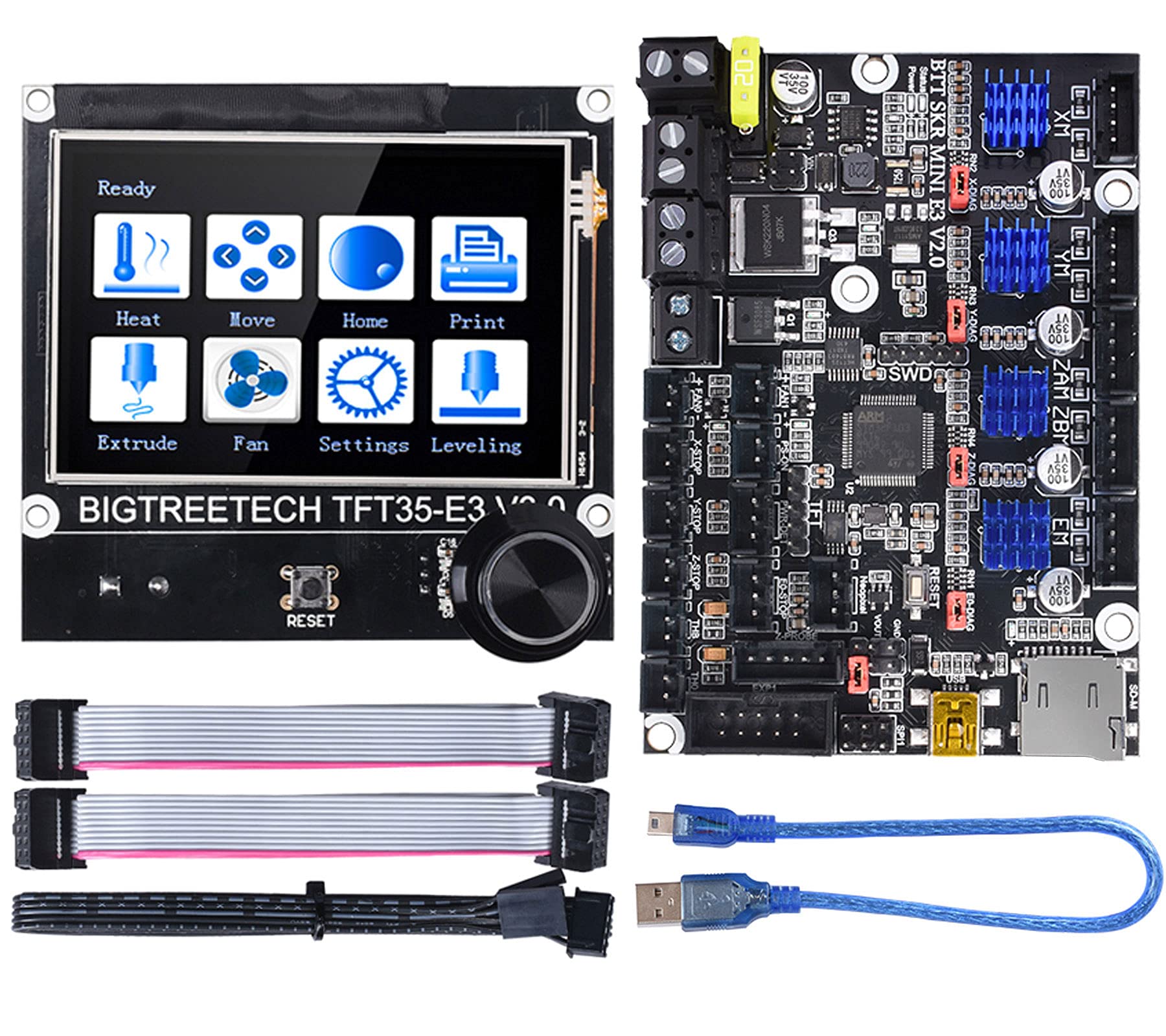
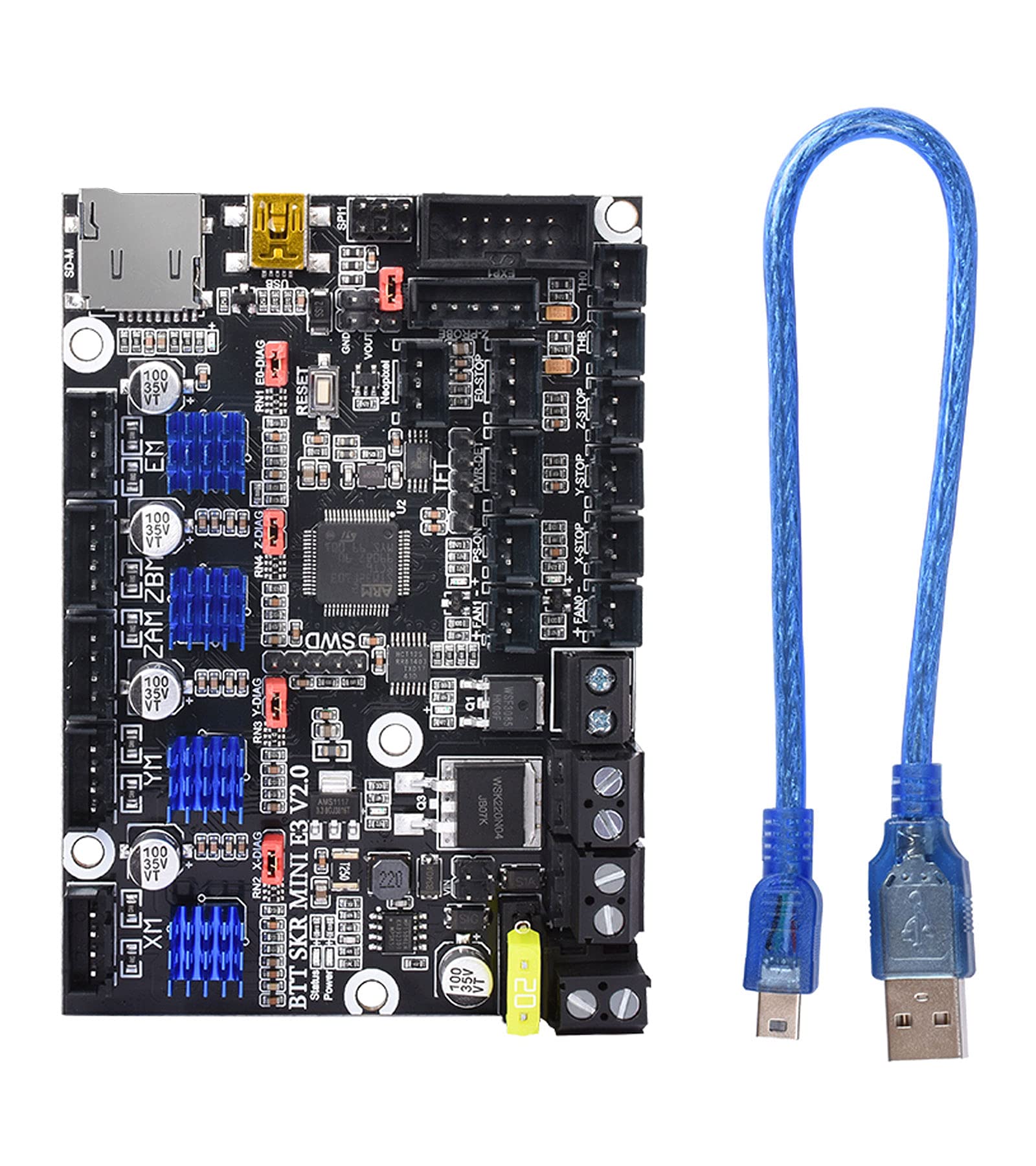
BIGTREETECH SKR Mini E3 V2.0 Control Board 32Bit 3D Printer Parts
Price unavailableView
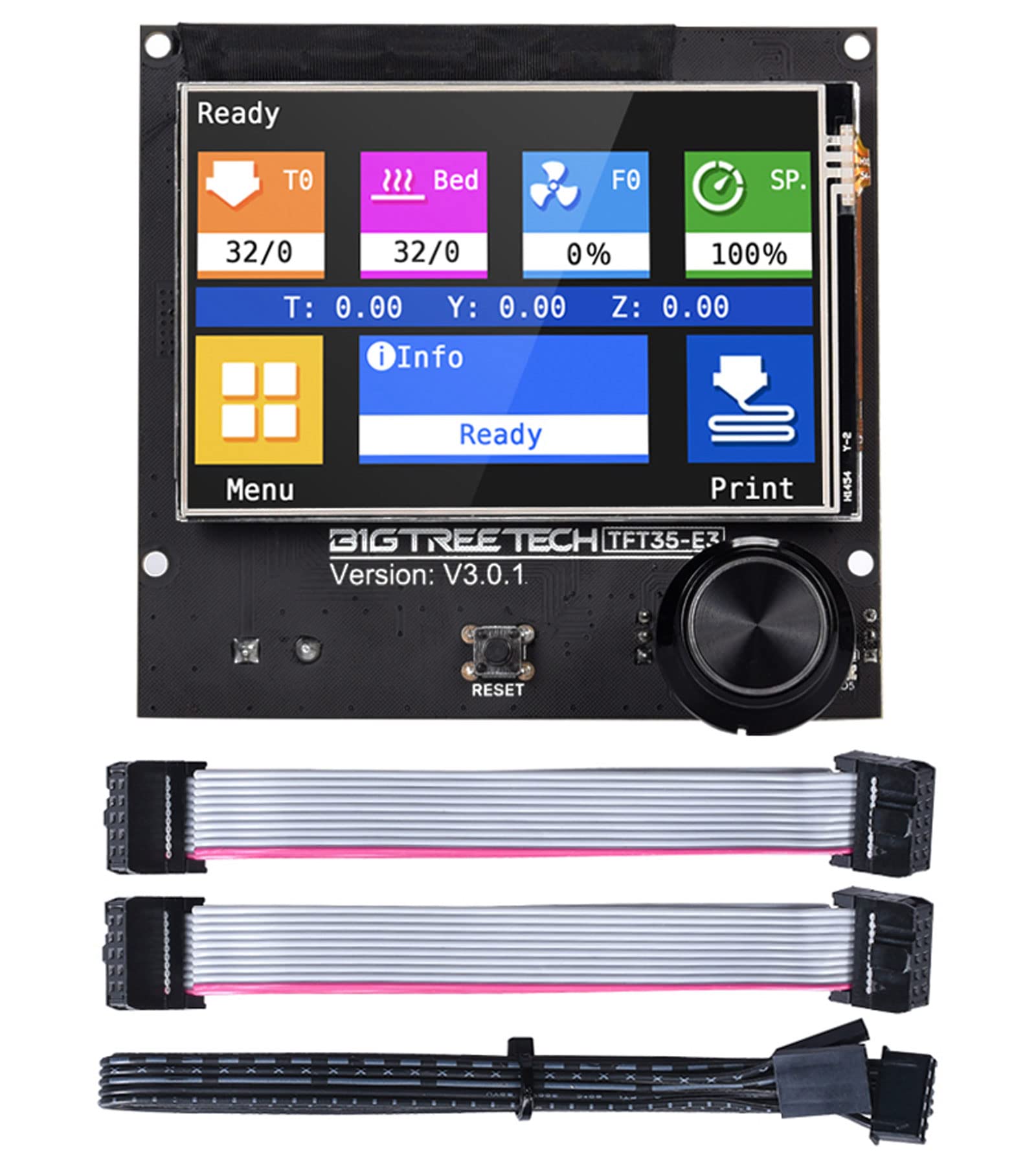
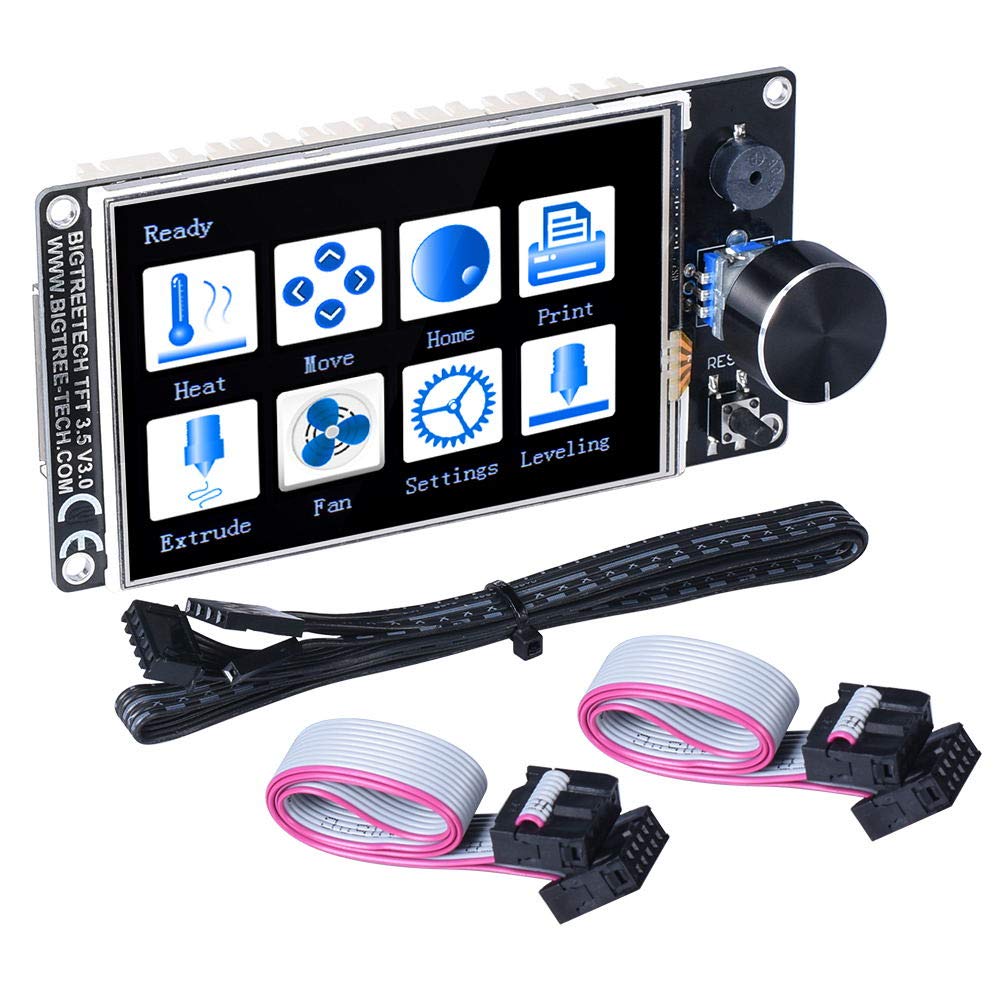
1.Product characters: 1)Use the light-emitting encoder, press the bright blue light, if not, it will not light, Full of technology; 2)TFT touch screen mode:serial port screen RS232 port; 3)2 sets of UART serial port extension ports are reserved for DIY use. 2.Product Parameters: Appearance size:93*87mm Installation size:Perfectly replace the original LCD screen of Ender3 printer,detail information please check TFT35-E3 V3.0 SIZE Microprocessor:STM32F207VCT6 Power Input:DC 5V SD card logic voltage:3.3V and 5V(Such as: support MEGA2560 main control chip motherboard, higher compatibility) Notes 1. When using 12864 screen mode, connect the port EXP1 and EXP2 to the motherboard. There is no touch function in this mode. 2. When using serial port screen mode, connect with TFT or AUX-1 on the motherboard via RS232. This mode has touch function; 3. Two work modes can be changed by one key. Press the encoder about 3 seconds until the mode selection page appears, then press the encoder after selecting the mode. 4. Supports klipper and marlin firmware, but cannot use touch function with klipper firmware
Customer reviews
10 Trustpilot reviews total, with 2 shown at a time.
I wrote to Bigamart's customer support and they accompanied the process of reshipping the item until it finally arrived. I felt a genuine effort to solve the problem till it was finally solved.
The package was here in Australia from England in a few days — so quick! Something was missing and they refunded it straight away. Pretty happy with these guys.
You might also like