๐ŸŒ Worldwide shipping ยท 30-day returns ยท Rated Excellent on Trustpilot โ˜…โ˜…โ˜…โ˜…ยฝ
Price
$24.93
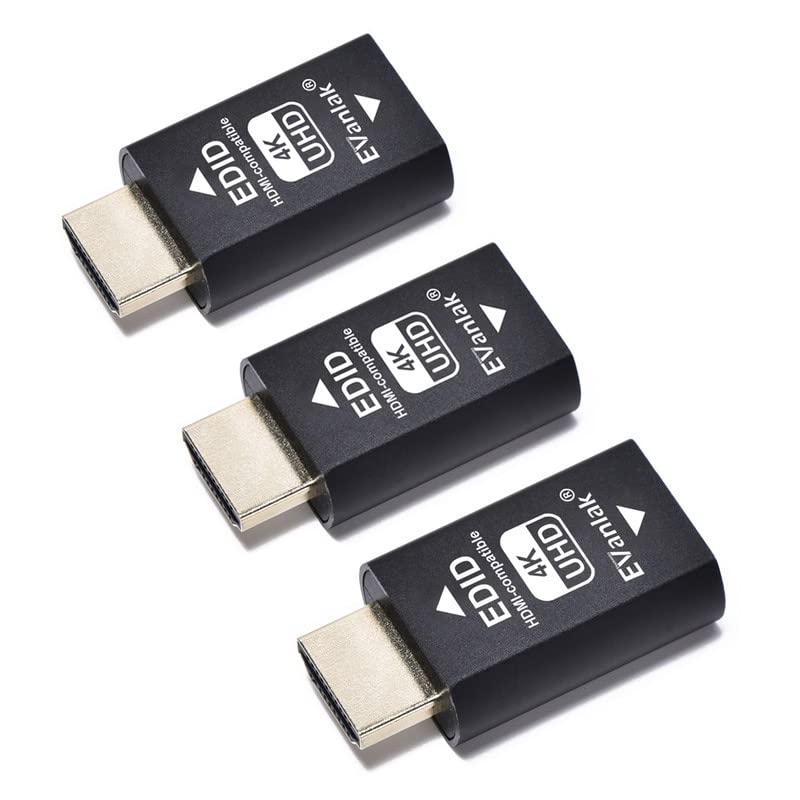
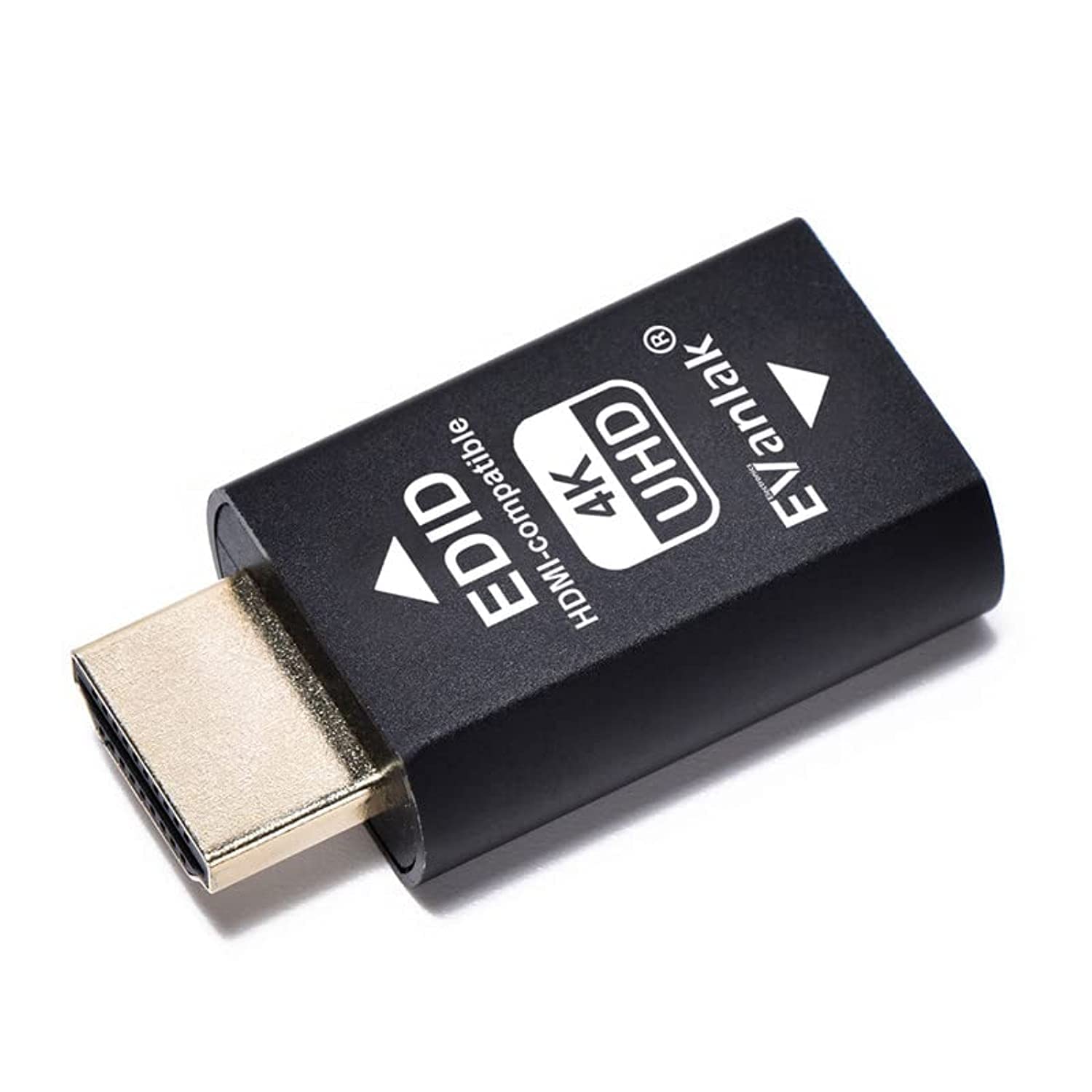
EVanlak Hdmi Edid Emulator Passthrough 3rd Generrtion Premium Aluminum Eliminated Emulator Adapter Work with Mac Thunderbolt to HDMI Switches/Extender/AV Receiver/Video Splitters 1080-3840x2160@60H โ€” image 1
HDMI CablesEVanlakโœ“ In stock

EVanlak Hdmi Edid Emulator Passthrough 3rd Generrtion Premium Aluminum Eliminated Emulator Adapter Work with Mac Thunderbolt to HDMI Switches/Extender/AV Receiver/Video Splitters 1080-3840x2160@60H

โ˜…โ˜…โ˜…โ˜…โ˜…
$24.93
Worldwide shipping
Fast tracked delivery
30-day returns
Hassle-free returns
Secure checkout
Safe & protected
Great service
Thousands of happy customers
About this item
  • Experience the versatility of our bi-directional EDID! This advanced technology supports various pixel formats (YCbCr 4:4:4, 4:2:2, 4:2:0, RGB) and 2.1 Ch Audio. You can plug in, turn off the TV or even unplug the HDMI and your PC wonโ€™t skip a beat!
  • Our HDMI EDID Emulator ensures your multimedia setup stays in perfect sync all the time. Kiss goodbye to repeated desktop rearranging. Connect your displays to a full-sized DisplayPort to HDMI adapter for a flawless experience.
  • The emulator supports an array of modes from typical 4K (3840x2160) to true 4K (4096x2160), with refresh rates from 23Hz to 60Hz, offering you unparalleled video quality.
  • Our HDMI-Compatible EDID works as a virtual monitor while not in use. Simply close your laptop lid and dive into your work at a designated resolution.
  • Choose your preferred default resolution from 1024x768@60Hz,1280x800@60Hz,1920x1080@60Hz, 1920x1200@60Hz,3840 x 2160@60Hz. Donโ€™t forget our 24-hour tech maintenance consultation, 2-month unconditional replacement for quality issues, and a 1-month full refund service if not satisfied!
Product description

How to Fix PS5 120Hz Not Showing with EDID Emulator๏ผŸ Step1:Select Performance Mode&Disable HDCP. Step2:Rest on Resolution option.Plug the Edid emulator to PS5.If the screen is black,press X----press down๏ผˆor up๏ผ‰----press X.This is a blind operation to adjust the resolution to 1080P.done.

Product details
Brand
EVanlak
Manufacturer
EVanlak
Colour
HDMI EDID 4K-1P
Size
HDMI EDID 4K-1P

Customer reviews

What customers say about Bigamart

10 Trustpilot reviews total, with 2 shown at a time.

Trustpilot
โ˜…โ˜…โ˜…โ˜…โ˜…
Excellent
4.5 average rating
See all reviews โ†’
S
Sigalit
๐Ÿ‡ฎ๐Ÿ‡ฑ ยท January 2026
โ˜…โ˜…โ˜…โ˜…โ˜…

I wrote to Bigamart's customer support and they accompanied the process of reshipping the item until it finally arrived. I felt a genuine effort to solve the problem till it was finally solved.

V
Verified buyer
๐Ÿ‡ฆ๐Ÿ‡บ ยท November 2025
โ˜…โ˜…โ˜…โ˜…โ˜…

The package was here in Australia from England in a few days โ€” so quick! Something was missing and they refunded it straight away. Pretty happy with these guys.

Showing 1โ€“2 of 10 reviews

You might also like

Similar items

View all โ†’