

Mesqool
✓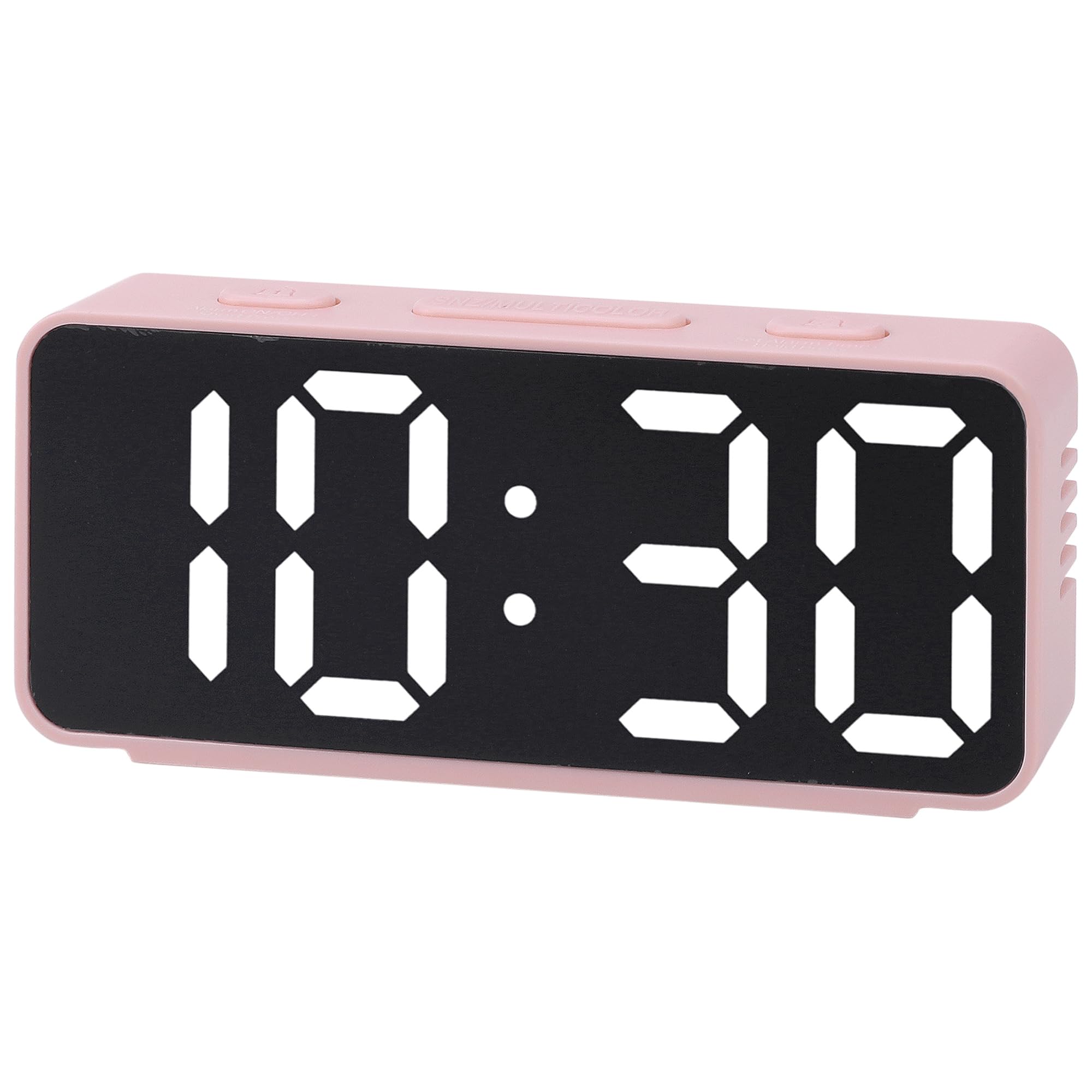
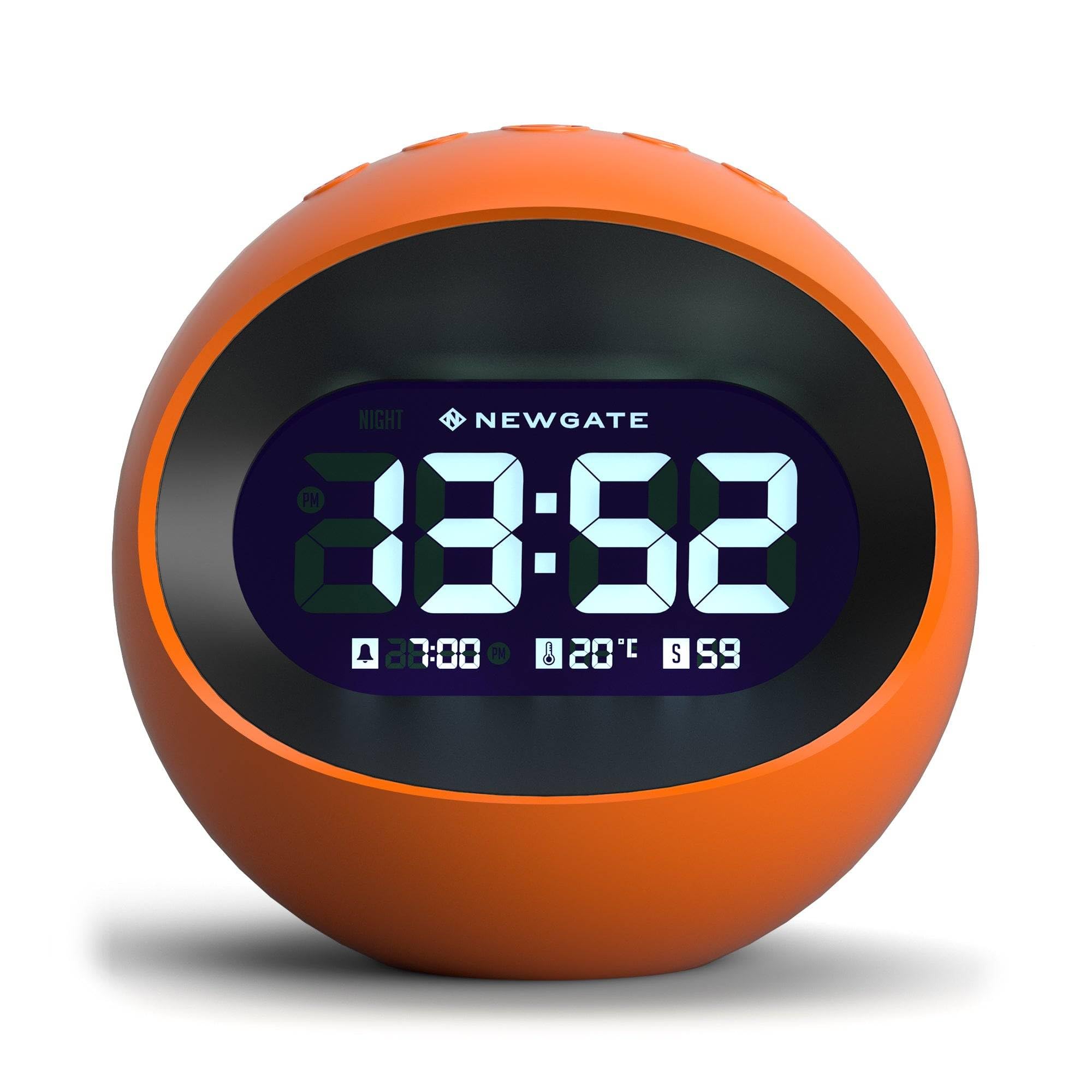
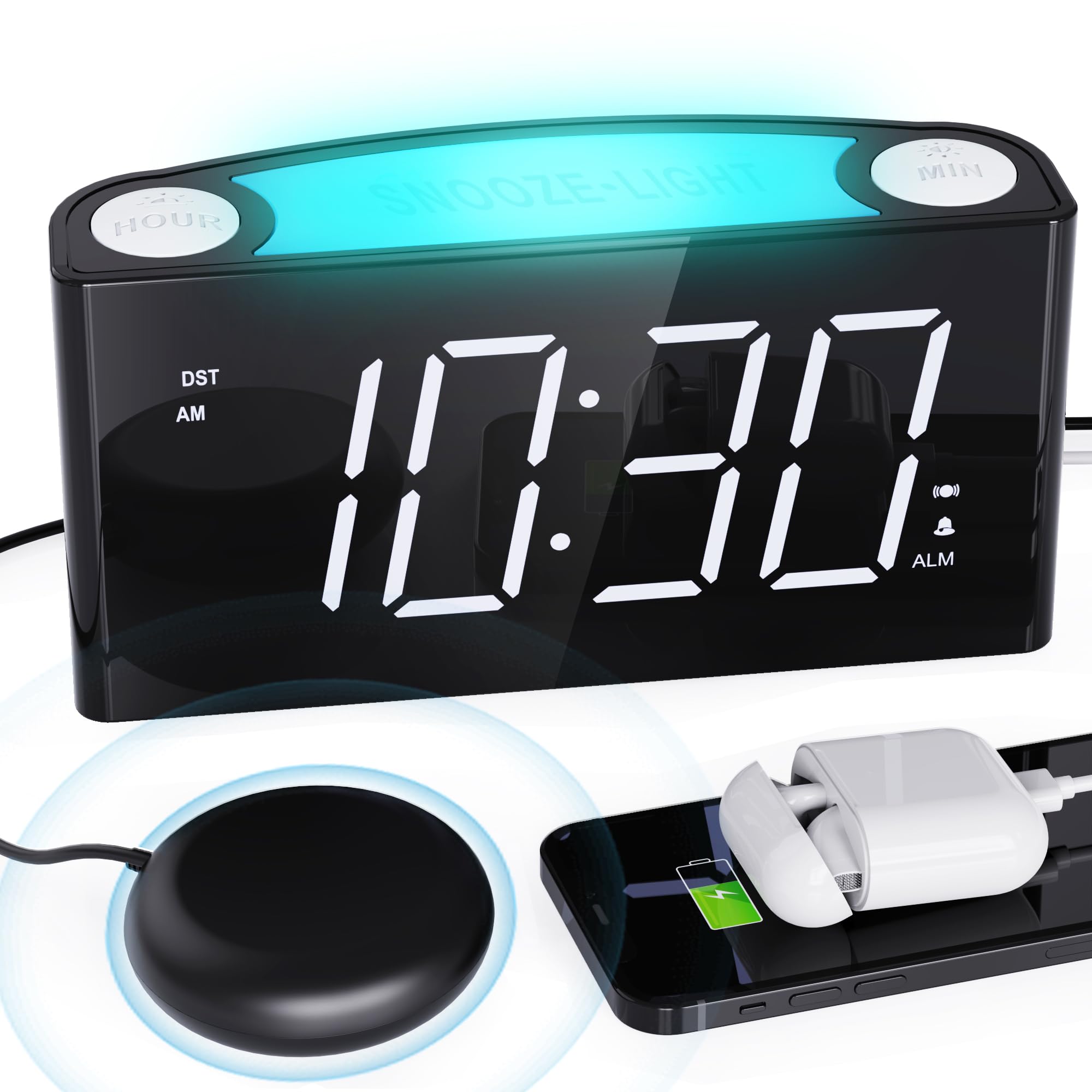
Digital Alarm Clock - Redefine Your Morning Routine Introduction:Our digital alarm clock combines advanced technology with innovative features to provide you with a personalized and convenient waking - up experience. It's not just an alarm clock, but a smart companion for your daily life. Product Specifications: Dimensions:5.1" x 1.0" x 2.2" / 13cm x 2.5cm x 5.5cm (LxWxH) Power Supply:DC 5V (included USB cable), or powered by 4 AAA batteries (batteries not included) Display Type:LED What's in the Box: 1 x Digital Alarm Clock 1 x USB Cable 1 x Manual Product Description: 1. Time Setting & 12/24H Switch (1)Hold "Time Set" for about 4s to enter time setting mode. (2)Press "+" or "-" on the back to switch the 12/24 hour format. Press "Time Set" to confirm. If "12-Hour" mode is selected, the "AM / PM" indicator will be displayed. (3) Press "+" or "-" on the back to set the correct "Hour" value. Press "Time Set" to confirm. (4) Press "+" or "-" on the back to set the correct "Minute" value. Press "Time Set" to confirm and finish setting. NOTE: In time setting mode, long press "+" or "-" for a quick setup. A short press of "TIME SET" button will be saved automatically after 8 seconds if no operation is done. If the "12-Hour" mode is selected, the "AM / PM" indicator will be displayed. 2. Alarm 1 & Alarm 2 Setting ①&② Alarm 1&2 – Press the button to enter the alarm setting, and the current alarm time will be displayed. Press the alarm button again to toggle it on or off, or press and hold the button for 4s to set the alarm time.
Customer reviews
10 Trustpilot reviews total, with 2 shown at a time.
I wrote to Bigamart's customer support and they accompanied the process of reshipping the item until it finally arrived. I felt a genuine effort to solve the problem till it was finally solved.
The package was here in Australia from England in a few days — so quick! Something was missing and they refunded it straight away. Pretty happy with these guys.
You might also like