SABRENT
⏳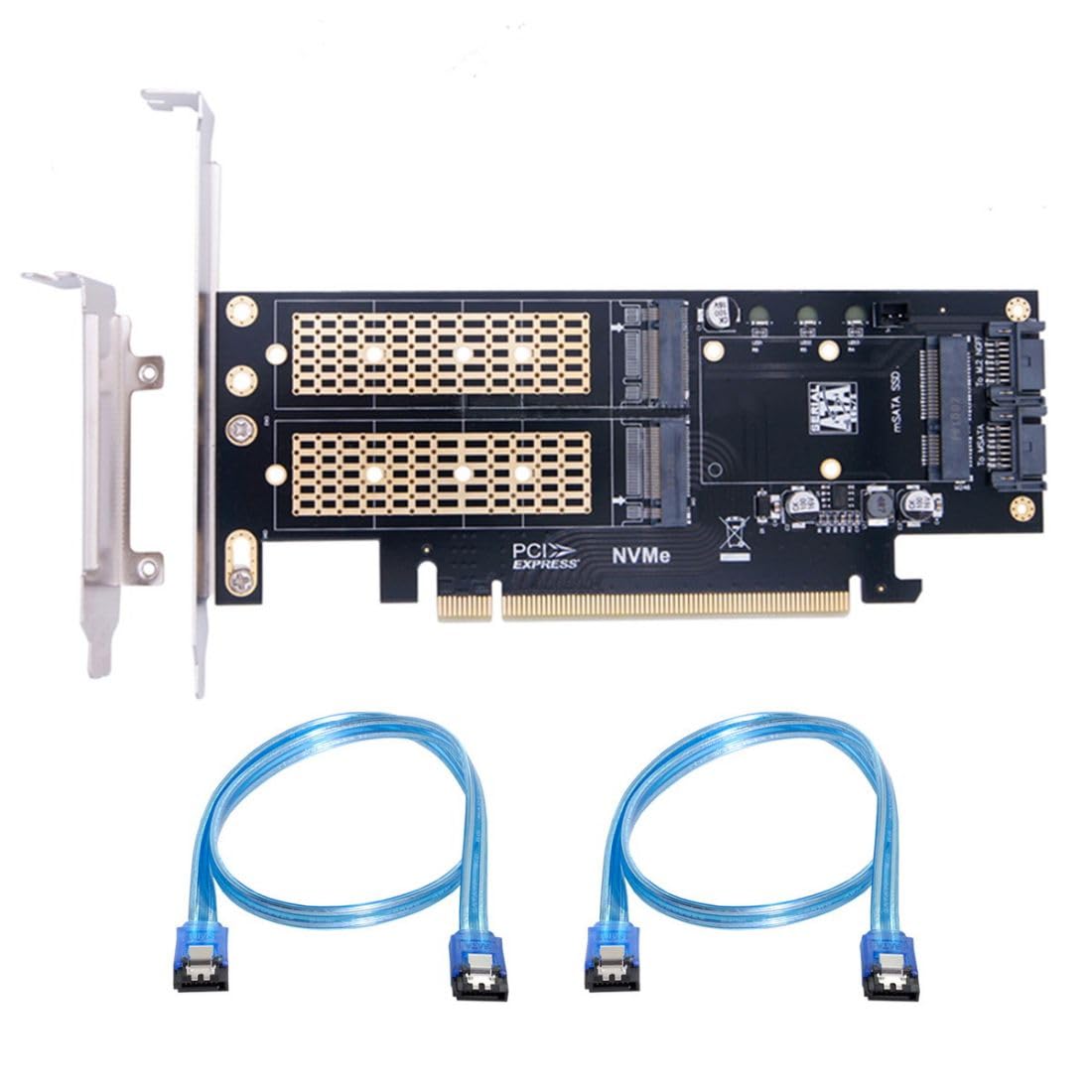
1) The three SSD Can work at same time.Transfer to the operating system and does not require any software drivers. 2) For MSATA SSD, You need to connect the SATA cable to Motherboard SATA Port.(PCI-E only provides power.) 3) For NGFF B/M-key or B-Key SSD, You need to connect the SATA cable to Motherboard SATA Port.(PCI-E only provides power.) 4) For NGFF M-key NVME SSD, You need to connect the PCI-E to Motherboard.(PCI-E to transfer data + power.) 5) System requirement:Motherboard: Z97 or later and Windows 10 or later.
Customer reviews
10 Trustpilot reviews total, with 2 shown at a time.
I wrote to Bigamart's customer support and they accompanied the process of reshipping the item until it finally arrived. I felt a genuine effort to solve the problem till it was finally solved.
The package was here in Australia from England in a few days — so quick! Something was missing and they refunded it straight away. Pretty happy with these guys.
You might also like