Cricut
✓Heat Transfer Film
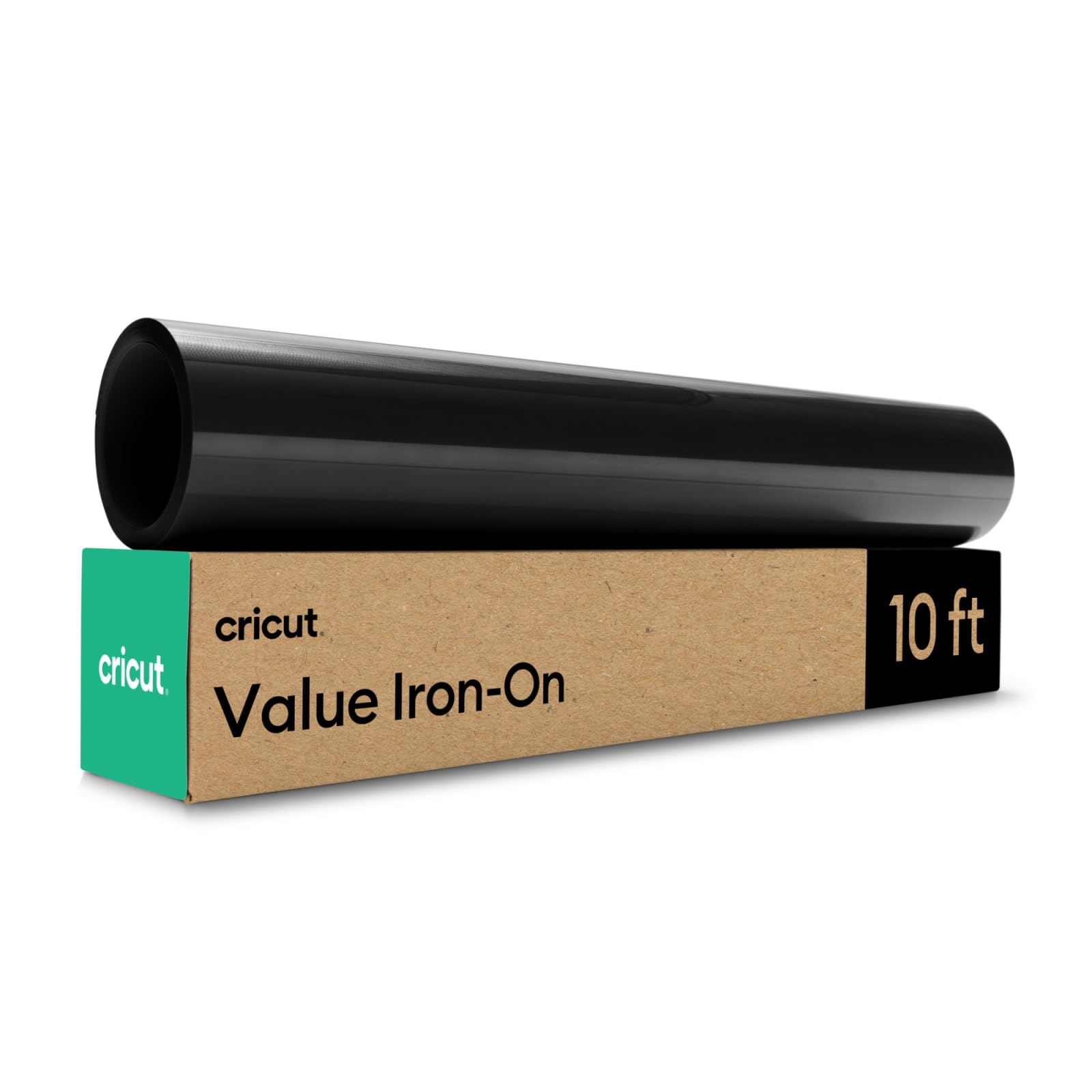
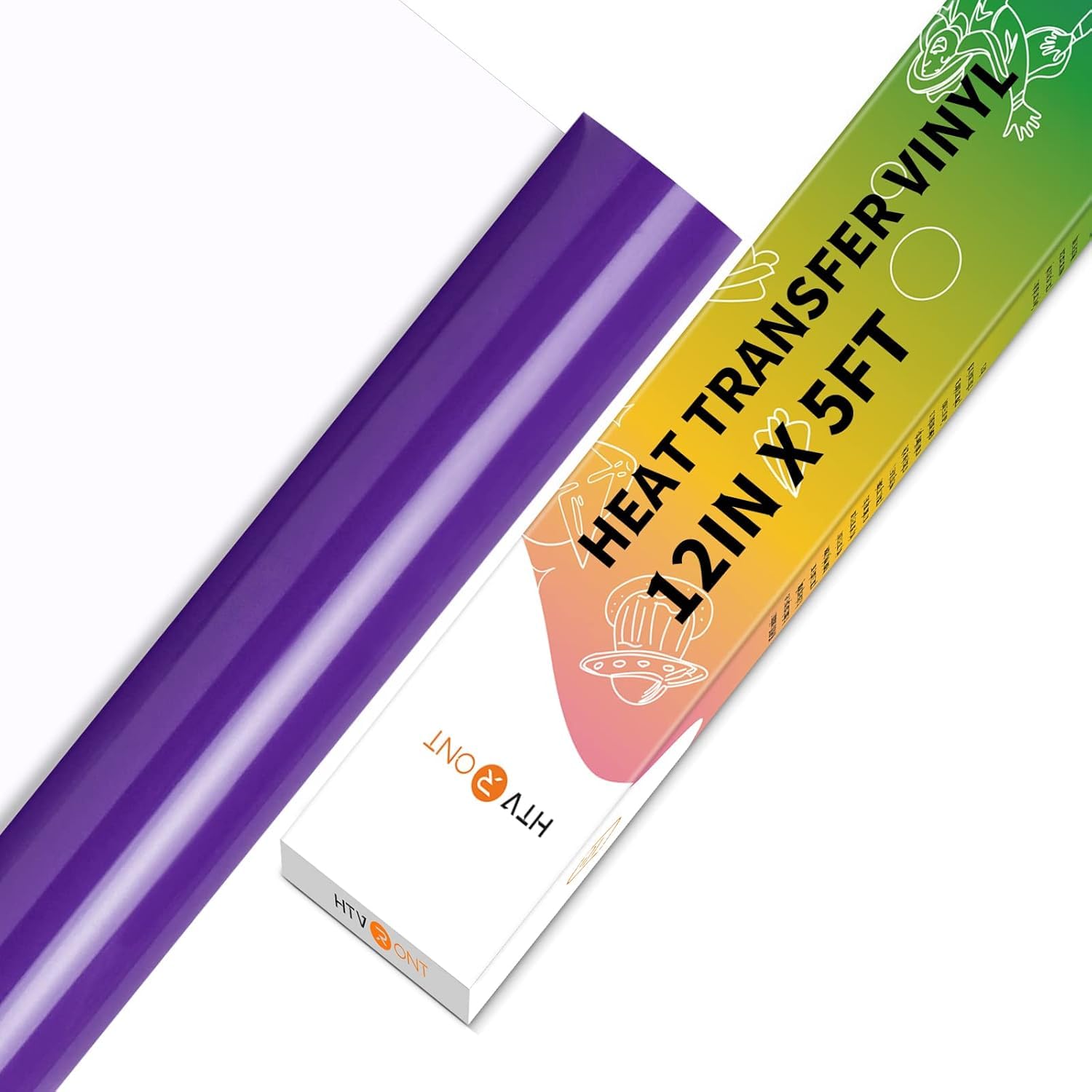
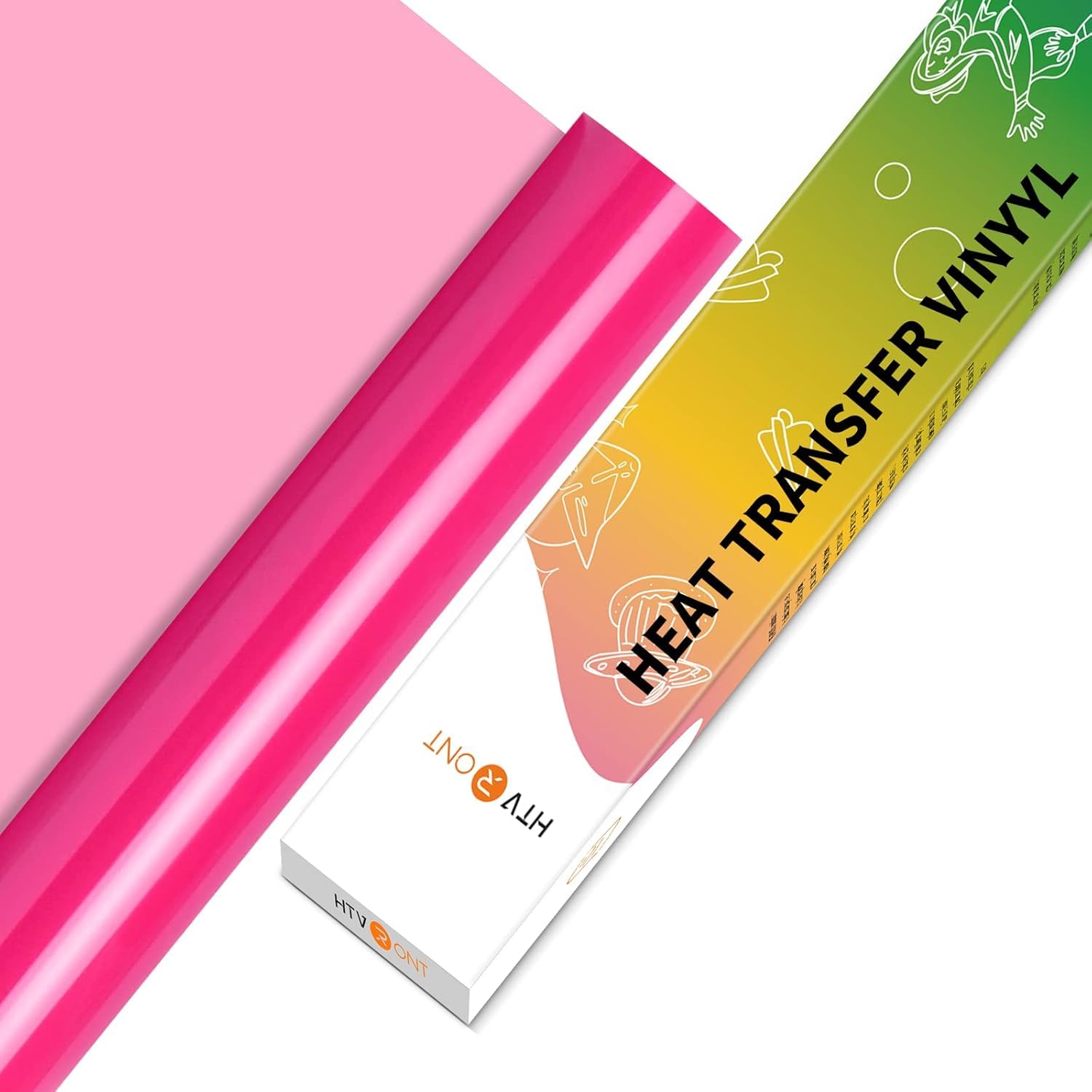
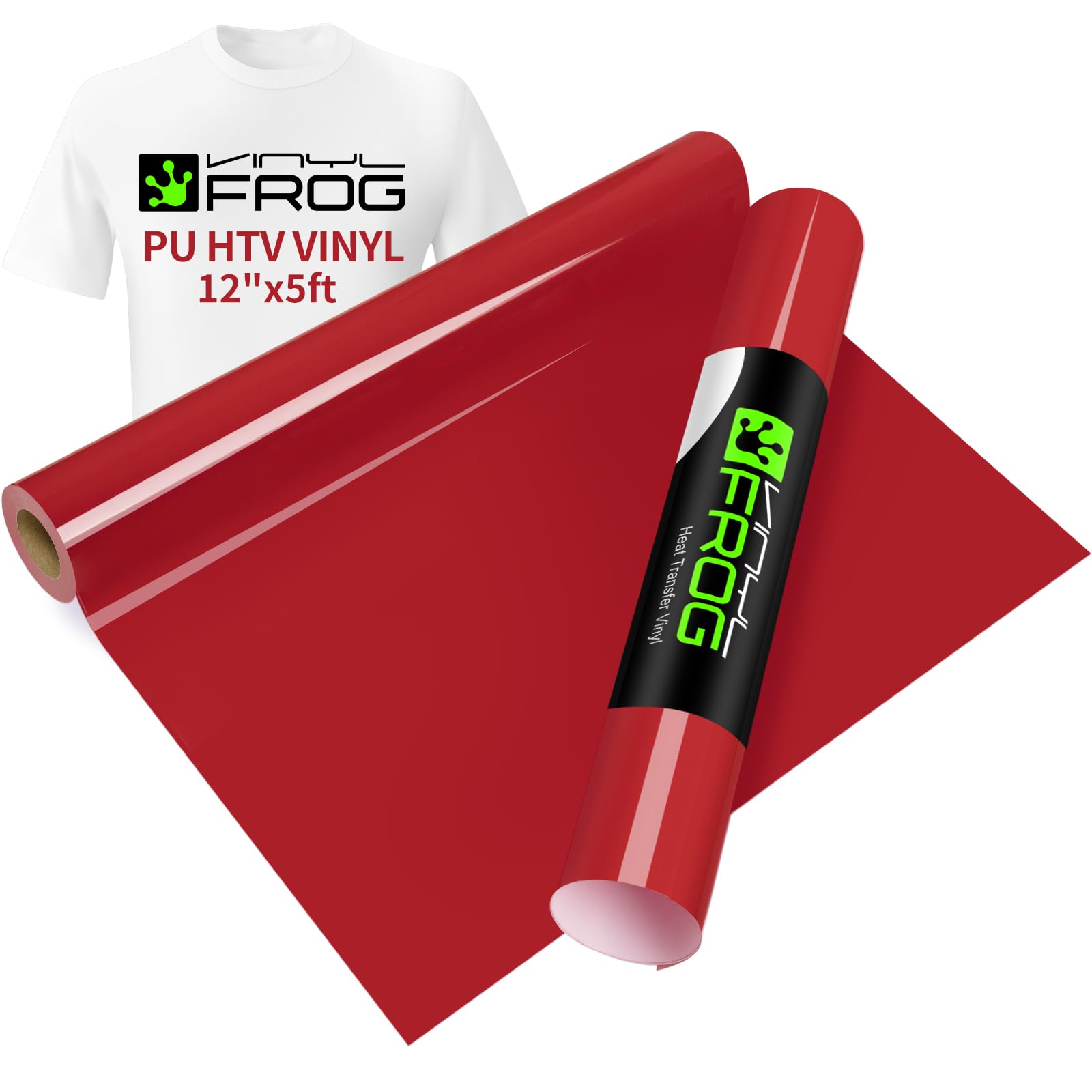
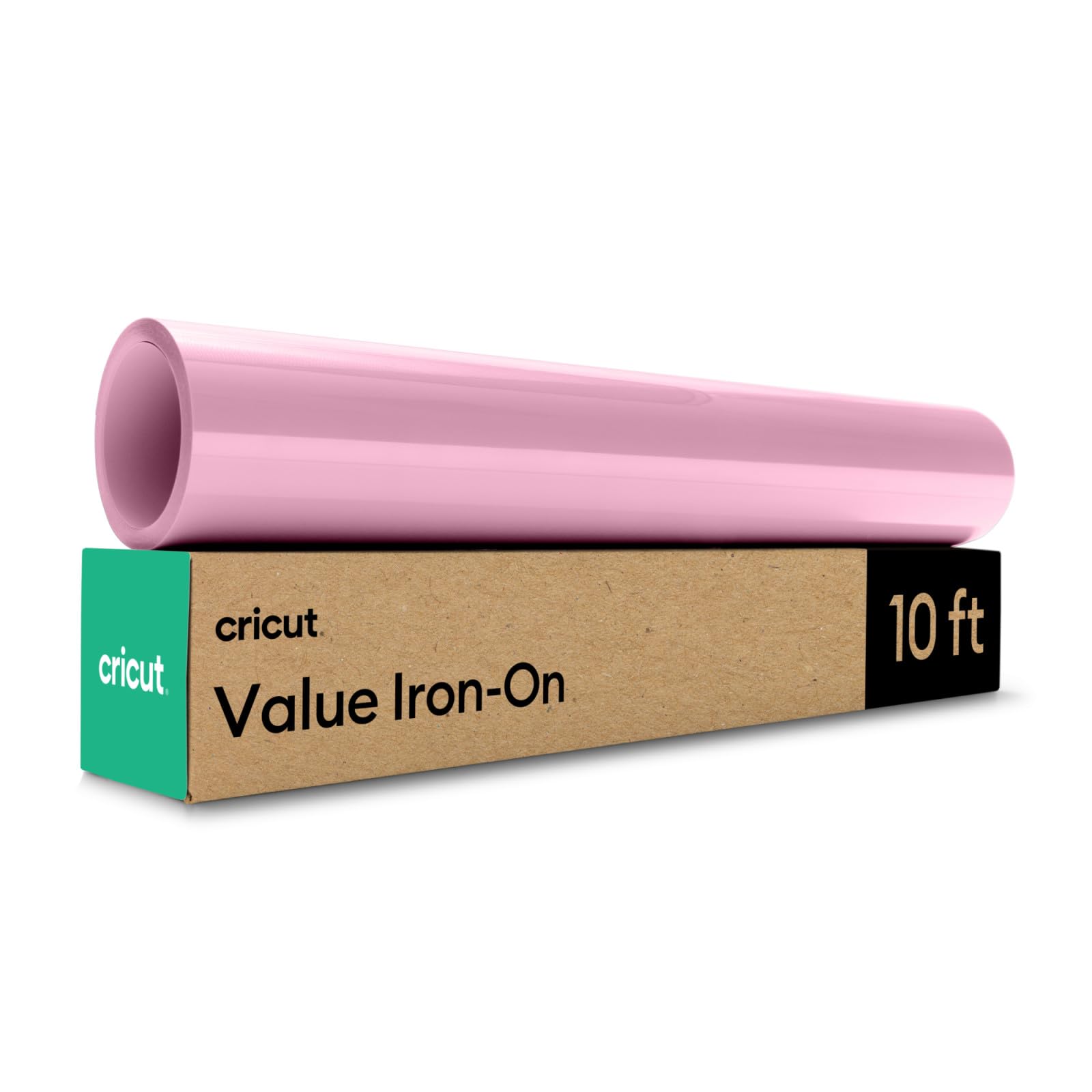
Cricut HTV Heat Transfer Vinyl | 3 m | Pink | Iron-On HTV Vinyl for Fabric, Perfect for Custom T-Shirts & DIY Clothing
★★★★★4.6
$56.99
View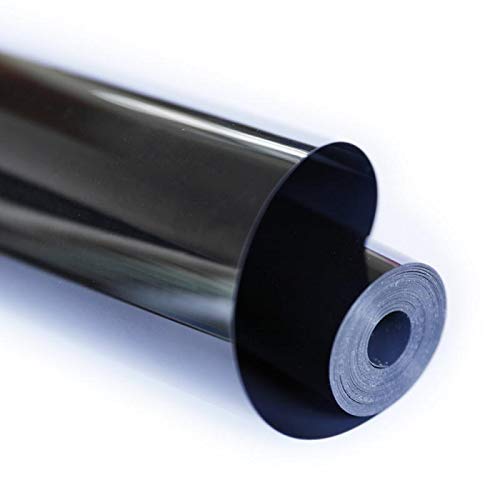
Color:Black Landteek Weed Easier Heat Transfer Vinyl is made of Eco-Friendly PVC, designed for custom garment decoration ready-to-cut material Landteek Heat Transfer Vinyl offers excellent durability, even after repeated washings. It's great for player names and numbers or adding personalization to corporate wear. It's extremely easy to cut, weed, and heat applies and is perfect for single color or multi-layered applications. Application Instructions: 1. All designs must be cut in reverse. 2.Craft Cutter Setting: Cricut: Blade: Standard; Setting: Iron-On -Silhouette Cameo: Blade: 3. Speed: 8;Force: 4 ;Passes: 2; Material: Smooth -Brother: Blade: 1; Cut Speed: 1;Cut Pressure: 1 B.*Settings may vary based on blade condition and age of the machine. 3. Weed out the excess material. 4. Heat and Transfer Place the sheet with your design on to your shirt and place the Teflon sheet on the top of your design. Home Iron: -Please Heat the iron on medium setting (302°F– 320°F); -Press each section of the design with medium/firm pressure for 10-15 seconds; Heat Press: -Preheat garment for 2-3 seconds; -Apply design at 305℉; -Use medium pressure for 10-15 seconds;
Customer reviews
10 Trustpilot reviews total, with 2 shown at a time.
I wrote to Bigamart's customer support and they accompanied the process of reshipping the item until it finally arrived. I felt a genuine effort to solve the problem till it was finally solved.
The package was here in Australia from England in a few days — so quick! Something was missing and they refunded it straight away. Pretty happy with these guys.
You might also like