GreenBrokers
✓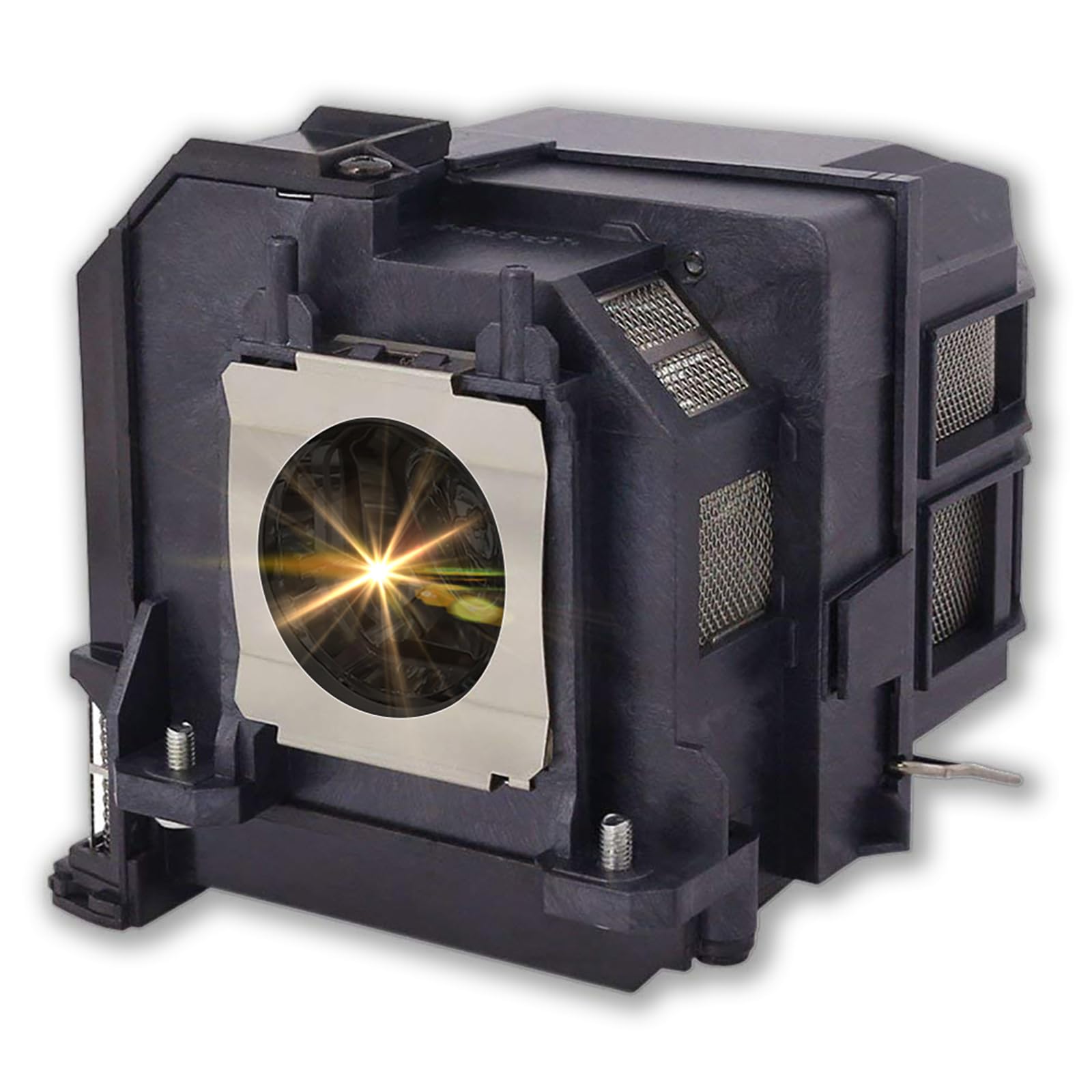
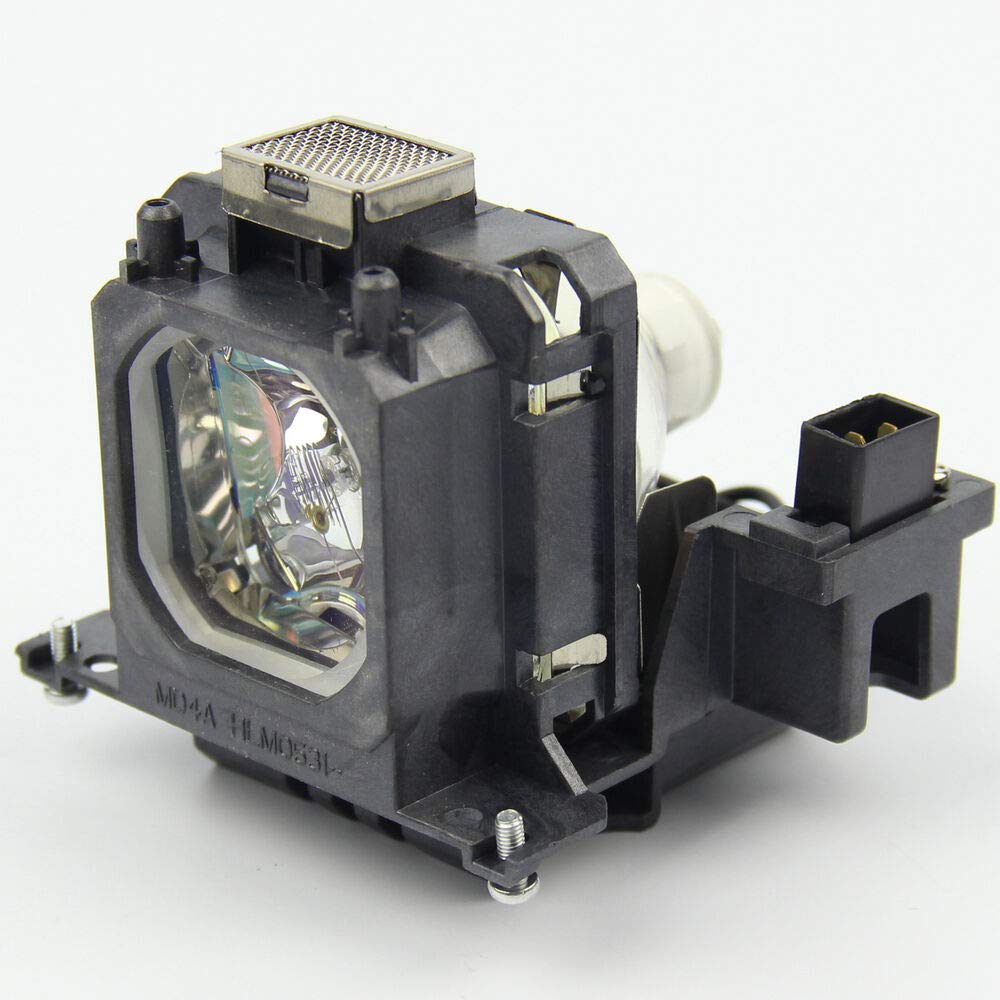
Description Supermait Replacement Projector Lamp with Housing. Item model number: EP90. Compatible Models: Fit for EB-670 / EB-675W / EB-675Wi / PowerLite 675W projector. Installation 1. Make sure the projector power off(if in using, please wait at least 10 minutes for the lamp cooling) and remove the power cable. Locate the lamp panel, once located, unscrew and remove the cover. 2. Unscrew the 2-3 screws holding the lamp in place and carefully slide the lamp out of the projector. 3. Get out the new lamp from its package. Make sure do not touch the lamp directly, only the housing. Then install the lamp correctly. 4. Insert and firm the screws on each side of the lamp holder. When replacing the housing, make sure the new housing is secured and seated completely before operation. Place the cover back on the unit and re-install the screws. Plug the projector back into the power supply and restart the projector. Please refer the following considerations: 1. Make sure the conditions of the room is clean and ventilation. 2. Change or clean your projector air filter monthly. 3. Better let your projector rest for 15minutes per 4 hours running. 4. Do not unplug the power line before the cooling fan stop working.
Customer reviews
10 Trustpilot reviews total, with 2 shown at a time.
I wrote to Bigamart's customer support and they accompanied the process of reshipping the item until it finally arrived. I felt a genuine effort to solve the problem till it was finally solved.
The package was here in Australia from England in a few days — so quick! Something was missing and they refunded it straight away. Pretty happy with these guys.
You might also like