

QpenguinBabies
✓
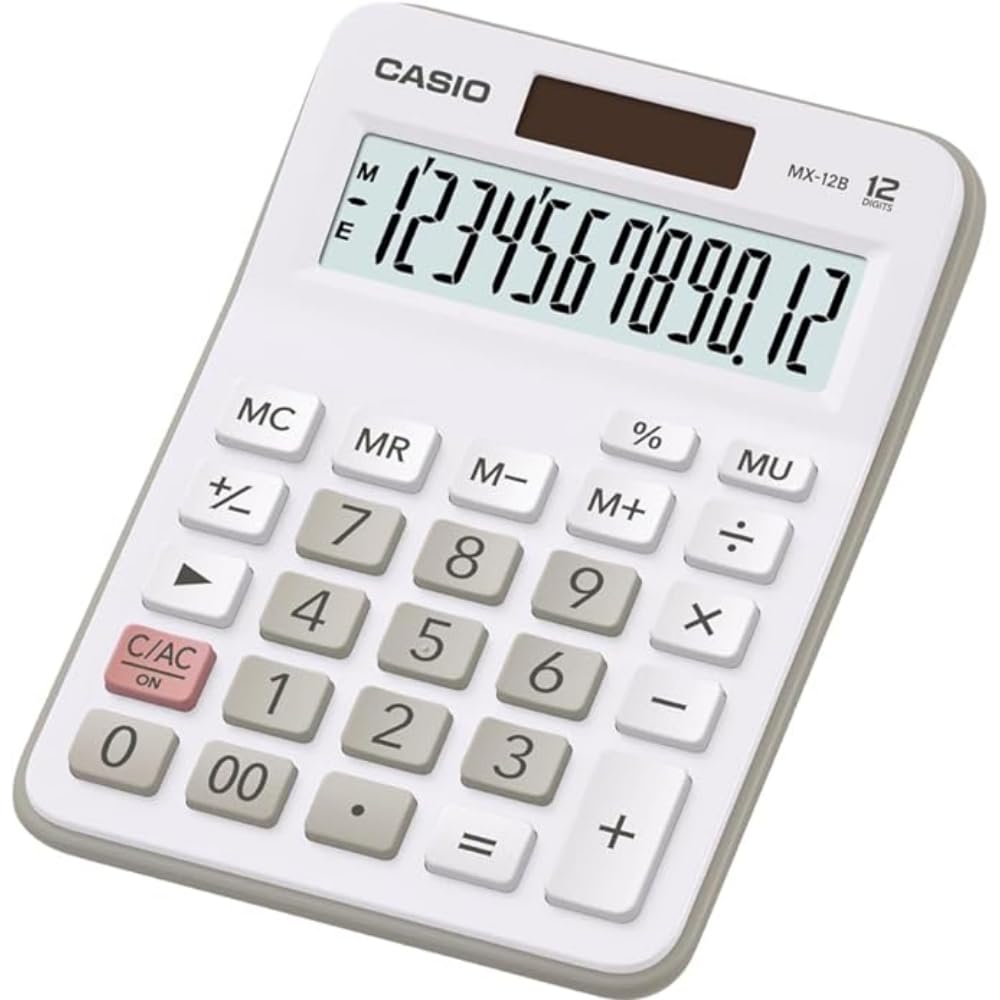
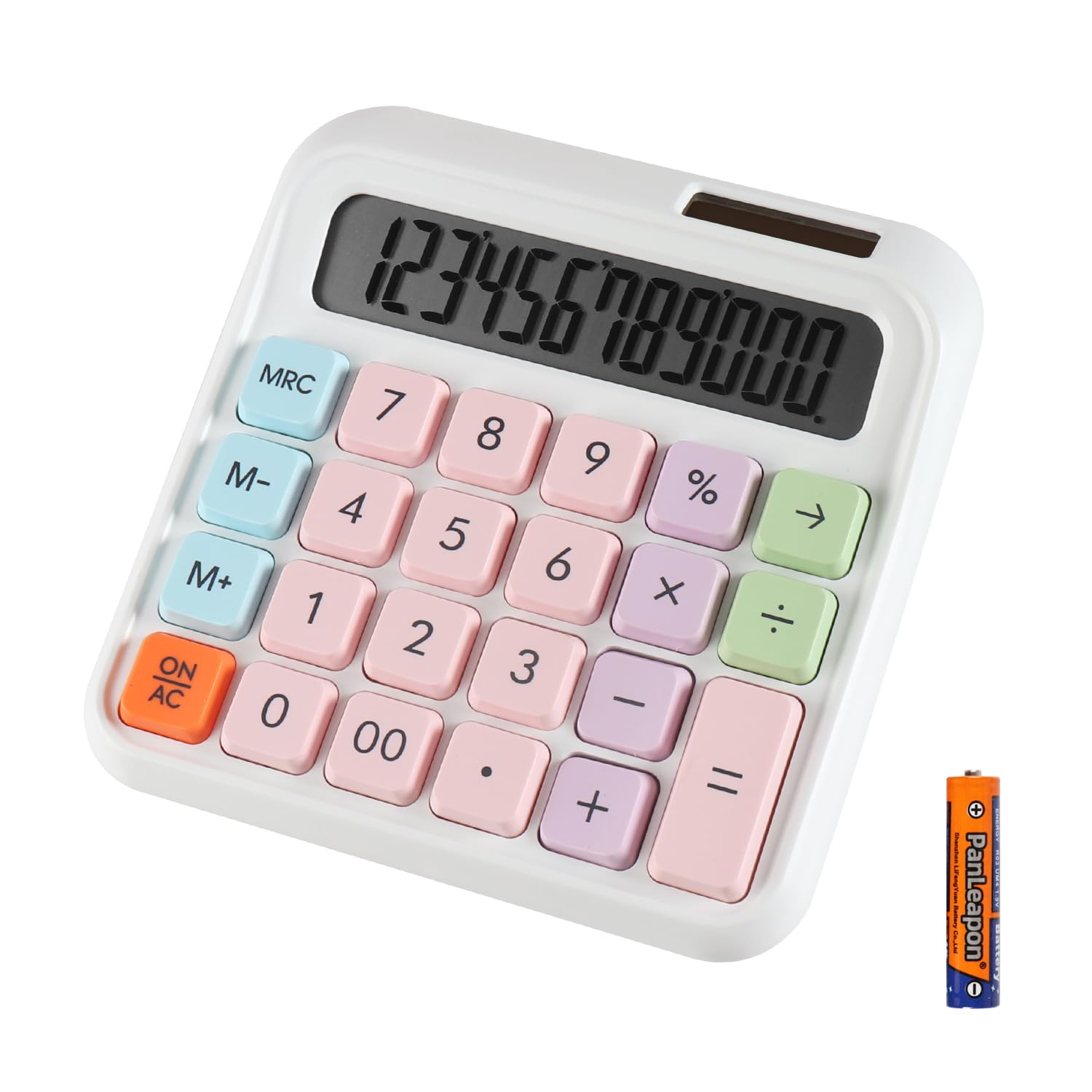
Feature Item size: 185x156x41 mm Item weight: 330g Desktop calculator Large 12-digit display and big button Dual Power Function [M+]Adds the number shown on the display to the number stored in the memory. Example:3*8+2*6.If you directly inputs these numbers to the calculator,you will see the wrong answer:156. If you press [3*8],[M+],[2*6],[M+],then press [MRC] once, you will get the right answer:36. [M-]Subtracts the number shown on the display to the number stored in the memory. [MRC]Combination of [MR] and [MC]. [MR]Recall the current memory register value. [MC]Clear the memory register (set to zero). When you press the key once, the [MR]key was activated, when you press the key twice,the [MC] was activated. [GT]Whenever the [=] key has been pressed,the result will be stored into the Grand Total Memory. Example:If you want to calculate [2*3+3*5+6*8],press [2*3=],then [3*5=],then [6*8=].Then press [GT],you will get the right answer 69. [MU]Stands for Mark Up,which is for calculating GROSS PROFIT MARGIN (GPM). Example:Enter [100] then press the [÷],then [15] then [MU] key,you will see 117.65 (15% of this total equates to 17.65) [Constant Calculations]To calculate[5*5*5*5+2+2=629],press[5*===+2==],you will see 629. [AC]Press it after each calculation to clear all values. Warning Solar panel provide limited power, please install the battery before use. The battery that comes with the product is a non-rechargeable battery, please do not charge. Package Including 1 x Calculator(1 AA battery included) 1 x English General Guide
Customer reviews
10 Trustpilot reviews total, with 2 shown at a time.
I wrote to Bigamart's customer support and they accompanied the process of reshipping the item until it finally arrived. I felt a genuine effort to solve the problem till it was finally solved.
The package was here in Australia from England in a few days — so quick! Something was missing and they refunded it straight away. Pretty happy with these guys.
You might also like