Ubisoft
✓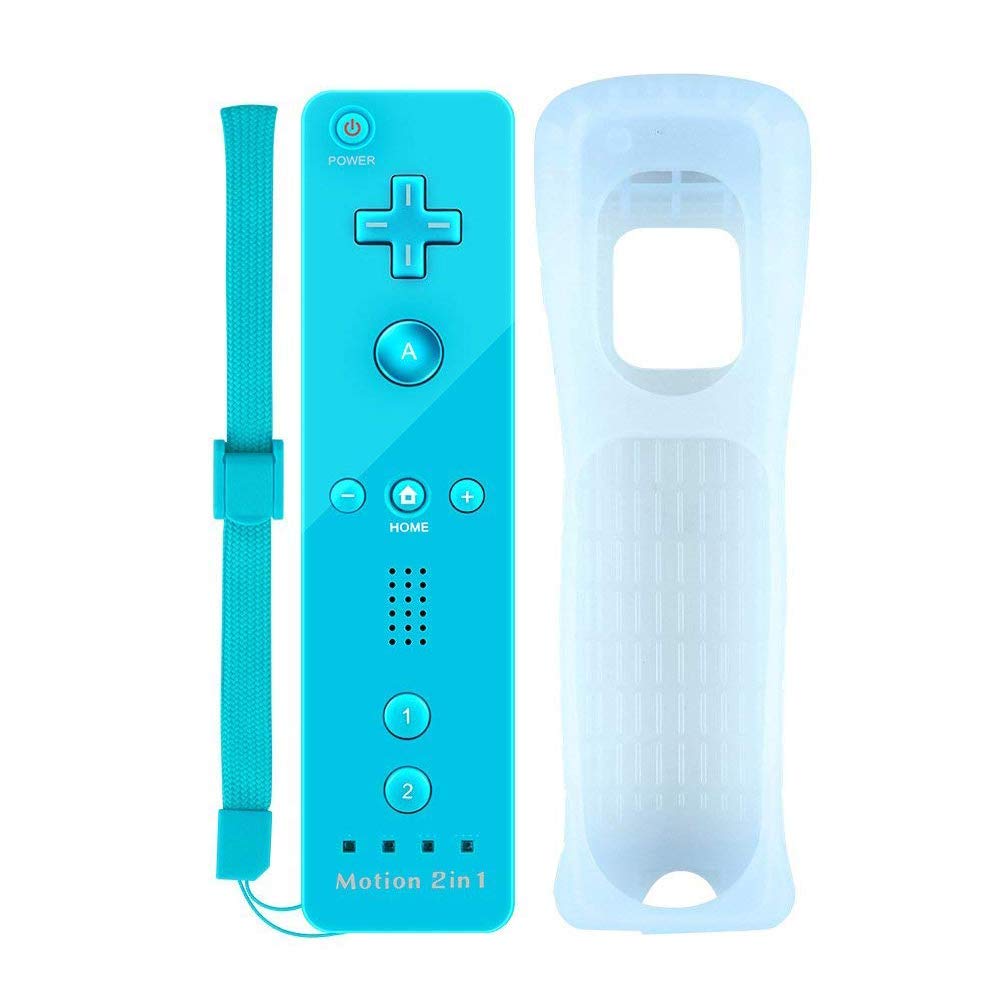
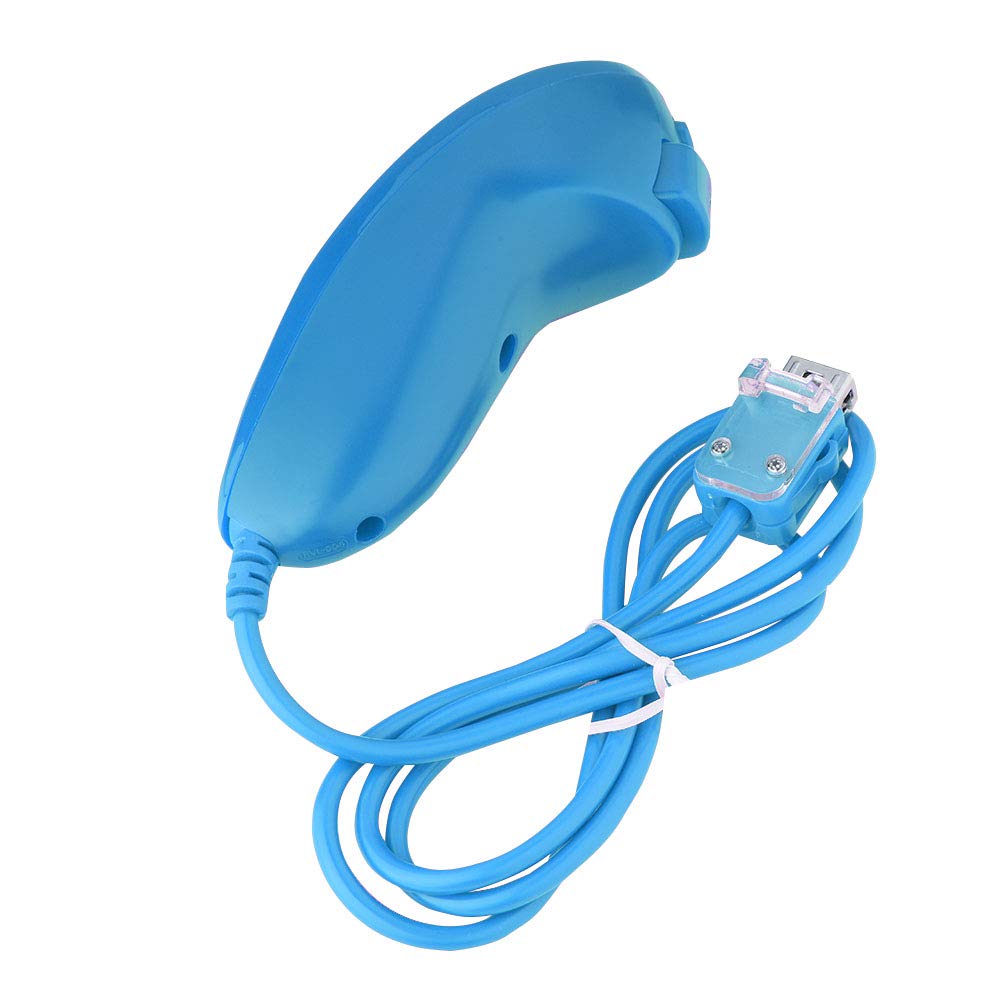
Description Features: 1.Silicone Skin protects the remote controller against everyday dust, hazards and scratches. 2.Convenient to carry with hand strap. 3.100% Brand New and High quality! 4.Rumble feature and a built-in speaker 5.Built-in motion plus helps increase accuracy and enhance play control on compatible games. 6.Easy to connect by pressing the SYNC button. 7.Accessible to people of all ages and all abilities. Specifications: Material: ABS plastics Size: 148mm*36.2mm*30.8mm Weight: 4.3 ounces Connection: Bluetooth, appro 5m. Power: 2AA batteries (not included) How to Pair Our Remote Controller with Your Wii Console? Step 1: Power on the Wii console. Step 2: Open the back cover of remote controller, then put into two new AA batteries. You will find a small red SYNC button beside the battery slot. Press SYNC button, FOUR lights (the Player LED) on the controller will flash. Step 3: Open the SD slot on the Wii console, you will find a red SYNC button next to the SD slot. Then press this SYNC button. Step 4: Wait for a few seconds, the Player LED on the controller will stop flashing and light up when paring is complete. The Player LED indicates the player number of the controller currently in use. Note: 1.Please avoid external distractions(such as infrared radiation) and eliminate the previous Connection records,then search and match the console. 2.Powered by AA battery,batteries are not included. 3.This remote control can not pair with PC via bluetooth , it can only be used on wii or wii u console by matching code via infrared radiation. Packing include: 1 * Remote Controller 1 * Silicone case 1 * Wrist strap
Customer reviews
10 Trustpilot reviews total, with 2 shown at a time.
I wrote to Bigamart's customer support and they accompanied the process of reshipping the item until it finally arrived. I felt a genuine effort to solve the problem till it was finally solved.
The package was here in Australia from England in a few days — so quick! Something was missing and they refunded it straight away. Pretty happy with these guys.
You might also like