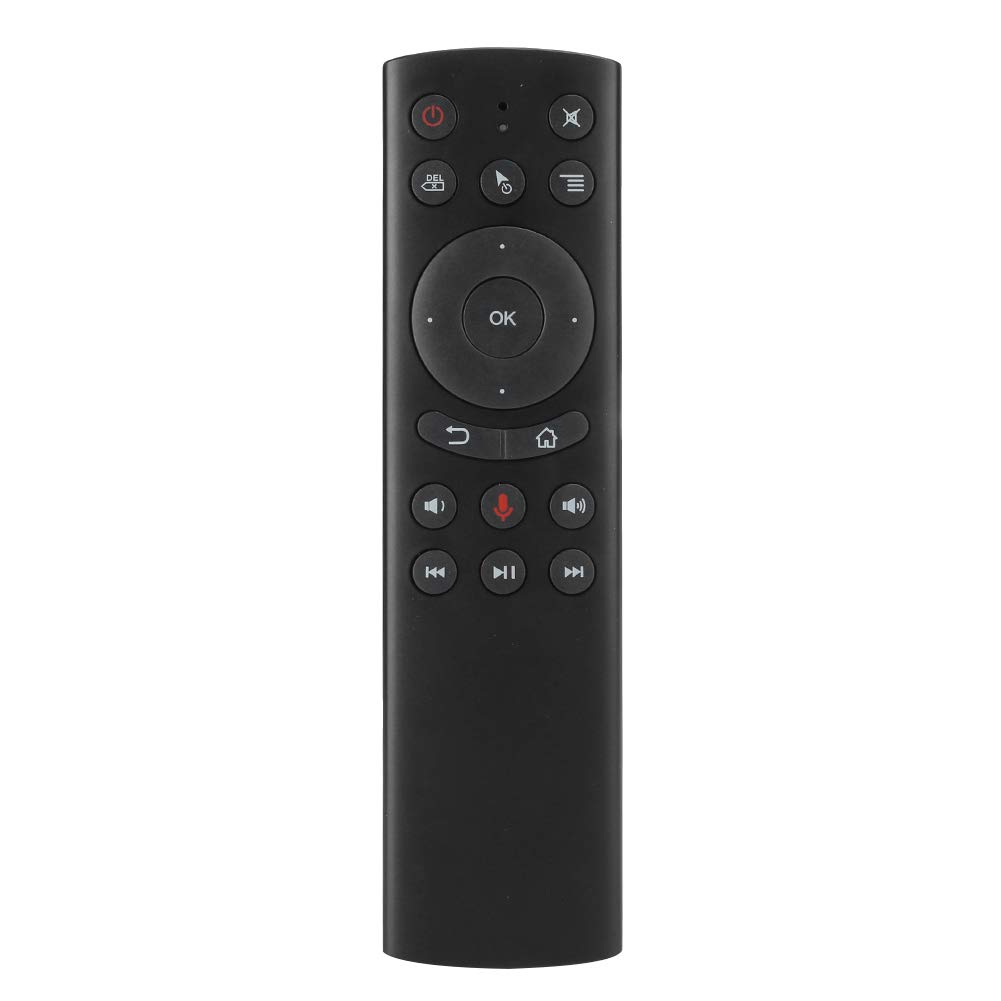

Wireless Remote Control, G20 2.4G Air Mouse Mini Flying Squirrel Voice Keyboard Remote Controller with Gyroscope Voice Search for Computers/Projectors/TV boxes
About this item
- ◆【Stable and Fast Connection】2.4G technology ensures , equipped with plug‑and‑play miniature receiver, IR learning(taking learning the power button of the TV remote control as an example). Press and hold the Power button, LED light will change from long lig.
- ◆【IR learning】After the infrared TV remote control are aligned, press the power button of the TV remote control, LED lights up, indicating successfully receives the infrared coding value from the TV remote control. The LED light flashes slowly, which mean After successful learning, the product will automatically store and exit the learning mode. Press OK+DEL to clear the infrared code value that has been learned.
- ◆【Easy to Carry】Compact and lightweight, 2.4G wireless air mouse suitable for computers, projectors, TV boxes, HTPC, etc. This is voice input wireless that implements the functions of traditional remote, mouse and motion sensing game on platform for Android.
- ◆【Low Battery Prompt】When the AAA battery of the product is lower than 2V, LED red light flashes slowly, you need to replace the new battery. Gyroscope‑free version, move the mouse pointer by pressing up, down,left and right buttons on a virtual mouse.
- ◆【After-sales Service】If there are any using problems or unsatisfactory with our products, please feel free to contact us, our professional customer service team will consult the issues with sincerity. Thanks for purchasing from us.
Product description
Specification: Condition: Brand New Item Type: Remote Control Model: G20 Material: ABS Plastic + Silicone Key Color: As Pictures Shown Transmission Mode: 2.4G Wireless Sensor: Gyroscope Key Number: 18 Transmission Distance: 10M Battery Type: AAAx2(Not Included) Weight: Approx. 62g Mouse speed support level 3 adjustment: Mouse speed changes from slow to fast: Press ok and Volume + at the same time, indicator light changes from flashing to long bright to adjust 1 level, cursor speed increases Mouse speed gets slower and slower: Press OK and Volume - at the same time, indicator light will change from flashing to long pressing to adjust 1 level, cursor will move faster. Using method: 1. Insert the USB receiver into the USB port of the device being operated 2. Wait 20 to 60 seconds for the first time until the USB receiver driver is successfully installed 3. If the match is unsuccessful, press and hold the "OK" button. Then press the "Back" button and the red indicator light starts flashing. When the red indicator light stops flashing, the pairing is successful Package List: 1 x Remote Control1 x Receiver1 x Manual
Product details
Customer reviews
What customers say about Bigamart
10 Trustpilot reviews total, with 2 shown at a time.
I wrote to Bigamart's customer support and they accompanied the process of reshipping the item until it finally arrived. I felt a genuine effort to solve the problem till it was finally solved.
The package was here in Australia from England in a few days — so quick! Something was missing and they refunded it straight away. Pretty happy with these guys.
You might also like