![Philips LED Classic A60 Light Bulb [B22 Bayonet Cap] 10.5W - 100W Equivalent, Warm White 2700K, Non Dimmable](https://images-na.ssl-images-amazon.com/images/I/71X5mhHpsHL.jpg)
PHILIPS
✓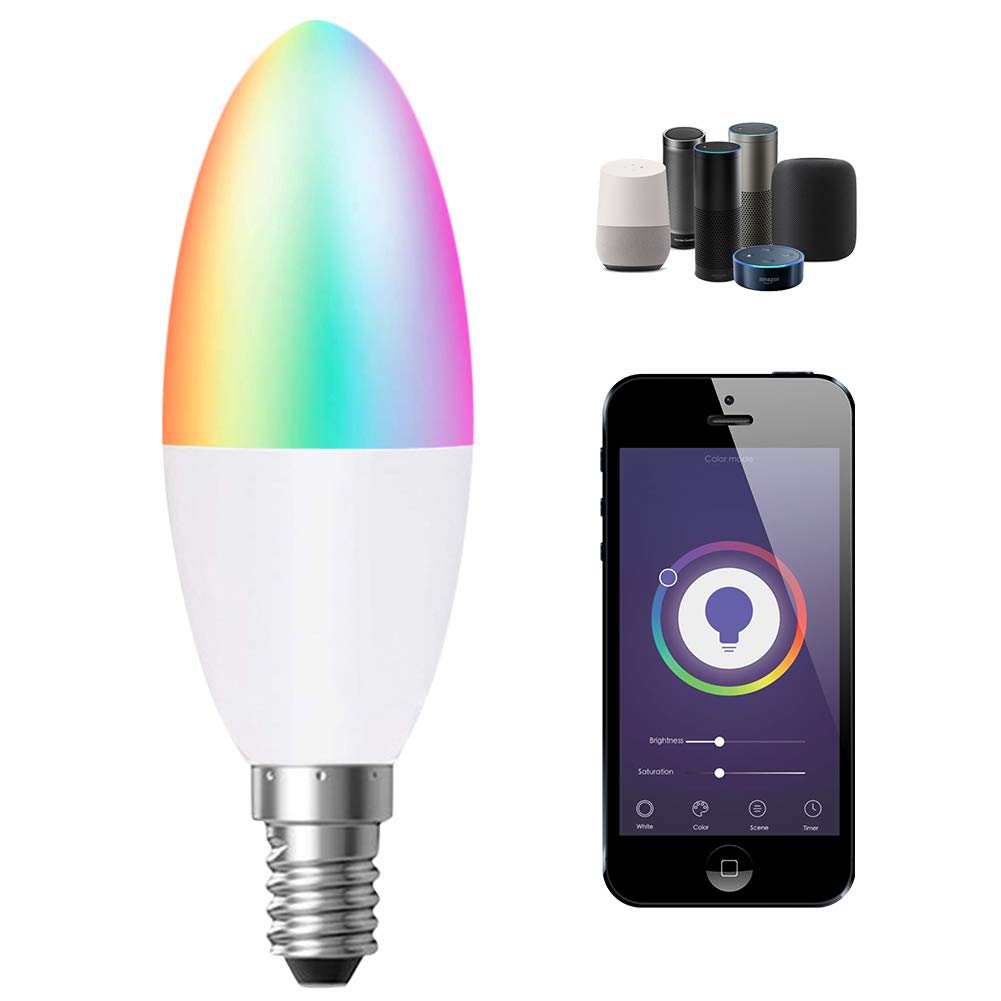
Wattage: 4.5W(40W Equivalent) CRI: >80Ra (vivid and natural light) Voltage: 220V-240V Colour: RGB+White + Warm White 3000K (5 Way) Luminous Intensity: 380LM Material: Aluminium and Plastic Beam Angle: 180° degrees LED Working Temperature: -25°C degree - +45°C degree Lifespan: 30,000 hours Note: Only supports WLAN in 2.4GHZ APP Name: ENERJSMART Pairing Instructions (Wifi) (For the Ener-J APP): Download ENERJSMART App on APP STORE (iphone) or Playstore (Android) Login and Register with your email id or mobile phone number Click on Add Device '+' on top right Select 'Lighting - Light Source(Wifi)' for Smart lighting Click Next and Select your wifi network and enter password (ensure your wifi selected on your smartphone is also on 2,4G and not 5G. Also ensure firewalls are disabled at the time of adding smart devices) Ensure the device is in pairing mode (light should be in blinking mode). if not then you will have to either switch off and on for 3 times OR Hold on to the pairing button on the adapter for 5 seconds Click the button on the screen which says, 'Ensure light is blinking rapidly' If still you are unable to add the device, then we recommend checking your wifi frequency is set to 2,4G and no firewall is blocking the device to be added
Customer reviews
10 Trustpilot reviews total, with 2 shown at a time.
I wrote to Bigamart's customer support and they accompanied the process of reshipping the item until it finally arrived. I felt a genuine effort to solve the problem till it was finally solved.
The package was here in Australia from England in a few days — so quick! Something was missing and they refunded it straight away. Pretty happy with these guys.
You might also like