STTWUNAKE
✓Digital Voice Recorders
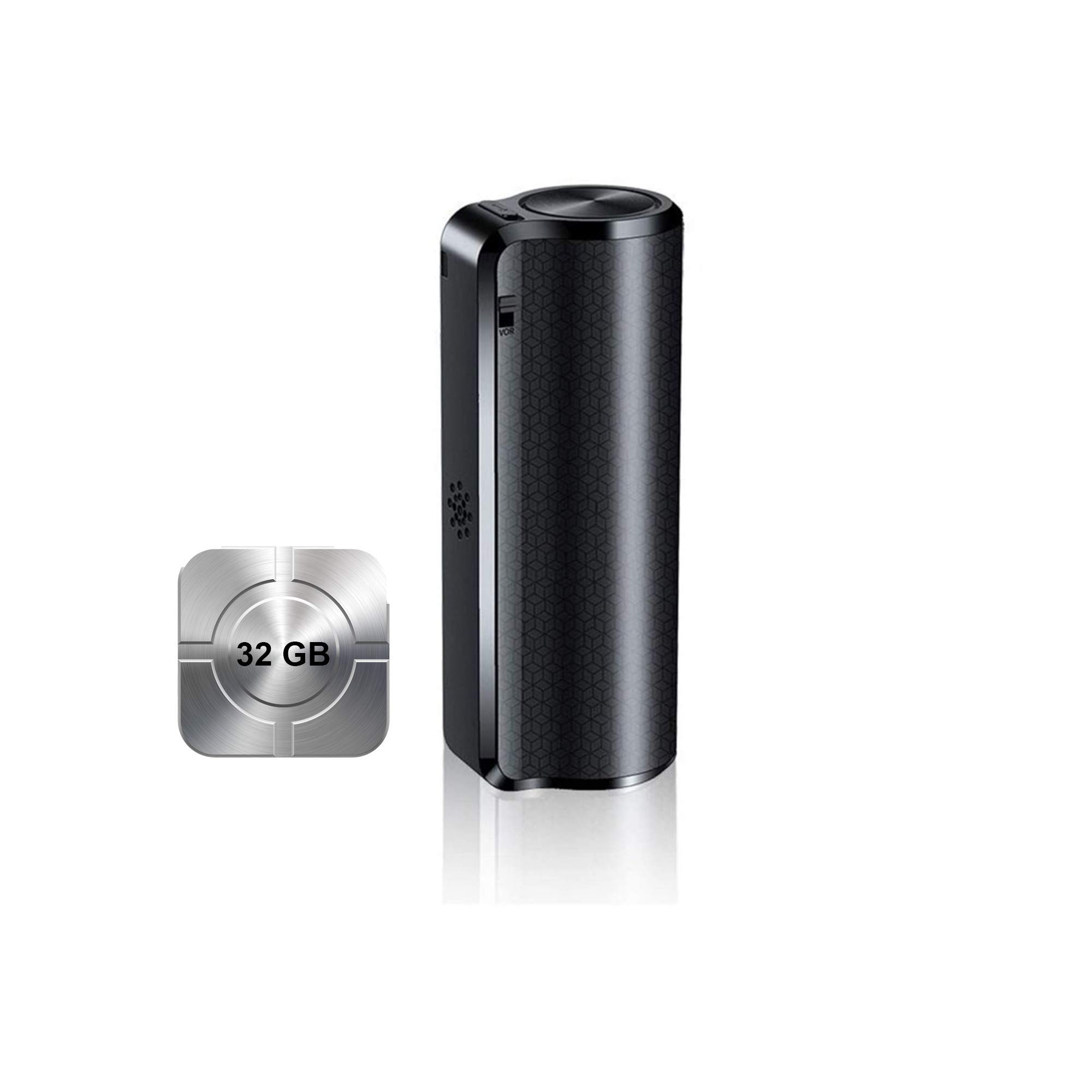
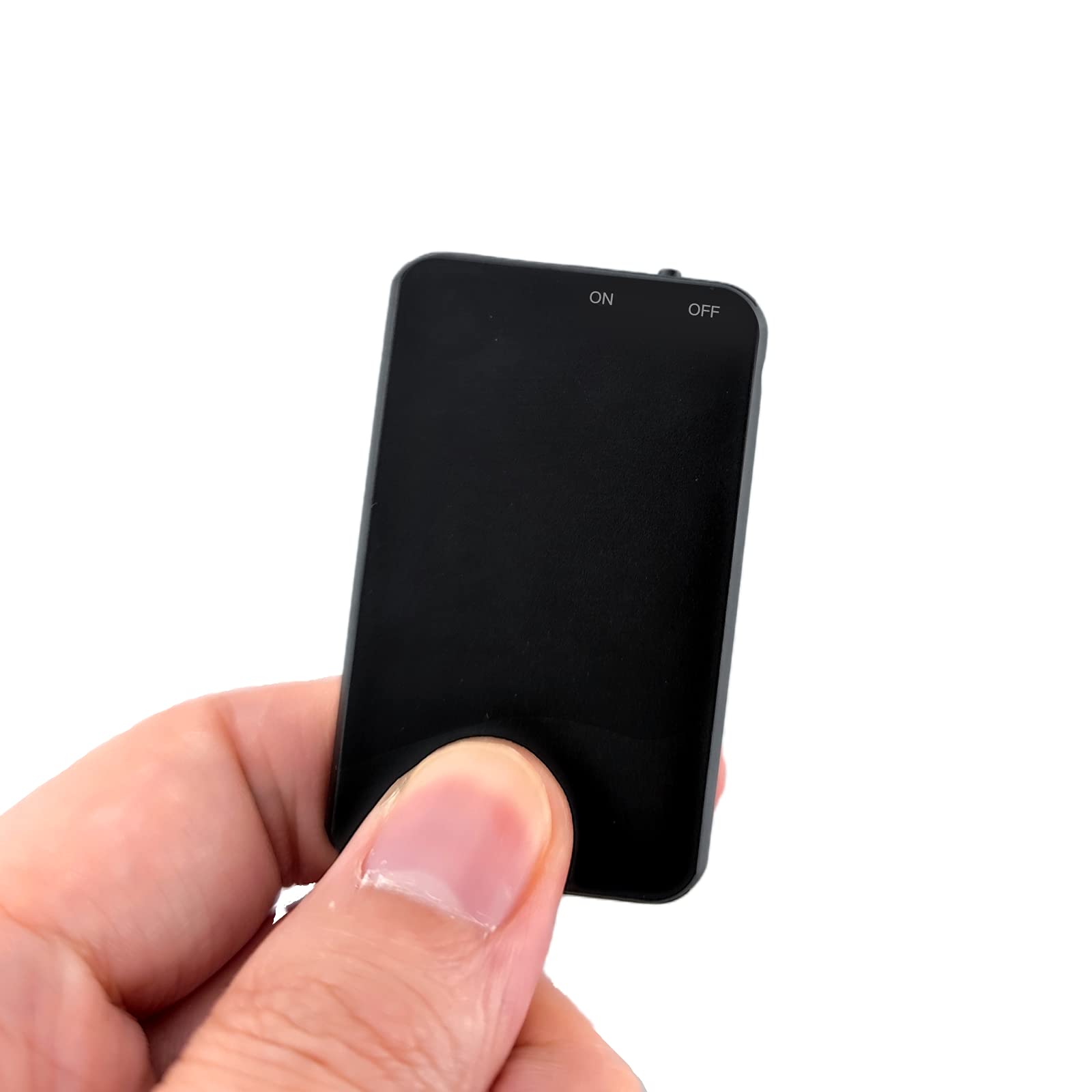
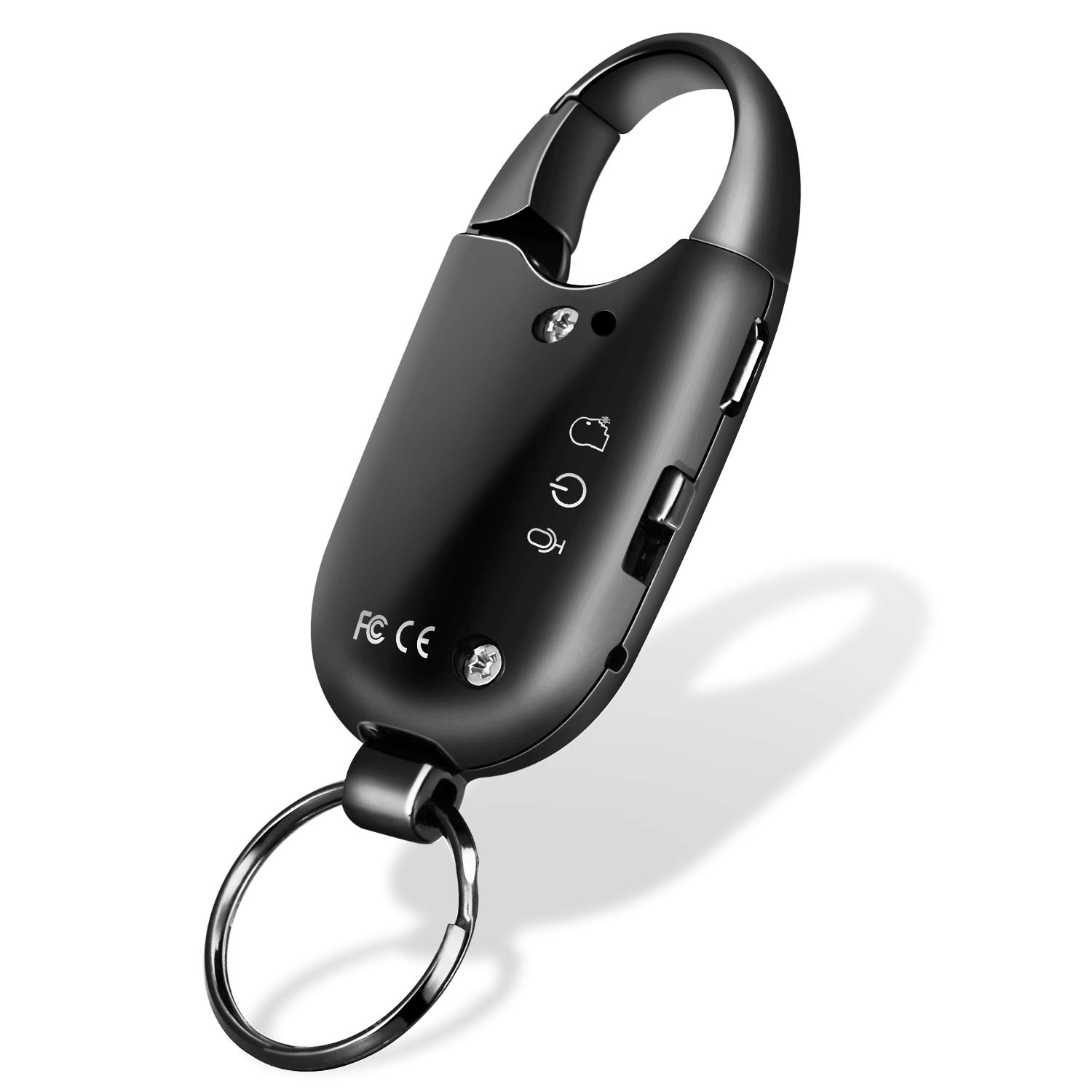
Mini Voice Activated Recorder,Digital Audio Recorder,Small Listening Device,Cross Necklace Shape,STTWUNAKE
★★★★★3.4
Price unavailableView

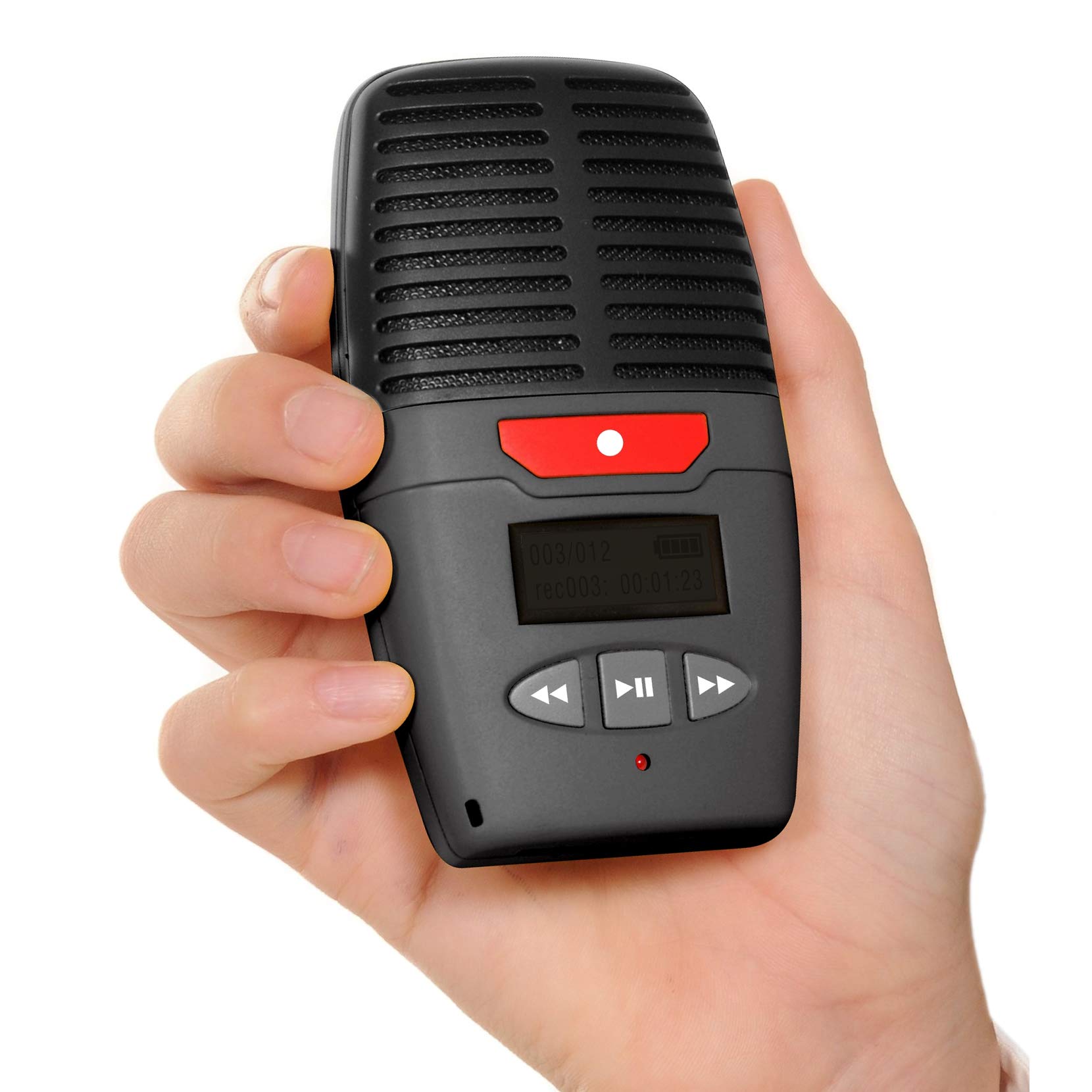
Specification: Type: DIY Recording Box Recording playback time: 2 minutes / 4 minutes (Optional) #1 #2 Battery pack: 3 * 1.5V AAA batteries (NOT Included) Play button: Press the button to start playing the recorded sound (black with button line) Record button: red with button line Power cable length: Approx. 13MM Recording box size: Approx. 68 * 61 * 29MM Package list: 1 * Recording Box Instructions: Q1. How to record? A: Recording and playback operations: Press the recording button, hear the "DI" sound to release the recording button, then speak to the microphone within 5-1 cm to start recording, press the recording button again, hear the "DIDI" sound then release the recording button, indicating the recording is completed. Then press the play button again to play the currently recorded sound. During the playback process, press the play button again to stop playing the sound. Q2. If we recorded the wrong voice, can we re-record it? A: Yes, you can press the record button to re-record. Q3. How to delete the recording? A: Press and hold the record button, do not record, when you hear the "DI" sound, release your hand. Then press the record button to re-record. 4. The button with the red wire is the recording button, and the button with the black wire is the playback button.
Customer reviews
10 Trustpilot reviews total, with 2 shown at a time.
I wrote to Bigamart's customer support and they accompanied the process of reshipping the item until it finally arrived. I felt a genuine effort to solve the problem till it was finally solved.
The package was here in Australia from England in a few days — so quick! Something was missing and they refunded it straight away. Pretty happy with these guys.
You might also like