Louvolite
✓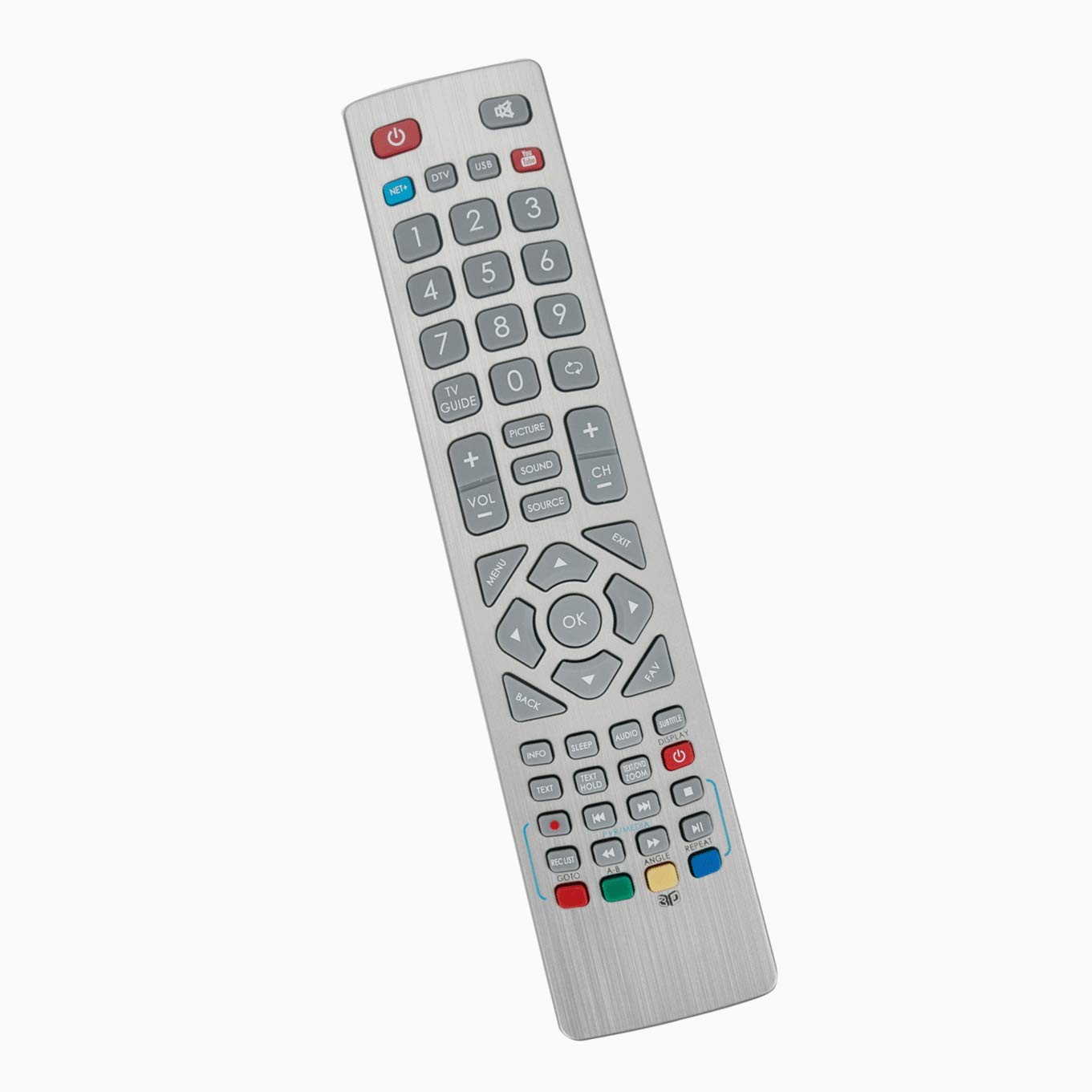
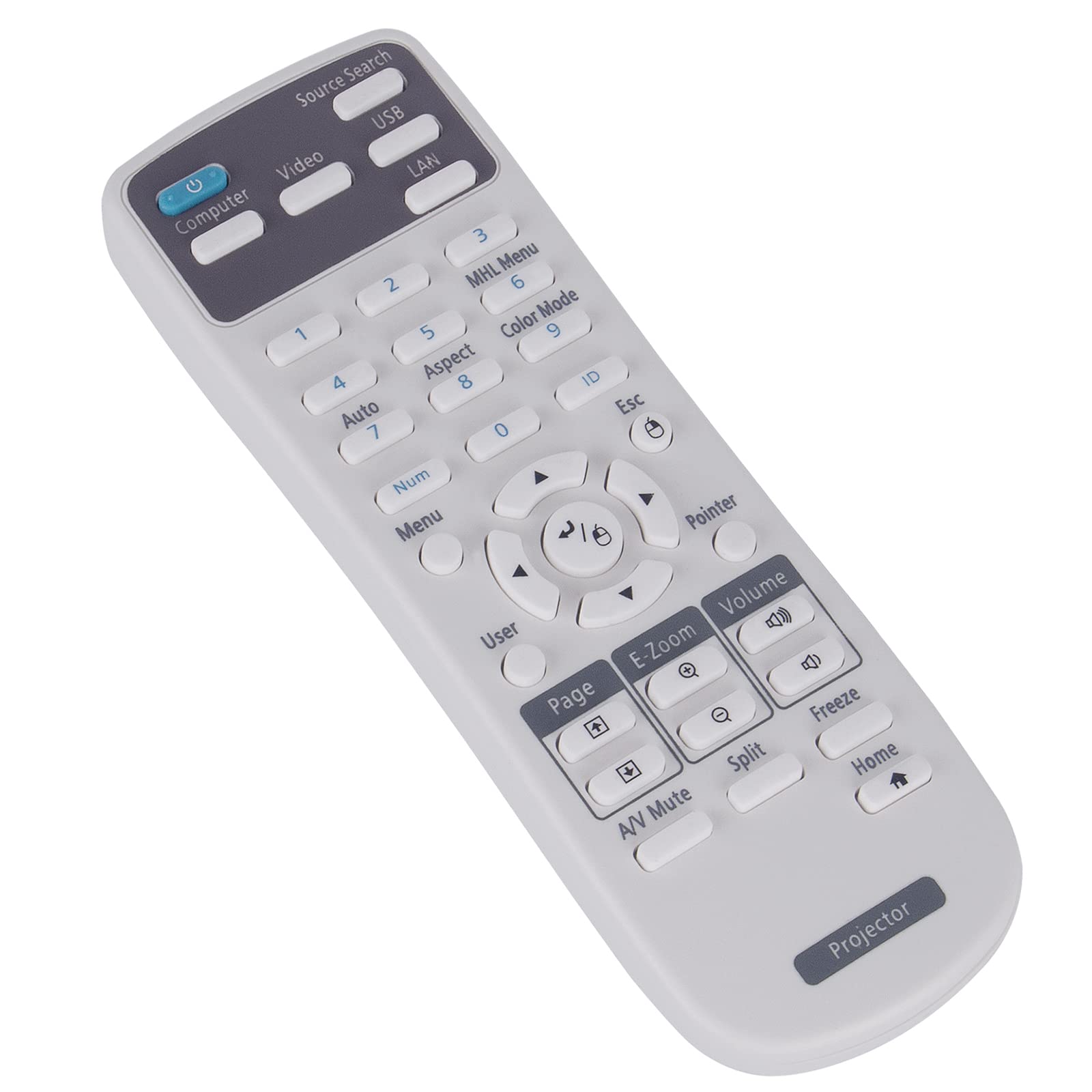
VINABTY SHWRMC0102 SHW/RMC/0102 Remote Replaced for Smart TV LC-40CFF5222E LC-32CFF5222E LC-43CFF5221E LC-32CHF5221E LC-43CFF5222E LC-32CHF5222E LC-40CFF5221E LC-49CFE6032K LC-50CFE6131K LC-32CHE6131K LC-40CFE6131K LC-43CFE6131K LC-49CFE6031K LC-32CHE6241E LC-32CFE6131K LC-32CHE6242E LC-32CFE6241E LC-32CFE6242E LC-40CFE6241E LC-40CFE6242E LC-43CFE6241E LC-43CFE6242E LC-49CFE6241E LC-49CFE6242E LC-55CFE6241E LC-55CFE6242E LC-32CHE6241K LC-32CFE6241K LC-40CFE6241K LC-43CFE6241K LC-49CFE6241K LC-55CFE6241K LC-32CFE6131K LC-32CHE6131K LC-40CFE6131K LC-43CFE6131K LC-49CFE6031K LC-49CFE6032K LC-32CFE6351K LC-40CFE6351K LC-50CFE6131K LC-43CFE6351K LC-49CFE6351K LC-55CFE6352K Pairing Method: After switching on, press the standby button on the TV once. This will bring up the 'Pairing Menu'. Scroll through and highlight 'Pair your remote control' by pressing the CH + / CH- TV button (function scroll up / down the menu) and then press the standby button on the TV (OK function in Menu) to confirm your selection. Then press and hold the GREEN and YELLOW buttons on the remote control for a few seconds and the power indicator will flash five times to confirm the TV and remote control are paired. During the initial installation, press and hold the GREEN and YELLOW buttons on the remote control for a few seconds. The power indicator will flash five times to confirm that the TV and remote control are paired. Note: Press and hold the "A-B" and "ANGL" buttons simultaneously for 5 seconds or more. The indicator appears three times and pairing is successful.
Customer reviews
10 Trustpilot reviews total, with 2 shown at a time.
I wrote to Bigamart's customer support and they accompanied the process of reshipping the item until it finally arrived. I felt a genuine effort to solve the problem till it was finally solved.
The package was here in Australia from England in a few days — so quick! Something was missing and they refunded it straight away. Pretty happy with these guys.
You might also like