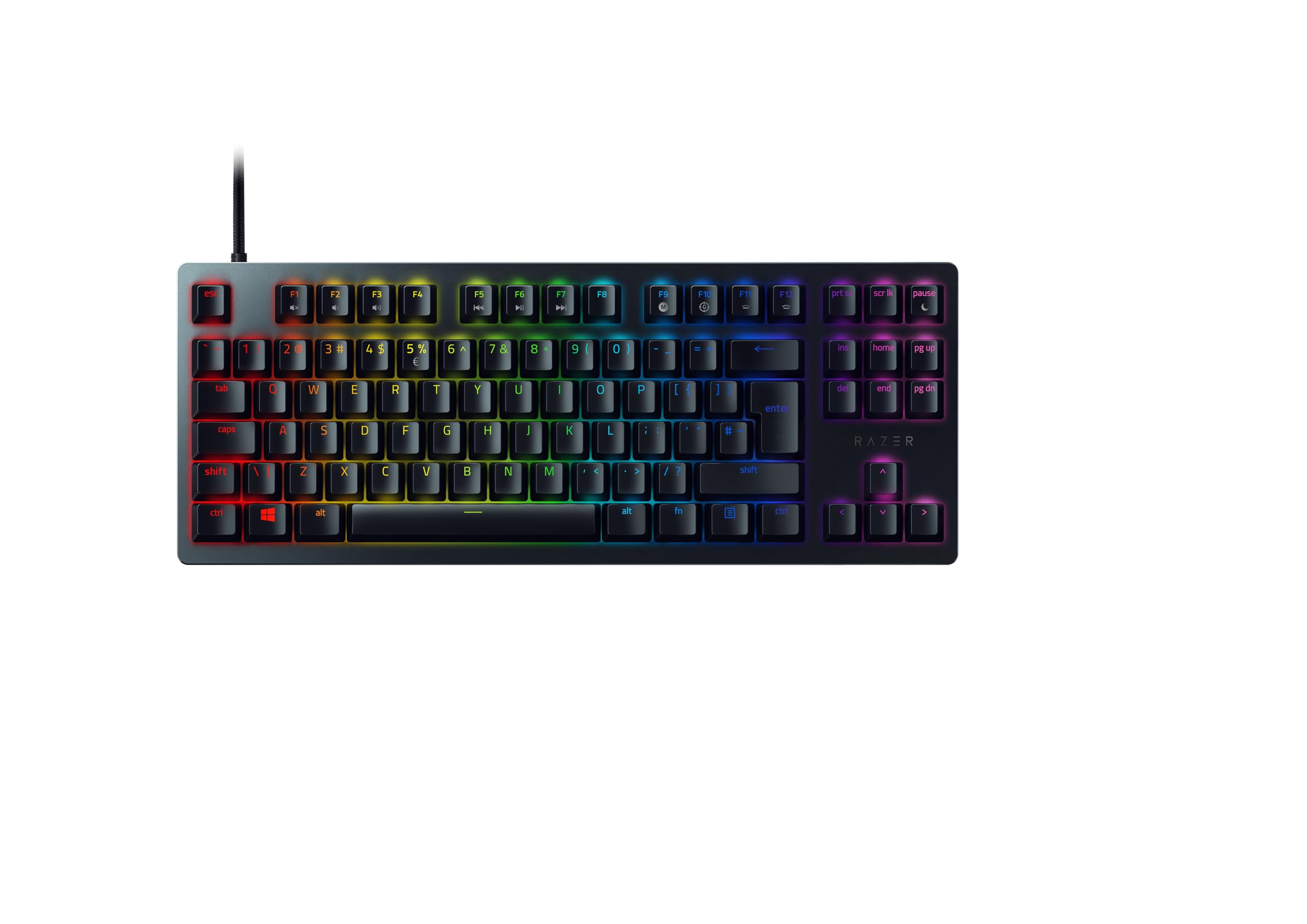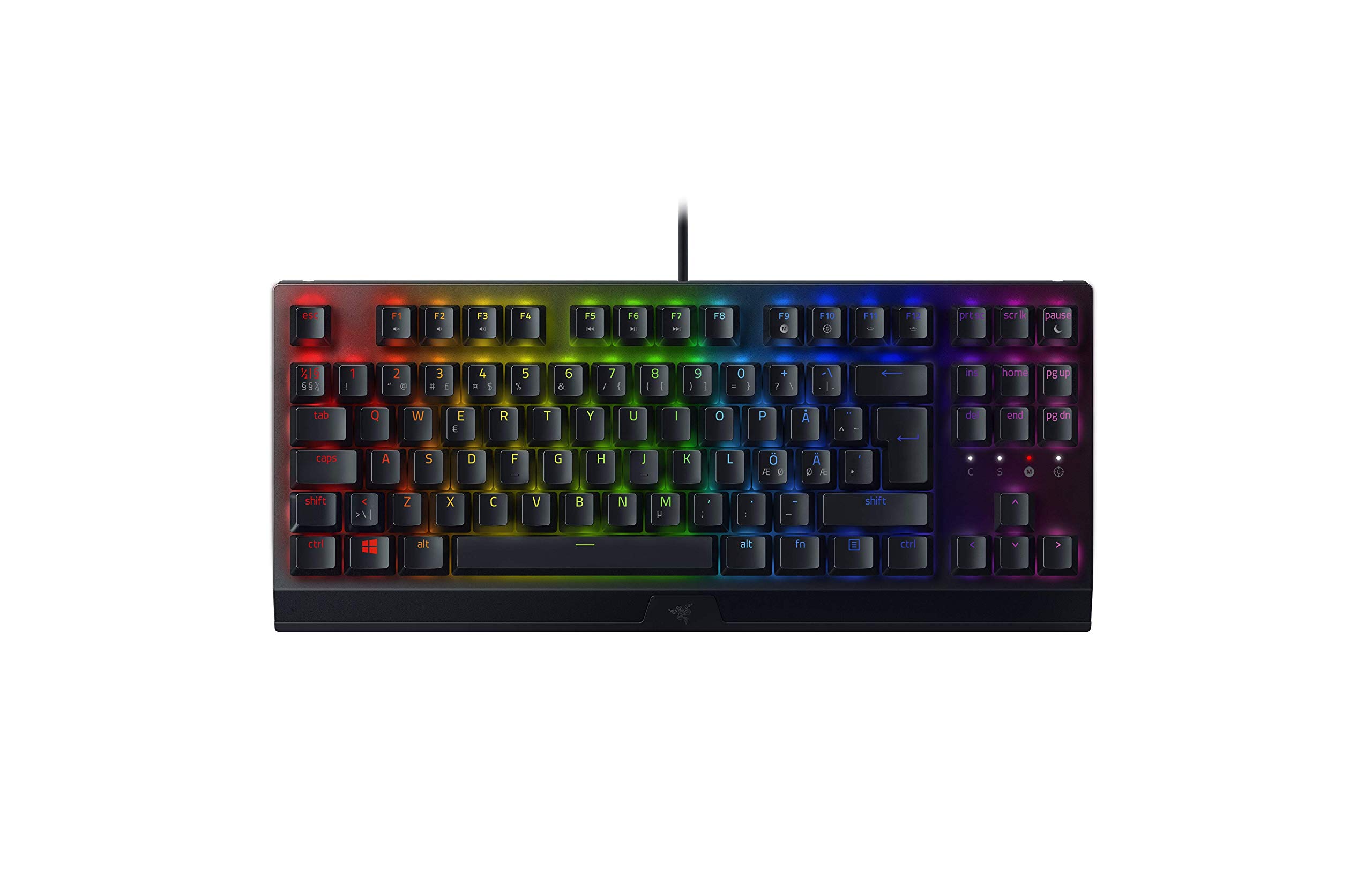
Razer
✓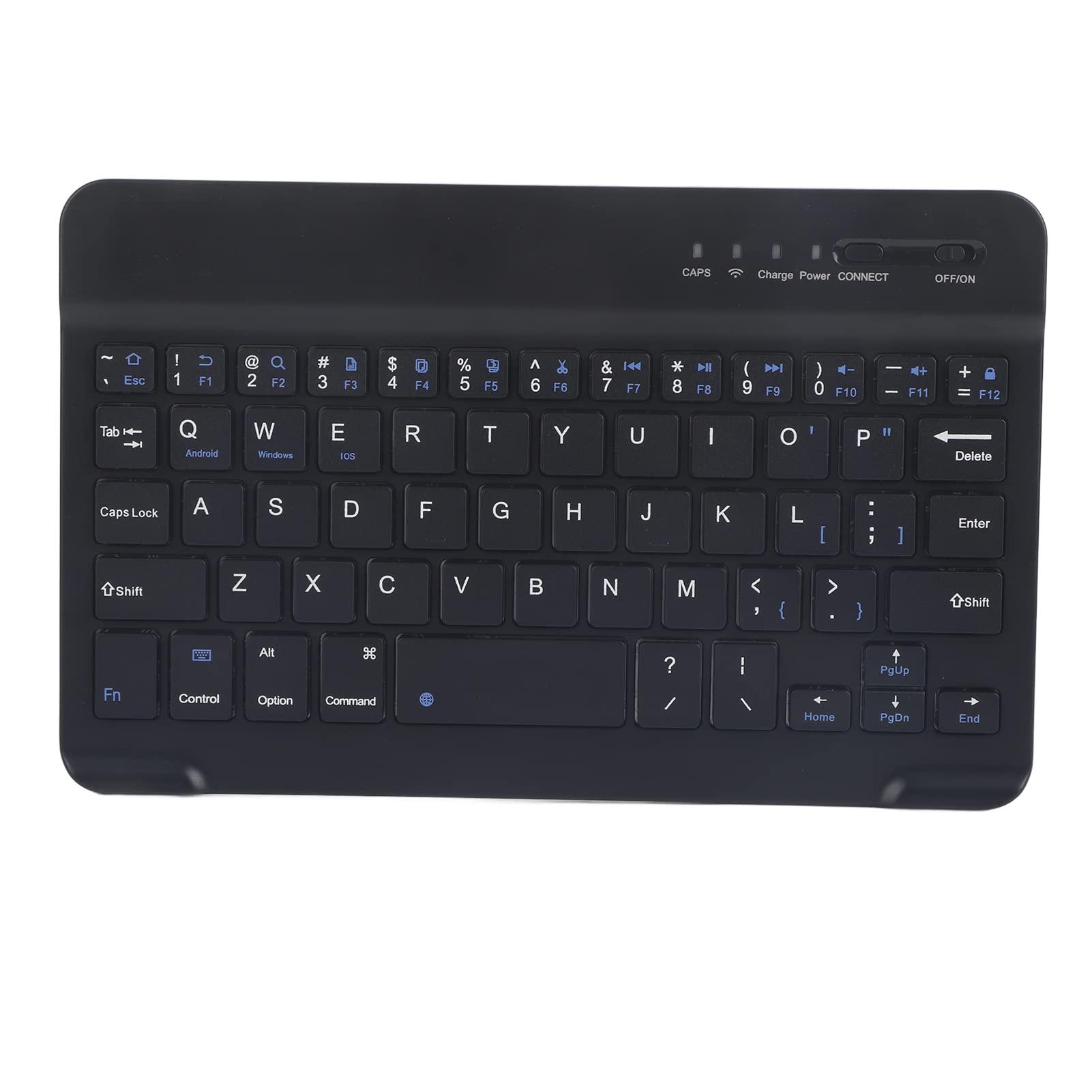
1. Brand new high quality all metal back shell. 2. Brushed metal texture antiskid keyboard for elegant feeling. 3. Portable and ultraslim, convenient for you to take it with you when travelling or on business trip. 4. Compatible for smart phone, pad, laptop and desktop. 5. Adopt 3.0 with stable performance. Specification: Features: 1. Brand new high quality all metal back shell. 2. Brushed metal texture antiskid keyboard for elegant feeling. 3. Portable and ultraslim, convenient for you to take it with you when travelling or on business trip. 4. Compatible for smart phone, pad, laptop and desktop. 5. Adopt 3.0 with stable performance. 6. With outfit designed for IOS Tablet, this product is designed for , for and IOS. Press Fn+, Fn+ or Fn+IOS to switch system modes. 7. Light weight and quiet key typing, waterproof and dustproof. 8. Scissor keyboard, fast typing with excellent hand feeling. 9. Micro display screen, convenient charging. 10. Adopt power saving sleep mode keyboard. Specifications: Operating Distance: 10 m System: For , for and for IOS Operating Voltage: 35 V Operating Current: Standby Current: 0.30.5 mA Sleep Mode Current: Charging Current: 100 mA Charging Time: 4 Hours Constant Working Time: 40 Hours Standby Time: 60 Days Lithium Battery Service Life Time: 3 Years Keyboard Service Life Time: About 5 Million Times Operating Temperature: 1055℃ Color: Black Size: Approx. 20*12.5*0.5 cm/7.87*4.92*0.2 in Use Tutorial: 1. Switch on the button on the down right side of the keyboard, keyboard start when blue light lights on. 2. Open the service, operate SetupTurn on wireless and networkTurn on Search for nearby devicesMatch with Keyboard . 3. Device screen display Match Application, input password XXXX to match. Input the number on the screen on keyboard and
Customer reviews
10 Trustpilot reviews total, with 2 shown at a time.
I wrote to Bigamart's customer support and they accompanied the process of reshipping the item until it finally arrived. I felt a genuine effort to solve the problem till it was finally solved.
The package was here in Australia from England in a few days — so quick! Something was missing and they refunded it straight away. Pretty happy with these guys.
You might also like