RICOKEY
⏳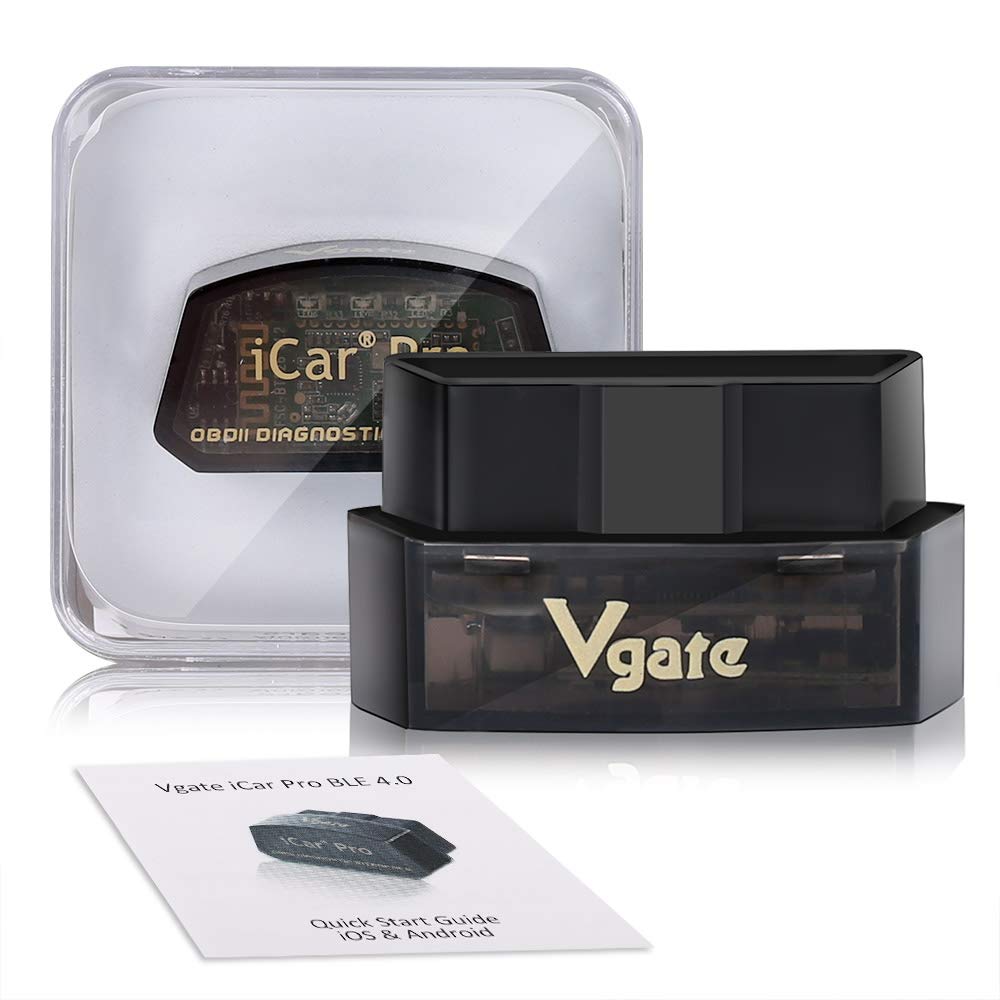
Tips before your purchase: For your vehicle to be OBD II compliant it must have a 16-pin DLC (Data Link Connector) under the dash and the Vehicle Emission Control Information Label must state that the vehicle is OBD II compliant. To be sure your vehicle complies with OBD-II, look for a sticker on the vehicle under the hood in the engine compartment that clearly states “OBD II compliant or certified”. OBD-II protocols supported: SAE J1850 PWM(41.6 Kbaud),SAE J1850 VPW(10.4 Kbaud),ISO9141-2(5 baud init,10.4 Kbaud),ISO14230-4 KWP(5 baud init,10.4 Kbaud),ISO14230-4 KWP(fast init,10.4 Kbaud),ISO15765-4 CAN(11bit ID,500 Kbaud),ISO15765-4 CAN(29bit ID,500 Kbaud),ISO15765-4 CAN(11bit ID,250 Kbaud),ISO15765-4 CAN(29bit ID,250 Kbaud),SAE J1939 CAN(29bit ID,250* Kbaud),USER1 CAN(11*bit ID,125* Kbaud),USER2 CAN(11*bit ID,50* kbaud) For Android users: Home screen Go to setting page Select V-LINK Default password is “1234” Device paired Run Torque app Go to Torque app OBD II adapter setting Choose connecion type>Bluetooth Choose Bluetooth device>V-LINK Exit Torque app completely Run Torque app Connected For iOS users: Home screen Go to setting page Click on Bluetooth function (Device name is invisible) Run Accurate app Go to Accurate app setting page Select Bluetooth and connect Exit Accurate app and run again Connected Specification: Supply Voltage: 11.5V—15V Supply Current: <200Ma Standby Current: <30Ma ( TONWON Pro =<3Ma ) Operating Temperature: -40℃--85℃ Operating Humidity: 5%--95%RH Non-Dewfall Package Includes: 1pc x Vgate iCar Pro Bluetooth 4.0 OBDII adapter 1pc x User manual
Customer reviews
10 Trustpilot reviews total, with 2 shown at a time.
I wrote to Bigamart's customer support and they accompanied the process of reshipping the item until it finally arrived. I felt a genuine effort to solve the problem till it was finally solved.
The package was here in Australia from England in a few days — so quick! Something was missing and they refunded it straight away. Pretty happy with these guys.
You might also like