D-S Systems
✓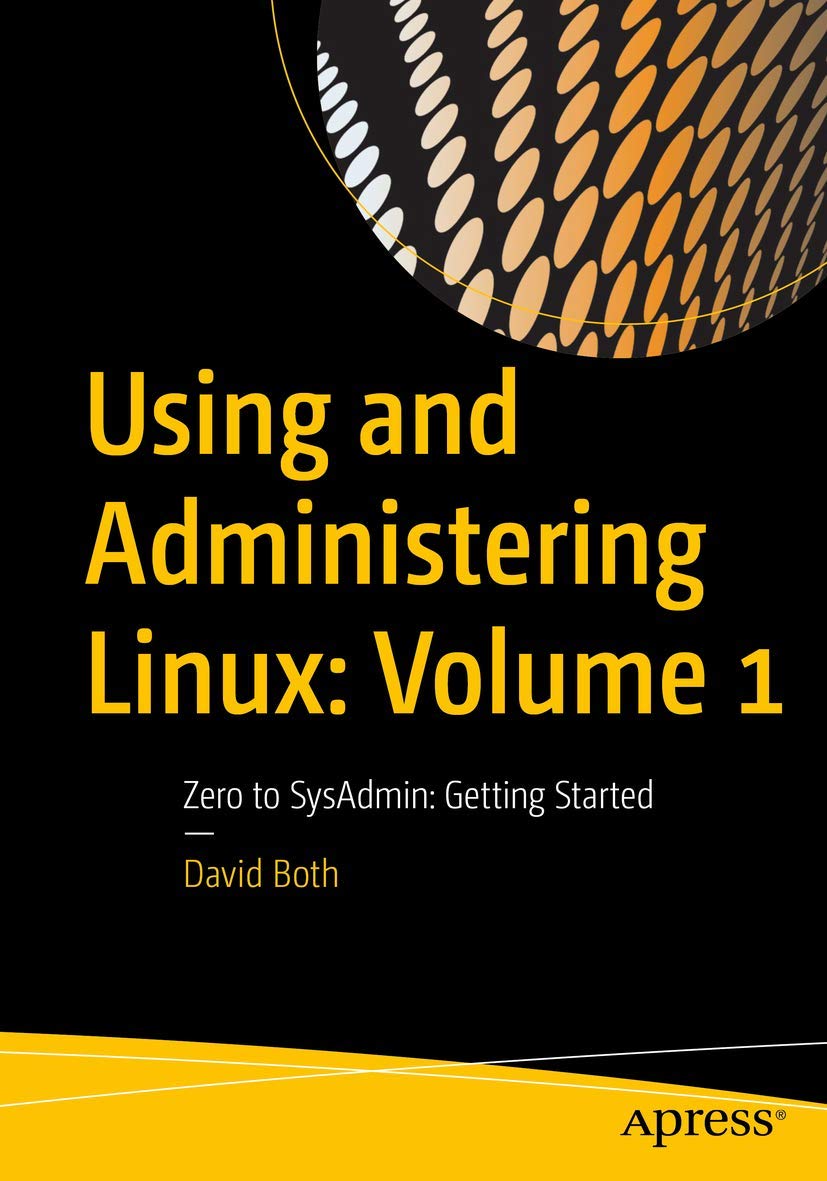
Product Description Become a Linux sysadmin and expert user of Linux, even with no previous Linux experience and learn to manage complex systems with ease. Volume 1 of this three volume training course introduces operating systems in general and Linux in particular. It briefly explores the The Linux Philosophy for SysAdmins in preparation for the rest of the course. This book provides you with the tools necessary for mastering user management; installing, updating, and deleting software; and using command line tools to do performance tuning and basic problem determination. You'll begin by creating a virtual network and installing an instance of Fedora – a popular and powerful Linux distribution – on a VirtualBox VM that can be used for all of the experiments on an existing Windows or Linux computer. You’ll then move on to the basics of using the Xfce GUI desktop and the many tools Linux provides for working on the command line including virtual consoles, various terminal emulators, BASH, and other shells. Explore data streams and the Linux tools used to manipulate them, and learn about the Vim text editor, which is indispensable to advanced Linux users and system administrators, and be introduced to some other text editors. You’ll also see how to install software updates and new software, learn additional terminal emulators, and some advanced shell skills. Examine the sequence of events that take place as the computer boots and Linux starts up, configure your shell to personalize it in ways that can seriously enhance your command line efficiency, and delve into all things file and filesystems. What You Will Learn Install Fedora Linux and basic configuration of the Xfce desktop Access the root user ID, and the care that must be taken when working as root Use Bash and other shells in the Linux virtual consoles and terminal emulators Create and modify system configuration files with Use the Vim text editor Explore administrative tools available to root that enable you to manage users, filesystems, processes, and basic network communications Configure the boot and startup sequences Who This Book Is For Anyone who wants to learn Linux as an advanced user and system administrator at the command line while using the GUI desktop to leverage productivity. From the Back Cover Become a Linux sysadmin and expert user of Linux, even with no previous Linux experience and learn to manage complex systems with ease. Volume 1 of this three volume training course introduces operating systems in general and Linux in particular. It briefly explores the The Linux Philosophy for SysAdmins in preparation for the rest of the course. This book provides you with the tools necessary for mastering user management; installing, updating, and deleting software; and using command line tools to do performance tuning and basic problem determination.You'll begin by creating a virtual network and installing an instance of Fedora – a popular and powerful Linux distribution – on a VirtualBox VM that can be used for all of the experiments on an existing Windows or Linux computer. You’ll then move on to the basics of using the Xfce GUI desktop and the many tools Linux provides for working on the command line including virtual consoles, various terminal emulators, BASH, and other shells. Explore data streams and the Linux tools used to manipulate them, and learn about the Vim text editor, which is indispensable to advanced Linux users and system administrators, and be introduced to some other text editors. You’ll also see how to install software updates and new software, learn additional terminal emulators, and some advanced shell skills. Examine the sequence of events that take place as the computer boots and Linux starts up, configure your shell to personalize it in ways that can seriously enhance your command line efficiency, and delve into all things file and filesystems. About the Author David Both is an Open Source Software and GNU/Linux advocate, tra
Customer reviews
10 Trustpilot reviews total, with 2 shown at a time.
I wrote to Bigamart's customer support and they accompanied the process of reshipping the item until it finally arrived. I felt a genuine effort to solve the problem till it was finally solved.
The package was here in Australia from England in a few days — so quick! Something was missing and they refunded it straight away. Pretty happy with these guys.
You might also like