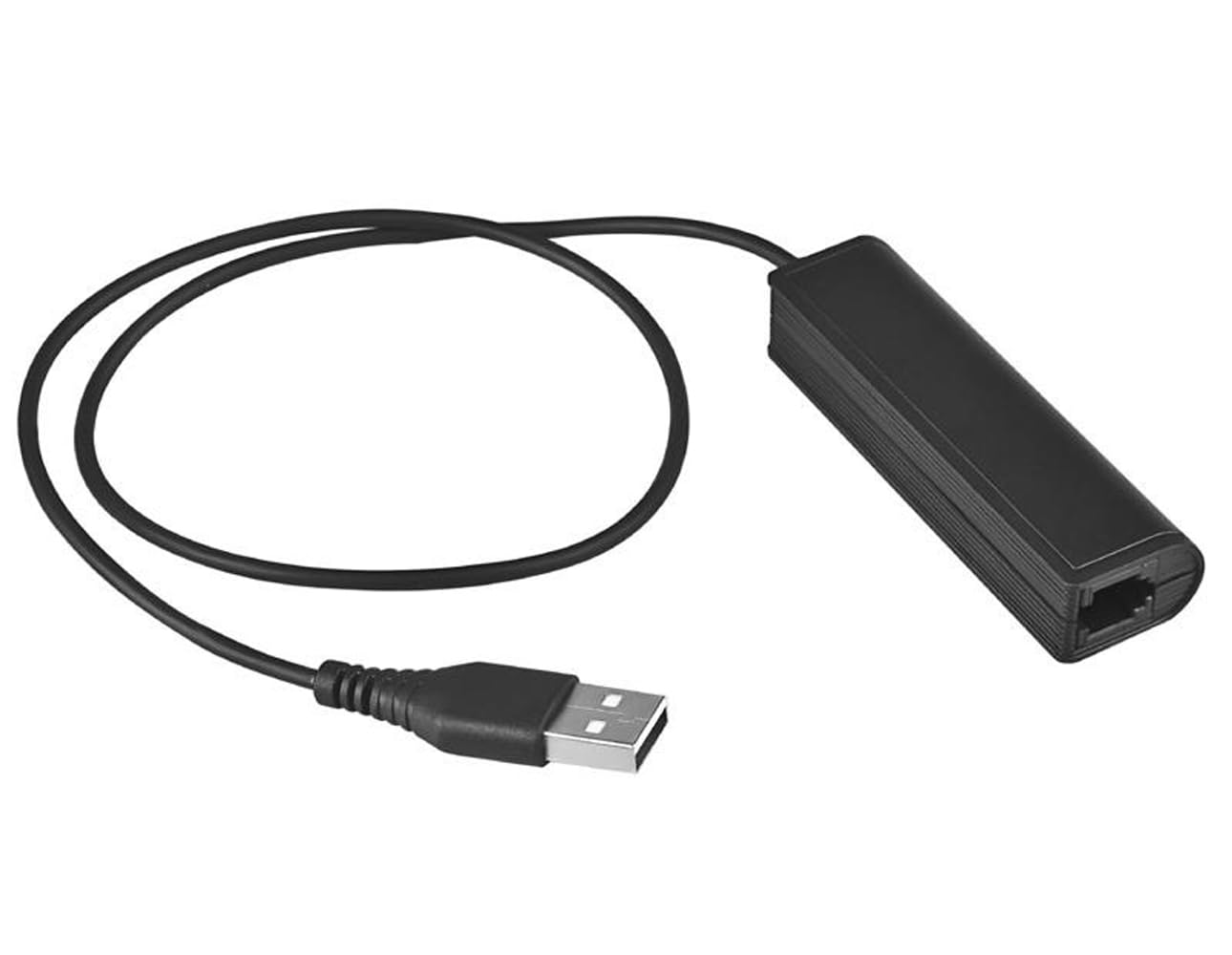

USB Plug Computer PC Laptop To RJ9 Female Adapter For Headset Work With Avaya Nortel Nt Yealink Viop POE NEC Mitel Office Desktop IP Telephone Phone Skype MSN Video Phone App Conference Work From Home
About this item
- Convert your exist wired landline RJ9 plug headset into USB plug headset for computer PC laptop mac tablets softphone. SEE COMPATIBLE LIST IN DESCRIPTION BEFORE PURCHASE.
- Work with RJ9 headset compatible for Plantronics Avaya Nortel NT Yealink Aastra Nothern Telecom Polycom Shoretel Polycom Toshiba Siemens Viop POE NEC Mitel Office Desktop IP Telephone.
- Work great with wireless headset systems following only, compatible for Plantronics CS50, CS55, CS351n, CS361n, CS70n, CS540, CS530, CS510, CS520, C054, C052, Jabra Pro 920, GN9125, GN9120 or Sennheiser D10 wireless headsets. NOT compatible with EHS cable.
- Easy setup, no extra software drivers. Need change your computer device sound audio setting to USB device : In windows click Start > Setting / Control Panel > System / Hardware and sound > Sound , Make sure USB device shows a green check mark in Input / Recording and Output / Playback tabs
- NOTE : if get no microphone then check the settings on computer/laptop or softphone app you are using, need to change microphone input setting to USB or try different input setting and it will work. In some plantronics wireless headset model, customer change the dial + slider setting underneath the base and it work.
Product description
Convert your exist RJ9 or wireless headset into USB plug headset for computer PC laptop Softphone. Work with RJ9 headset compatible for Plantronics Avaya Nortel NT Yealink Aastra Nothern Telecom Polycom Shoretel Polycom Toshiba Siemens Viop POE NEC Mitel Office Desktop IP Telephone. Work great with wireless headset systems, compatible for Plantronics CS50, CS55, CS351n, CS361n, CS70n, CS540, CS530, CS510, CS520, C054, C052, Jabra Pro 920, GN9125, GN9120 or Sennheiser D10 wireless headsets. NOT compatible with EHS cable. Easy setup, no extra software drivers. Need change your computer device sound audio setting to USB device : In windows click Start > Setting / Control Panel > System / Hardware and sound > Sound , Make sure USB device shows a green check mark in Input / Recording and Output / Playback tabs. NOTE : if get no microphone then check the settings on computer/laptop or softphone app you are using, need to change microphone input setting to USB or try different input setting and it will work. In some plantronics wireless headset model, customer change the dial + slider setting underneath the base and it work.
Product details
Customer reviews
What customers say about Bigamart
10 Trustpilot reviews total, with 2 shown at a time.
I wrote to Bigamart's customer support and they accompanied the process of reshipping the item until it finally arrived. I felt a genuine effort to solve the problem till it was finally solved.
The package was here in Australia from England in a few days โ so quick! Something was missing and they refunded it straight away. Pretty happy with these guys.
You might also like
Similar items


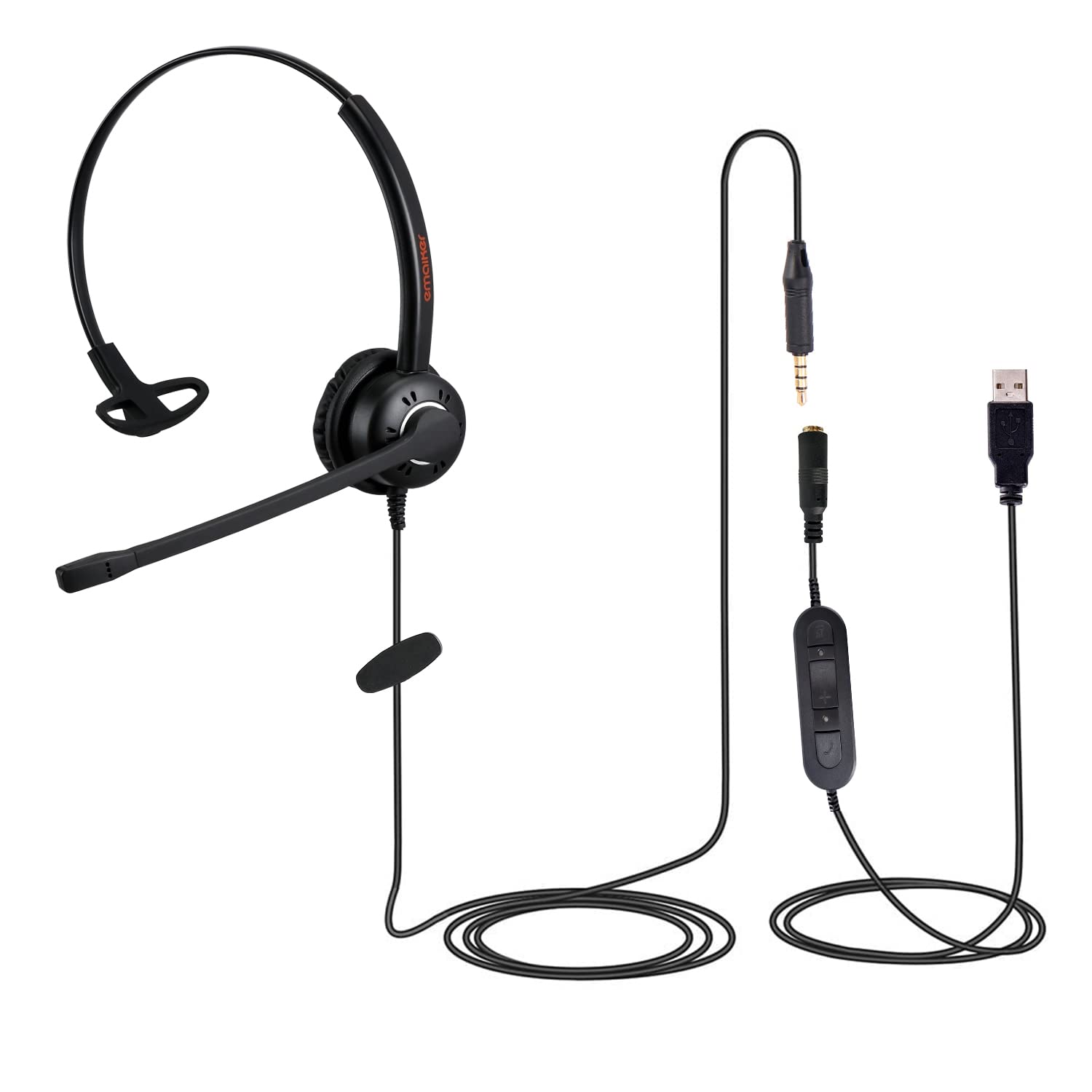
Emaiker 3.5mm/USB Computer Headset with Microphone for Laptop, Cell Phone, Lightweight Office Monaural USB Headphone with Noise Cancelling Mic, In-Line Control for Teams, Skype, Zoom Meeting,

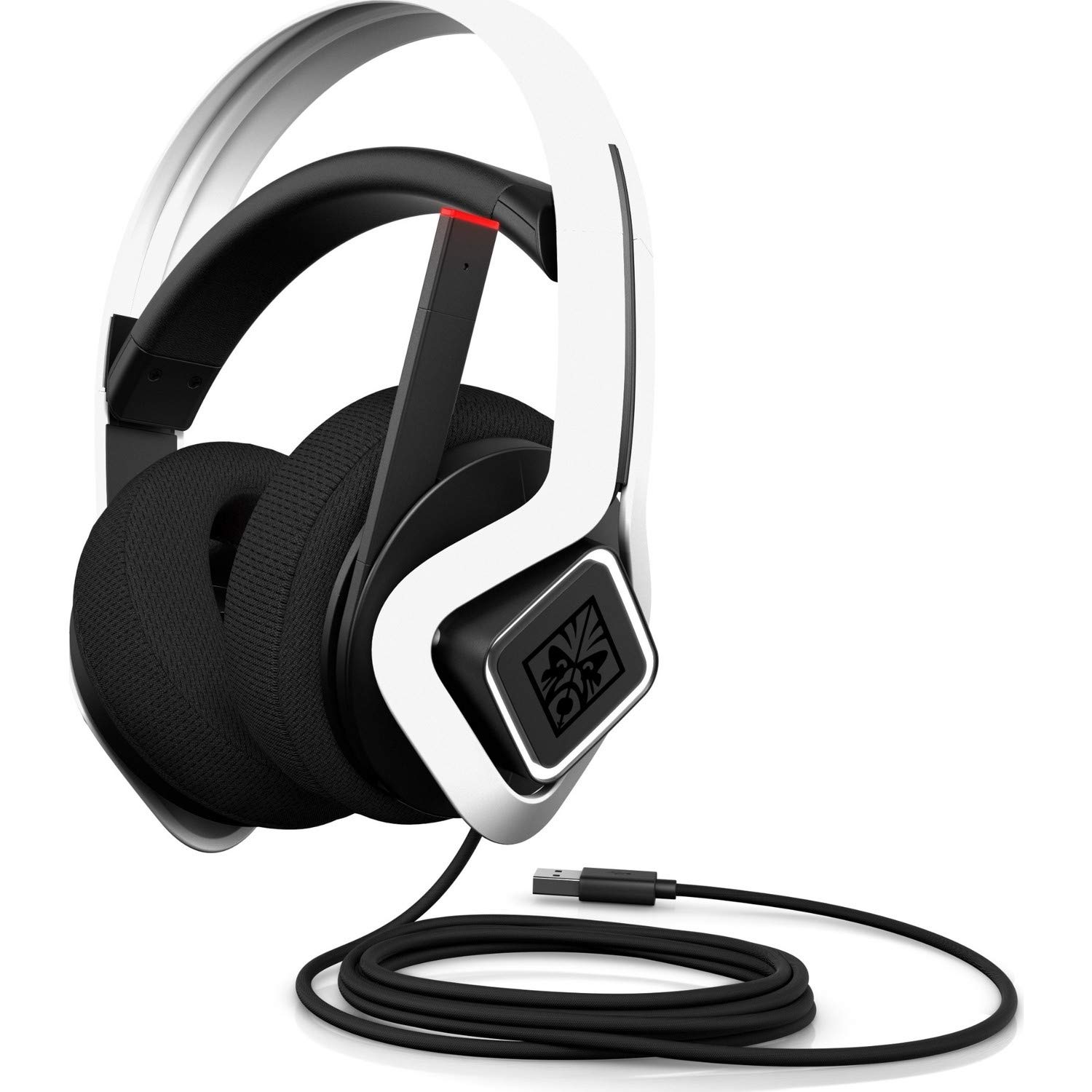
HP OMEN, Mindframe2 PC Gaming Headset with RGB, FrostCap Active Cooling technology, 7.1 Virtual Surround Sound, Noise-cancelling folding mic, White

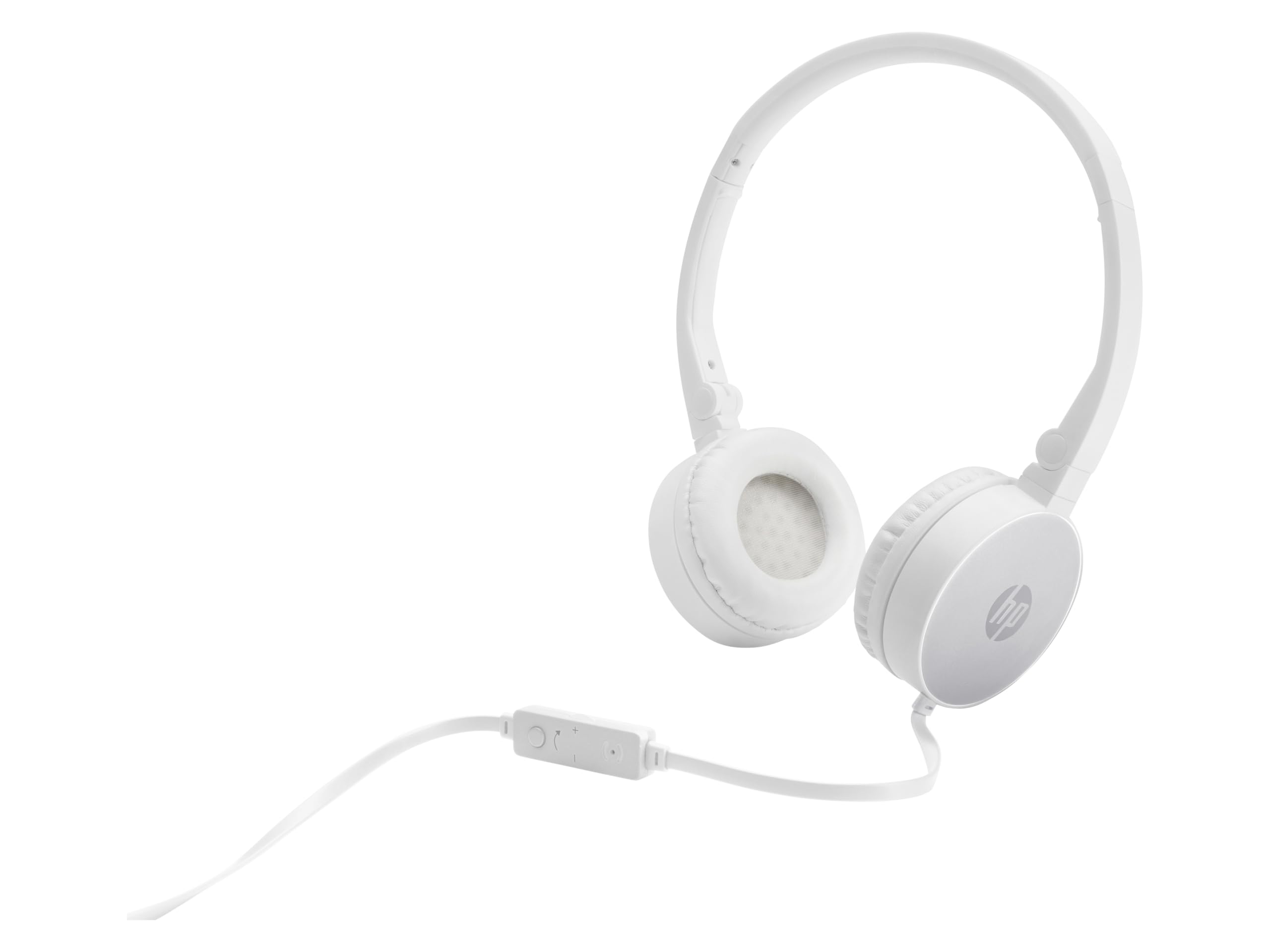
HP 2800 Silver Headset with In Line Mic for Handsfree, 3.5mm, Foldable, Cable Control Volume. Computer PC Smartphone Tablet