Selore&S-Global
✓
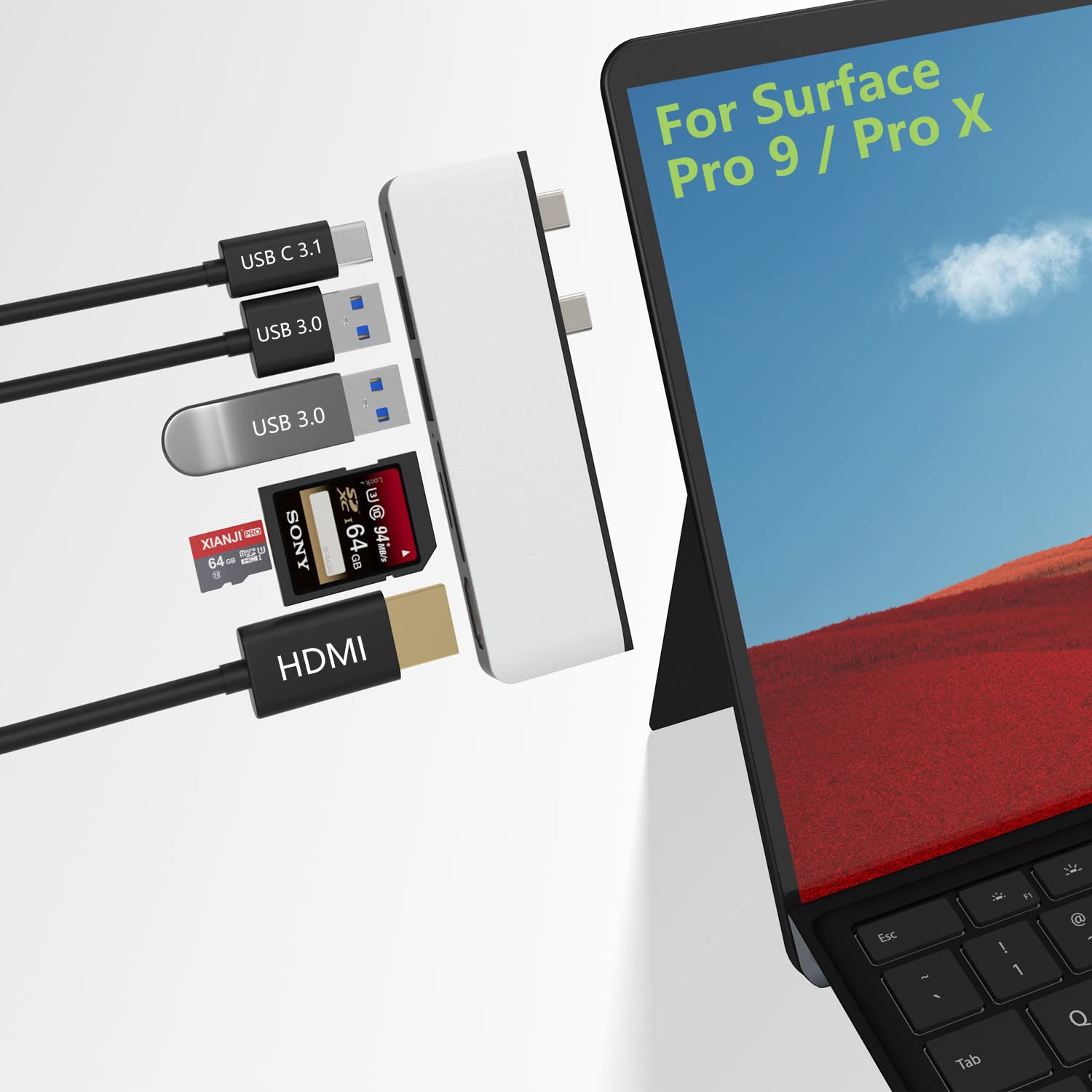
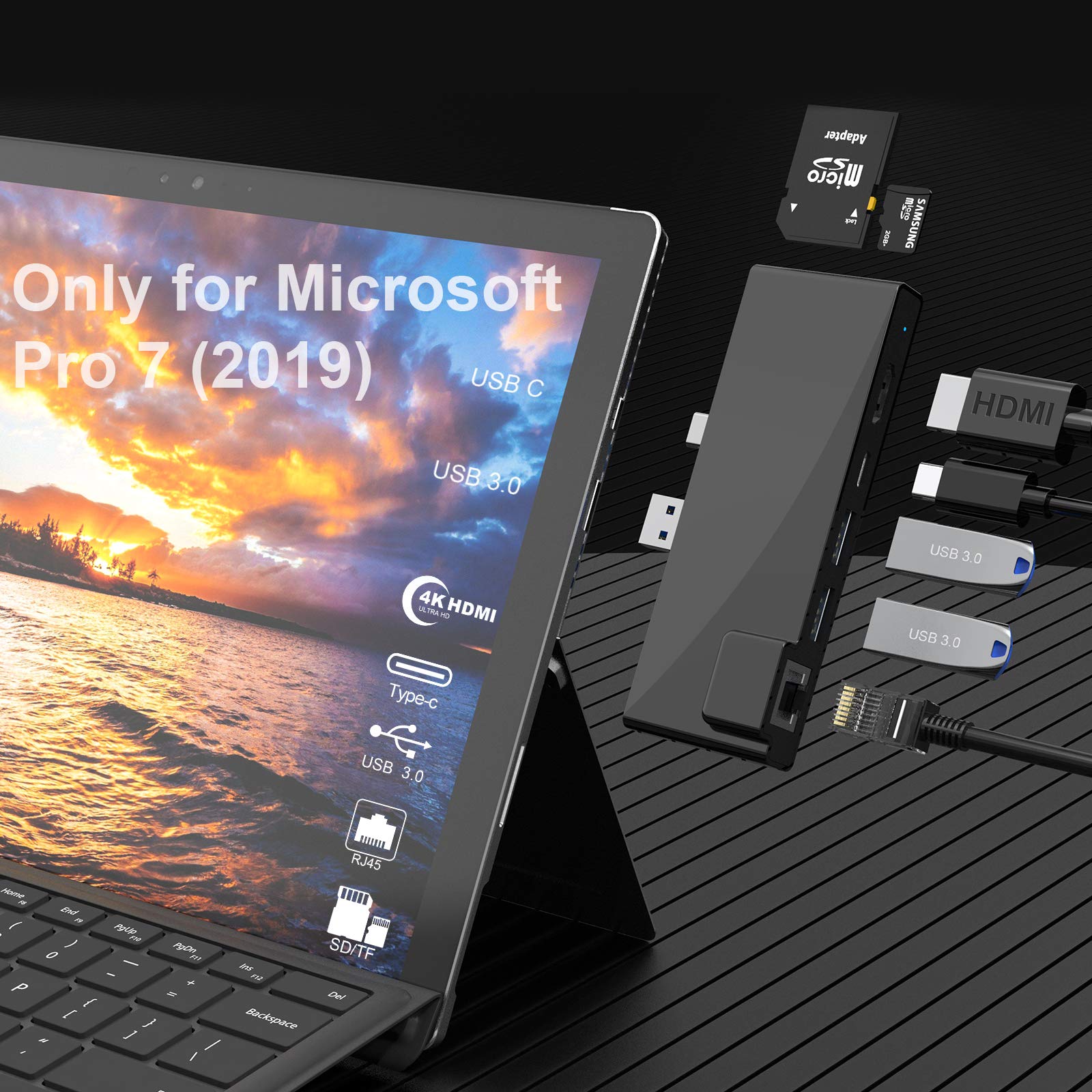
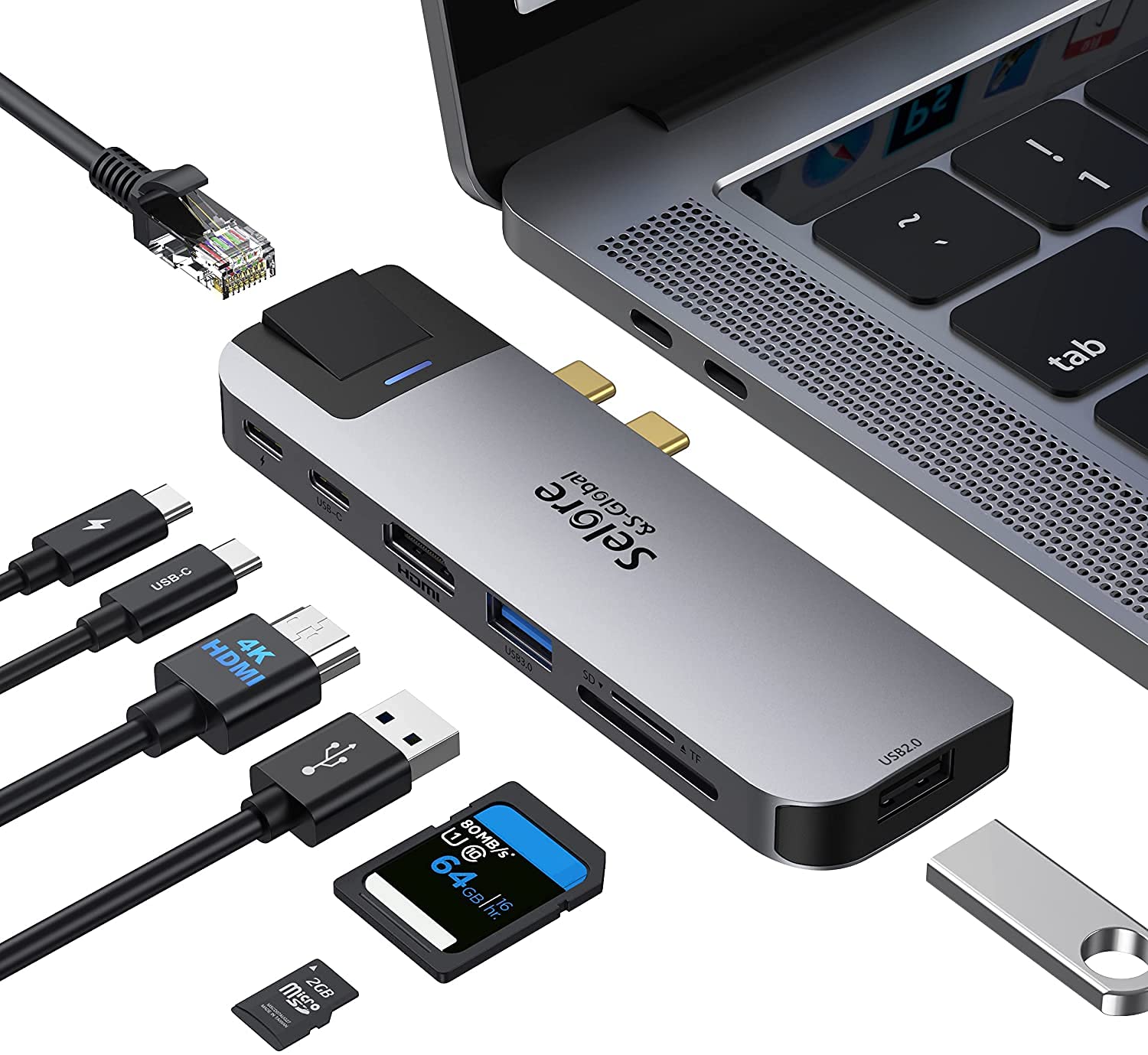
To use this product the host USB-C port from your device must support DisplayPort Alt Mode and Power Delivery Use HDMI2.0/DP1.4 or above cables for optimum performance USB 3.1 Type-C Overview USB Type-C has a new feature called Alternate Modes which allows you to use non-USB connections with the USB-C cable and connection.Your device automatically uses the appropriate mode if it's supported Display connection be limited Make sure the device you're connecting to is supported and that you're using the right cable DisplayPort connection might not work Try using a different cable Try these solution Make sure your device and cable supports the same USB-C features as the TOTU docking station Make sure the docking station is connected directly to your host device Make sure the docking station is connected to the USB-C port on your host device that supports the correct Alternate Mode For example if you're connecting a USB 3.1 Gen2(Type C) Alt Mode device make sure you connect to the USB-C port that supports Displayport alt mode and power delivery Possible causes The docking station you connected to has new features for USB-C that your host device or connect cable doesn’t support The docking station isn't connected to the correct USB-C port on your host device The device is using an external hub or dock to connect to the docking station Too many other Alternate Mode devices or dongles are connected to your host device Audio/Mic Remind Plug in this USB C Docking Station sometimes will change the default Audio output device to Docking Station which means your laptop speakers will not work anymore To make your laptop speaker work please change in your laptop OS setting the audio output device back to laptop speakers USB Accessories Disabled Solutions If you experiencing the problem Solution 1 Please unplug and re-plug Solution 2 Reset the SMC of your device
Customer reviews
10 Trustpilot reviews total, with 2 shown at a time.
I wrote to Bigamart's customer support and they accompanied the process of reshipping the item until it finally arrived. I felt a genuine effort to solve the problem till it was finally solved.
The package was here in Australia from England in a few days — so quick! Something was missing and they refunded it straight away. Pretty happy with these guys.
You might also like