Louvolite
✓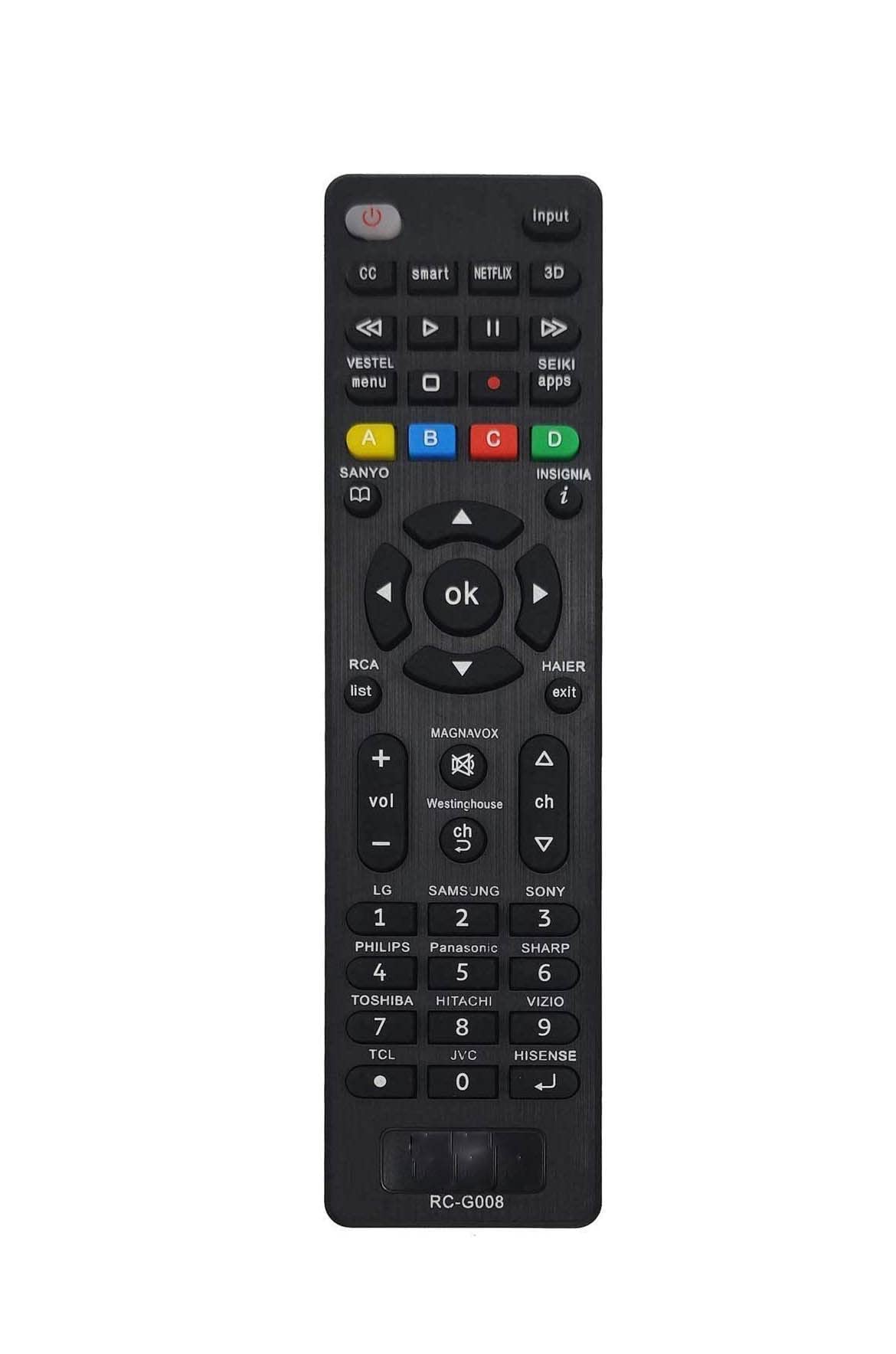
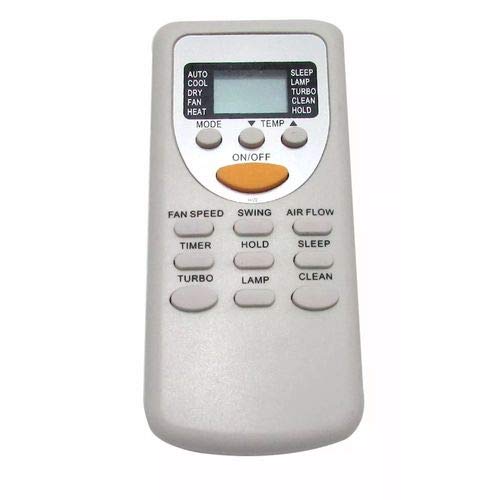
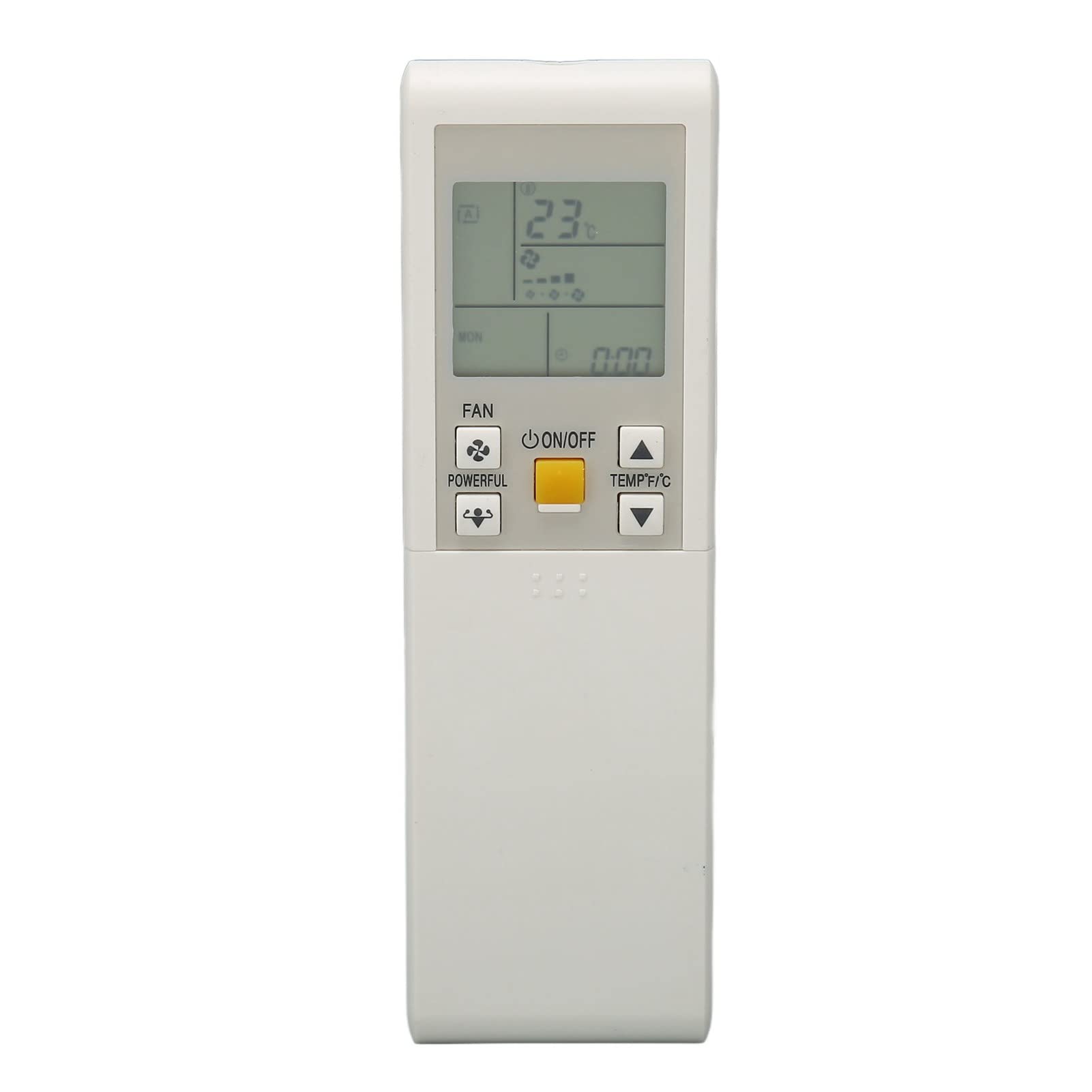
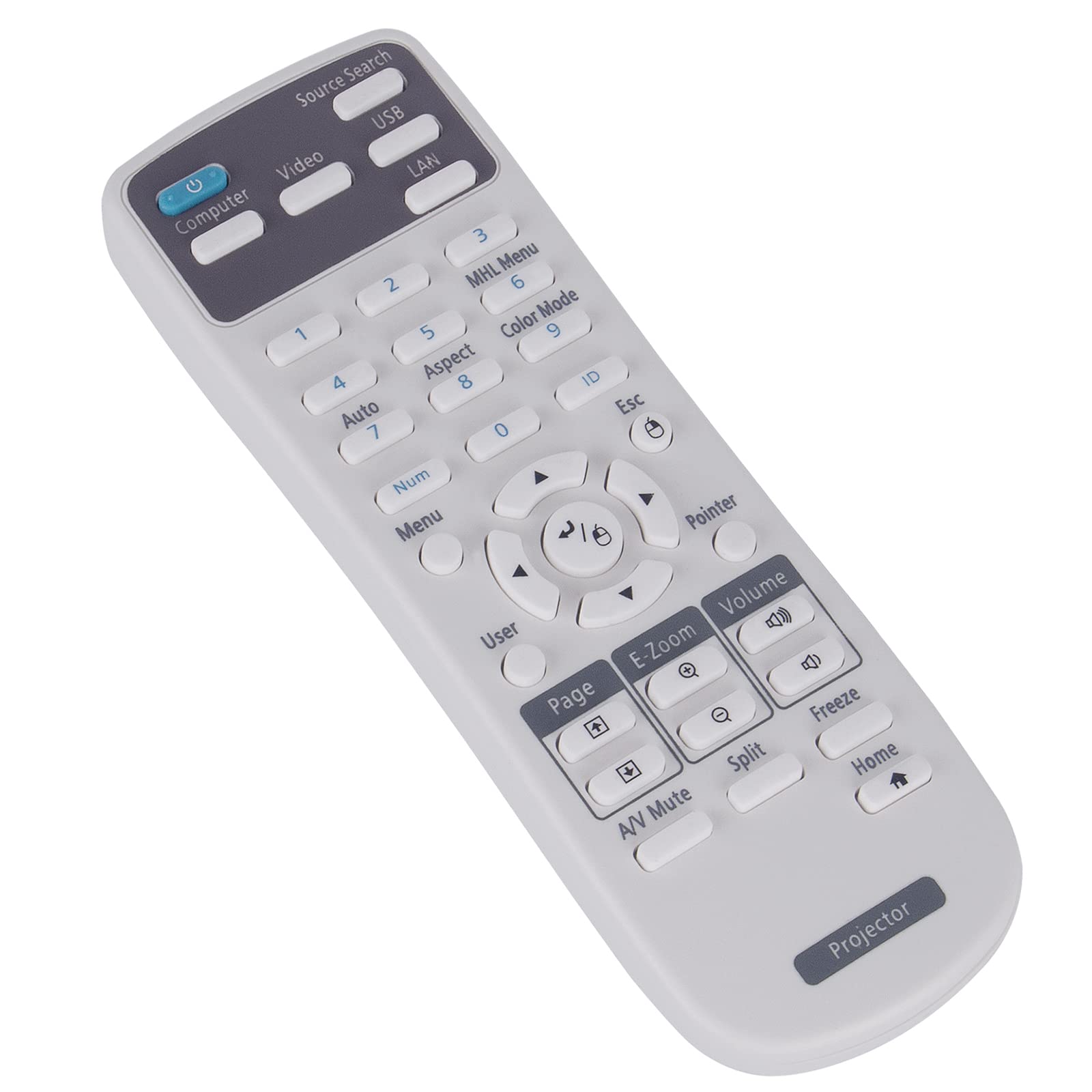
Instructions for Use Universal Remote Control by Daewoo Model NO: AVS1303 1. Overview Thank you for purchasing the Daewoo Universal Remote Control (Model NO: AVS1303). This remote is designed to replace your existing remote and is compatible with most TVs, DVD players, and audio systems. It offers ease of use and control over multiple devices. 2. Compatible Models The AVS1303 is compatible with the following brands and devices: TV Brands For Daewoo For Samsung For LG For Sony For Panasonic For Toshiba For Philips For Sharp For DVD Players For Daewoo For Pioneer For Panasonic For Sony For Philips For Audio Systems For Daewoo For Sony For Bose For LG If your device is not listed above, please consult the included code list or visit [Daewoo support website] for a complete list. 3. Pairing Instructions 3.1 Using Auto-Search Method Turn On the Device you want to control (e.g., TV). Press and Hold the "Setup" Button until the LED indicator on the remote lights up. Press the Device Button (e.g., "TV," "DVD," or "AUX") corresponding to the device you are pairing. The LED will blink once. Point the Remote at the Device and press the "Power" button repeatedly, pausing 2 seconds between each press. Continue until the device turns off. Press the "Enter" Button to lock in the code. The LED will turn off, indicating successful pairing. Test the remote by using basic functions (e.g., volume, power, channel). 3.2 Manual Code Entry Locate the code for your device in the code list provided in the user manual or online at [Daewoo support website]. Turn On the Device you want to control. Press and Hold the "Setup" Button until the LED indicator lights up. Press the Device Button (e.g., "TV," "DVD," or "AUX"). The LED will blink once. Enter the Code for your device using the number keys on the remote. Example: Enter "1012" for a Daewoo TV. If the code is accepted, the LED will blink twice and turn off. Test the remote by pressing functions like power, volume, and channels. If the device does not respond, repeat the steps with a different code. 3.3 Resetting the Remote To clear all settings and reset the remote: Press and hold the "Setup" button for 10 seconds until the LED blinks rapidly. Release the button. The remote is now reset to factory defaults. 4. Troubleshooting Device not responding? Try another code for the brand or use the Auto-Search method. LED doesn’t light up? Replace the batteries with new ones (2x AAA). Lost Code List? Visit [Daewoo support website] to download the manual and code list. 5. Safety and Maintenance Do not expose the remote to moisture or direct sunlight. Use only alkaline AAA batteries for optimal performance. Clean the remote with a soft, dry cloth. 6. Customer Support For further assistance, contact Daewoo Customer Support: Phone: [Customer Support Number] Email: [Support Email Address] Website: [Daewoo support website]
Customer reviews
10 Trustpilot reviews total, with 2 shown at a time.
I wrote to Bigamart's customer support and they accompanied the process of reshipping the item until it finally arrived. I felt a genuine effort to solve the problem till it was finally solved.
The package was here in Australia from England in a few days — so quick! Something was missing and they refunded it straight away. Pretty happy with these guys.
You might also like