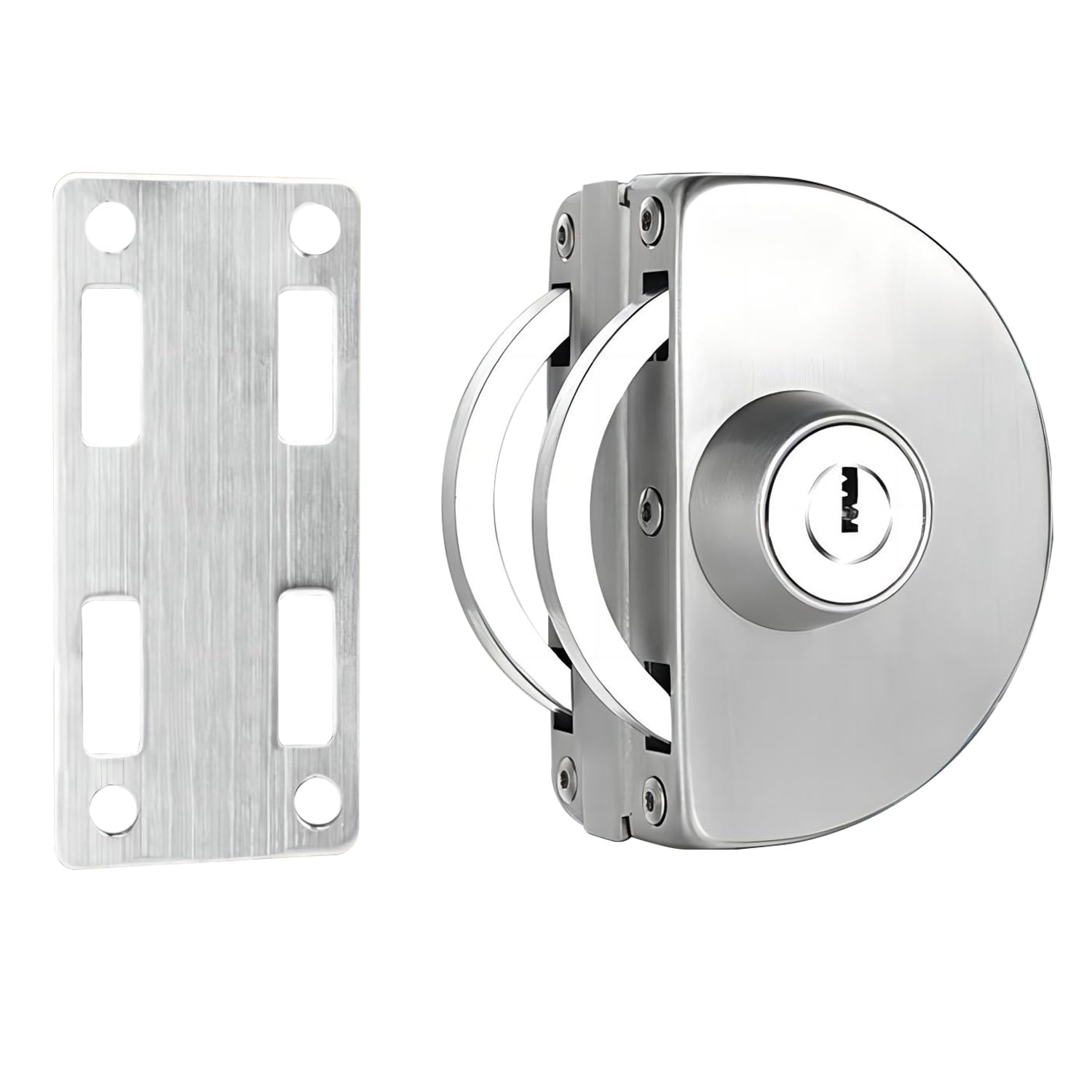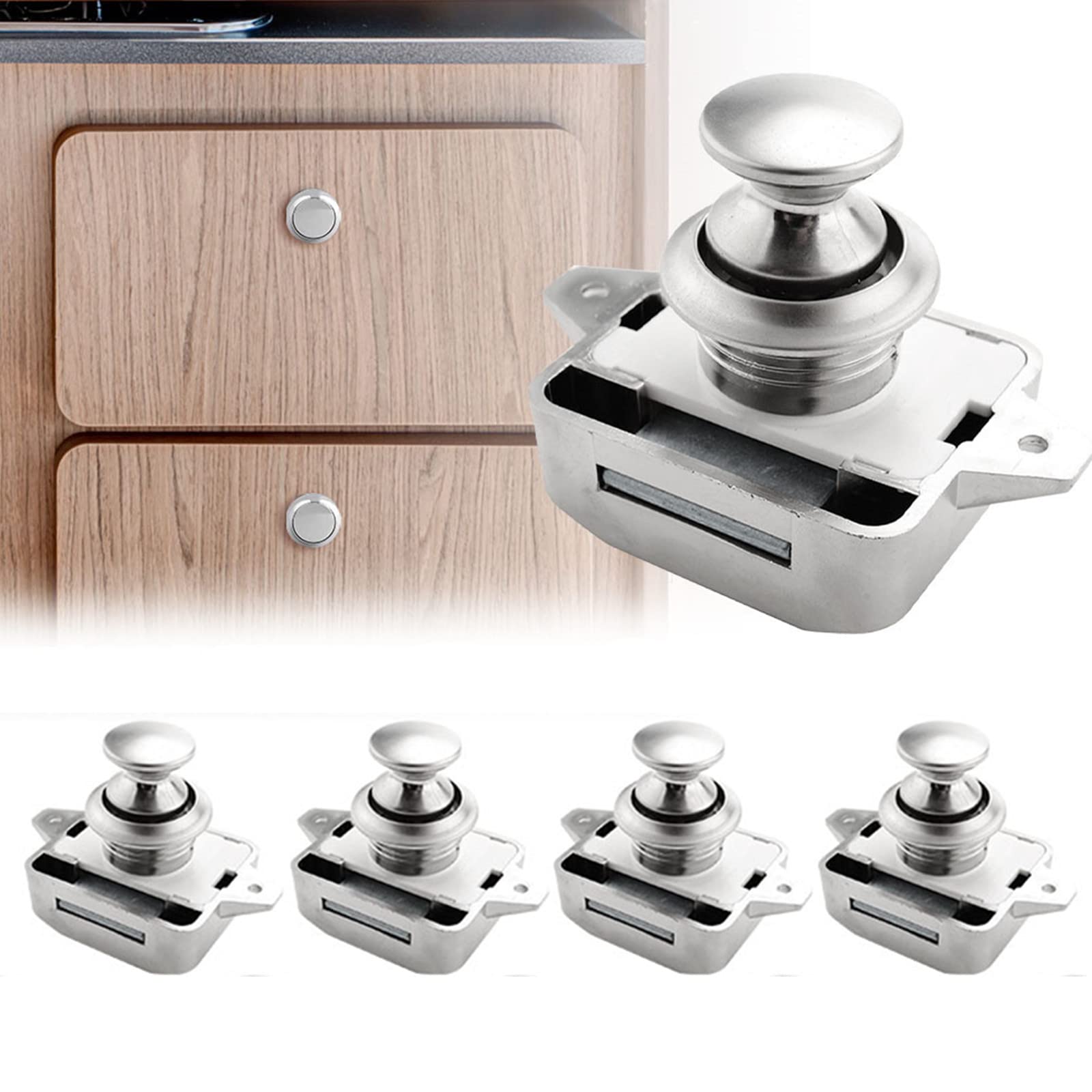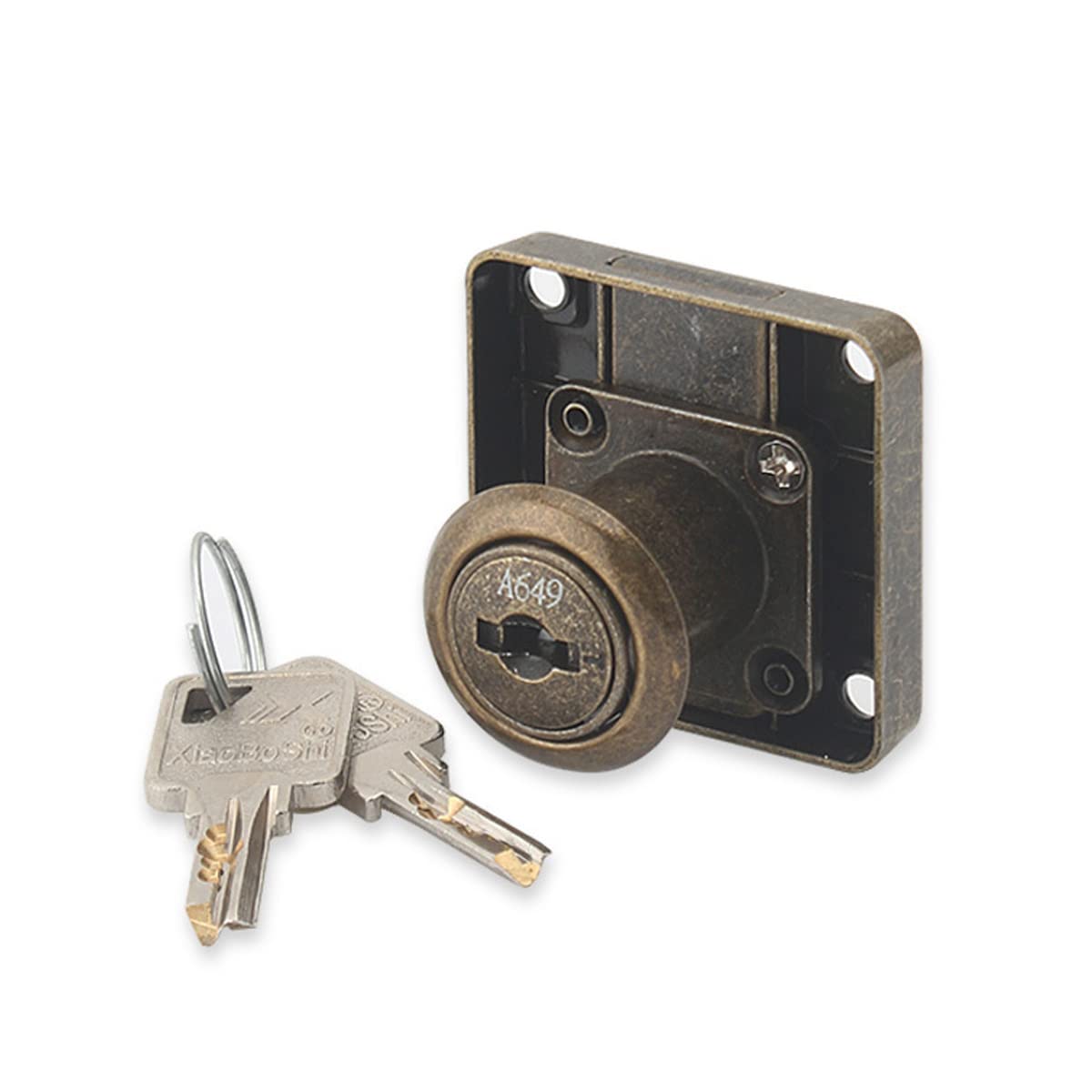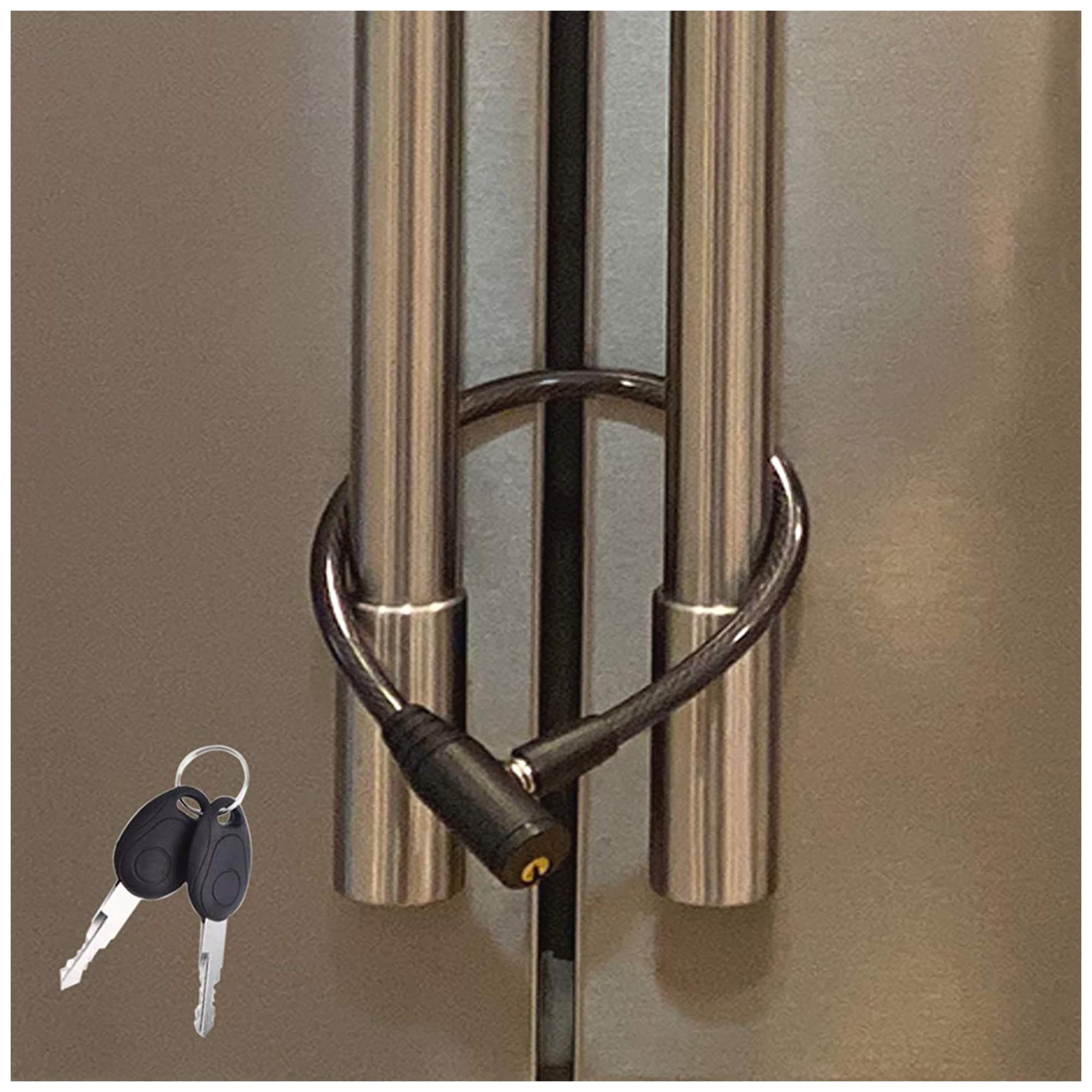
Opaltool
✓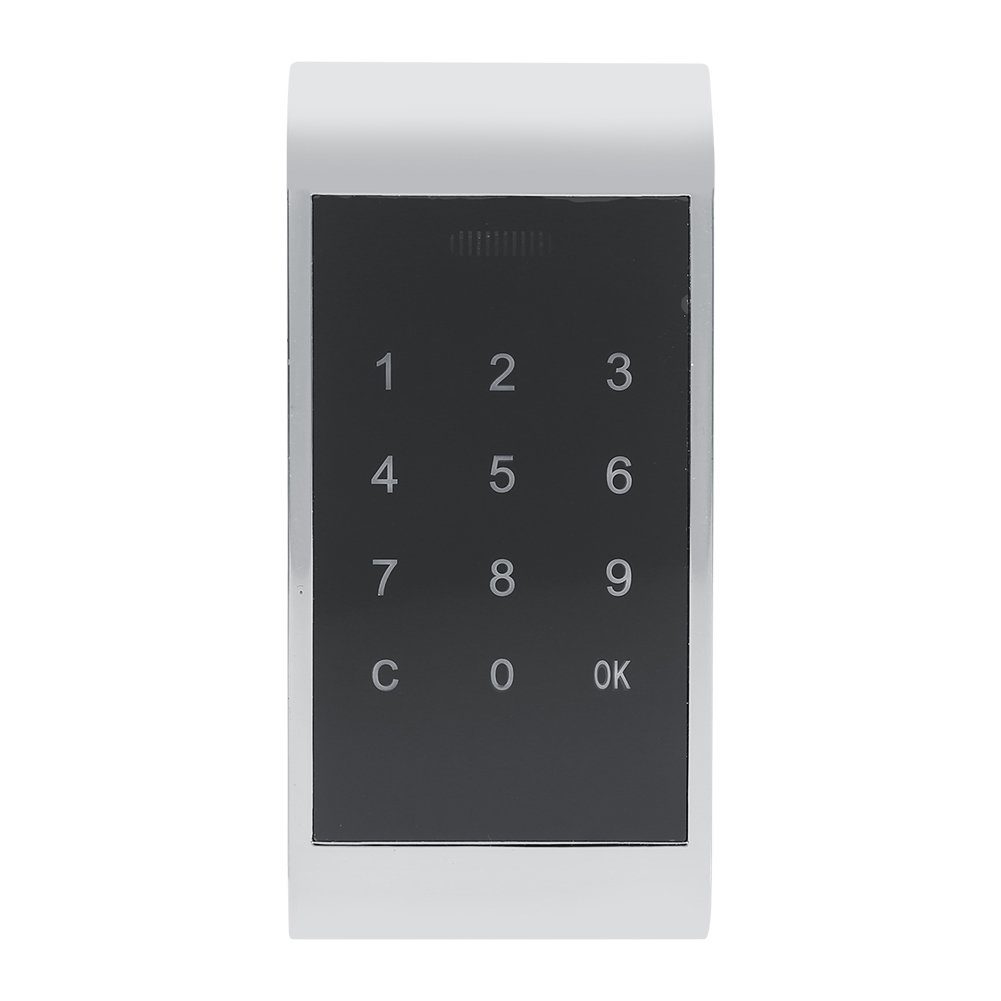
Specification: Condition: Brand New Material: Zinc Alloy Color: Silver, Gold (Optional) Battery powered: 4 x AA batteries (not included) Size (L x W): approx. 11.5 x 5.3 cm / 4.5 x 2.1 inches. Thickness size: approx. 16 mm / 0.63 inches. Package weight: approx. 300g Package includes: 1 x Touch Pad Set (complete accessories as pictures show) Note: 1. Activate the lock: There are 2 groups of passwords to use the locker lock for the first time. User code '' C1111OK '' and master block '' C8888 8888OK ''. Both user code and master code consist of at least 4-15 digits. a. Enter the correct password set (If you haven't changed, please use the original password), then press the '' OK '' button to activate the lock. b. If the password is correct, the green LED is on; Or the yellow LED will click. c. Please pull the door during the green led on. Note: ''OK'' button for confirmation; '''' button for deletion. 2.User Password Result: Press ''C'' - '' 11'' - '' OK '', enter '' 1111'' - '' OK '', then enter a new password, press '' OK '', enter the new password again, press ''OK''. 3.Reset password screen: press ''C'' - '' 12'' - '' OK '', enter '' 8888 8888'' - '' OK '', then enter a new password, press '' OK '', again enter the new password, press ''OK''. 4. Function switch open and : pressing '' C '' - '' 14'' - '' OK '', entering the supervisor password, then pressing '' OK ''. 5. Readable code reset: pressing '' C '' - '' 15'' - '' OK '', entering the supervisor password, then pressing '' OK ''.
Customer reviews
10 Trustpilot reviews total, with 2 shown at a time.
I wrote to Bigamart's customer support and they accompanied the process of reshipping the item until it finally arrived. I felt a genuine effort to solve the problem till it was finally solved.
The package was here in Australia from England in a few days — so quick! Something was missing and they refunded it straight away. Pretty happy with these guys.
You might also like