Vmotal
✓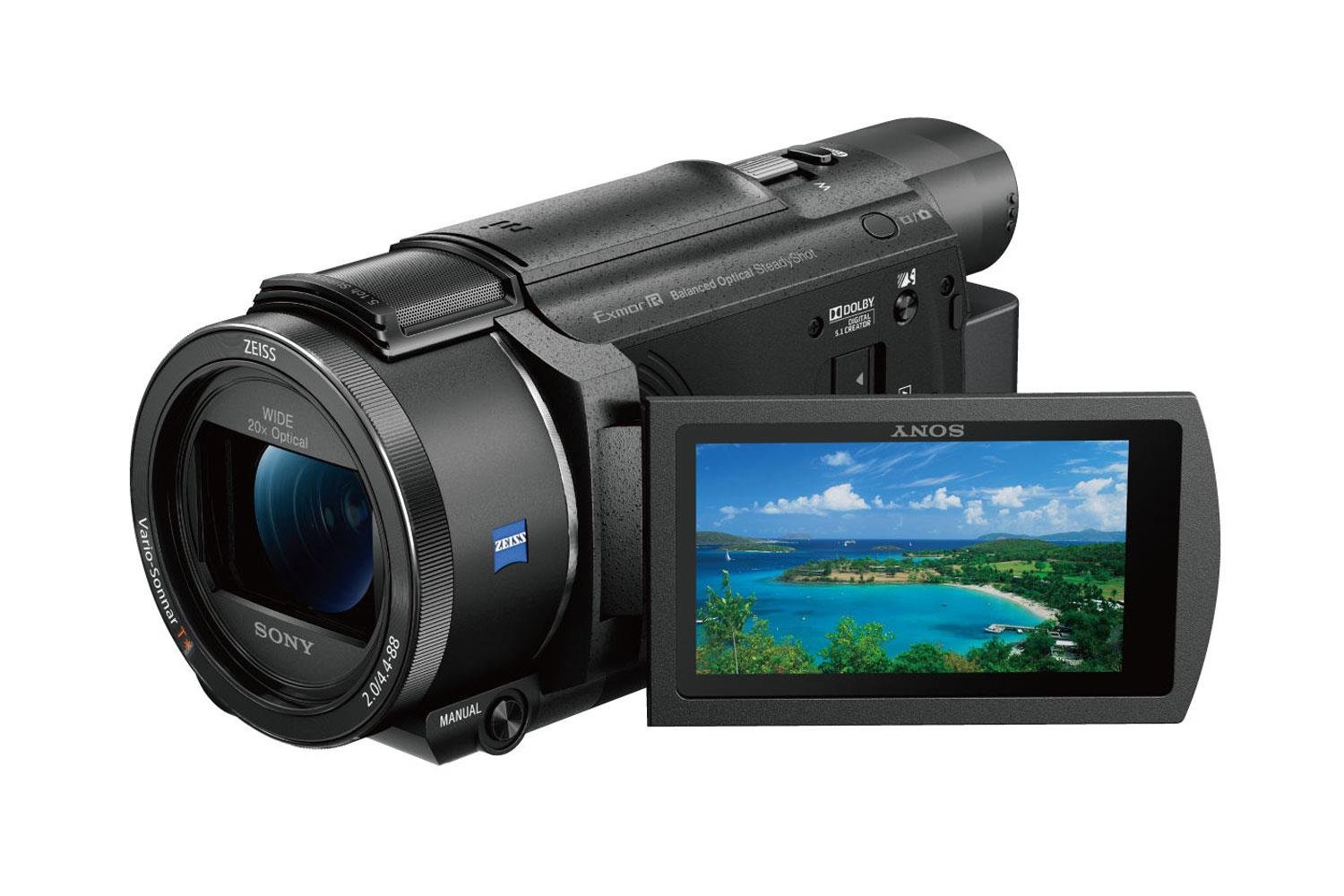
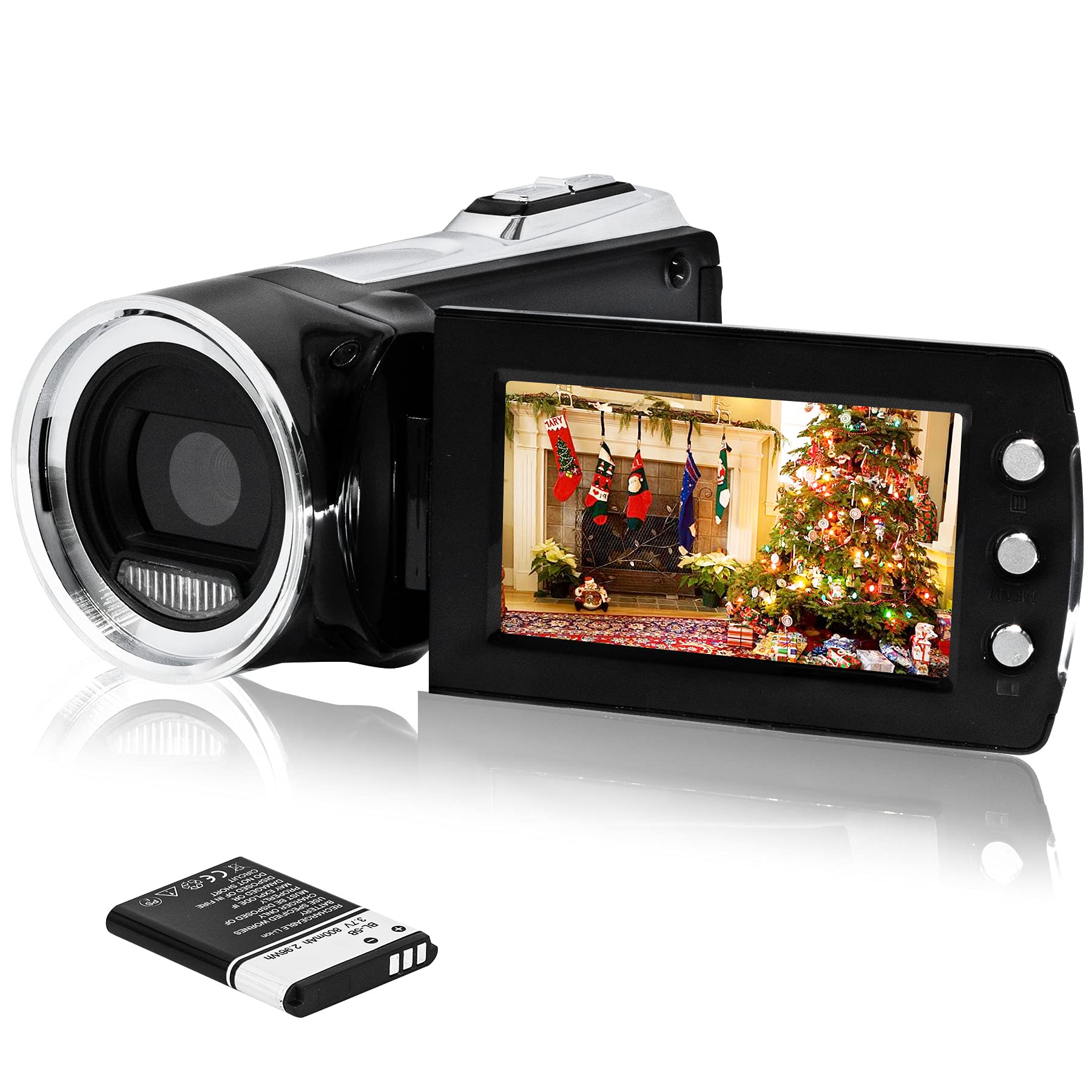
Bring memories to greater life with the 4K camcorder. Record spectacular 4K Ultra HD detail. Minimise image shake with Balanced Optical SteadyShot. Autofocus with extra-precise Fast Intelligent AF. Capture a range of stunning results using a 4K-compatible optical 20x zoom ZEISS Vario-Sonnar T* lens with 26.8mm widest angle. The performance packed into the top-class 4K Handycam® is peerless. Balanced Optical SteadyShot™ and Fast Intelligent AF achieve exactly the images you aim for. A new microphone structure captures ambience that’s all-surrounding. You can even play with time in motion or gain control of pro-style/manual functions. The possibilities and pleasures are endless. Follow these steps to import images from a Handycam camcorder, Cyber-shot camera, or α (Alpha) camera using Play Memories Home software: Download and install the Play Memories Home software on your computer. Insert a fully charged battery into your camera and then turn it on. Connect the camera to the computer using the supplied or built-in USB cable.Replacement USB cables and other accessories can be ordered. Go to Parts and Accessories. Use of a USB cable made by another manufacturer may prevent authentication or importation of images. Connect the camera to the computer's USB port directly. Using a USB hub may cause an error. Tap USB Select if it shows up on the camera display. Some camcorder models such as HDR-CX7, HDR-CX12, HDR-SR7, and HDR-SR8 don't have a built-in USB port. Connect the camera through the supplied Handycam Station. The computer should automatically install the USB driver the first time it's connected. Perform device authentication. Click OK if To use (model name) with Play Memories Home, the USB operation mode must be changed. Do you want to continue? is displayed. Check This is my camera and click on OK to close the dialog. If you own several cameras and functions have already been added to Play Memories Home, the Added Functions field of the dialog may be empty. Check the connection to the computer if the device authentication fails. Complete the device authentication process before importing images from a memory card directly. If device authentication has already been performed, skip this procedure and continue the next step. Additional information is available if AVCHD and MPEG-2 movies can't be imported using Play Memories Home. When Play Memories Home recognizes the camera, the dialog Thank you for purchasing (model name) is displayed. If (model name) is connected. Do you want to display the features to this camera or media? is displayed, click on Yes to close the dialog. Play Memories Home will start automatically. Select the name of your camera under Cameras and media. Click on Import Media Files. Choose Import new files or Select files to import. Import all photos and videos. Check Import new files to import all newly recorded photos and videos, excluding already imported ones. Import selected photos and videos. Check Select files to import to display thumbnail images stored in the camera or memory card. Put a check mark in the checkbox of the thumbnail images you want to import. Confirm import settings. In the photo and video importing window, the import drive, folder for imported videos and photos, and Settings button are displayed. Select a destination drive from the drop-down list. Click Browse to select a destination folder. Click the Import button to start importing videos and photos.
Customer reviews
10 Trustpilot reviews total, with 2 shown at a time.
I wrote to Bigamart's customer support and they accompanied the process of reshipping the item until it finally arrived. I felt a genuine effort to solve the problem till it was finally solved.
The package was here in Australia from England in a few days — so quick! Something was missing and they refunded it straight away. Pretty happy with these guys.
You might also like