TOHETO
✓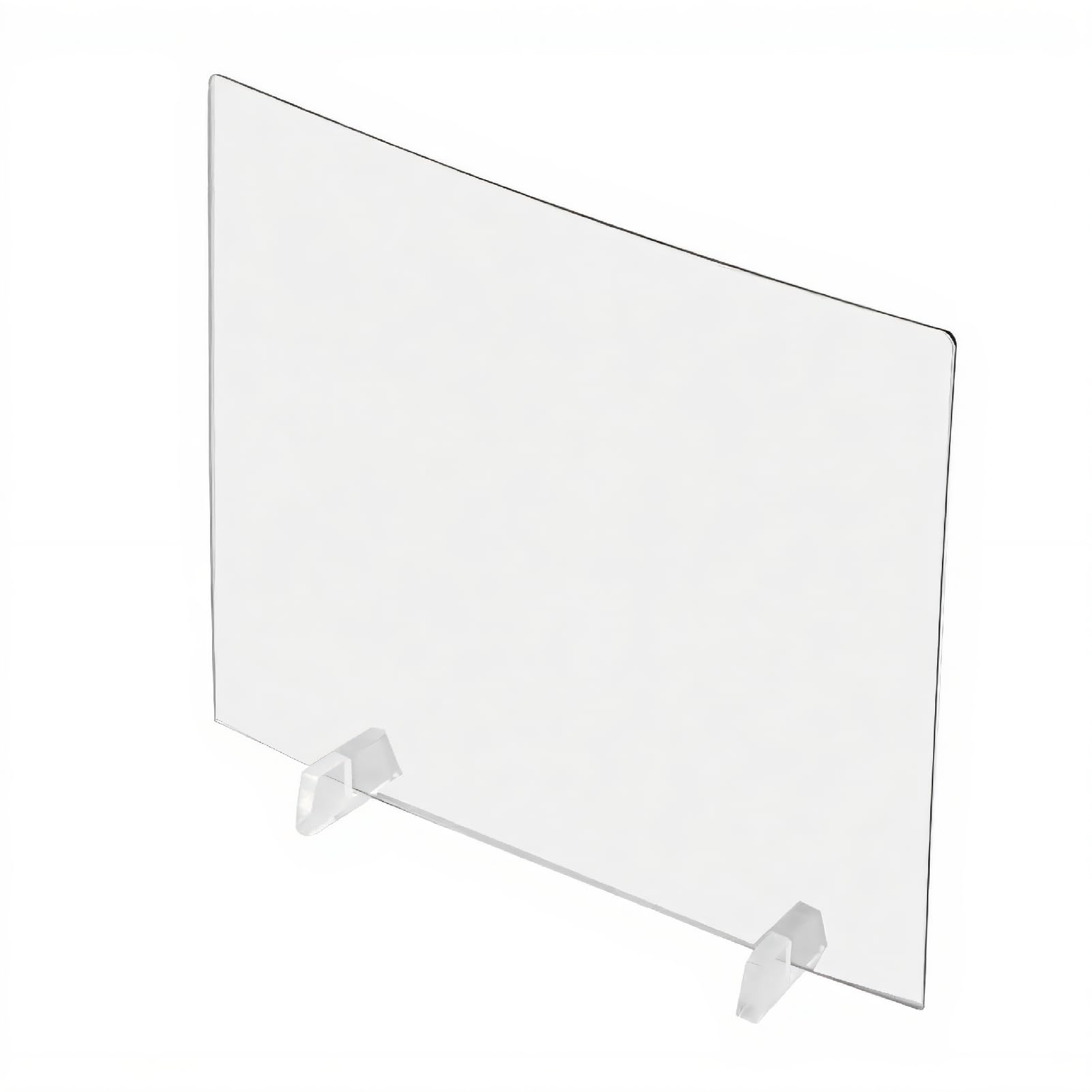
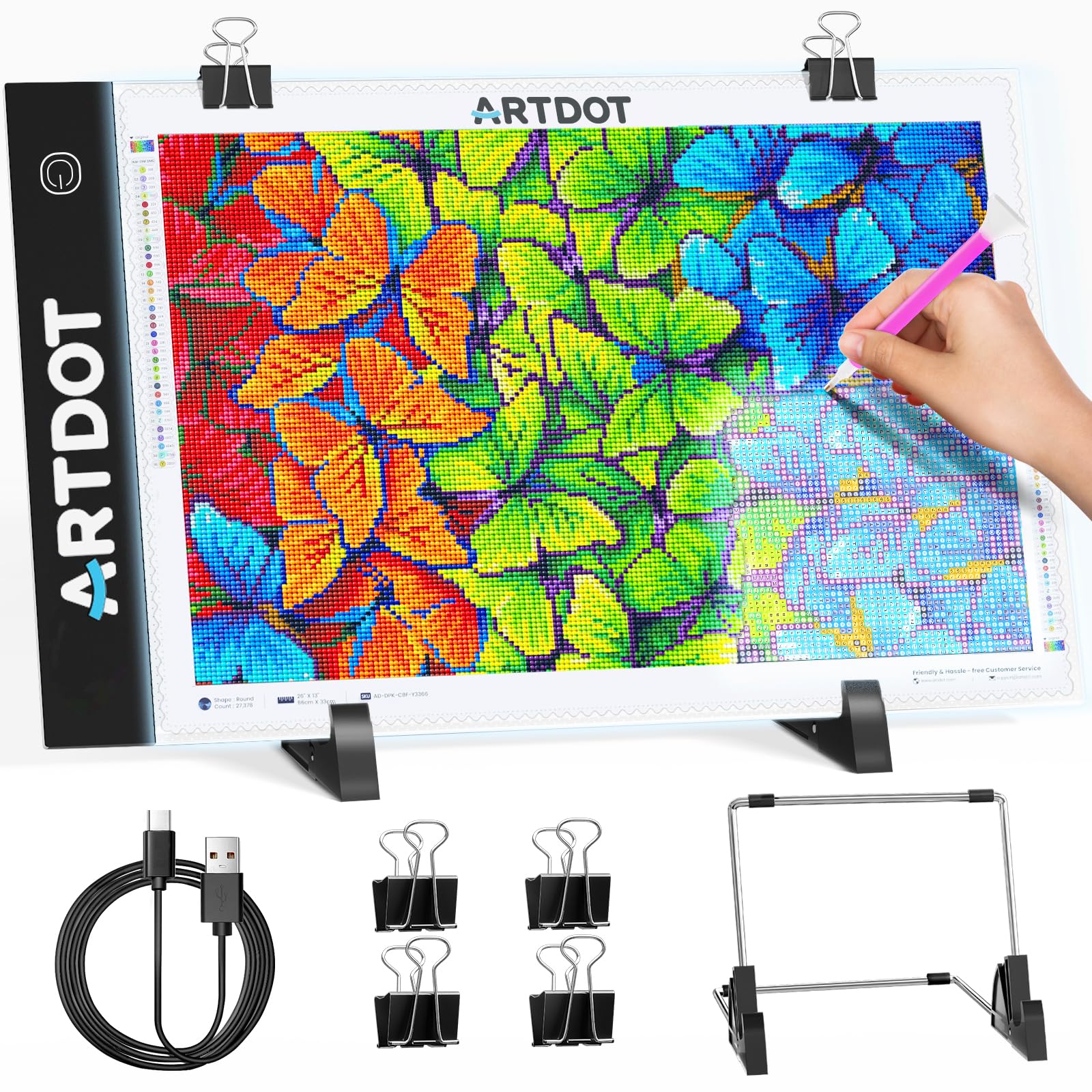
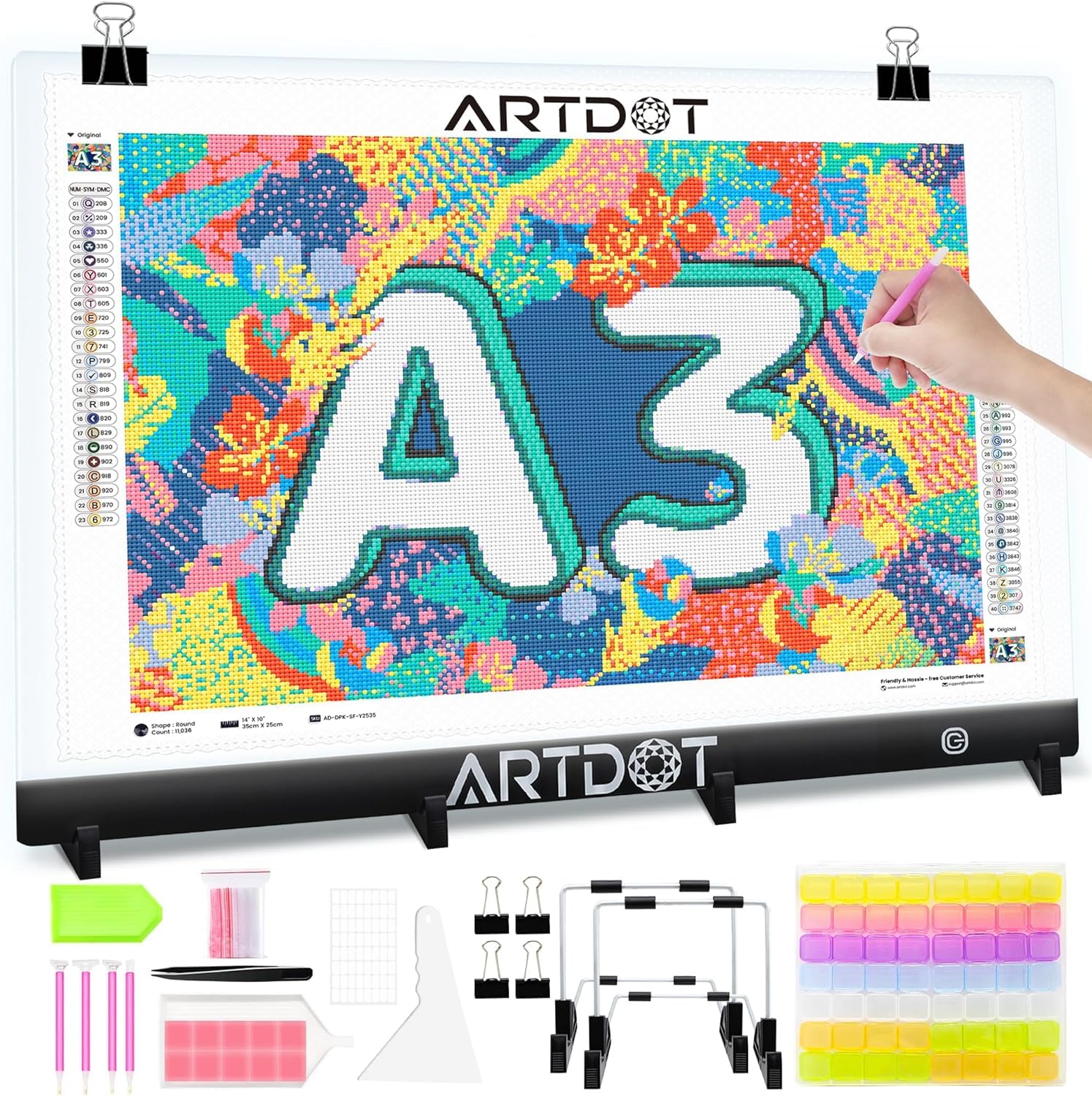
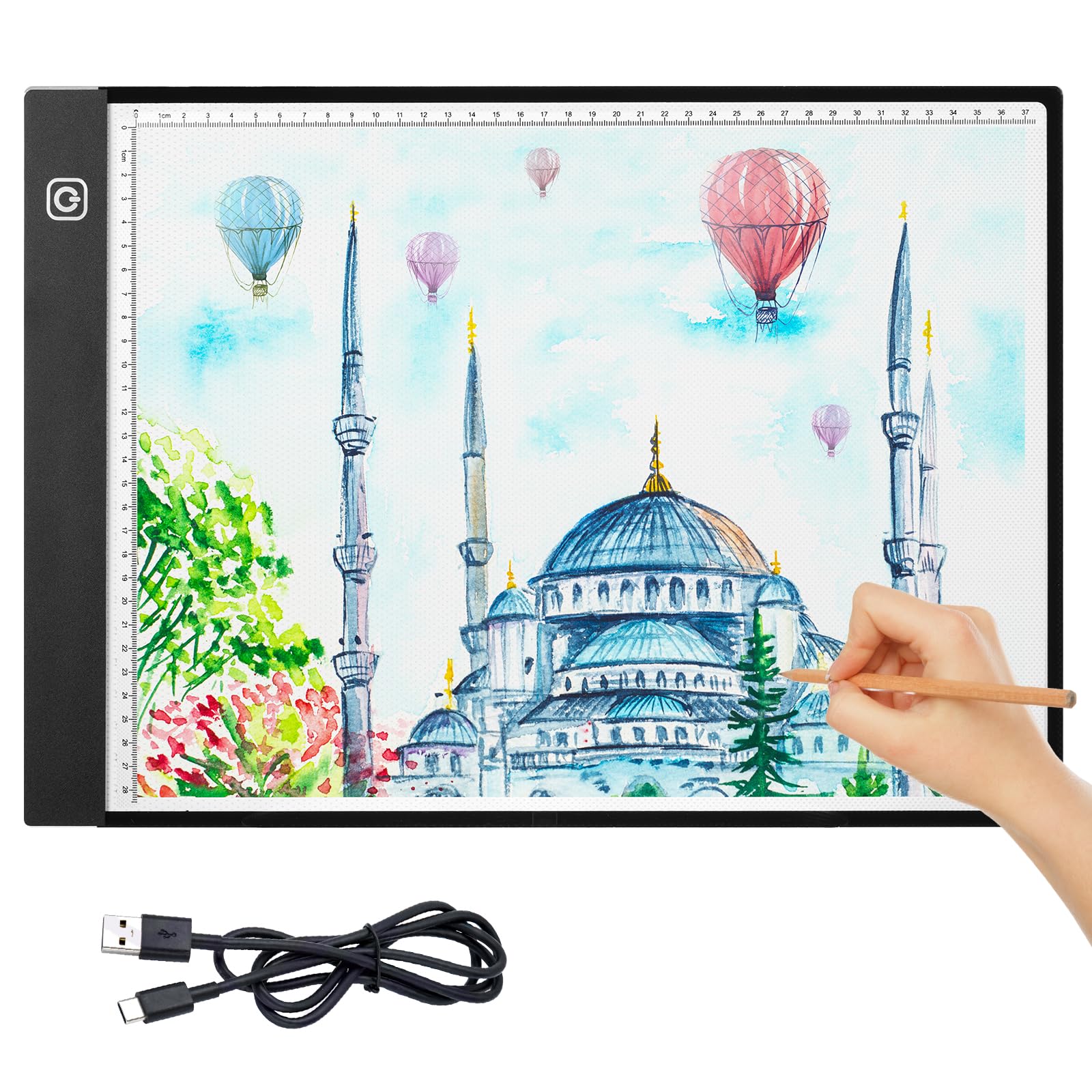
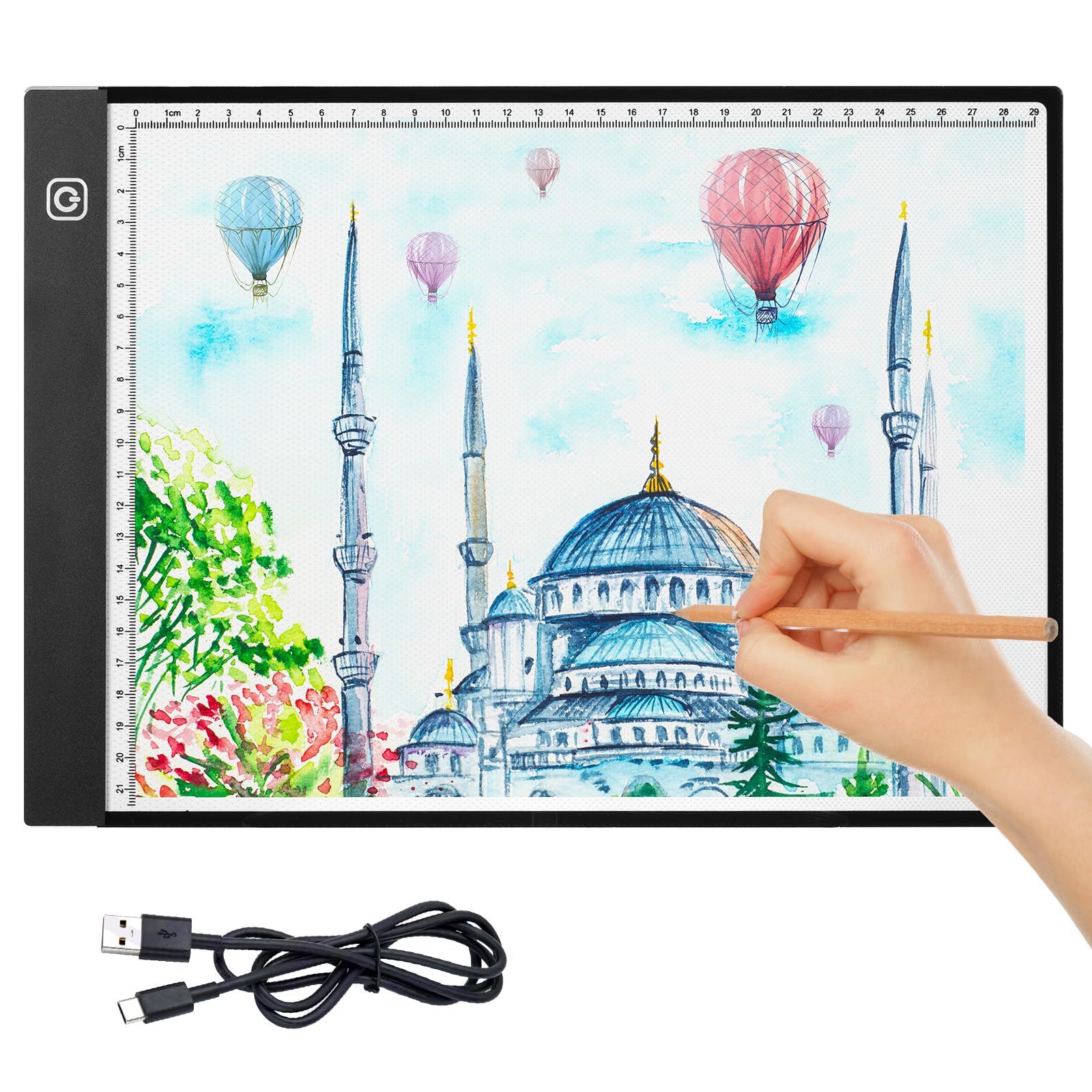
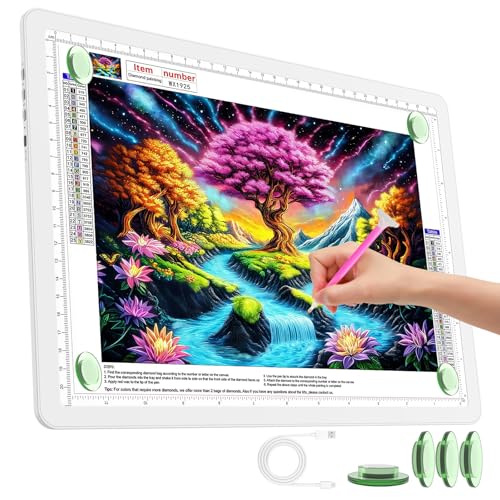
Description Specification: Type: Drawing Board Material: Acrylic Dimming mode: Use the phone to adjust the brightness Waterproof rating: IP65 Suitable for Animation industry, paper, white cloth, non-woven fabrics, graffiti, etc. Weight: Approx. 143g Size: Approx. 19.8 * 16.8 * 0.3cm / 7.8 * 6.6 * 0.1in Package list: 1 * Drawing Board 4 * Brackets 1 * User Manual Note: Please allow slight error due to manual measurement. Thanks for your kind understanding. User Guide: 1. Choose photos in your phone or tablet; 2. Using conversion software to convert pictures into sketch line drawings, or not for color pictures; 3. Mirror the picture in the phone or tablet (If not, the imaged is reversed); 4. Place the phone or tablet flat on the table, place the board on the two brackets. The board is in the middle, the phone is on one side, and the required white paper is on the other side; 5. Use the projection to draw the picture; 6. Adjust the brightness of your phone or tablet to get the desired effect.
Customer reviews
10 Trustpilot reviews total, with 2 shown at a time.
I wrote to Bigamart's customer support and they accompanied the process of reshipping the item until it finally arrived. I felt a genuine effort to solve the problem till it was finally solved.
The package was here in Australia from England in a few days — so quick! Something was missing and they refunded it straight away. Pretty happy with these guys.
You might also like