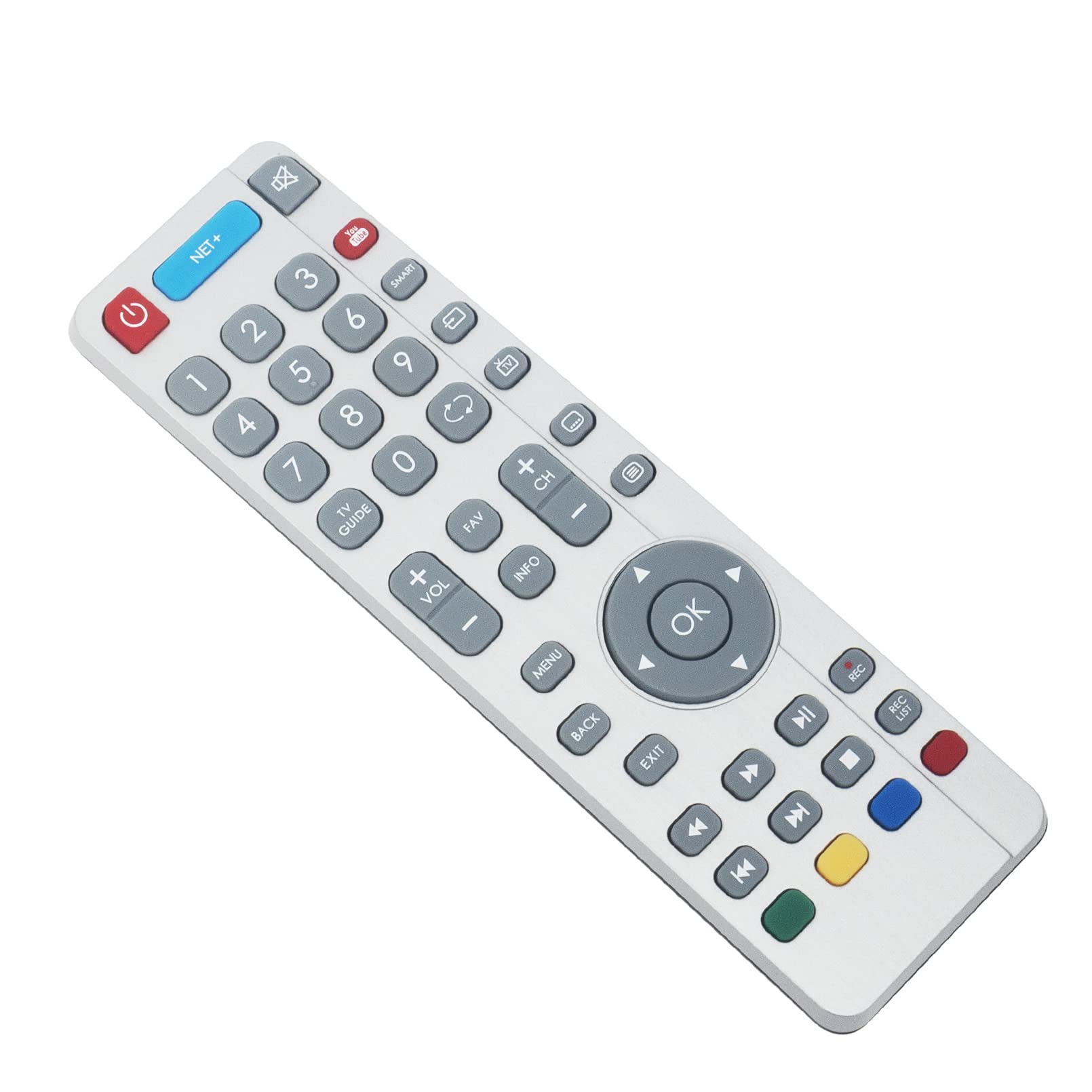

SHWRMC0111 Replace Remote Control - VINABTY SHW/RMC/0111 Remote Control for SHW RMC 0111 TV LC-43XUF8772KS LC-55XUF8772ES LC-65XUF8772ES LC-65XUF8772KS LC-55CUF8462ES LC-49CUF8462KS LC-49CUF8461KS
About this item
- The remote control SHWRMC0111 is ideal for SHW/RMC/0111 UHD 4K 3D TV remote control replacement. Perfect to replace your broken or old one. Don't miss it.A high quality replacement remote control is available to meet your needs. We offer you a 3 months warranty, so you can buy it without any concerns.
- Compatible models(not only these models): for SHW/RMC/0111 SHW RMC 0111 SHWRMC0111 LC-43XUF8772KS LC-49XUF8772ES LC-49XUF8772KS LC-55XUF8772ES LC-55XUF8772KS LC-65XUF8772ES LC-65XUF8772KS LC65XUF8772KS LC65XUF8772ES LC55XUF8772KS LC55XUF8772ES LC-55CUF8462KS LC55CUF8462KS LC-55CUF8462ES LC55CUF8462ES LC-55CUF8461KS LC55CUF8461KS LC49XUF8772KS C49XUF8772ES LC-49CUF8462KS LC49CUF8462KS LC-49CUF8462ES LC49CUF8462ES LC-49CUF8461KS LC49CUF8461KS LC43XUF8772KS LC-43CUF8462KS LC43CUF8462KS
- Pairing instructions: Turn on the TV by pressing once on the TV lever, which is located on the back of the TV in the lower left corner. Once switched on, press and hold the TV lever on the TV for a few seconds. This will prompt the 'pairing menu' to appear, press the TV lever up or down to scroll and highlight the 'pairing remote' option, then press the lever to confirm your selection.
- Then using the remote control, press and hold the YELLOW and BLUE buttons for a few seconds, the power indicator will flash 5 times to confirm that the TV and remote control are paired. For first time installation, press and hold the YELLOW and BLUE buttons on the remote control for a few seconds. The power indicator will blink 5 times to confirm that the TV and remote control are paired.
- If there is a problem with our product or service, please feel free to contact us and we will provide you with a satisfactory response within 24 hours.
Product description
Compatible models: for SHW/RMC/0111 SHW RMC 0111 SHWRMC0111 LC-43XUF8772KS LC-49XUF8772ES LC-49XUF8772KS LC-55XUF8772ES LC-55XUF8772KS LC-65XUF8772ES LC-65XUF8772KS LC65XUF8772KS LC65XUF8772ES LC55XUF8772KS LC55XUF8772ES LC-55CUF8462KS LC55CUF8462KS LC-55CUF8462ES LC55CUF8462ES LC-55CUF8461KS LC55CUF8461KS LC49XUF8772KS C49XUF8772ES LC-49CUF8462KS LC49CUF8462KS LC-49CUF8462ES LC49CUF8462ES LC-49CUF8461KS LC49CUF8461KS LC43XUF8772KS LC-43CUF8462KS LC43CUF8462KS and so on. Package included: 1x Remote Control. Pairing instructions: Turn on the TV by pressing once on the TV lever, which is located on the back of the TV in the lower left corner. Once switched on, press and hold the TV lever on the TV for a few seconds. This will prompt the 'pairing menu' to appear, press the TV lever up or down to scroll and highlight the 'pairing remote' option, then press the lever to confirm your selection. Then using the remote control, press and hold the YELLOW and BLUE buttons for a few seconds, the power indicator will flash 5 times to confirm that the TV and remote control are paired. For first time installation, press and hold the YELLOW and BLUE buttons on the remote control for a few seconds. The power indicator will blink 5 times to confirm that the TV and remote control are paired. If there is a problem with our product or service, please feel free to contact us and we will provide you with a satisfactory response within 24 hours. thank you :)
Product details
Customer reviews
What customers say about Bigamart
10 Trustpilot reviews total, with 2 shown at a time.
I wrote to Bigamart's customer support and they accompanied the process of reshipping the item until it finally arrived. I felt a genuine effort to solve the problem till it was finally solved.
The package was here in Australia from England in a few days โ so quick! Something was missing and they refunded it straight away. Pretty happy with these guys.
You might also like
Similar items


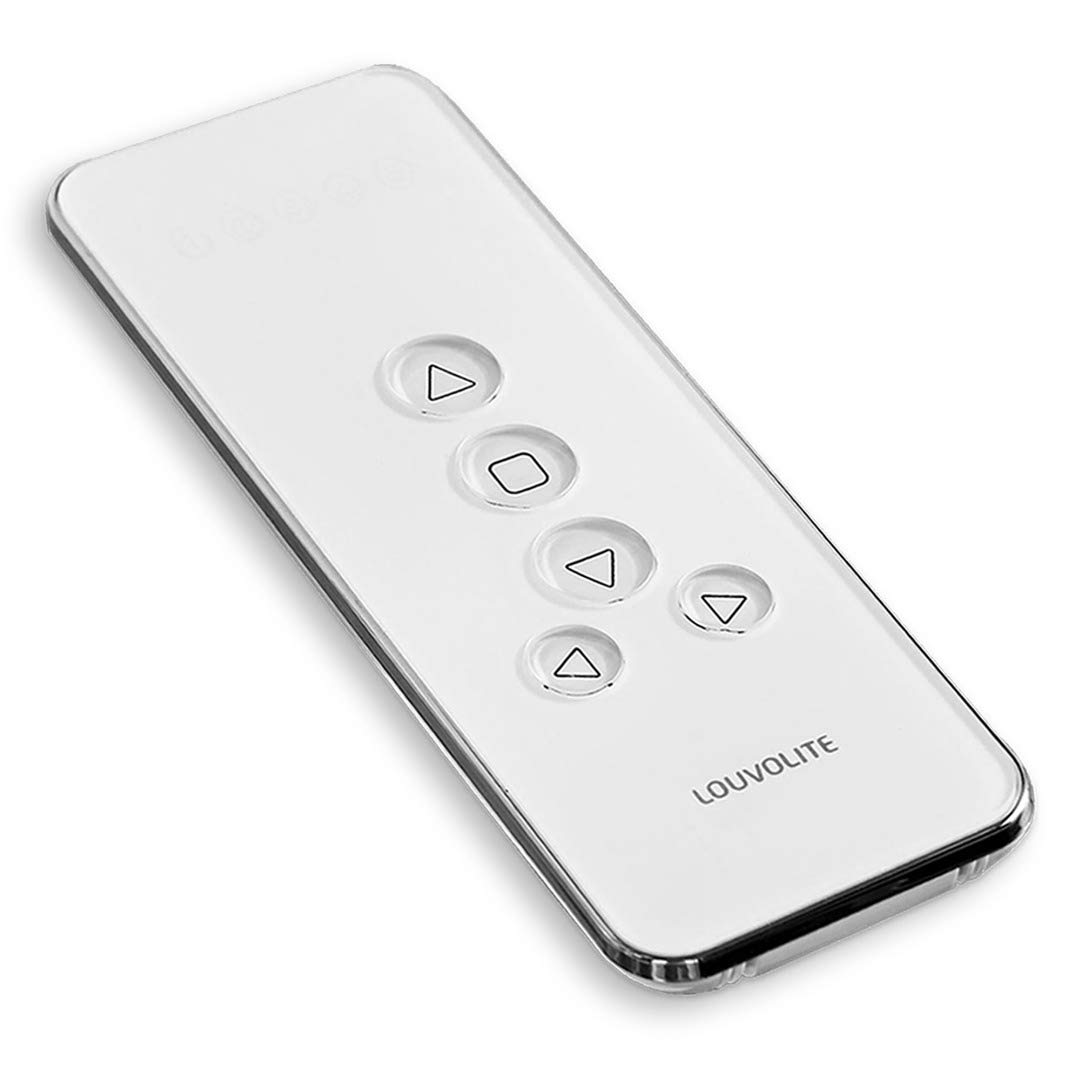
Louvolite Genuine R1720 (5-ch) Motorised Blinds Remote Controller For R1710 Motors (1100 / Gen-1)(R1720 (5 Channels))