
JJC
✓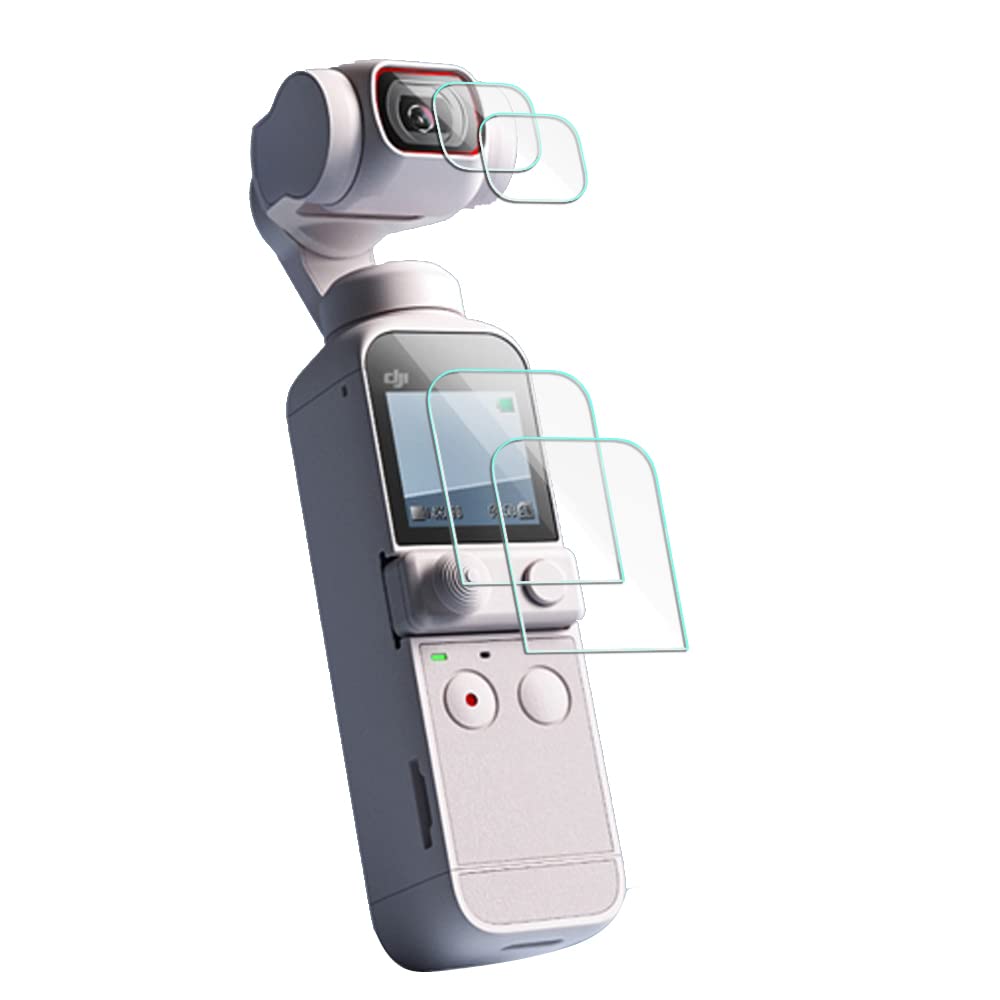
Description The process is divided into four steps: 1) cleaning your touch screen by using the green "1" (wet) and red "2" (dry) wipes. Touch ONLY the edges of the screen with your fingers since the oil from your fingers may cause problems. 2) remove dust from your screen with the blue "dust absorber" stickers. These are really sticky, and you should hold them only by the end or tab--not the middle. Use the straight stickers for the edges of your screen, and the round sticker for the main part of the screen. 3) (please see included diagram) separate the protective screen--the THICK screen, which will soon be applied to your touch screen--from the THIN protective layer. Hold on to the black tab and pull gently from one corner diagonally across to the opposite corner OR straight across if you're really good with your hands. Now you have the solid screen protector ready to apply. Again, handle the screen ONLY by its edges, and place it carefully on your clean touch screen. As you apply GENTLE pressure to the surface of your touch screen protector, you will see the screen turn from gray to black, showing that contact has been made. 4) Wipe gently , using a SOFT cloth (not paper towels, since they can scratch) from the center outward until your new screen protector is attached completely to your touch screen. You now have protected your screen from potential harm. Congratulations! Package Content: 2X Tempered Glass Film for DJI Osmo Pocket Lens 2X Tempered Glass Film for DJI Osmo Pocket LCD Screen 2X Wet Cleaning Paper. 2X Dry Cleaning Paper. 2X Dust-absorber. Only accessories, the cameras in the picture are not included.
Customer reviews
10 Trustpilot reviews total, with 2 shown at a time.
I wrote to Bigamart's customer support and they accompanied the process of reshipping the item until it finally arrived. I felt a genuine effort to solve the problem till it was finally solved.
The package was here in Australia from England in a few days — so quick! Something was missing and they refunded it straight away. Pretty happy with these guys.
You might also like
![Mr.Shield Screen Protector compatible with Garmin GPSMAP 67 679 67i 66i 66s 66st 66sr [Tempered Glass] [3-PACK] [Japan Glass with 9H Hardness]](https://images-na.ssl-images-amazon.com/images/I/81-JtcCb6vL.jpg)