![Aiziki Glass Screen Protector For Honor Magic V2 Tempered Glass Film, Impact-Protection, Anti-Shatter, Anti-Scratch, HD Clear, Bubble Free, [2 Pack] Screen Protectors Honor Magic V2](https://images-na.ssl-images-amazon.com/images/I/716MYO4WFFL.jpg)

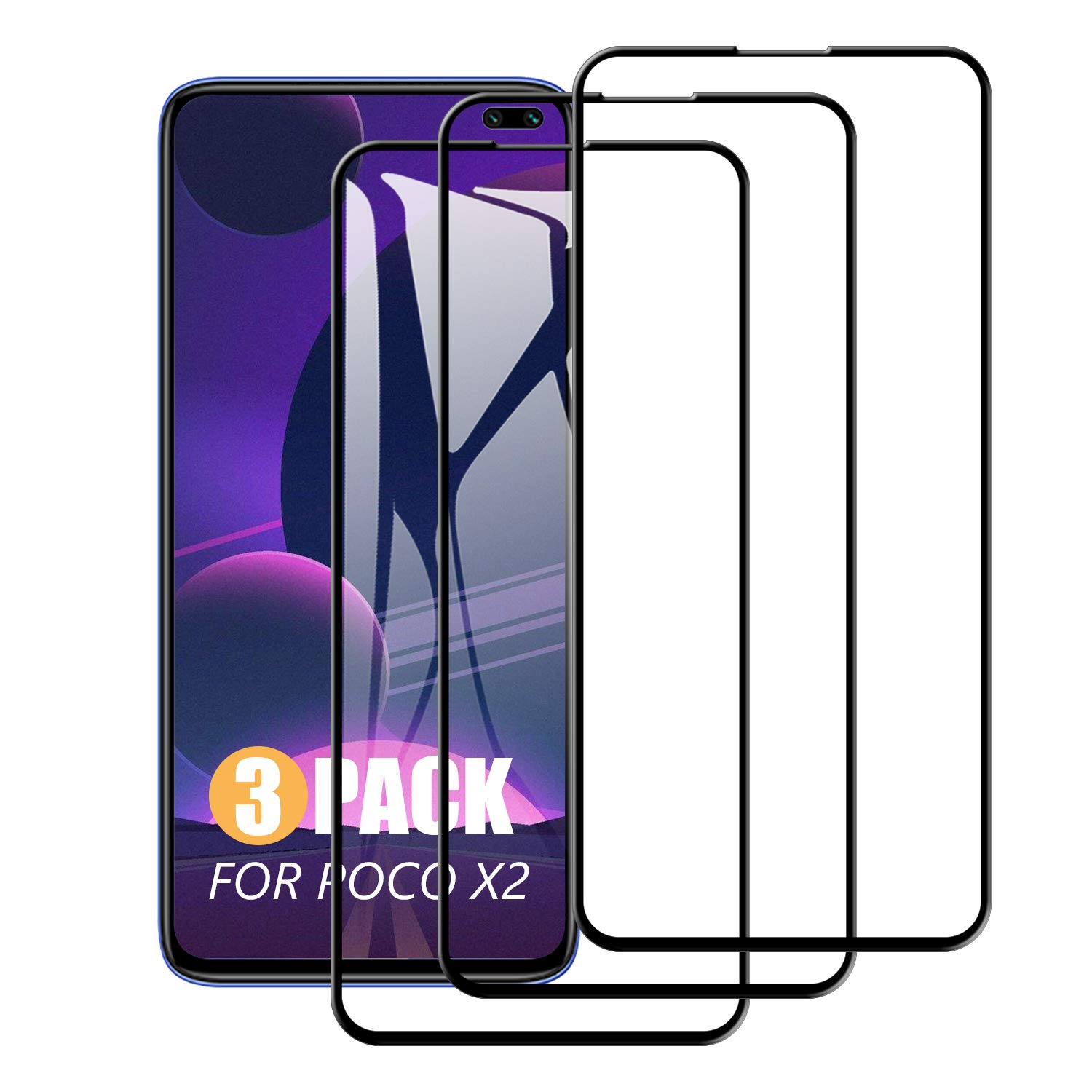
SCL Screen Protector for POCO X2, 3 Pack Full Coverage Series Tempered Glass for POCO X2, Full Screen Protection, 9H Hardness
About this item
- Full Screen Protection: Our screen protector covers the entire screen of your POCO X2 phone, offering complete defense against scratches and impacts.
- High Clarity: Enjoy the original display quality of your POCO X2 phone with this ultra - clear screen protector. It doesn't compromise the sharpness and brightness of the screen.
- 9H Hardness: The tempered glass screen protector has a high hardness level of 9H, which means it can effectively resist scratches and minor bumps, keeping your POCO X2 phone screen in good condition.
- Bubble - free Installation: The design of the screen protector allows for an easy and bubble - free installation. You can get a perfect fit on your POCO X2 phone screen without any hassle.
- Anti - fingerprint & Anti - stain: With an oleophobic coating, the screen protector can repel fingerprints and stains, making it easier to keep your POCO X2 phone screen clean and clear.
Product description
Model Compatibility Check: Please ensure that your phone model is POCO X2 before making a purchase to avoid any compatibility issues. Package Contents: 3 x Full Coverage Screen Protectors 3 x Installation Toolkits Installation Steps: Clean the Screen: Use the wet wipe to thoroughly clean the screen, removing all dust, fingerprints, and grease. Gently lift any small dust particles with the dust - removing sticker to make sure the screen is completely clean. Install the Screen Protector: Carefully peel off the protective film on the back of the screen protector, avoiding touching the adhesive side. Slowly place the protector onto the screen of your POCO X2 phone, starting from the top or one side, and align it accurately with the screen. Remove Bubbles: Gently press the center of the screen protector with your finger and push the bubbles towards the edges. If there are any stubborn bubbles, use the dust - removing sticker to lift the protector slightly and press out the bubbles again. Installation Tips: Environment: It's better to install the screen protector in a relatively clean environment to reduce the possibility of dust particles getting under it. Patience: Take your time and be careful during the installation process to ensure proper alignment and adhesion. Re - installation: If you are not satisfied with the first installation, you can gently peel it off and re - attach it. However, try to avoid frequent re - installation to maintain the adhesive effect.
Product details
Customer reviews
What customers say about Bigamart
10 Trustpilot reviews total, with 2 shown at a time.
I wrote to Bigamart's customer support and they accompanied the process of reshipping the item until it finally arrived. I felt a genuine effort to solve the problem till it was finally solved.
The package was here in Australia from England in a few days โ so quick! Something was missing and they refunded it straight away. Pretty happy with these guys.
You might also like
Similar items
![Aiziki Glass Screen Protector For Honor Magic V2 Tempered Glass Film, Impact-Protection, Anti-Shatter, Anti-Scratch, HD Clear, Bubble Free, [2 Pack] Screen Protectors Honor Magic V2](https://images-na.ssl-images-amazon.com/images/I/716MYO4WFFL.jpg)

Spigen Glas.tR EZ Fit Privacy Tempered Glass Screen Protector for iPhone 17e, iPhone 16e, iPhone 14, iPhone 13, iPhone 13 Pro - 2 Pack

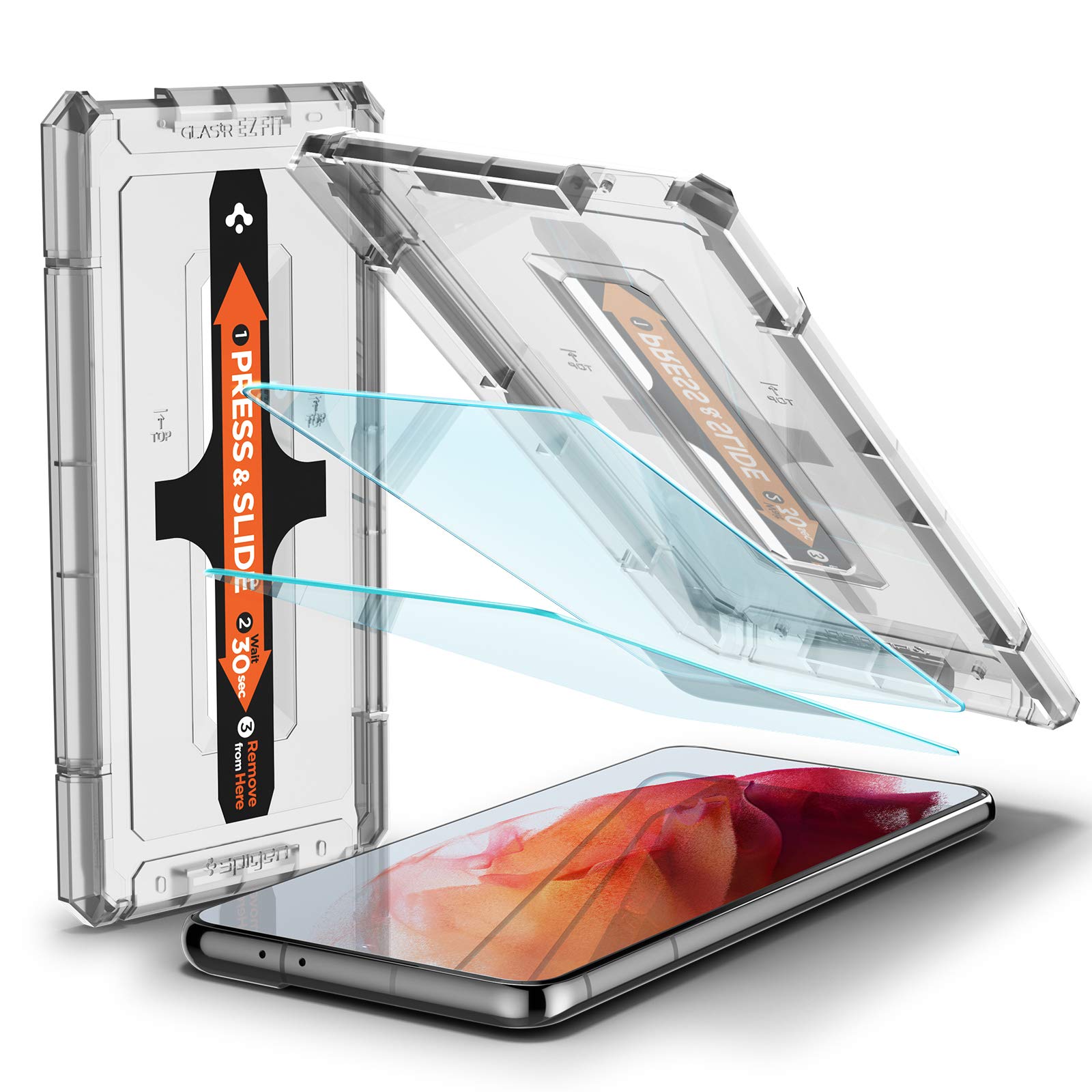
Spigen 2 Pack EZ Fit Tempered Glass Screen Protector for Samsung Galaxy S21

Olixar Case with Screen Protector for Sony Xperia 5 II, Stylish 2 in 1 Protection - Defend your Phone & Screen from Drops, Shocks and Scratches Sentinel - Black