WONNIE
✓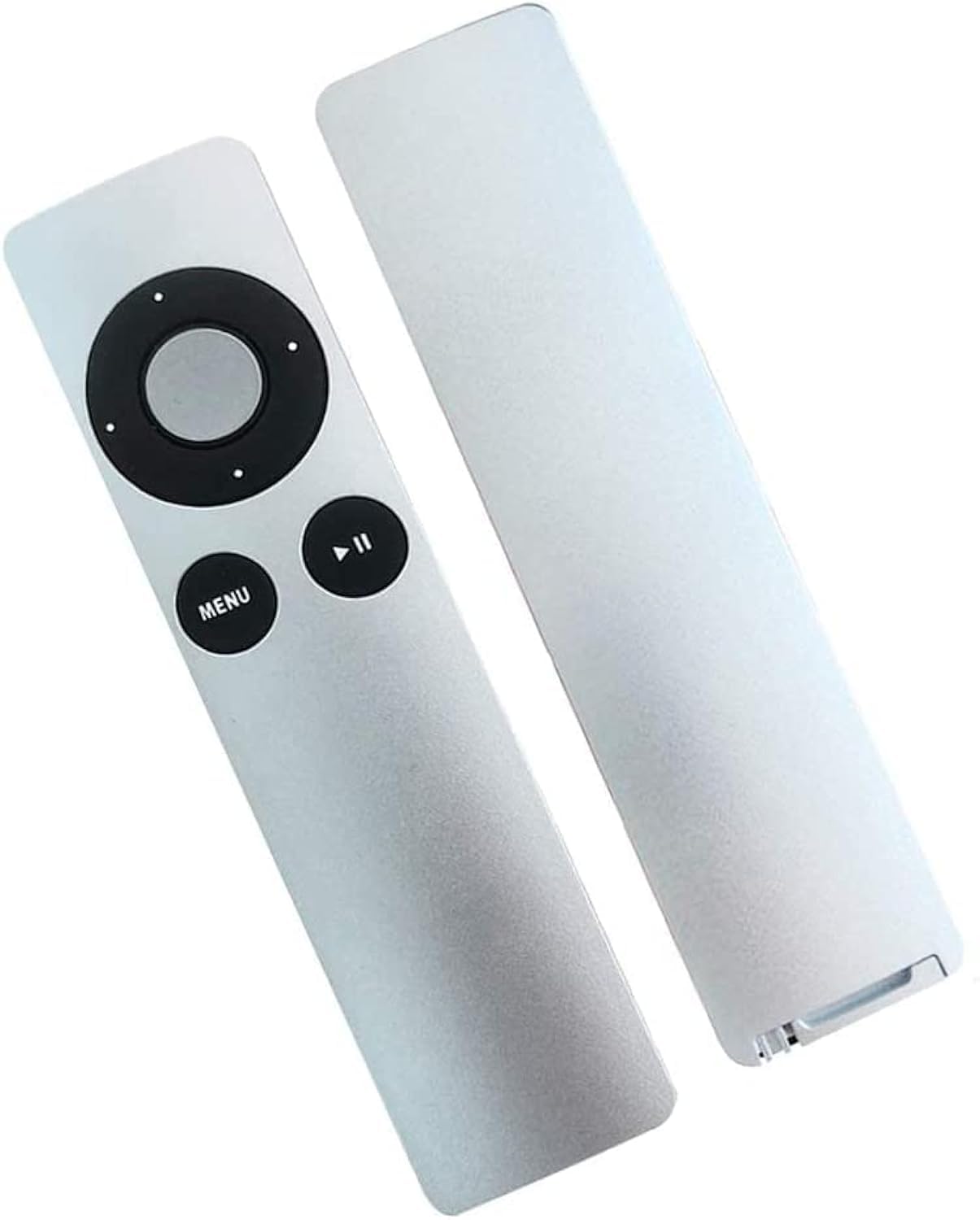
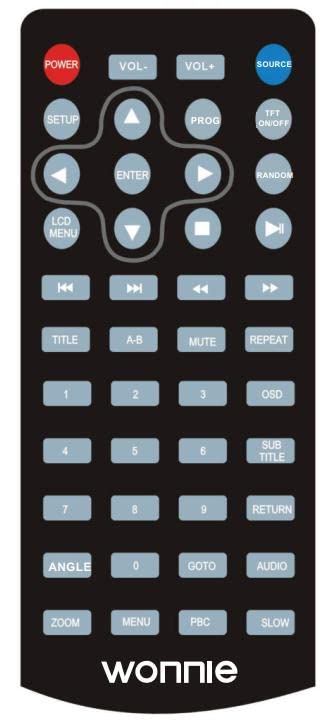
NOTE: This remote control is made of plastic, which is different from the original one. THREE WAYS TO UNPAIR YOUR APPLE TV 1) IF YOU HAVE AN ORIGINAL REMOTE: With your original remote (aluminum or white), and follow the steps below: Access the main menu of your Apple TV. Choose Settings> General> Remotes, then choose Unpair Apple Remote. Pair A After successfully unpairing a device, you should see a broken chain link icon above an icon of an unRa remote on your Apple TV 2) IF YOU LOSE THE ORIGINAL REMOTE: use the remote application to unpair your Apple TV and follow the steps below: Prepare an IOS device> Install the free application remotely on the IOS device from the App Store> Tap Ado Apple TV to pair the app with your Apple TV> Then use the Remote app to unpair Apple Remote. (please refer to 1)) Note If you don't see the Add Apple TV button, please make sure your Apple TV and iOS devices are connected to the same Wi-Fi network and are running the latest version of their software respective. Also check if Home Sharing is enabled in iTunes. If not, please follow the steps below: Open iTunes on your computer and choose File> Home Sharing> Turn on Home Sharing. 3) UNPART YOUR APPLE TV BY THE REMAINING ON ITUNES WITH A COMPUTER. @ Unplug the HDMI cable and the power cord from your Apple TV. Open iTunes on your computer. Make sure you have the latest version. ③ On the back of your Apple TV (4th generation), plug in a USB-C cable. For Apple TV (2nd or 3rd generation), use a Micro-USB cable. Use the correct cable for your model and never plug a Lightning to USB cable into your Apple TV.
Customer reviews
10 Trustpilot reviews total, with 2 shown at a time.
I wrote to Bigamart's customer support and they accompanied the process of reshipping the item until it finally arrived. I felt a genuine effort to solve the problem till it was finally solved.
The package was here in Australia from England in a few days — so quick! Something was missing and they refunded it straight away. Pretty happy with these guys.
You might also like