

Thumbs Up
✓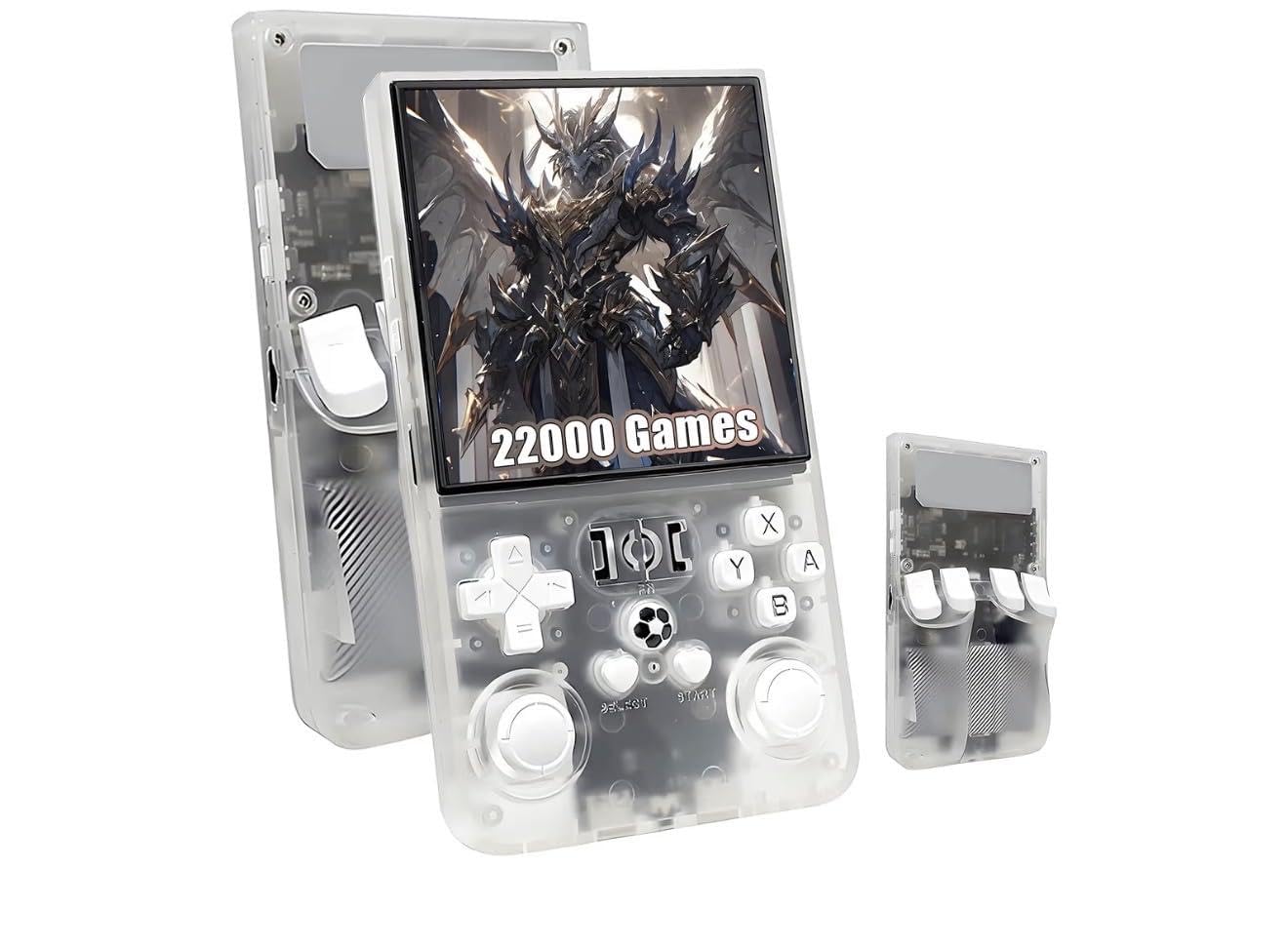
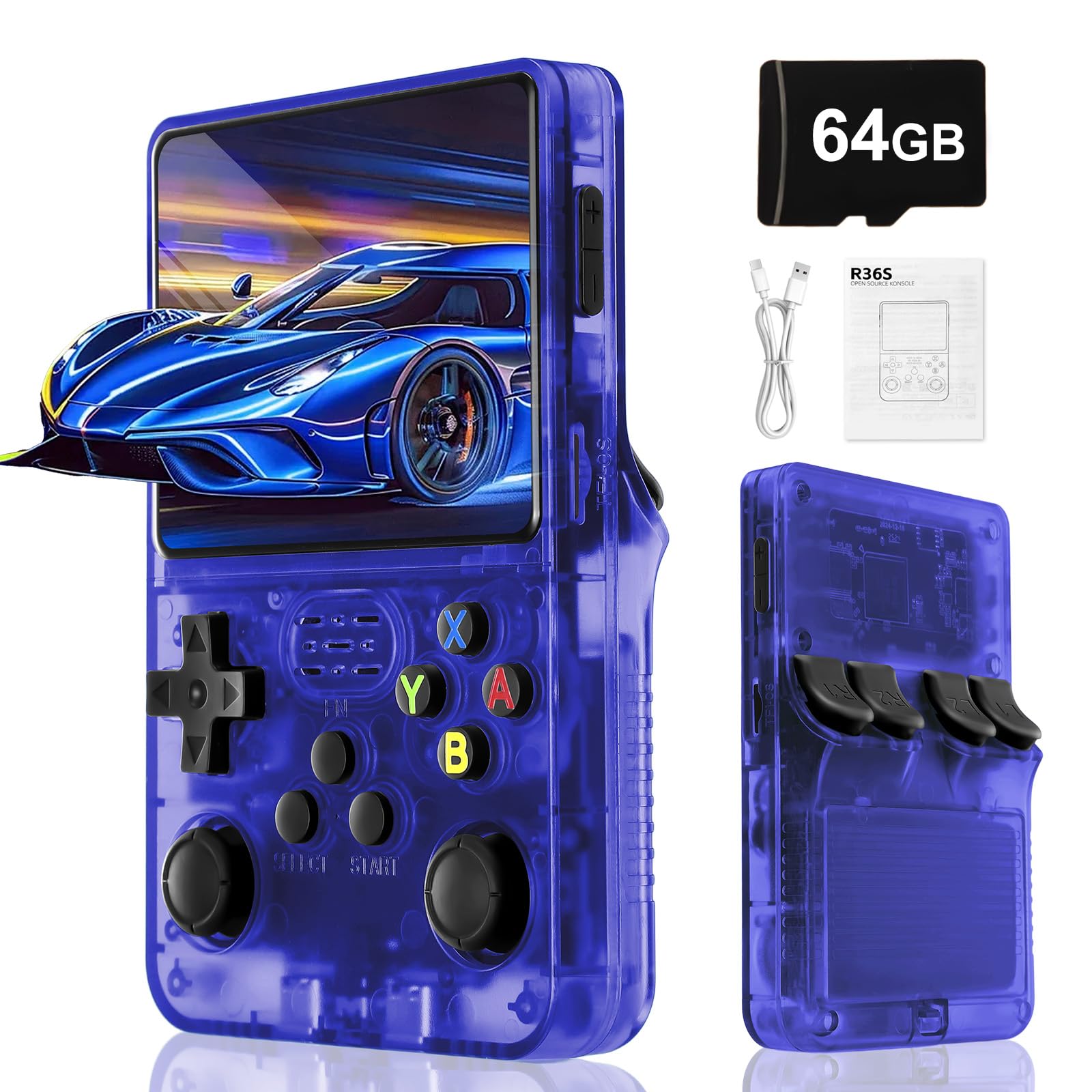
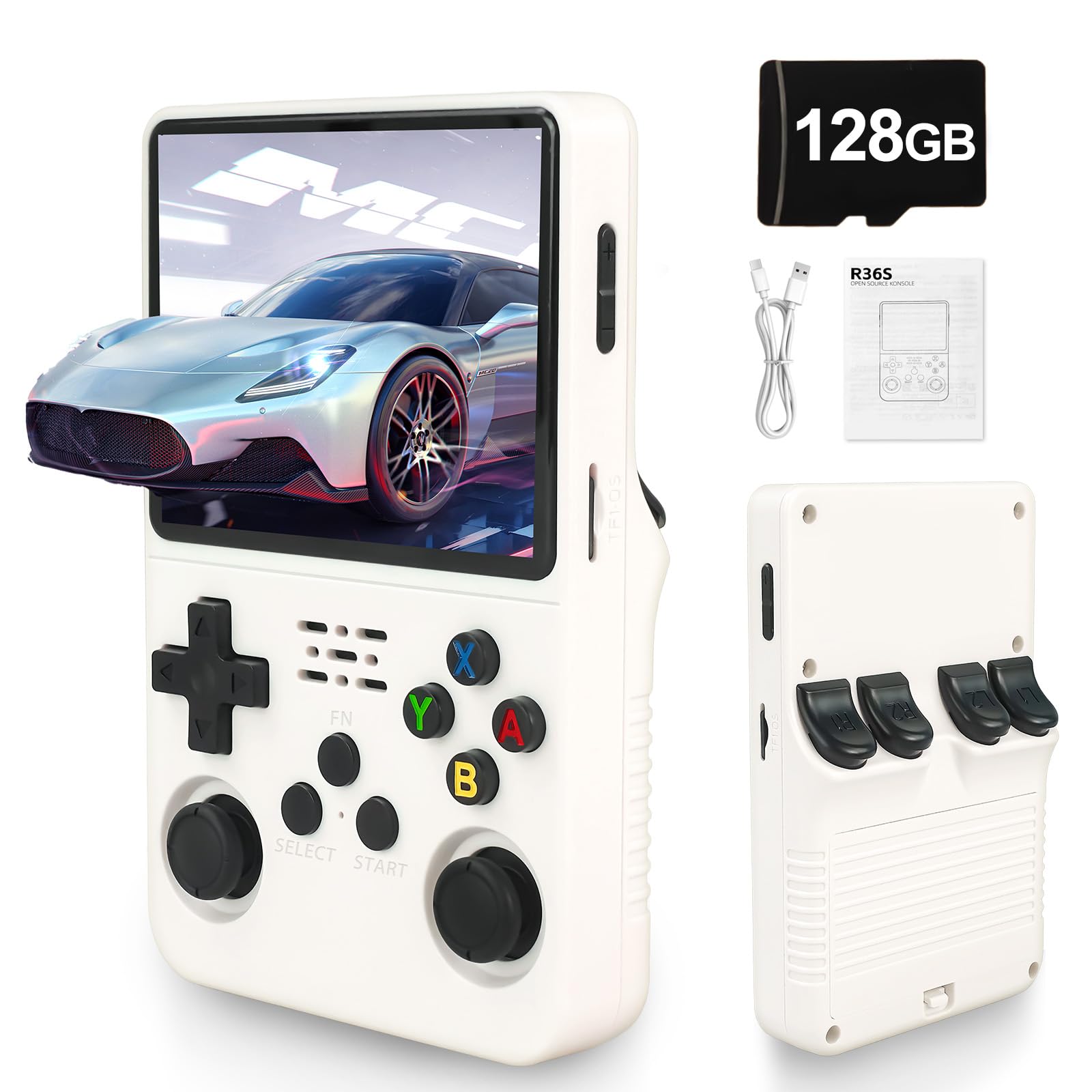
Product description Step into the world of retro gaming with the R36 MAX handheld console, a powerhouse of nostalgic entertainment featuring over 18,000 pre-loaded classic games. This versatile gaming system supports multiple emulators including MAME, N64, P.S, NEO, GBA, FC, SFC, MD, and various systems. The carefully designed ergonomic layout ensures comfortable extended gaming sessions, while the crisp display brings your favourite classics to life. The console comes in several stylish colours and includes a protective carrying case for safe transport. The comprehensive button layout, featuring dual joysticks, a D-pad, and action buttons, provides precise control for various gaming genres. The 2025 upgrade brings enhanced performance and compatibility, making this the perfect companion for retro gaming enthusiasts. The package includes screen protection accessories and cleaning wipes to maintain your device in optimal condition. Whether you're a casual gamer or a dedicated retro collector, the R36 MAX offers an extensive library of gaming history in a compact format. Directions 1. Remove the console from its packaging. 2. Charge the console using the provided USB cable. 3. Turn on the console using the power button. 4. Navigate the game library using the D-pad and select a game. 5. Use the action buttons and dual joysticks to control the game. 6. To save your progress, press the 'Menu' button and select 'Save State'. 7. To exit a game, press the 'Home' button and select 'Exit Game'. Safety Warning Keep away from children under 36 months
Customer reviews
10 Trustpilot reviews total, with 2 shown at a time.
I wrote to Bigamart's customer support and they accompanied the process of reshipping the item until it finally arrived. I felt a genuine effort to solve the problem till it was finally solved.
The package was here in Australia from England in a few days — so quick! Something was missing and they refunded it straight away. Pretty happy with these guys.
You might also like