MZHOU
⏳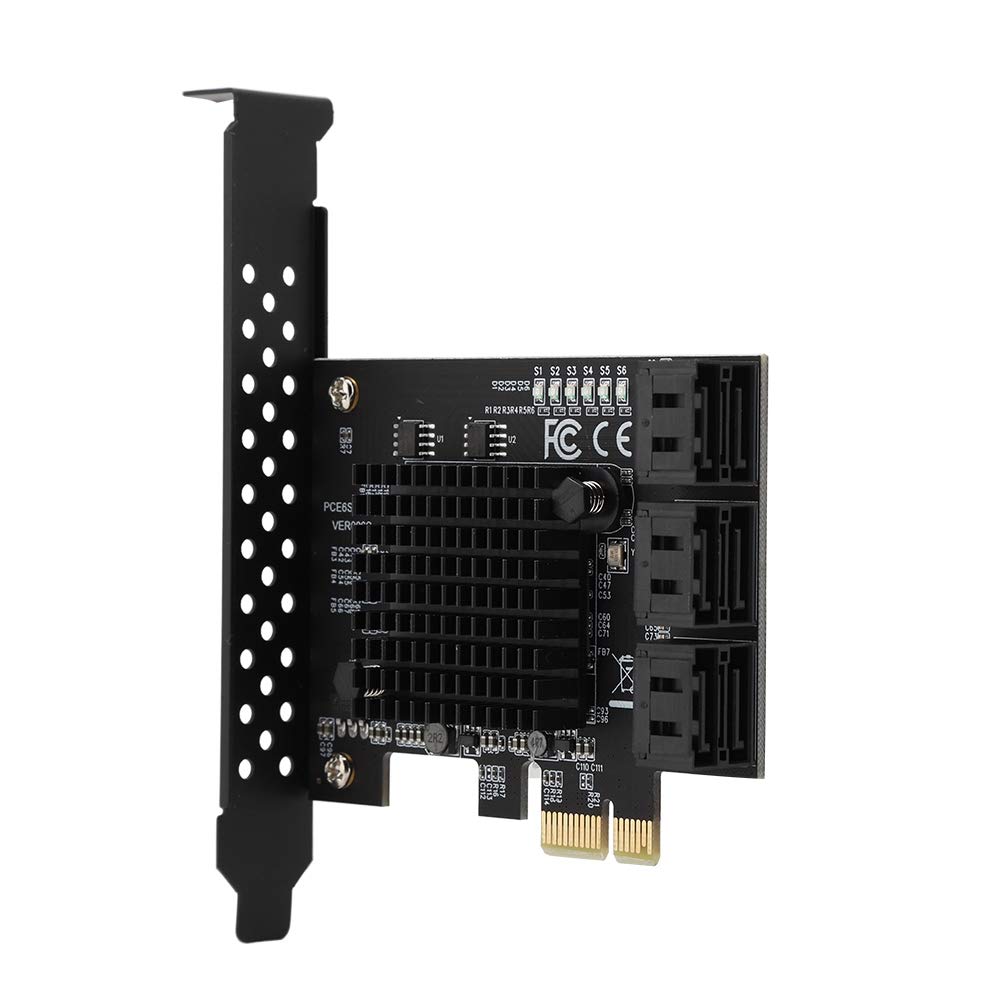
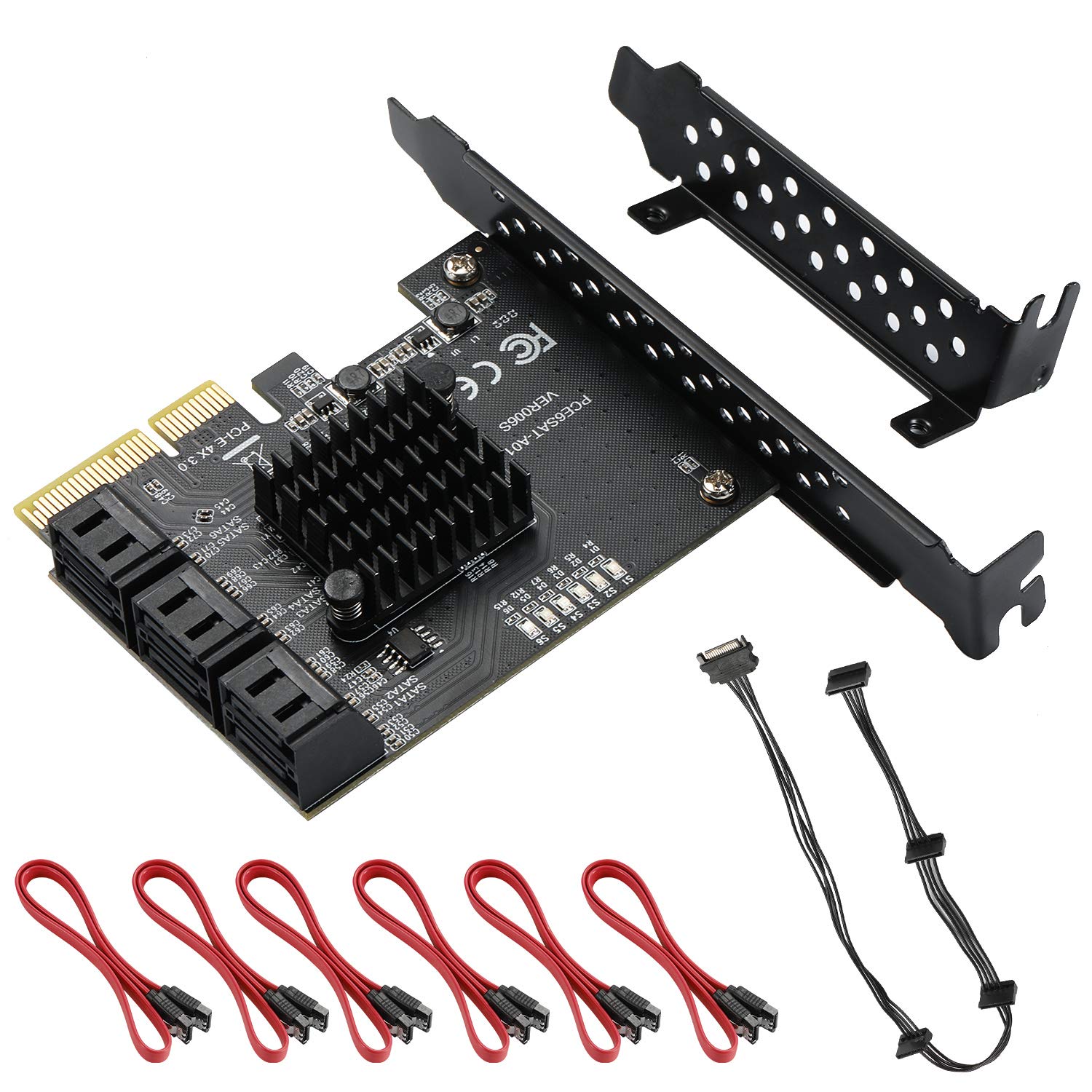
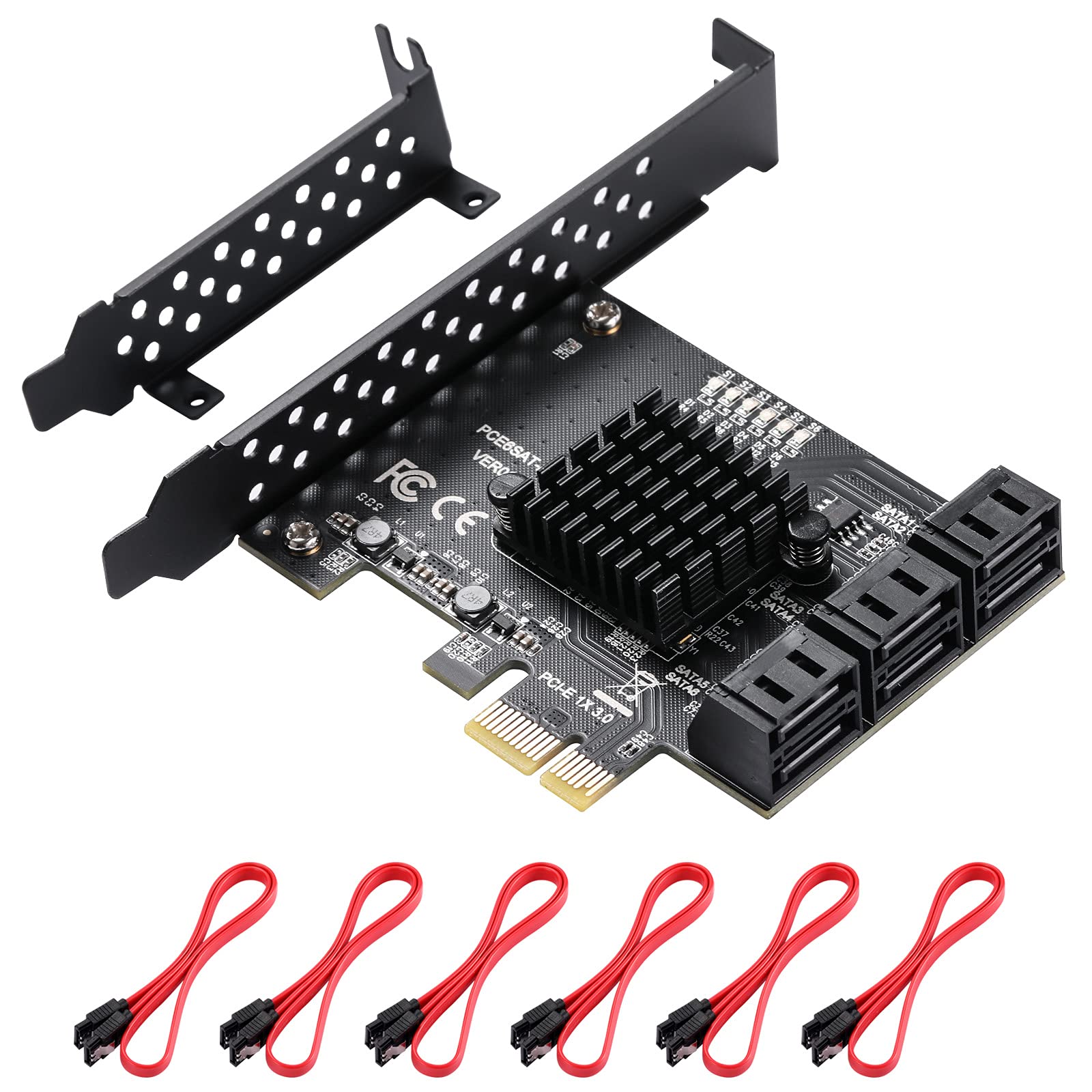
Specification: Name: 6-port SATA3.0 expansion card Model: PCE6SAT-M01 Master control: for marvell 88SE92xx+109X Interface: PCI-E 1x, 2x, 4x, 8x, 16x Support system: for WINXP / / / / LINUX Bus interface: PCI-Express x1 slot Expansion interface: 6 SATA3.0 interfaces Product size: approx. 12 * 10 * 2cm / 4.7 * 3.9 * 0.8inch The PCIE to SATA3.0 riser card is used as follows: First, the system disk and PCIE to SATA3.0 riser card connection conditions and solutions: 1. The SATA interface mode of PCIE to SATA3.0 is AHCI mode. If you want to plug in the system disk on our card, the premise is that your system disk must be installed in AHCI mode when installing the system on the motherboard. Otherwise, the system cannot be started through our transfer card. 2. If it is determined that the SATA interface installation system of the system disk inserted in the motherboard is AHCI mode, then you can directly insert the hard disk into our card, and then enter the motherboard BIOS to set the system disk as the first boot. 3. If the above two conditions are met, if the hard disk interface of the motherboard still fails to start, or restarts repeatedly, it may be caused by the conflict between the hard disk interface of the motherboard and our transfer card. The solution is to enter the motherboard BIOS and set the hard disk interface option of the motherboard to Disabled, then save and restart to start the system. Package List: Riser card *1 Half height baffle *1
Customer reviews
10 Trustpilot reviews total, with 2 shown at a time.
I wrote to Bigamart's customer support and they accompanied the process of reshipping the item until it finally arrived. I felt a genuine effort to solve the problem till it was finally solved.
The package was here in Australia from England in a few days — so quick! Something was missing and they refunded it straight away. Pretty happy with these guys.
You might also like