Braun
✓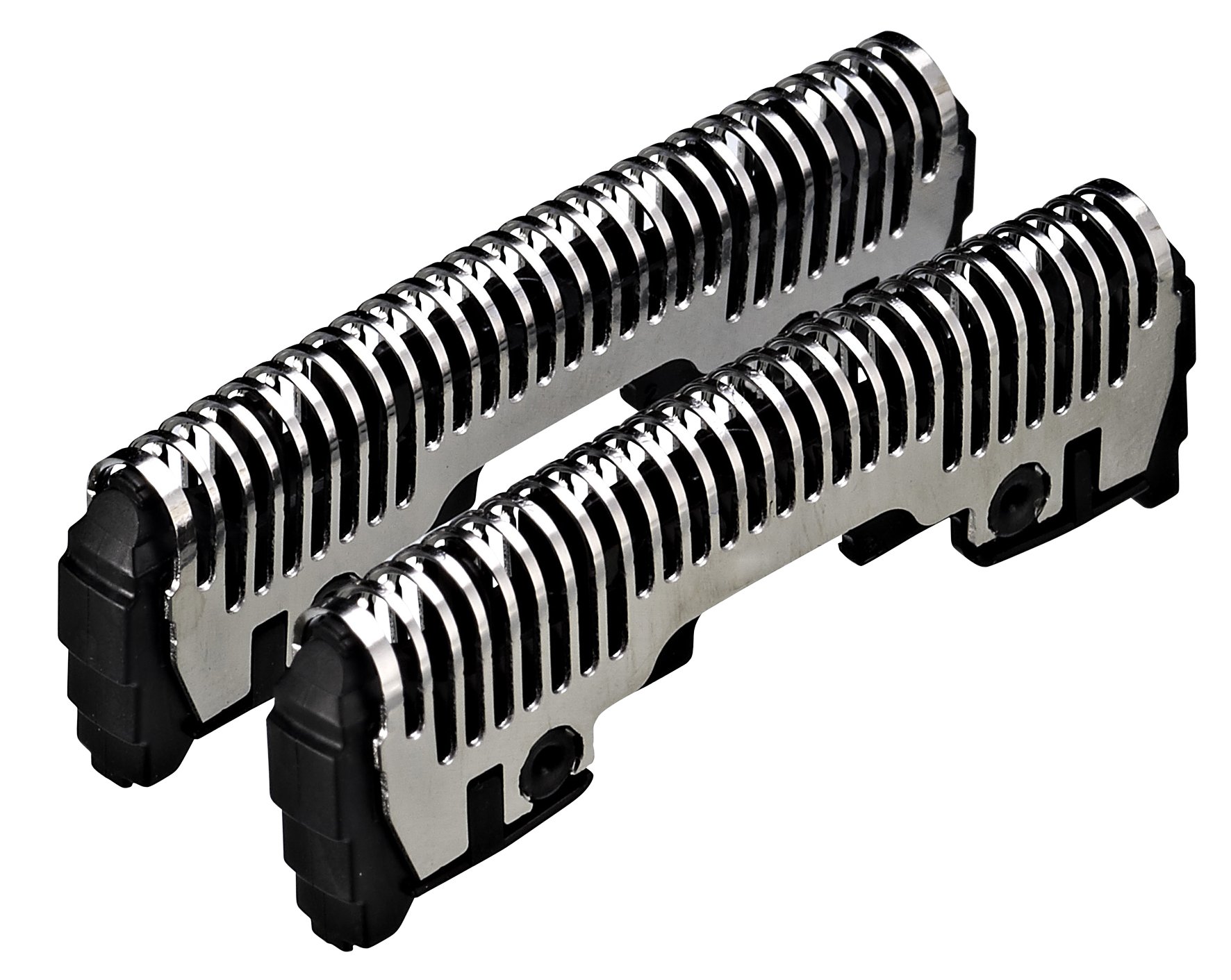
Product description Suitable for: Panasonic ES-LV81, LV61. Technical details: Product colour: black, metallic Compatible products: ES-LV81, ES-LV61 Directions 1. Make sure your Panasonic electric shaver is turned off and unplugged. 2. Carefully remove the old shaving head by rotating it counterclockwise. 3. Take one of the new shaving heads from the replacement set. 4. Align the pins of the new shaving head with the notches on the razor. 5. Firmly insert the new shaving head by rotating it clockwise until it snaps into place. 6. Repeat steps 3-5 to install the other shaving heads if necessary. 7. Plug in and turn on your Panasonic electric shaver to verify that the new shaving heads are working properly. Safety Warning Make sure your Panasonic electric shaver is turned off and unplugged before handling the blades. Avoid using the electric shaver near water, unless the 'Waterproof' feature is explicitly mentioned and specific precautions are provided. Box Contains Heart Rate Monitor Analog Transmission Pm 25
Customer reviews
10 Trustpilot reviews total, with 2 shown at a time.
I wrote to Bigamart's customer support and they accompanied the process of reshipping the item until it finally arrived. I felt a genuine effort to solve the problem till it was finally solved.
The package was here in Australia from England in a few days — so quick! Something was missing and they refunded it straight away. Pretty happy with these guys.
You might also like