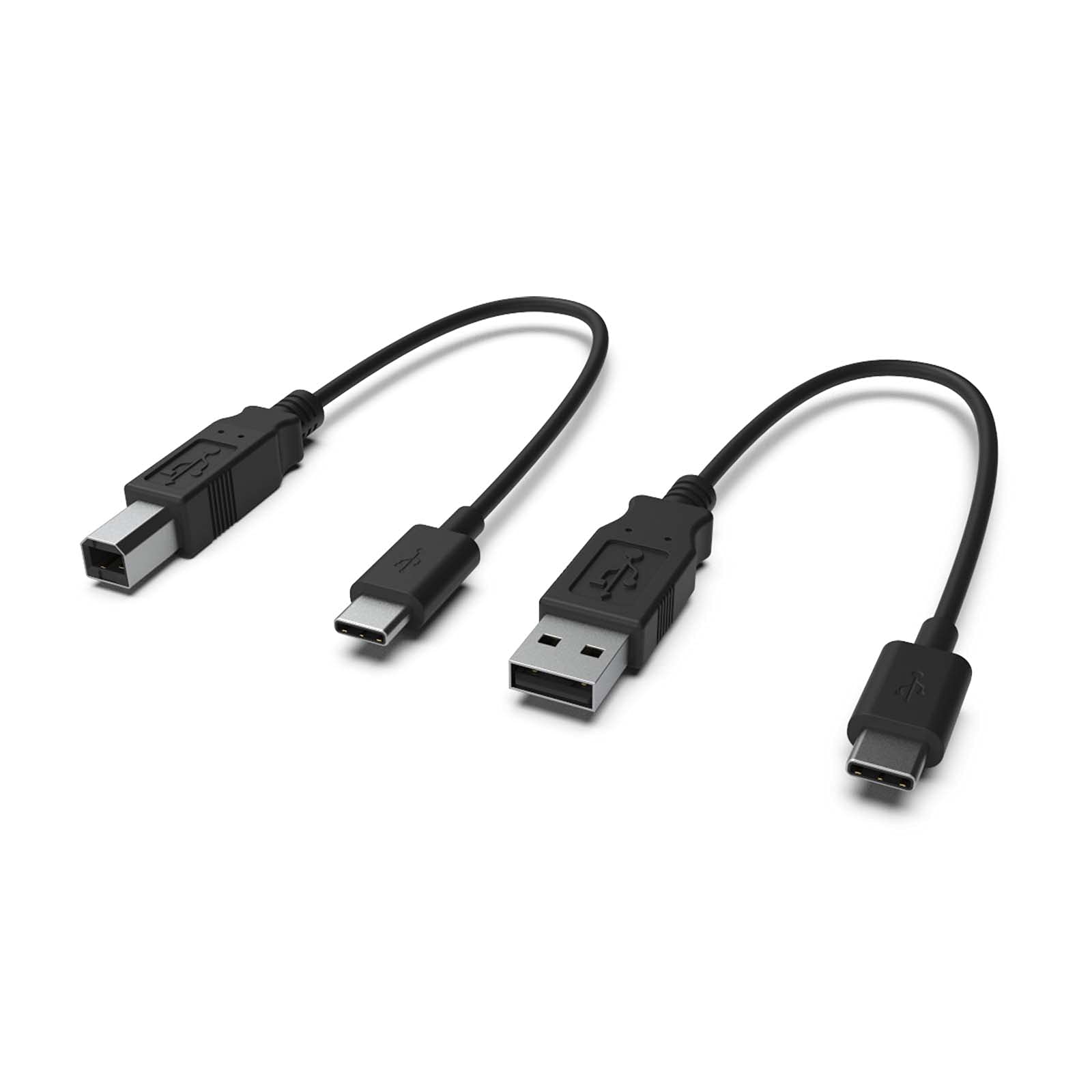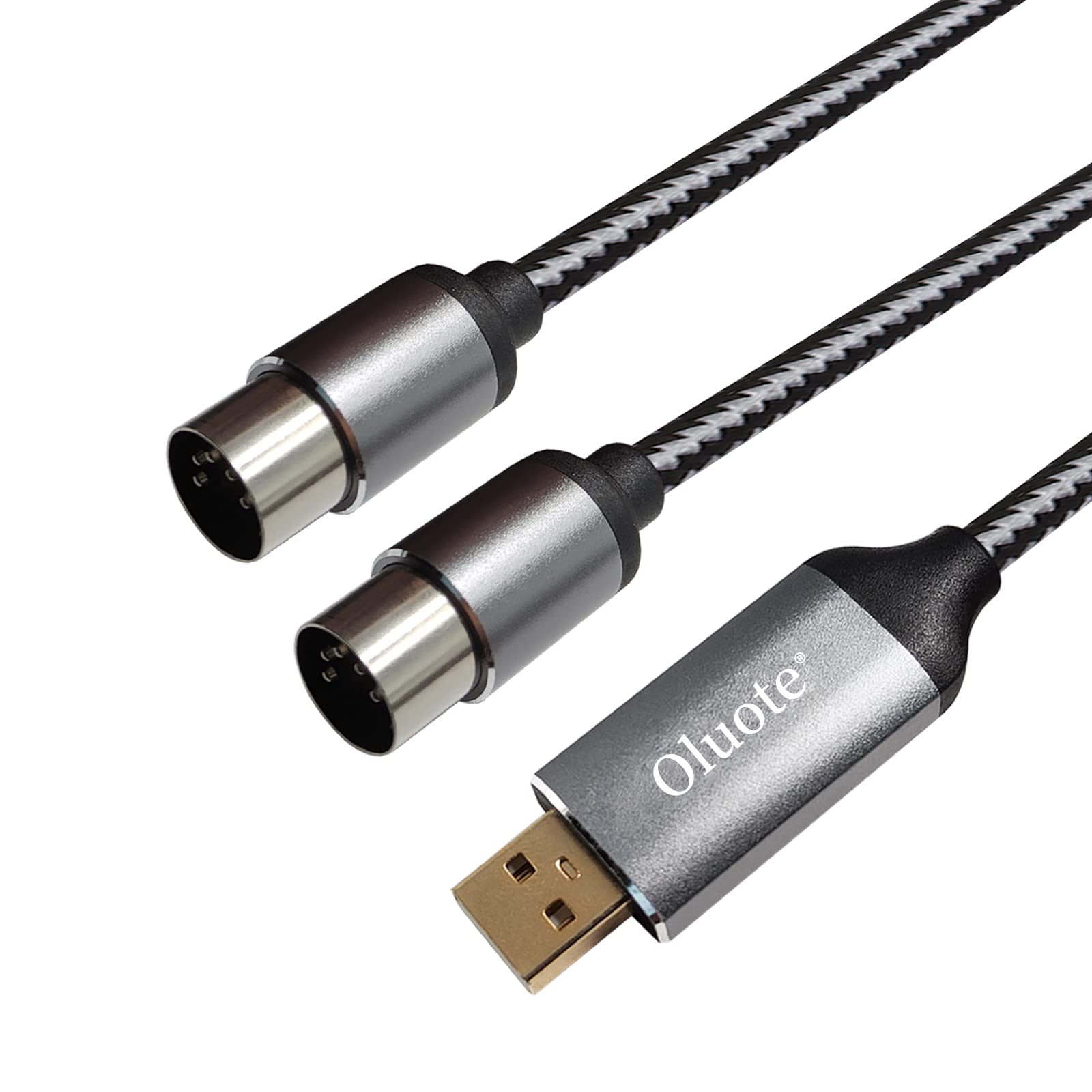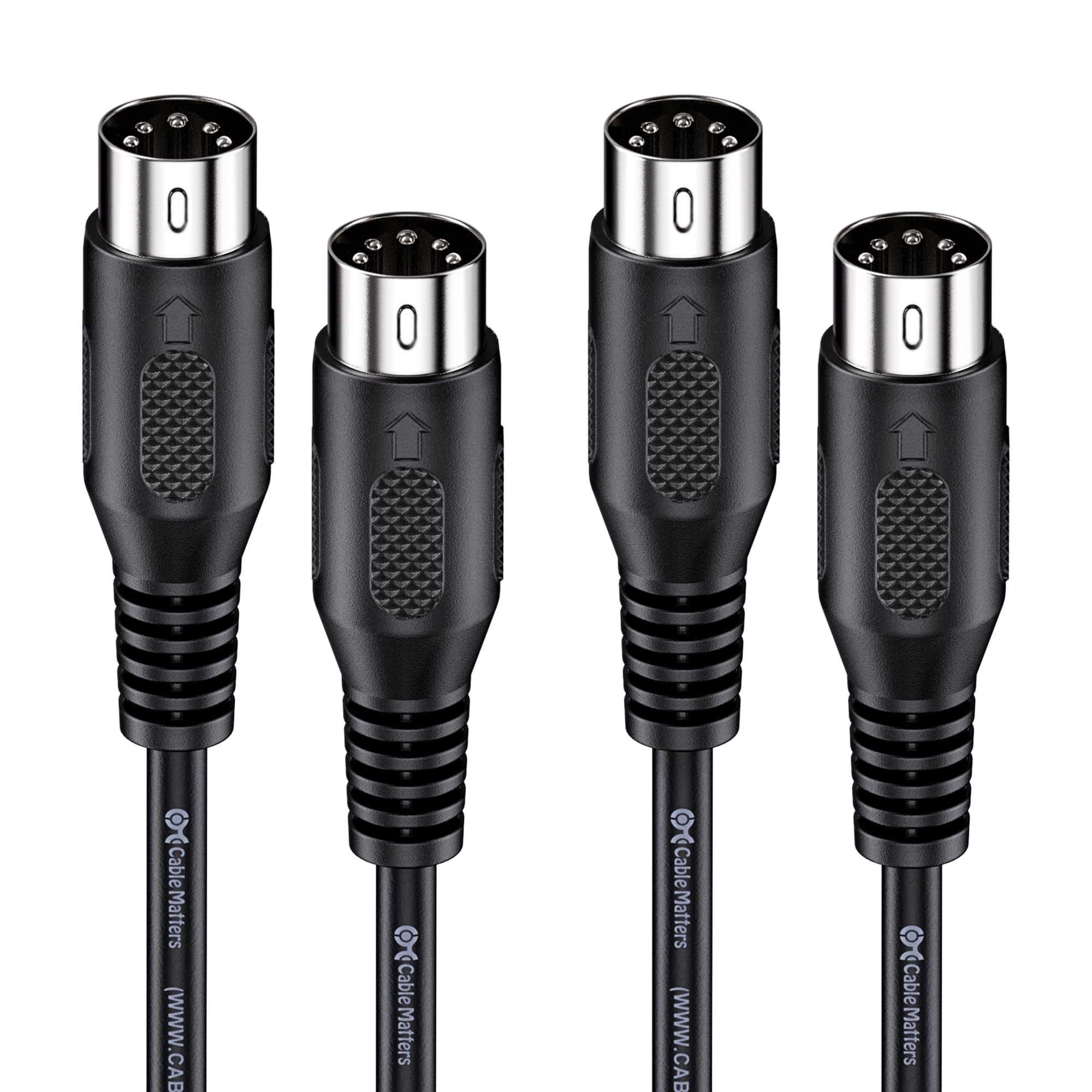
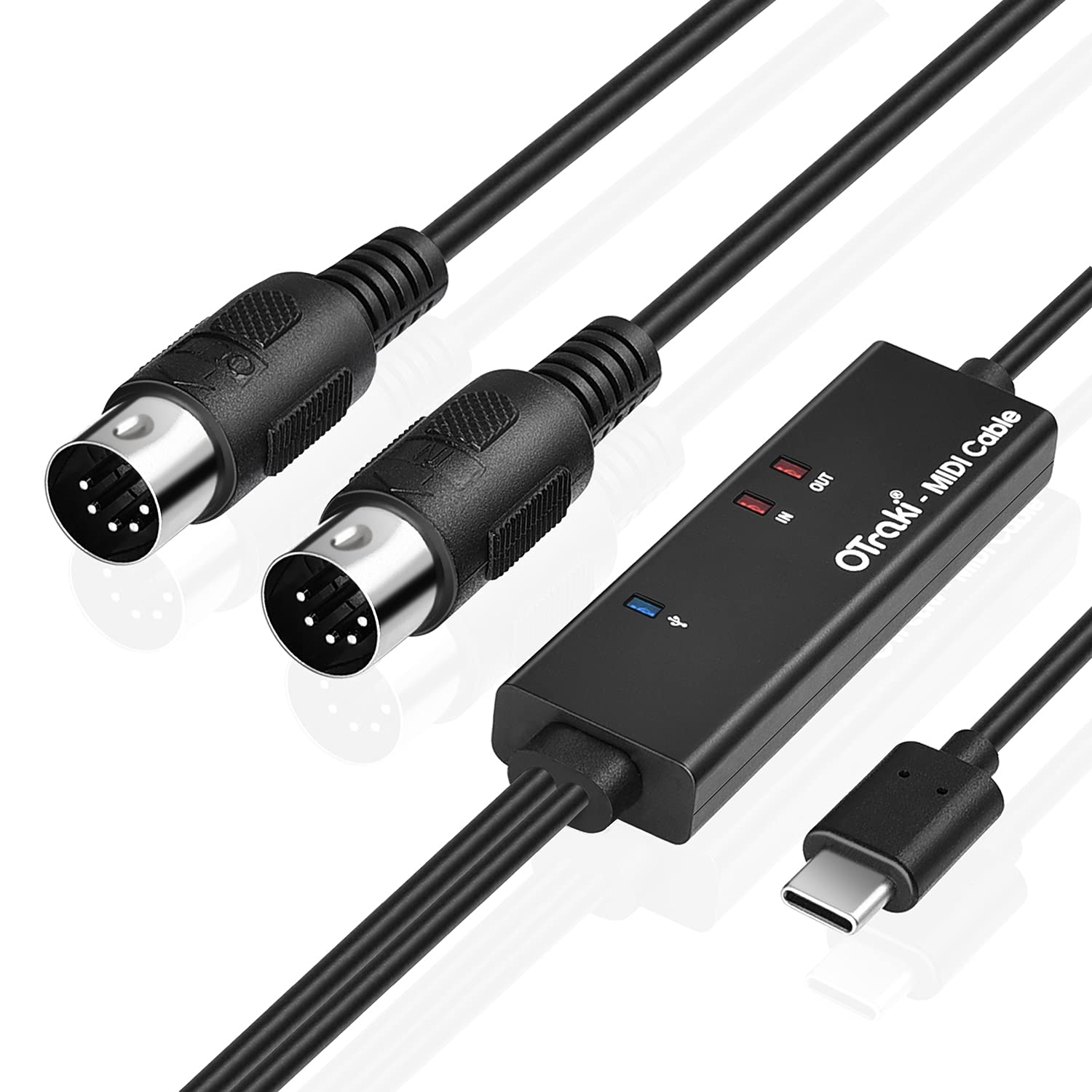

OTraki USB C MIDI Cable 6.5Ft 2M In-Out MIDI to USB C Cable with LED Indicator 5 PIN DINs for Music Keyboard Piano to PC Laptop USB MIDI Interface Converter for Home Music Studio
About this item
- Plug and Play-- Our MIDI to USB C cable don't need download any app and no extra driver installation, plug and play, easy to set up. Plug "IN" cable to "Out" interface of keyboard & device, plug "OUT" cable to "In" interface of keyboard & device, it will doesn't work if you connect the wrong interface.
- Wide Compatibility -- The USB C MIDI cable supports most standard MIDI interface devices on the market, such as electronic drums, MIDI keyboards, effects, digital pianos, etc. The 2m MIDI cable with 5 pin din, well compatible with most Type-C device & OS systems, such as Windows XP, Vista, Win7, Win8, Win8.1, Win10, ANDROID and MacOS 10.12+
- High-quality Performance -- 1 in + 1 out MIDI interface with 6.5ft line, has 16 MIDI input & output channels, support play at the same time. With built-in LED indicator, this USB MIDI interface cable can monitor more data status, including MIDI IN, MIDI OUT and USB C connection.
- Fast and Stable Transmission -- This MIDI cable to USB C is made of high quality wire. High performance FTP processing chip and multi-layer protection design ensure fast and stable MIDI data transmission, no damage to the voice and bring you the perfect audio.
- Tips -- 1) The USB MIDI cable converts musical instruments with MIDI interfaces to Type-C interfaces and is only compatible with USB interface with OTG function; 2) OTraki USB C MIDI cable can use for most of the midi device in the market, include which has a type-b interface.
Product description
Are you still recording and editing your music in a traditional way? Are you looking for a more convenient way? OTraki MIDI cable is used to transfer the signal data from MIDI to USB by connect MIDI instruments, such as keyboard. Built-in driver, plug and play. Specification: Type: MIDI to USB-C Cable Interface: 1 * USB-C, 1 * MIDI in, 1 * MIDI out Length: 2 m/ 6.56 ft Color: Black Follow below step to start your music tours: 1. Shut down your Instrument and computer before connect; 2. Plug midi cable "IN" to midi devices "OUT", the other line is the opposite; 3. Open your music software program, set up the "MIDI IN / OUT" into USB-Audio-Device. Tips: Please plug midi cable "IN" to midi deviceโs "OUT", plug MIDI cable "OUT" to the midi deviceโs "IN". If you are still have trouble with it, try resetting the piano/keyboard back to factory settings or message us.
Product details
Customer reviews
What customers say about Bigamart
10 Trustpilot reviews total, with 2 shown at a time.
I wrote to Bigamart's customer support and they accompanied the process of reshipping the item until it finally arrived. I felt a genuine effort to solve the problem till it was finally solved.
The package was here in Australia from England in a few days โ so quick! Something was missing and they refunded it straight away. Pretty happy with these guys.
You might also like