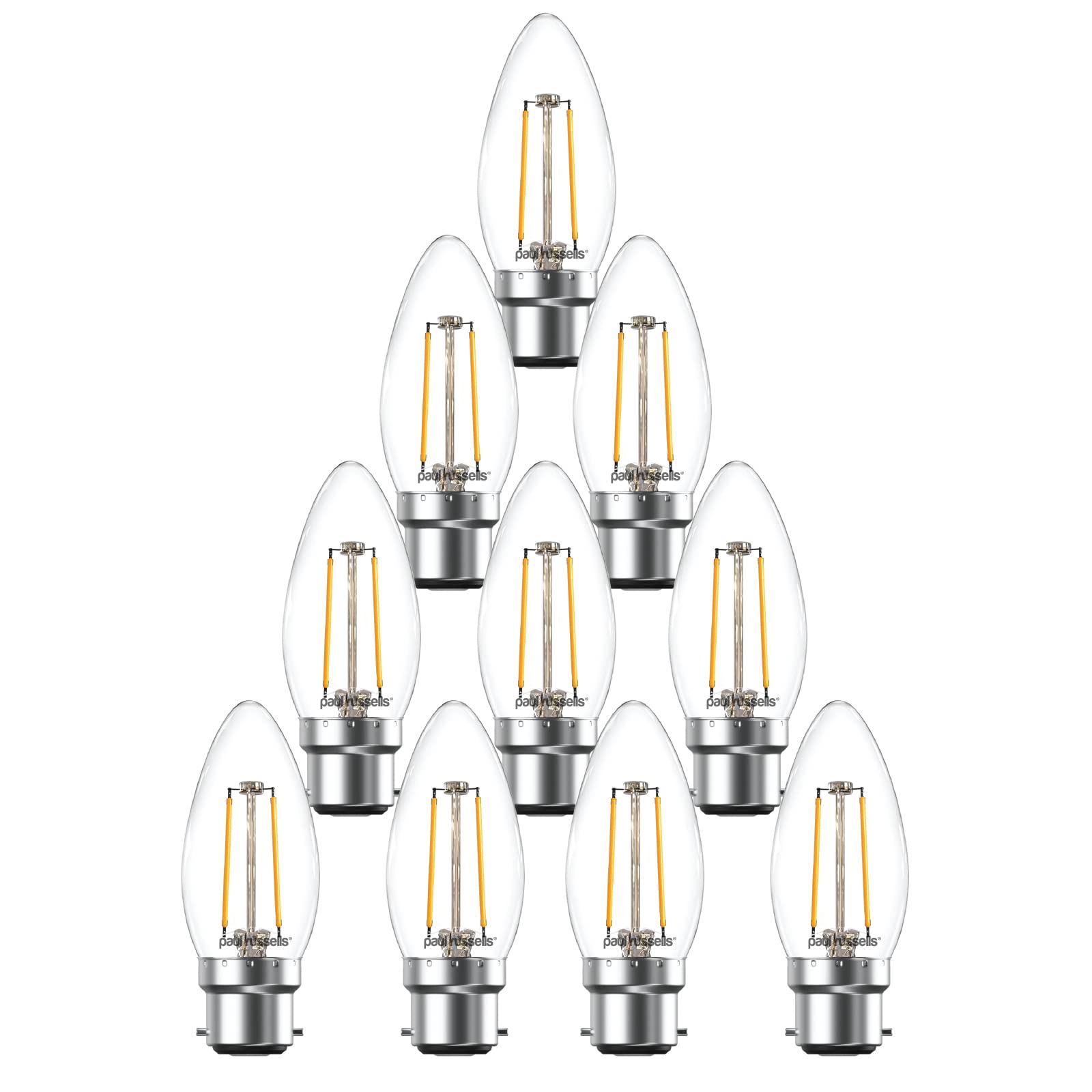
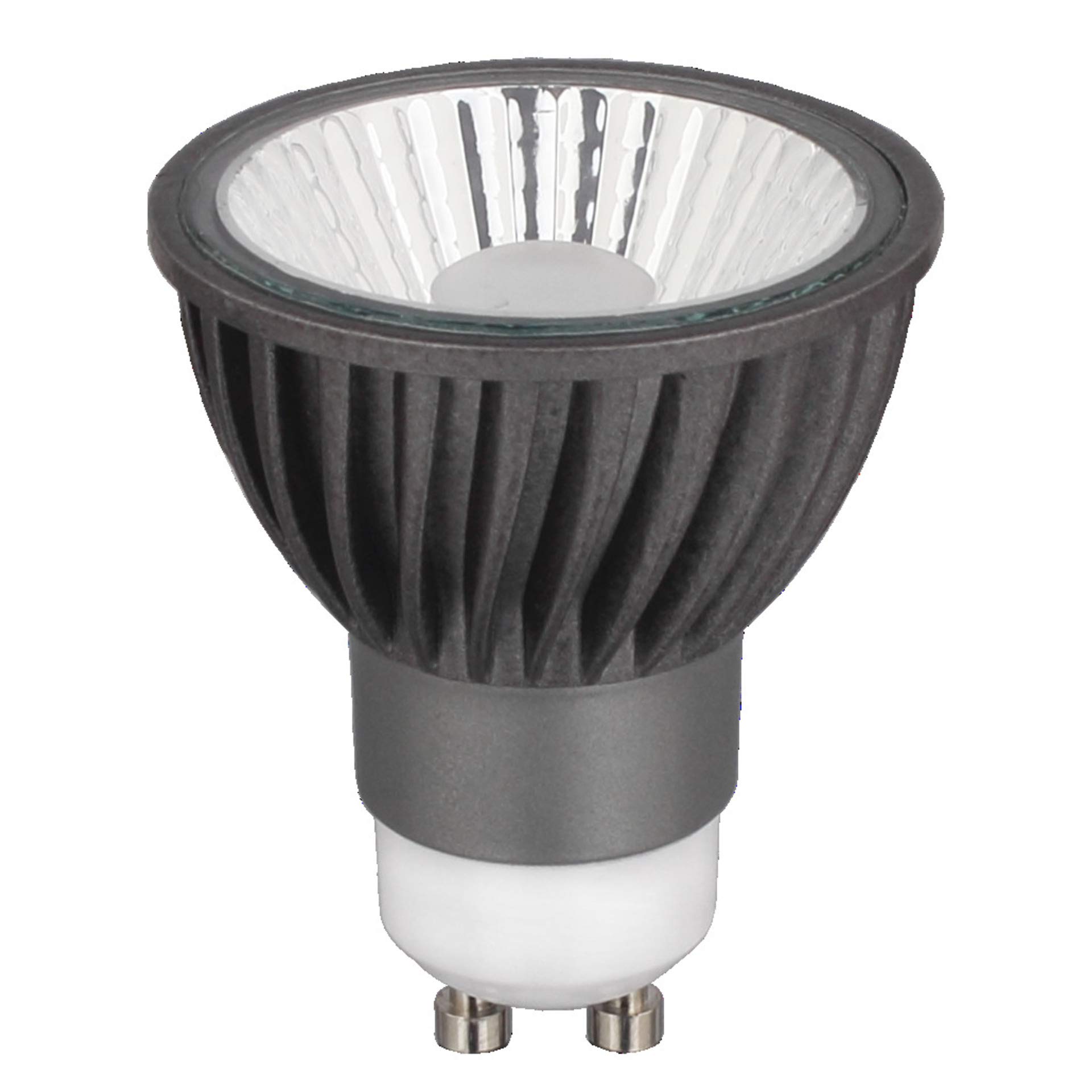
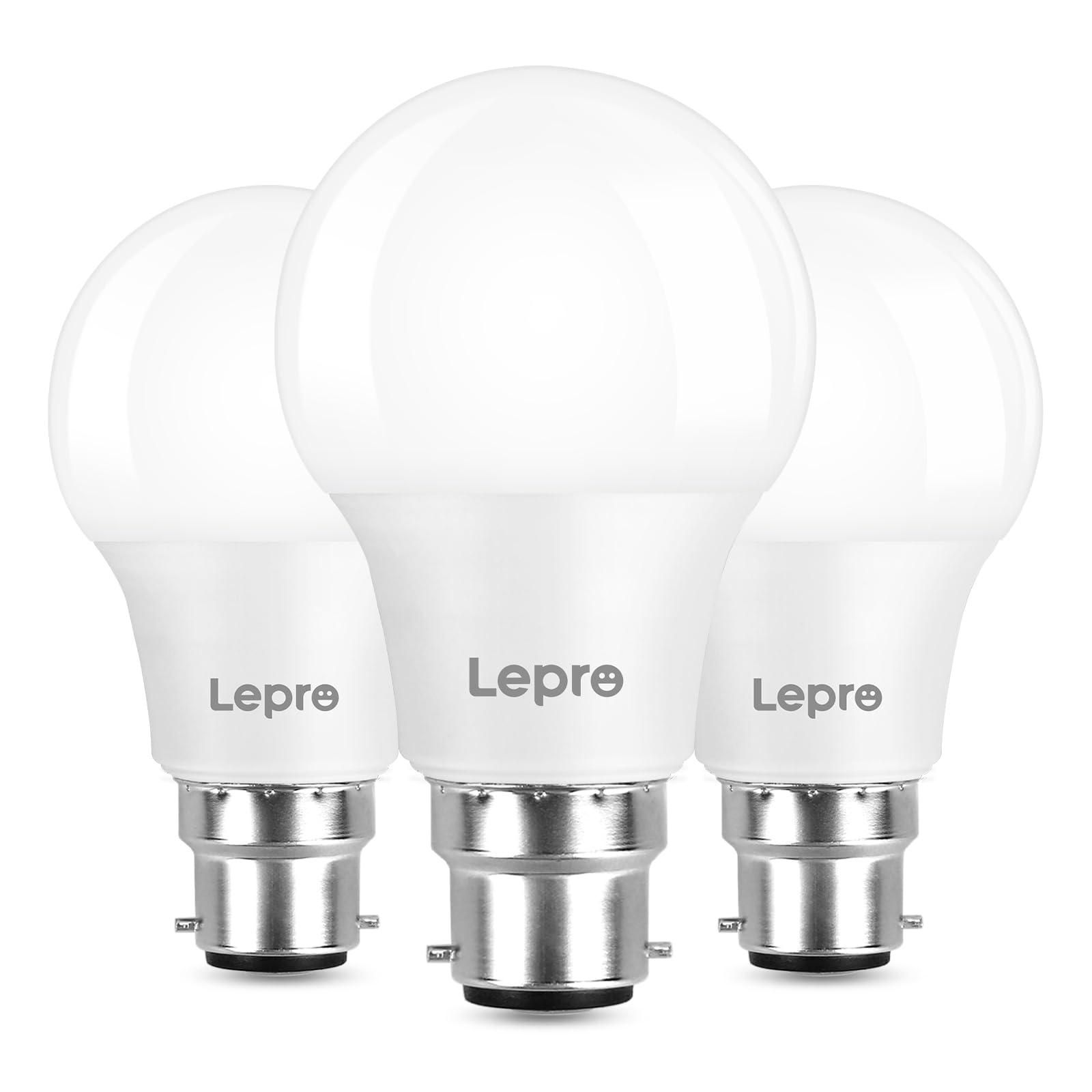
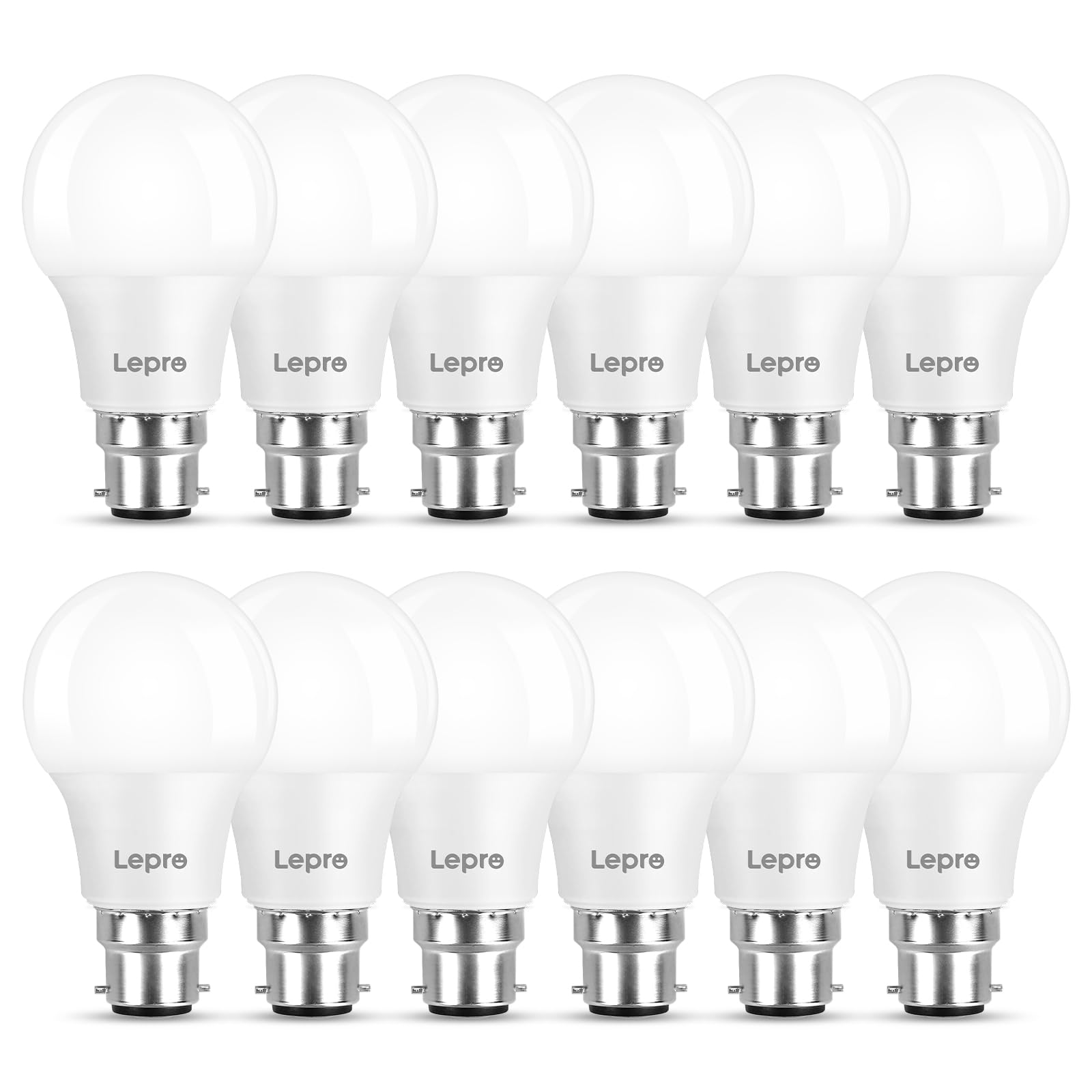
![Philips LED Classic A60 Light Bulb [B22 Bayonet Cap] 10.5W - 100W Equivalent, Warm White 2700K, Non Dimmable](https://images-na.ssl-images-amazon.com/images/I/71X5mhHpsHL.jpg)
PHILIPS
✓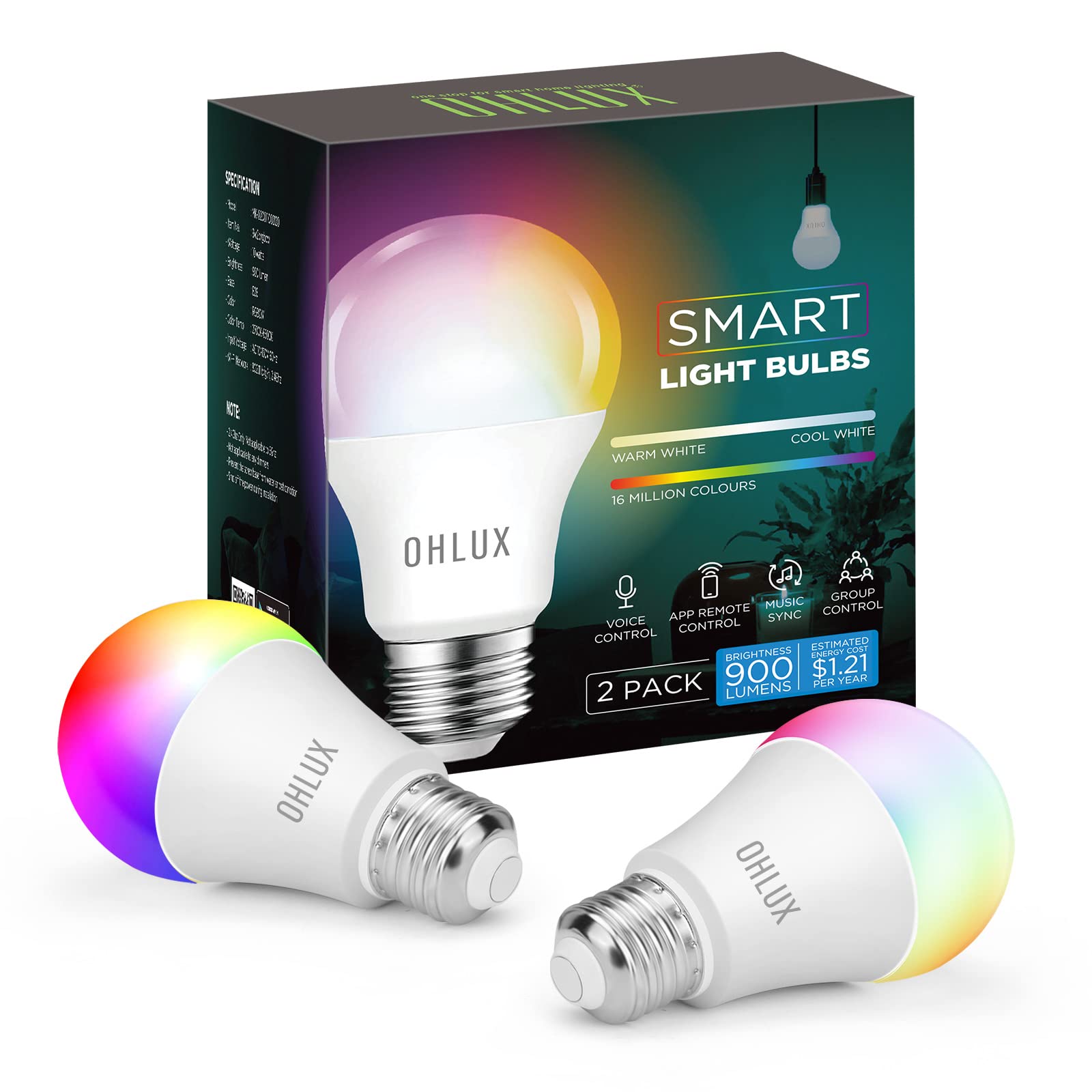
OHLUX Smart WiFi Light Bulb 2 Pack ➤How to connect with smart life App?: ① Download the Smart Life app, register an account and login ② Click "+" in the upper right corner - All devices - Lighting(Wi-Fi) ③ turn on the switch 3 times: on-off-on-off-on until it's flashed quickly ④ Click "confirm light blinks rapidly" and then input the correct WiFi password (2.4Ghz WiFi) ⑤ Within 30 seconds, it will be connected successfully. ➤Work with 5G WiFi ? ➤Remembering all routers today work in mixed band there you have to disable the 5ghz band and configure only with the 2.4ghz enabled after everything is working, after setup you can active 5Ghz again ➤How to connect with Alexa Echo? Step A: Tap “Skills&Games” in the hamburger menu, then search “Smart Life”. Select “Smart Life” and tap “ENABLE” to enable the Skill. Step B: Type in your Smart Life account and password, don’t forget to select the country/region where your account belongs to. Then tap “Link Now” Step C: After the skill binding is successful, Click “DISCOVER DEVICES” then Discovered devices will be shown in the list. Note: every time you change the device’s name on Smart Life app, Echo must re-discover before you control them. ➤How to connect with Google Home? Step A: On the homepage of Google Home app, click the button in the lower right corner, select “MORE SETTING”, select “Home CONTROL” under the list of “ASSISTANT”, and then click the plus sign in the lower right corner Step B: Find "Smart Life " in the list. In the new window, select your Smart Life account’s region, type your Smart Life account and password, then tap “Link Now” Note: please use one Google account to control “Home Control Action”. If you sign in Google Home app with several Google accounts, only the first Google account you signed in can be used for “Home Control
Customer reviews
10 Trustpilot reviews total, with 2 shown at a time.
I wrote to Bigamart's customer support and they accompanied the process of reshipping the item until it finally arrived. I felt a genuine effort to solve the problem till it was finally solved.
The package was here in Australia from England in a few days — so quick! Something was missing and they refunded it straight away. Pretty happy with these guys.
You might also like