Louvolite
✓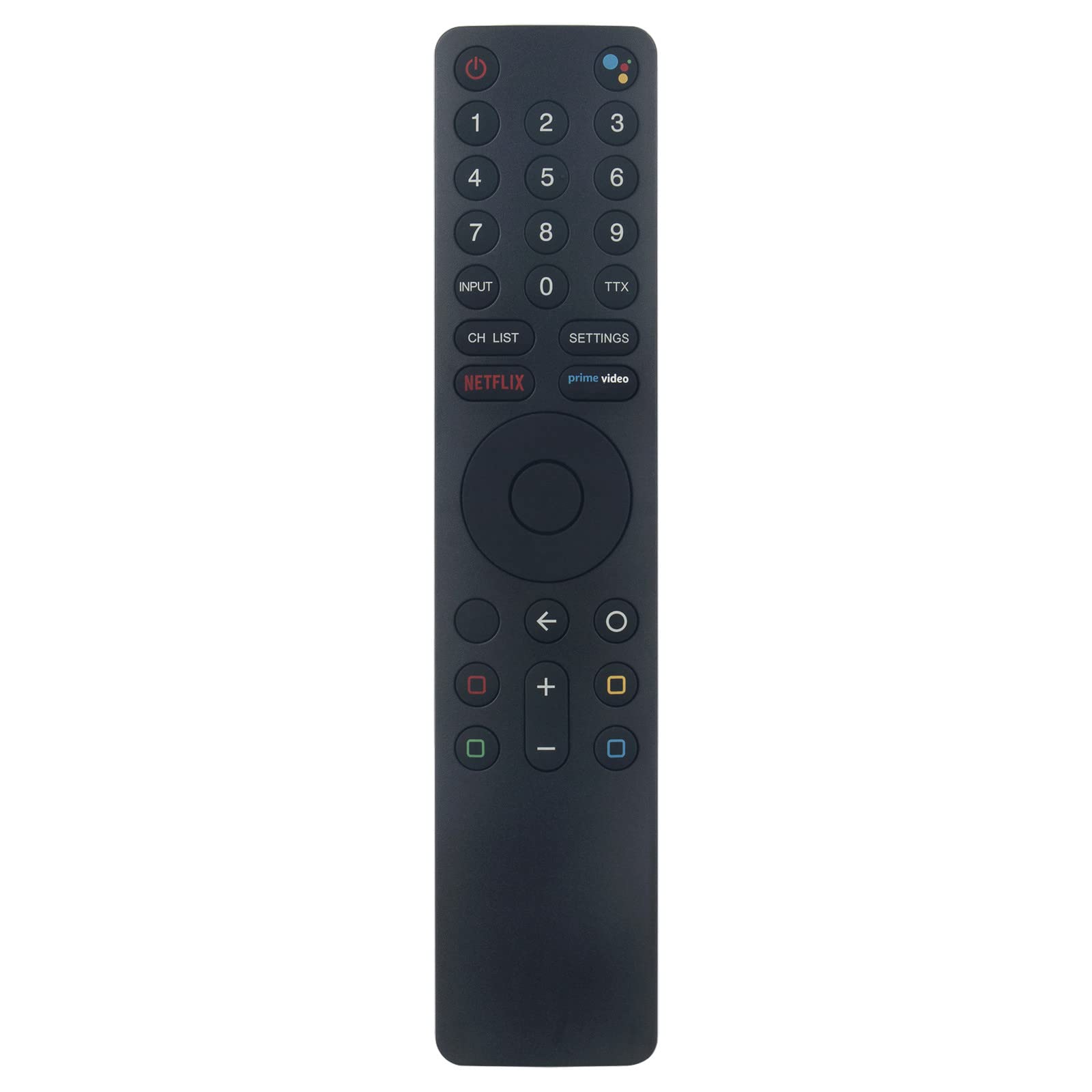
Product Description Model Number: XMRM-010 Compatible Brand: For MI TV 4S 4A Colour: as the picture shows. Material: ABS Material Package includes:1 x remote control (Not Included batteries) Transmission distance:Around 10 Meters APP: Netflix,prime-video Compatible with models: Fit for Mi Smart Android TV L32M5-5ASP L55MS-5A L65M5-5ASP L43M5-5ASP MI TV 4S 4A ect. Features: 1. This is the dedicated replacement remote control. 2. Ergonomically designed and beautifully styled. 3. Brand new! Please Pair the remote to the TV after you power it on. HOW TO PAIR/CONNECT: 1. Turn on the TV first (because the new unregistered remote control cannot be used to turn on the TV, please turn on the TV manually). Place the remote control very close to the TV device. 2. Now you can start the pairing process by pressing the ""Mi"" button and the ""HOME"" button at the same time. 3. Wait for a few seconds, once you hear a ""beep"", you can release the two buttons. How to use: 1. Turn off the TV and unplug the plug. 2. Note that you must remove the battery on old remote control, 3. Open TV and install the battery on the remote control, pair a new remote control. Press two buttons at the same time. 4. Use the remote control to test the TV.
Customer reviews
10 Trustpilot reviews total, with 2 shown at a time.
I wrote to Bigamart's customer support and they accompanied the process of reshipping the item until it finally arrived. I felt a genuine effort to solve the problem till it was finally solved.
The package was here in Australia from England in a few days — so quick! Something was missing and they refunded it straight away. Pretty happy with these guys.
You might also like