NEEWER
✓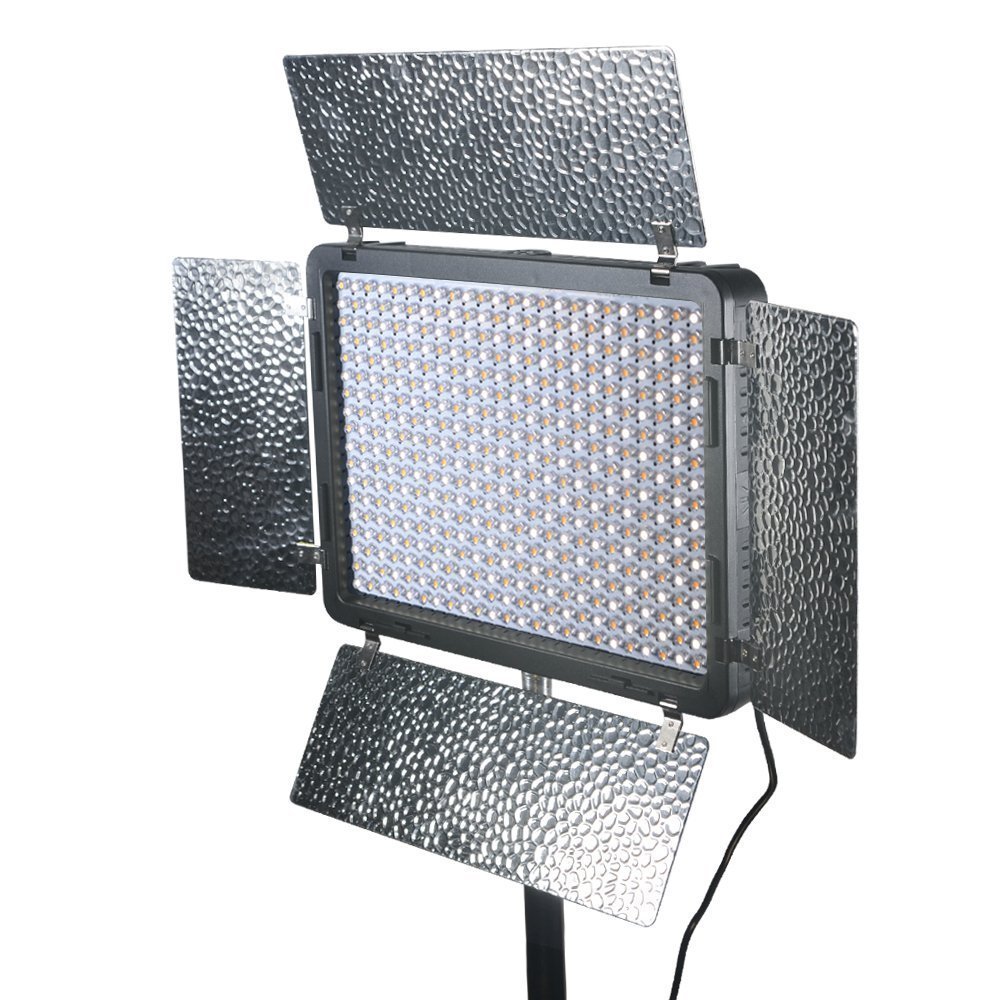
Description Instructions on How to Operate Remote Controlled LED-420B Series LED Light. OPERATING THE LIGHT: To turn on light and make ready to control by remote. Connect power to light. Press ON BUTTON on light for 2 seconds (light turns on). If light is not on, turn ON BUTTON to right till light is on. On the LIGHT, press and release the CH button until you reach the channel you desire. OPERATING THE REMOTE: Press ON BUTTON for 2 seconds till lights on the remote come on. Make sure Remote is set for Series B. Setting Series indicator-light to B: Press SET Button for 2 seconds (Series light blinks). Press & release until Series B is lighted then hold SET Button for 2 seconds until light is steady. Setting Channel Press & release CH Button till blue light is on the channel that matches the one on the LIGHT. Press and release ON BUTTON (LIGHT should react) If it turns off then press & release again to turn it back on. Increasing and Decreasing Color Intensity: Make sure REMOTE settings are Series B and proper channel. To adjust 5500K: Make sure REMOTE settings are Series B and proper channel. Press Left Arrow to decrease or Right Arrow to increase the 5500K intensity. To adjust 3200K: Make sure REMOTE settings are Series B and proper channel. Press and release SET button (indictor-light at far right* lights up and Series B remains lit). Press Left Arrow to decrease or Right Arrow to increase the 3200K intensity. Package List: 1 x LED light 1 x Remote control 1 x Whilte diffuser 1 x User Manual
Customer reviews
10 Trustpilot reviews total, with 2 shown at a time.
I wrote to Bigamart's customer support and they accompanied the process of reshipping the item until it finally arrived. I felt a genuine effort to solve the problem till it was finally solved.
The package was here in Australia from England in a few days — so quick! Something was missing and they refunded it straight away. Pretty happy with these guys.
You might also like