HP
✓Inkjet Ink Cartridges
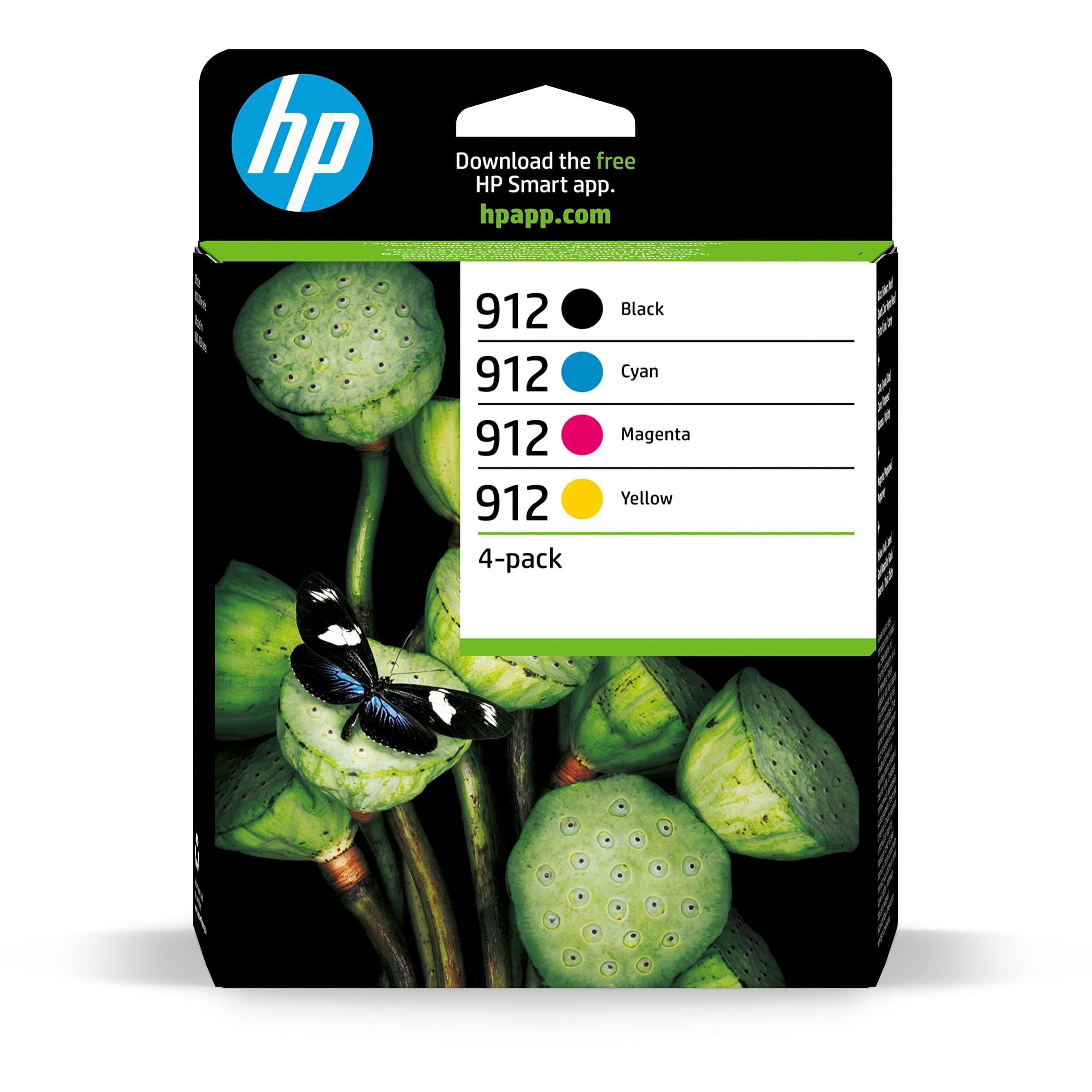
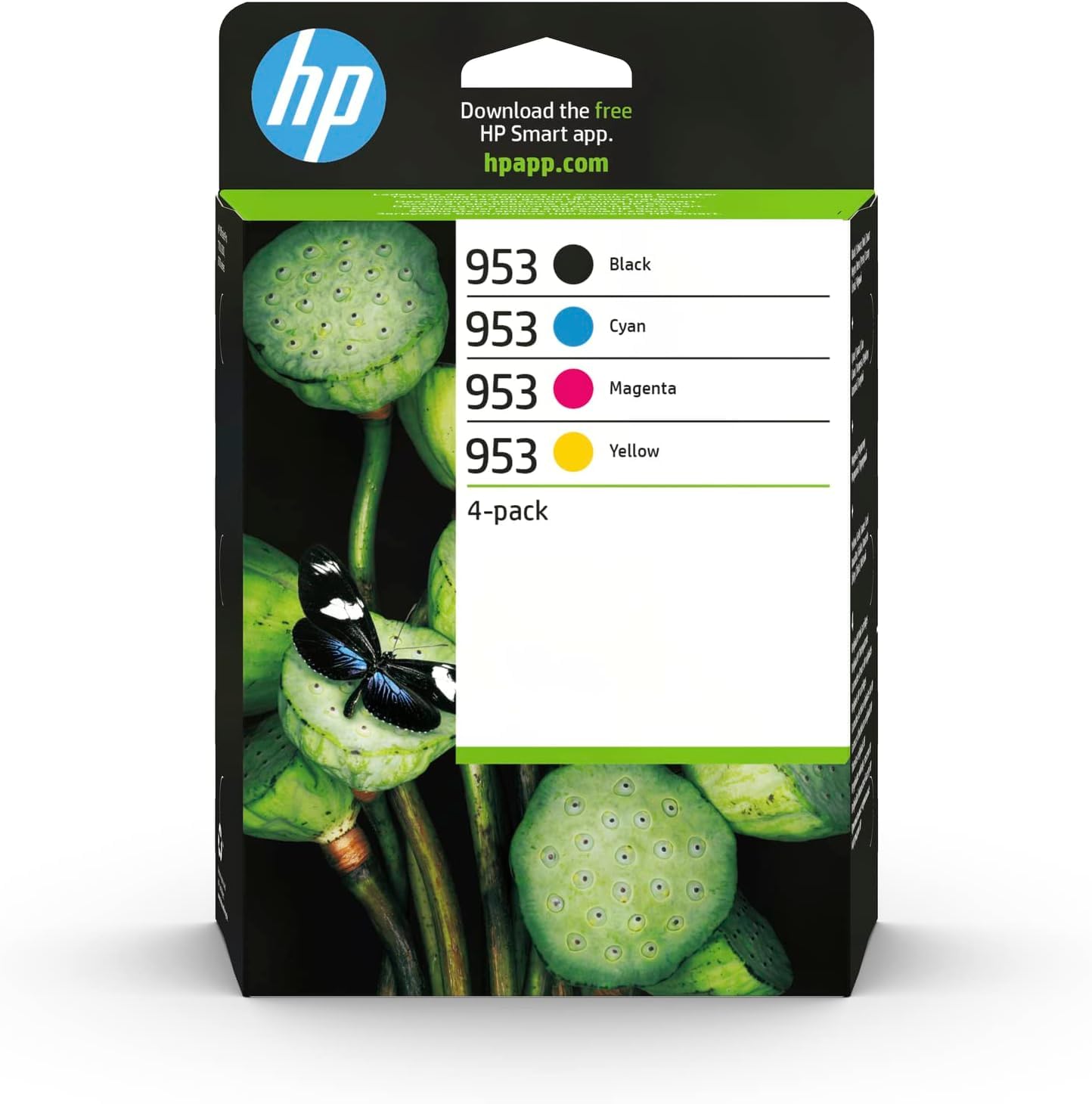
HP 6ZC69AE 953 Original Ink Cartridges, Black/Cyan/Magenta/Yellow, Multipack
★★★★★4.4
$338.99
View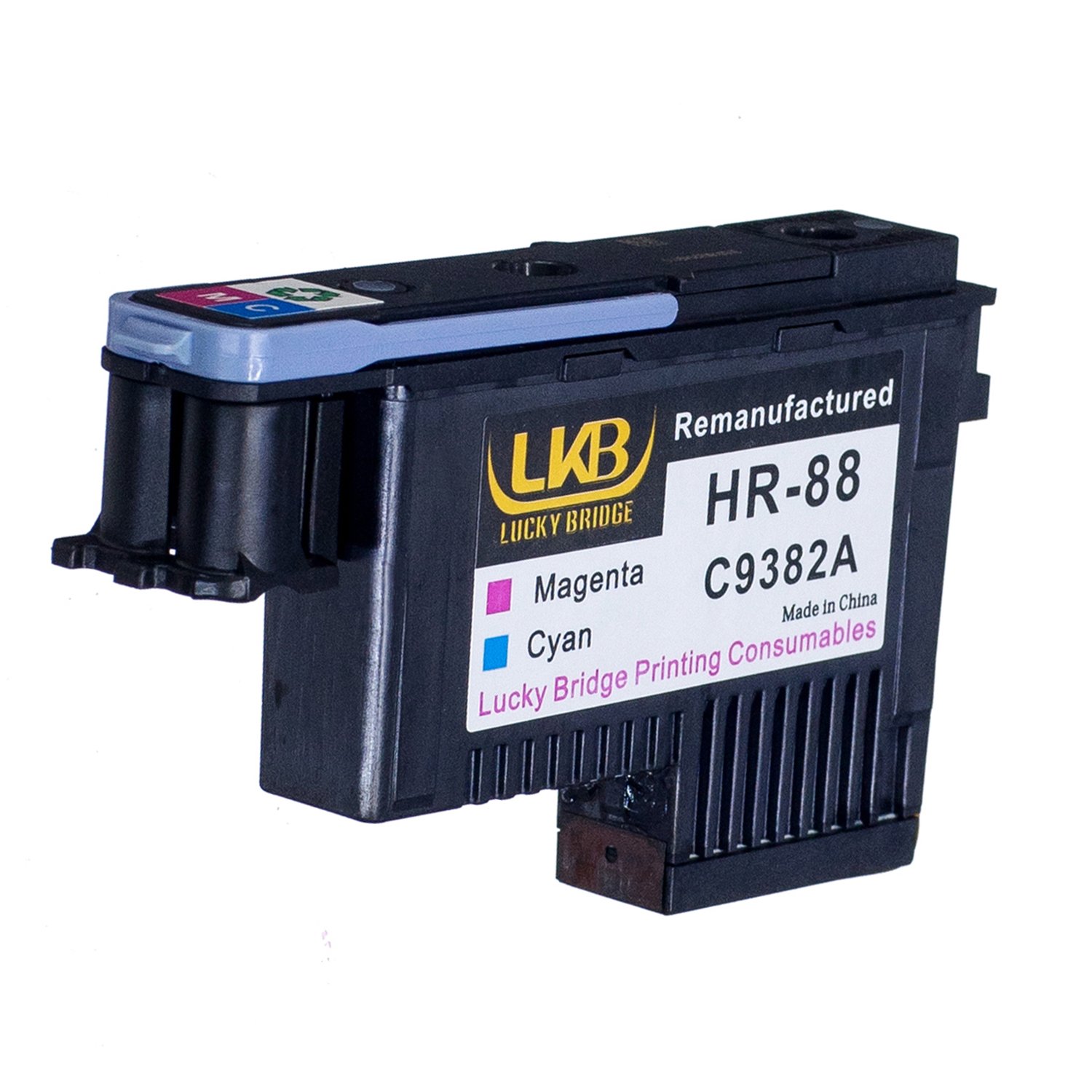
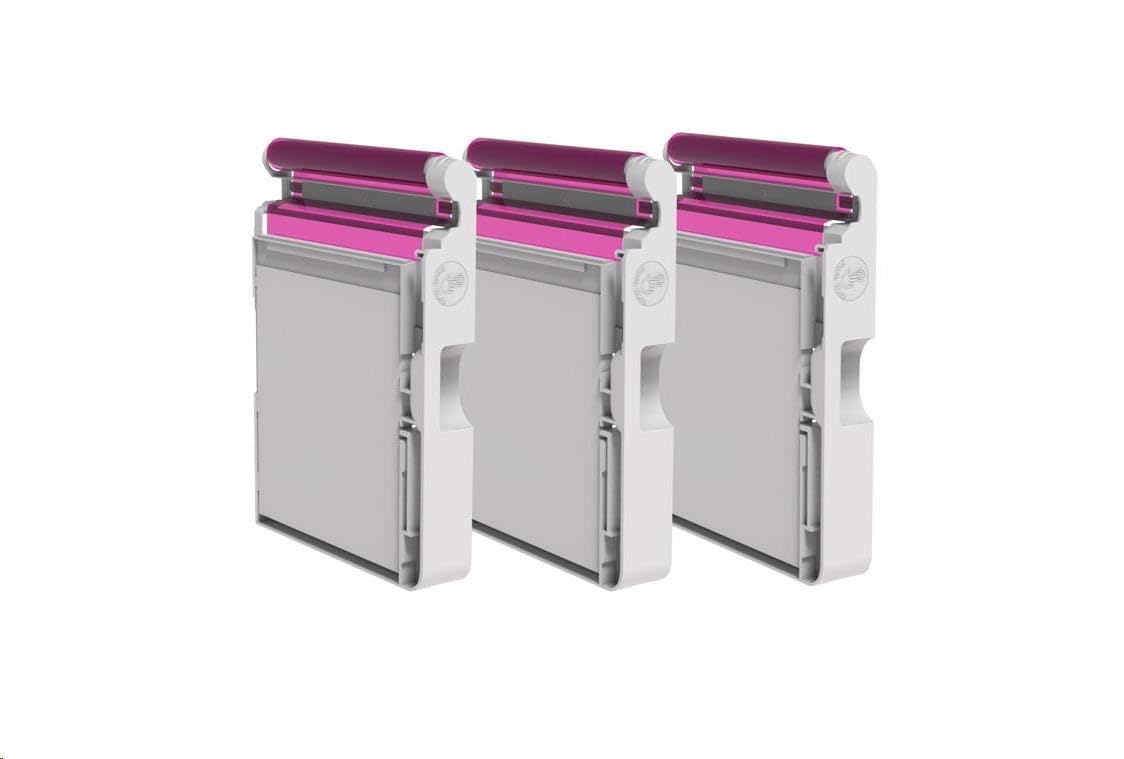
Package Included: 1x Magenta / Cyan (1PCS, MC), C9382A, 1 pcs 100% compatible with the following printers: . . HP Officejet Pro: K5400 / L7550 Printer . HP Officejet Pro: L7580 / L7590Printer . HP Officejet Pro: L7650 / L7680 / L7750 / L7780 / L7790 Printer Installation Steps: Step 1: Please remove the cover and the protective film of the print head before installation. Step 2: Open the printer cap and ink cartridge; Step 3: Press the screen button "Change the print head"; Step 4: The printer clip move to stay left automatically; Step 5: Open the print head clip, take out the defect print head; Step 6: Set up the new remanufactured print head; Step 7: Lid the print head cap; Step 8: After lid the print head cap, it will take around 20 minutes to ready for printing process. Note: 1. Our print head is remanufactured, not original one, Non OEM value-save more for you; 2. Please shake the print head before installation, it will avoid bubble problem in the ink. Kindly note the bubble in the ink will cause your printer can't print well. 3. When you replace the print head, please do Printer Head Cleaning 2~3 times every time. After-sales Service / How to contact us(3 Months Money Back Warranty): Product listing > Click Sold by Lucky Bridge> Choose the option Ask a question Log into Your Account > Click Your Account > Your Order > Find your order and click Contact Seller.
Customer reviews
10 Trustpilot reviews total, with 2 shown at a time.
I wrote to Bigamart's customer support and they accompanied the process of reshipping the item until it finally arrived. I felt a genuine effort to solve the problem till it was finally solved.
The package was here in Australia from England in a few days — so quick! Something was missing and they refunded it straight away. Pretty happy with these guys.
You might also like