HP
✓Inkjet Ink Cartridges
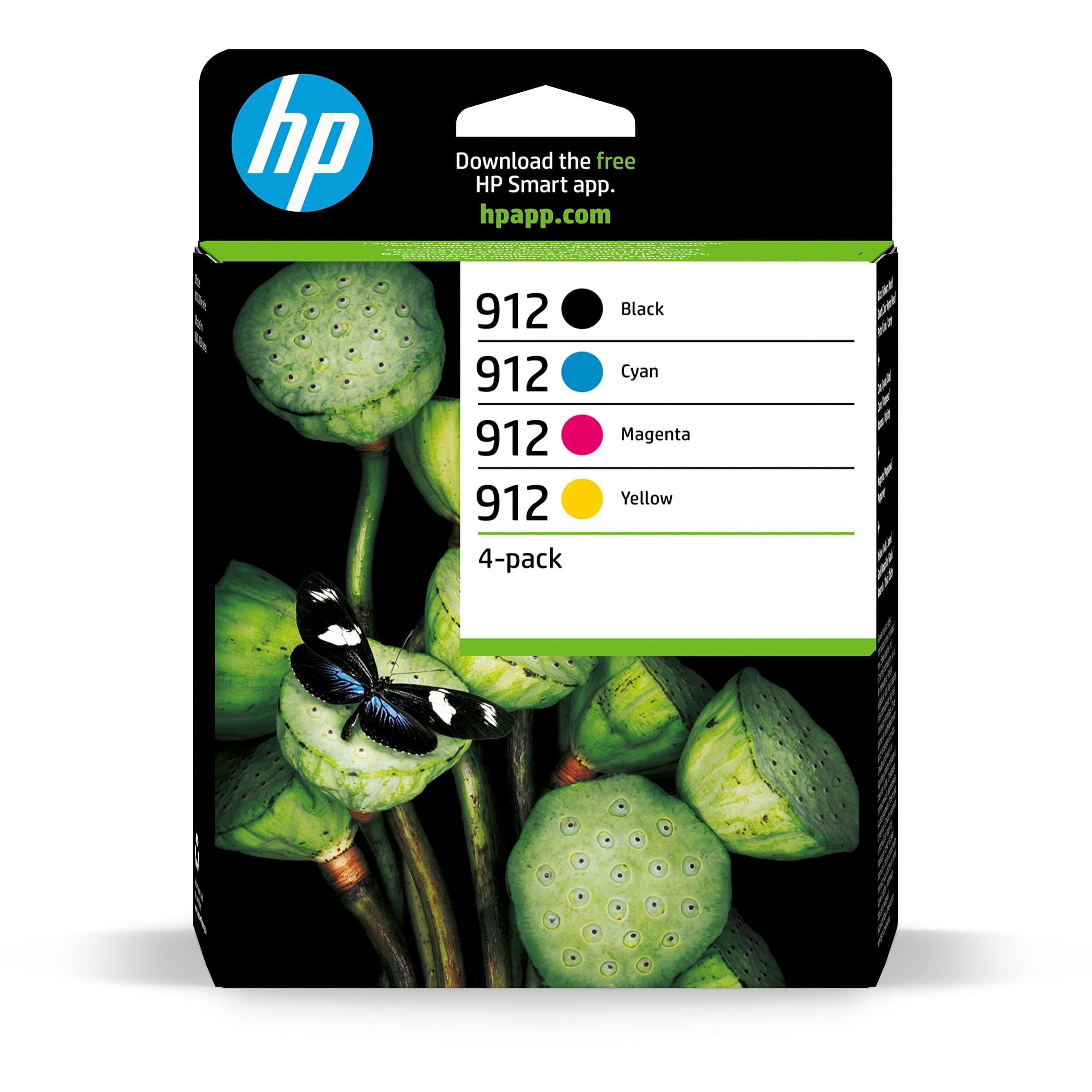
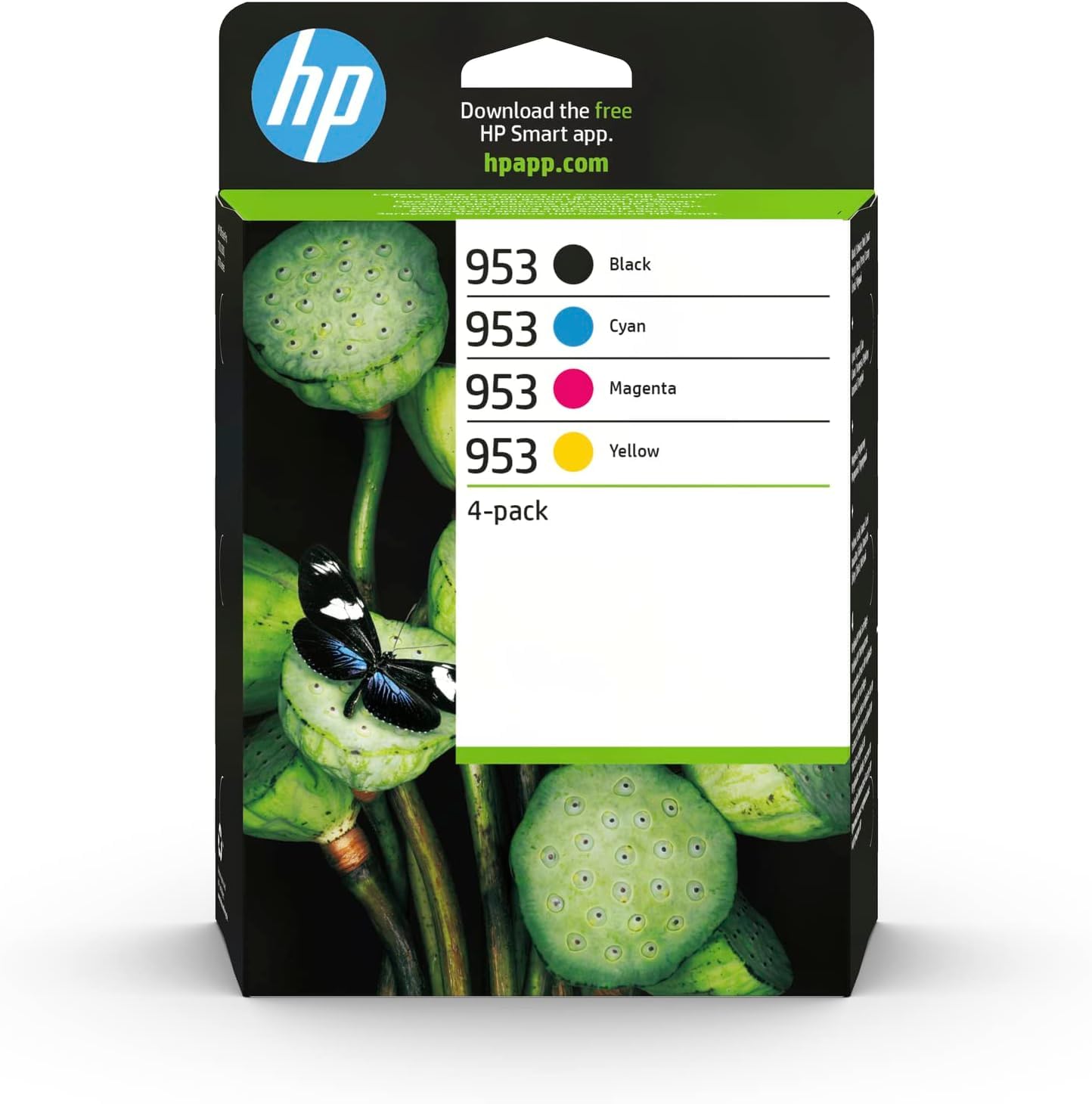
HP 6ZC69AE 953 Original Ink Cartridges, Black/Cyan/Magenta/Yellow, Multipack
★★★★★4.4
$343.99
View
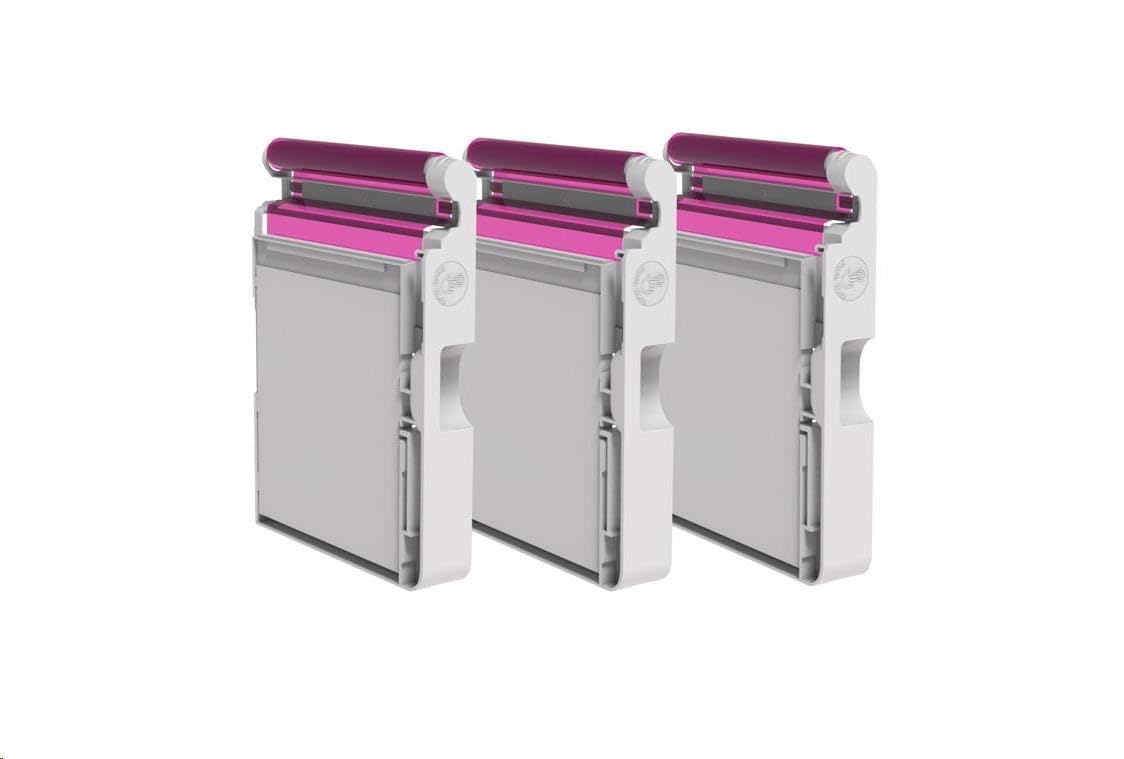
Package Included: 1 Magenta / 1 Cyan / 1 Light Gray / 1 Yellow /1 Photo Black / 1 Matte Black, total 6 PCS of HP70 Ink Cartridge. 100% compatible with the following printers: HR 70 ink cartridge compatible with HP Designjet Z2100 Z5200 Z3200 Z3100 Z5400 (100% compatible with original printer) 1. My printer reports "The following print head has a problem" or any error message, how do we process the next step? LKB Answer: Just skip the message, and press "OK" or "Continue" and go on printing. 2. My printer did not recognize the print head, how do we do? LKB Answer: ① please take off print heads, use eraser to clean the chips softly and tissue paper to clean the metal touch pot softly(can't finger touch), and then re-install the print head; Or ②You can use a knife to tear off the remanufactured print head chip, and then use the double-side tape to paste the original chip. 3. My printer hasn't printed for a long time, now the printer report shows that the print head has a problem, how do we do? LKB Answer: Your printer at least needs to print 1~2 pages twice a week. Warranty Card: We will send a Warranty Card to you with shipment. We stated below on the card: ◆ Money Back Rule in case any defect; ◆ Normal Printing Problem Solution. ◆ Solution for Normal Ink Cartridge Issue Note: 1. The print head is clogged, or the printing is not smooth on the paper, or some of color can’t be printed on the paper , please have your printer cleaning the printhead. 2. When you replace the print head, please do Printer Head Cleaning 2~3 times every time. How to contact with us (2 Years Money Back Warranty): Product listing > Click Sold by Lucky Bridge> Choose the option Ask a question Log into Your Account > Click Your Account > Your Order > Find your order and click Contact Seller
Customer reviews
10 Trustpilot reviews total, with 2 shown at a time.
I wrote to Bigamart's customer support and they accompanied the process of reshipping the item until it finally arrived. I felt a genuine effort to solve the problem till it was finally solved.
The package was here in Australia from England in a few days — so quick! Something was missing and they refunded it straight away. Pretty happy with these guys.
You might also like