Mexllex
✓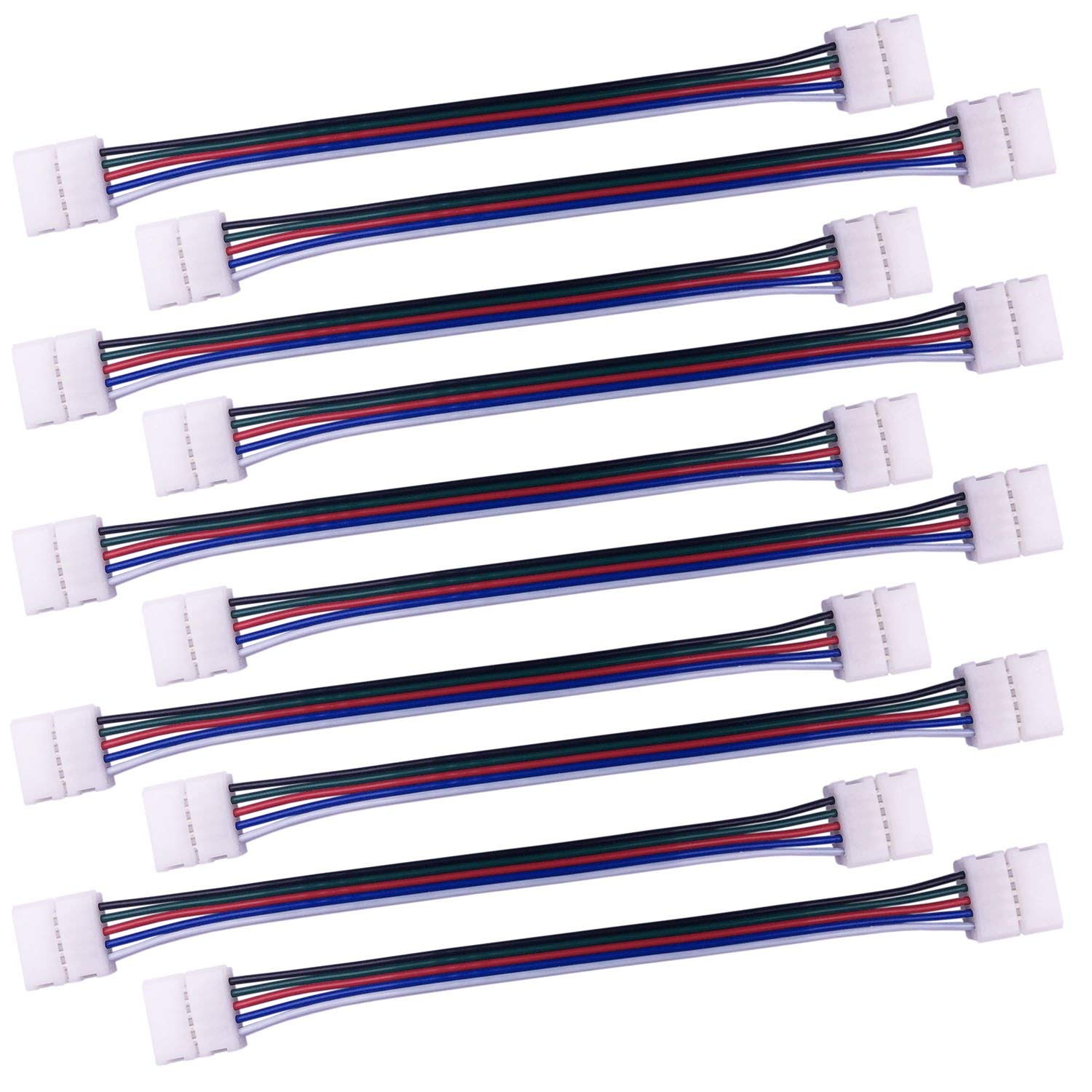
Installation Instructions: 1. Ensure your LED strip is 12mm wide and has 5 copper contacts at the cutting line. 2. Carefully cut your LED strip along the cutting line. Do not tear off the paper on the back of the LED strip before finishing the connection. Just insert the paper and the LED strip together into the connector. This will be easier to insert the LED strip into the connector without bending the LED strip into damage, and the connection will also be more stable. 3. Open the cap of the connector. 4. If you use a non-waterproof LED strip, please insert the LED strip into the connector. Make sure the 5 copper contacts on the LED strip are under the 5 electrical conductors in the connector; If you use a waterproof LED strip, please first remove the waterproof silicone around the cutting line, then insert the LED strip into the connector. Make sure the 5 copper contacts on the LED strip are under the 5 electrical conductors in the connector. 5. Close the cap, and check whether the connector works well. 6. Tear off the paper on the back of the LED strip to stick the LED strip, but please reserve the paper that has already been in the connector. Note: Please make sure that the positive poles of your LED strips at both ends of the connector are on the same one channel. Please make sure the arrow marks on your cable, your LED strip and your controller are on the same one channel. Solutions: If the LED strips flicker or do not light up, please follow these steps: 1. Take off the LED strip from the connector. 2. Open all caps on the connector. 3. Use a thin and hard object to simultaneously press hard on both ends of each electrical conductor in the connector, to bring the electrical conductor down to the lowest position. Make sure the electrical conductor can touch the surface of the bottom of the connector without any pressure. In this way, the 5 electrical conductors in the connector can fully touch the 5 copper contacts on the LED strip, ensuring good electrical conductivity. 4. Insert the LED strip into the connector. Package includes: 10pcs 5-pin connector cable, 17cm long
Customer reviews
10 Trustpilot reviews total, with 2 shown at a time.
I wrote to Bigamart's customer support and they accompanied the process of reshipping the item until it finally arrived. I felt a genuine effort to solve the problem till it was finally solved.
The package was here in Australia from England in a few days — so quick! Something was missing and they refunded it straight away. Pretty happy with these guys.
You might also like