GEEUMI
✓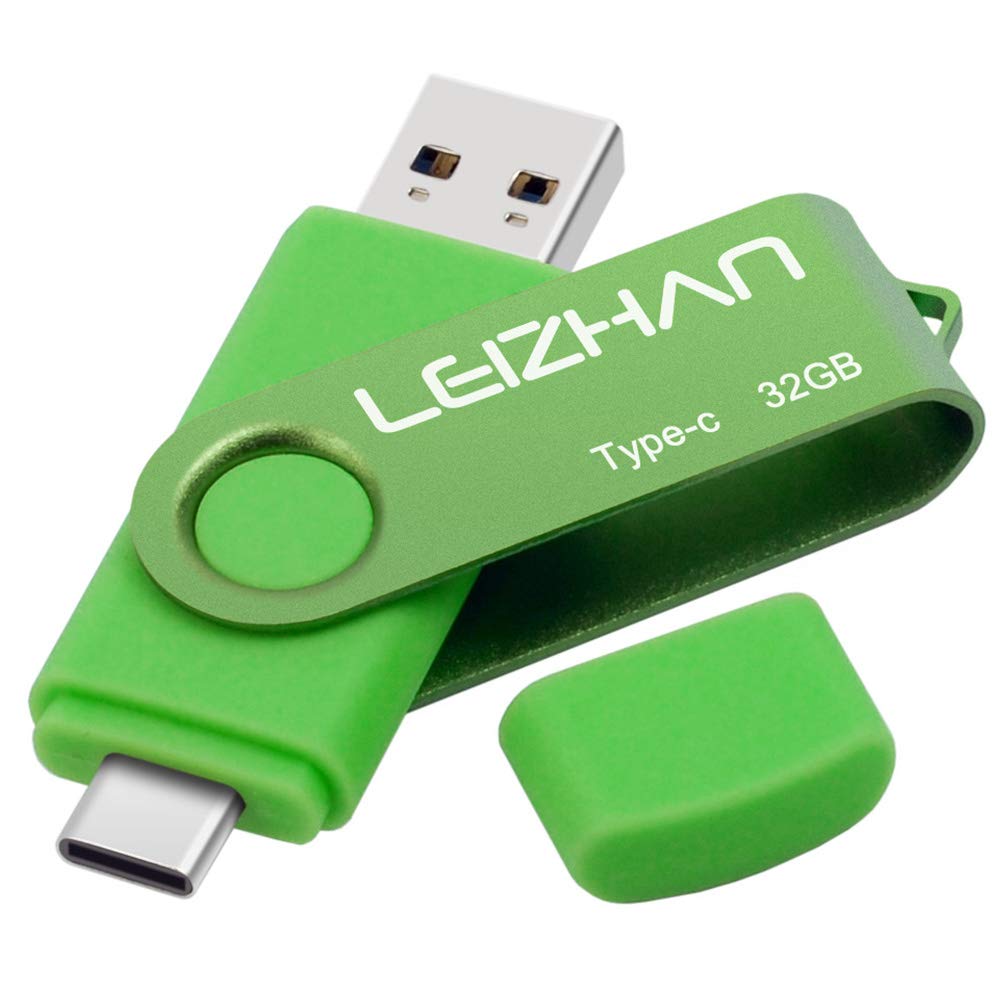
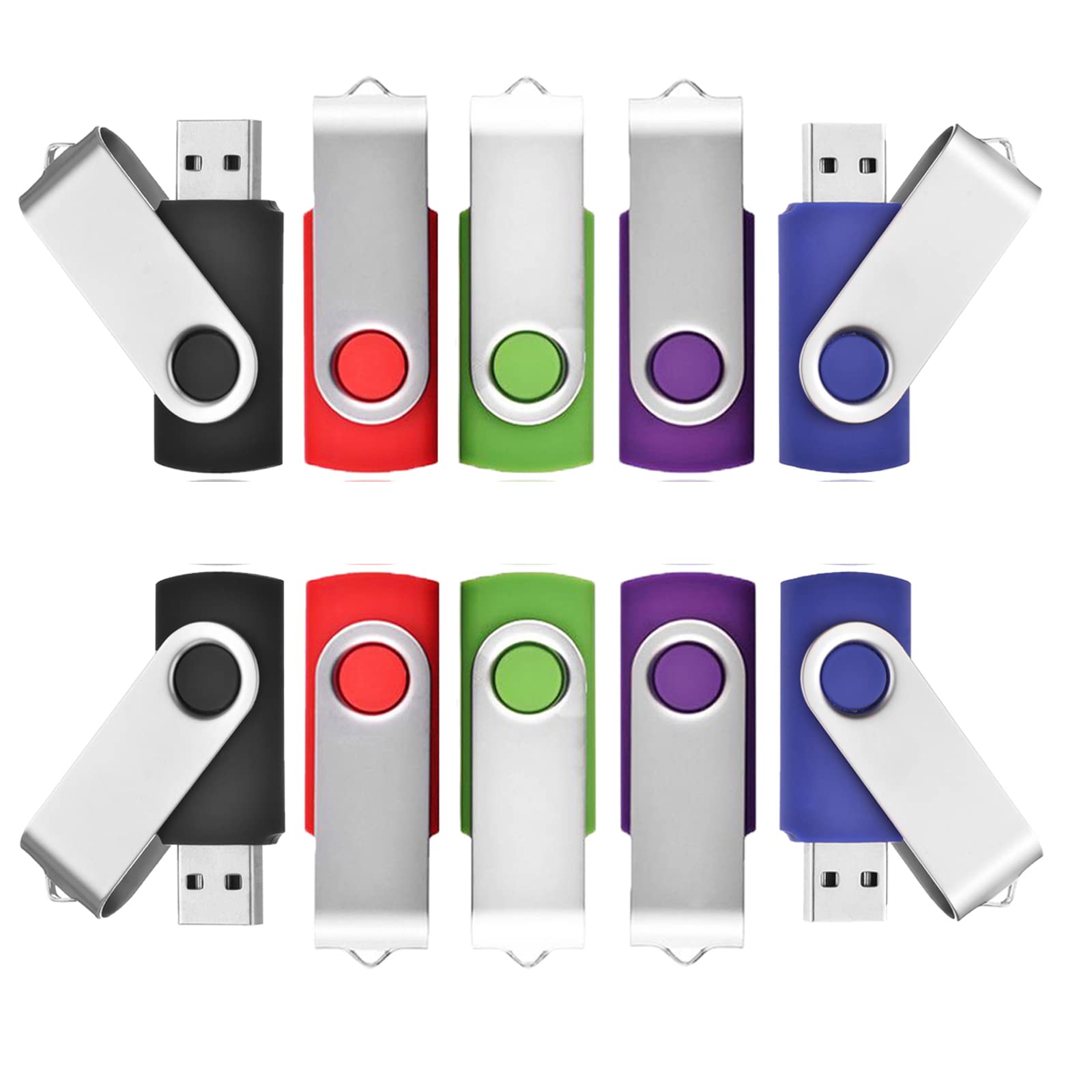
Description Feature: Interface: USB-C and USB-A 1.How to connect to mobile phone? There are two ways to transfer data to this USB flash drive due to the different phones. Way 1: 1.Connect the USB flash drive to your phone, and glide your finger downward on the phone's home screen to display the notifications panel. 2.Tap the information as "General USB Drive", “USB storage” or “OTG” alert, you will see some existing folders . 3.Click the folder to open the files, choose the files to “copy to” or “move to” the folder you want to. Glide your finger downward on the phone's home screen to display the notifications panel to back to the “General USB Drive” to eject or uninstall the flash drive. Way 2: 1.After you plug it into your phone, look at the top of your phone for the USB symbol, it says “USB storage” connected. Go to "My Files" to select the videos, pictures or audios you will see your files there. 2.Click on “Copy” or “Move” by breaking down menu on the top right corner, then go to the folder you want to move your files to. At the top/bottom you will see 'Paste Here', once you do that, your files will be copied or moved to that folder. 3.Glide your finger downward on the phone's home screen to display the notifications panel to back to the “General USB Drive” to eject or uninstall the flash drive.
Customer reviews
10 Trustpilot reviews total, with 2 shown at a time.
I wrote to Bigamart's customer support and they accompanied the process of reshipping the item until it finally arrived. I felt a genuine effort to solve the problem till it was finally solved.
The package was here in Australia from England in a few days — so quick! Something was missing and they refunded it straight away. Pretty happy with these guys.
You might also like