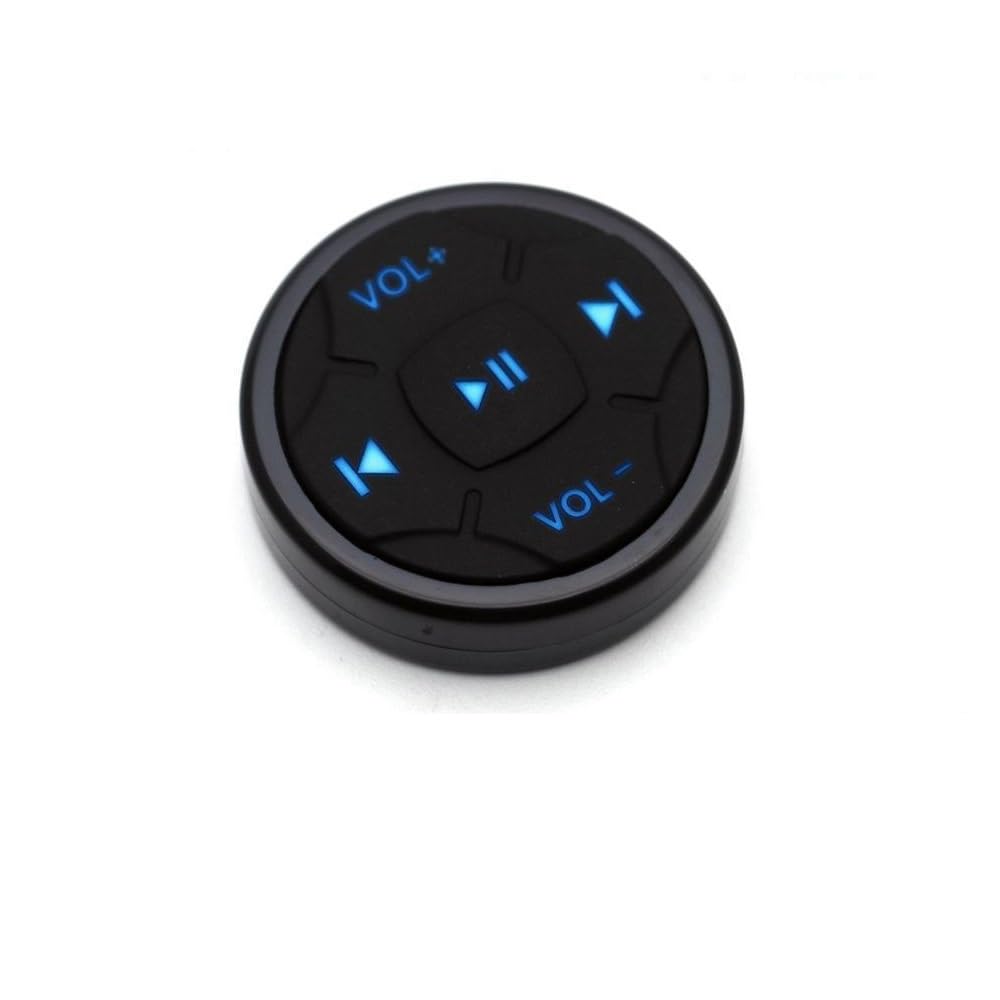

Steering wheel remote control,Wireless Bluetooth 4.0 Media Button Music Play Remote Control for IOS/Android
About this item
- 1. Low energy usage.Button Remote for iPhone and Android Smartphone - Play/Pause, Next/Last Track, Volume, Siri, Camera.
- 2. Control Media Playback.The Bluetooth Media Button allows you to play/pause and forward/backtrack media, and adjust volume without reaching for your phone. Change songs without having to take your eyes off the road and control video play without having to get up from the couch.
- 3.Bluetooth Connection.Simply pair the BT Shutter Button to your phone or tablet via Bluetooth. There is no software to install or any apps to download. The included CR2016 battery has an amazingly long battery life of up to 2 years and the wireless Bluetooth range is up to 40 feet.
- 4.Compatible with most of iOS devices supporting Bluetooth 3.0 and later, Android OS 4.4 or later.The method to wake up siri in the latest IOS device version is as follows: After connecting "+" and "-" for the first time, press for three seconds to match, and then you only need to press the center button for 3 seconds to wake up siri.
- 5.Note:The Bluetooth remote control must be connected to a smartphone or tablet before use. It does not work with an Android car radio.Connect the Bluetooth device, the phone keyboard will not display, please click the sound + / or-key.There is no home button.If the Bluetooth device is connected, the keyboard of the phone will not be displayed. Please press the sound +/- button at the same time for 2-3 seconds to switch.
- ใIMPORTANT NOTE!ใ CANNOT support Android OS 12 or later.Android 12 and later versions may cause the "previous" and "next" buttons to be incompatible.
Product description
Product description Steering wheel remote control,Wireless Bluetooth 4.0 Media Button Music Play Remote Control for IOS/Android Wireless Bluetooth Media Button Remote Selfie Control Start Siri Car Motorcycle Steering Wheel Music for iPhone iOS or Android Note: The buttons do not support answering calls LED๏ผWhen you press the button, the blue light will stay on for 2 seconds. - Activate your phone's voice commands. - Capture selfies or group photo easily. - Control your music wirelessly. Includes: - Bluetooth Media Button - 3M sticker FAQ: 1. After connecting the "Jetion remote" device, the phone keyboard does not pop up. Please press the VOL+ or VOL- button and the phone keypad will be displayed. 2. For iPhones without a Home button, to wake up SIRI, Iphone X/XS/Xmax phones call SIRI, you need to press and hold VOL+ and VOL- at the same time for 3 seconds, and you can use it after the blue light flashes to switch modes. 3. For iPhones without a Home button, after connecting to the "Jetion remote" device, if you can't control it, press and hold VOL+ and VOL- at the same time for 3 seconds, and the blue light will flash and switch to the mode before you can use it. Safety Warning Use the batteries according to the safety instructions and dispose of them in an environmentally friendly manner. Pay attention to possible interference with other wireless devices.
Product details
Customer reviews
What customers say about Bigamart
10 Trustpilot reviews total, with 2 shown at a time.
I wrote to Bigamart's customer support and they accompanied the process of reshipping the item until it finally arrived. I felt a genuine effort to solve the problem till it was finally solved.
The package was here in Australia from England in a few days โ so quick! Something was missing and they refunded it straight away. Pretty happy with these guys.
You might also like

Similar items


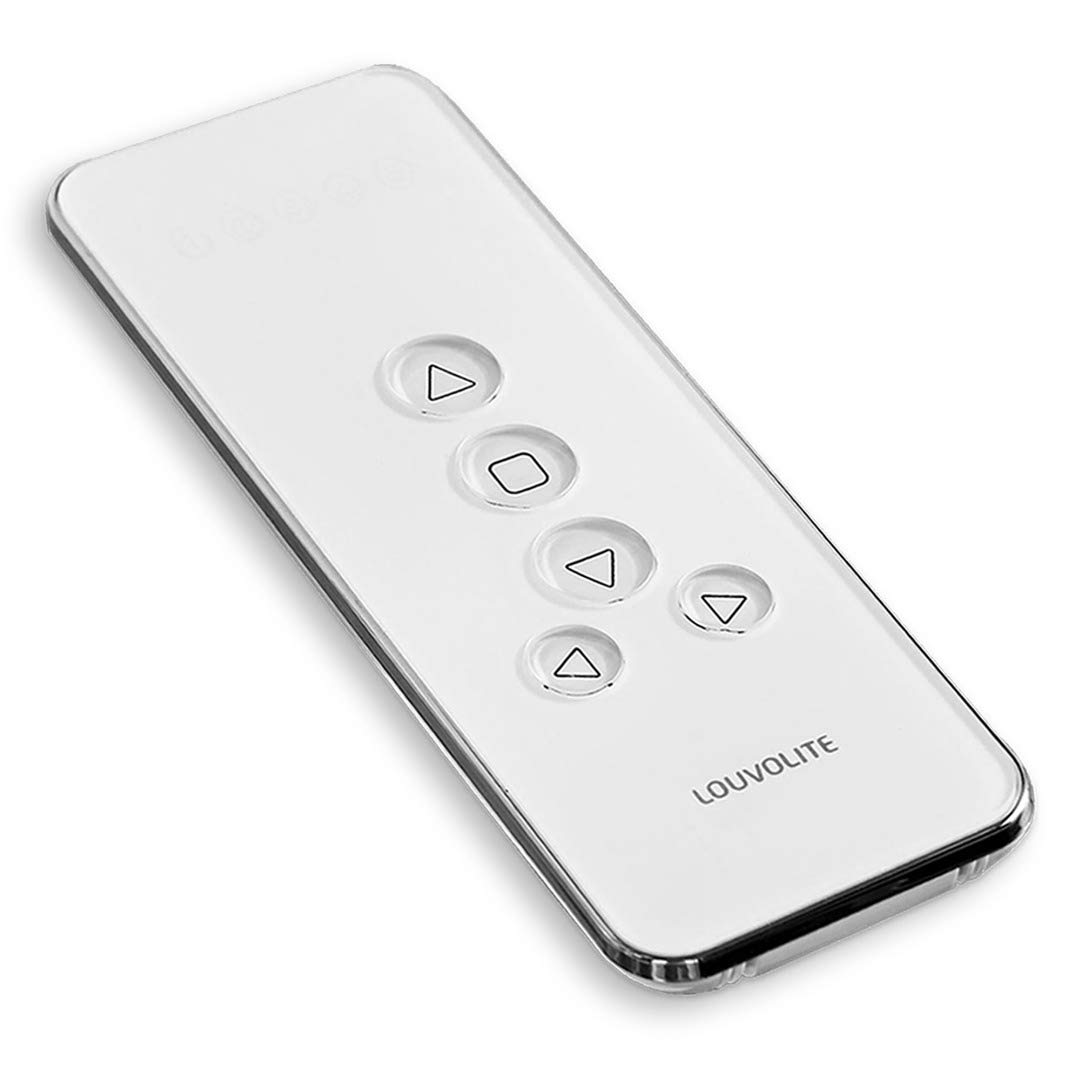
Louvolite Genuine R1720 (5-ch) Motorised Blinds Remote Controller For R1710 Motors (1100 / Gen-1)(R1720 (5 Channels))