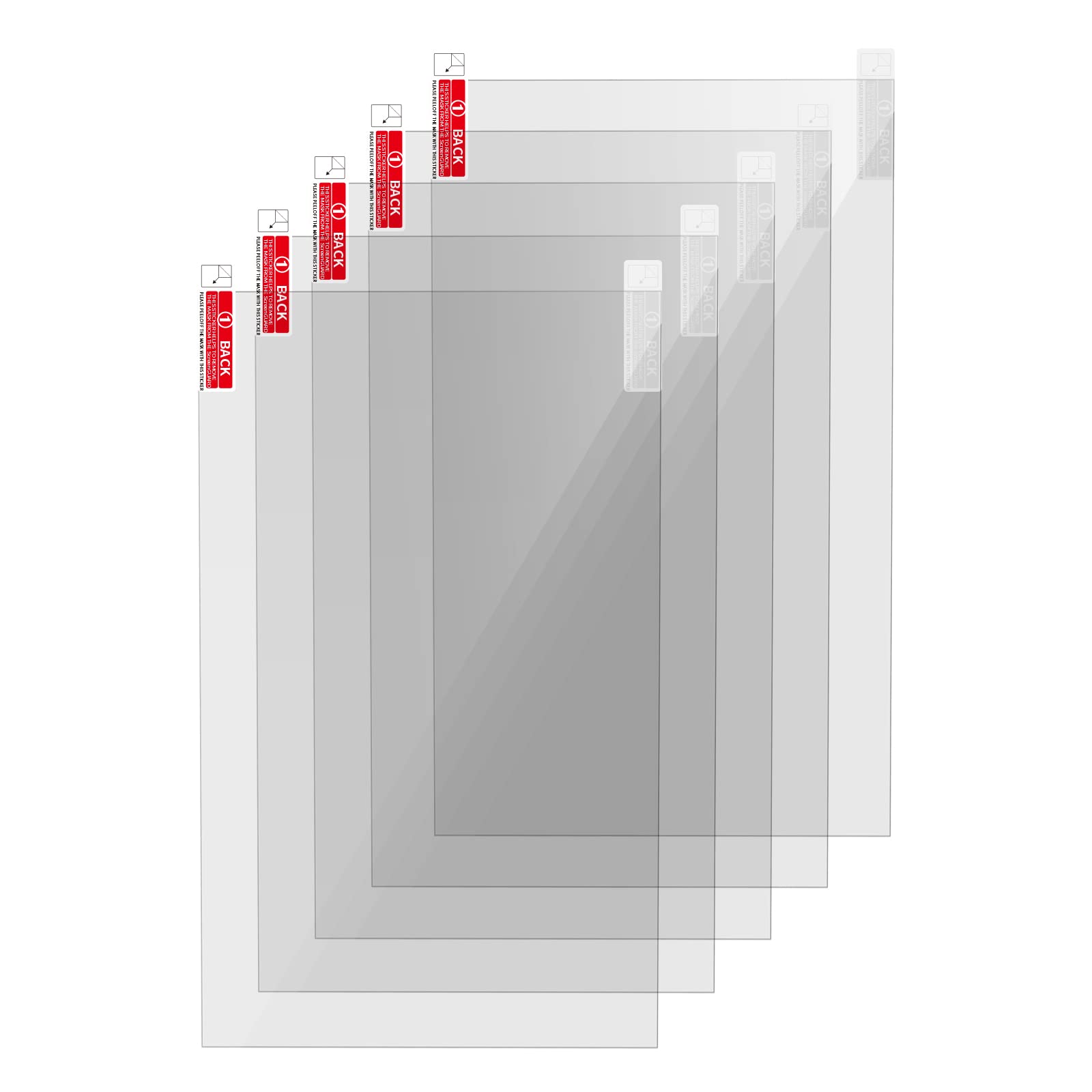

KOYOFEI 5PCS Screen Protector for LCD Resin 3D Printers, Screen Protective Film for Elegoo Mars2/2 Pro, Photon Mono/Mono SE, Voxelab Proxima 6.08 inch Monochrome LCD Resin 3D Printers
About this item
- Screen Protector: 6.08-inch screen protector can just cover the LCD screen of the 6.08 inch resin 3D printers, preventing the resin from contaminating the screen when FEP damaged, adding or recycling resin, thereby prolonging the use time of the LCD screen and saving the cost of replacing the screen.
- Light transmittance of more than 95%: The light transmittance of the 6.08 screen protective film is above 95%, which will not affect the 405nm wavelength of ultraviolet rays through the protective film and curing the resin, which can maintain the printing accuracy of the 3D printer.
- High quality screen protectior: Screen Protector is made of high-quality PET material imported from Japan. The double-sided lamination ensures that it will not be scratched before use, and the edge will not produce white edges after being posted. Therefore, it will not affect the print volume after installation, and only needs to be re-leveled.
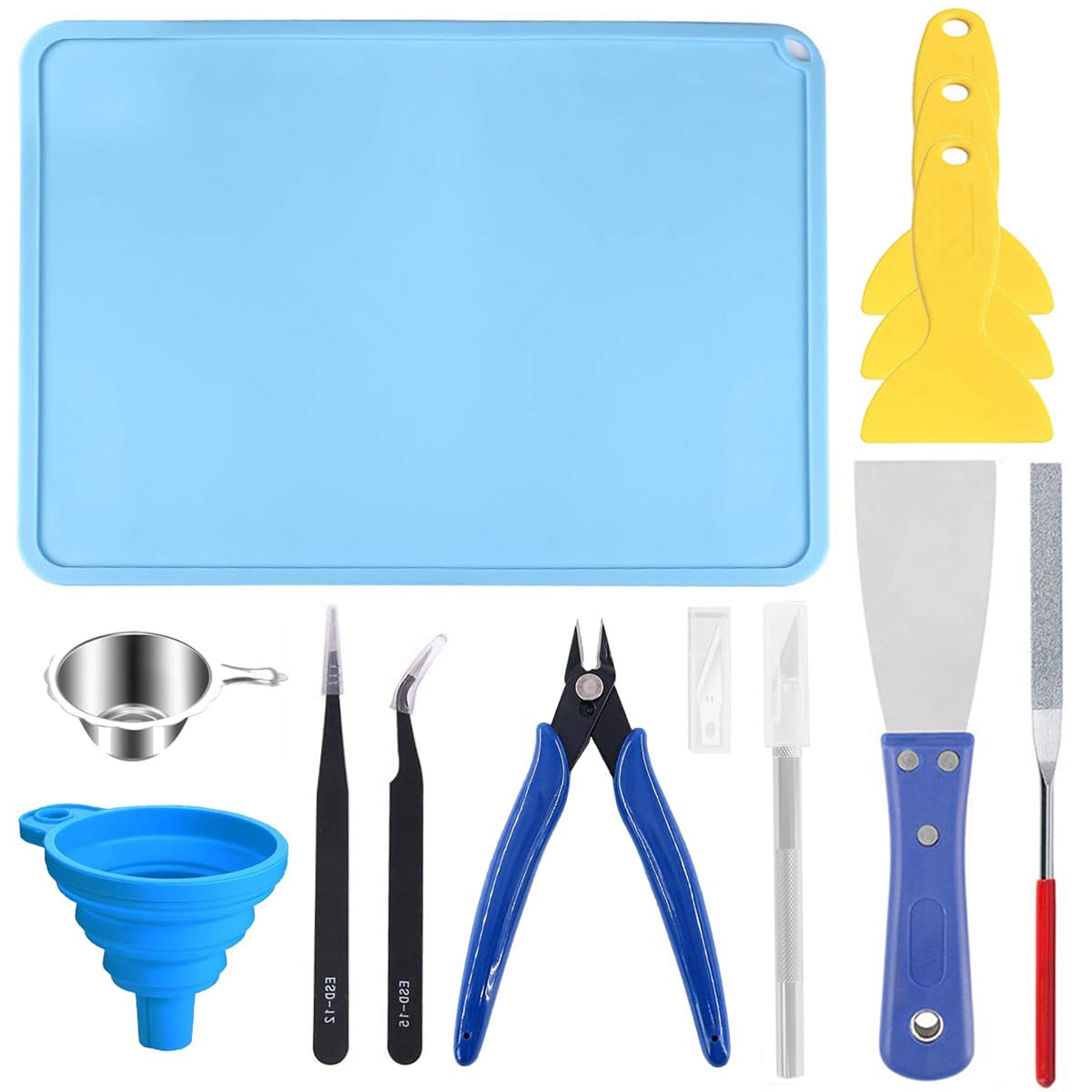
- Included tool kit: This kit comes with a tool kit for easy installation of the protective film, you can refer to the installation steps in the picture to operate, and use the scraper to avoid air bubbles during the installation process.
- Compatible Models: Protective film compatible with Elegoo Mars 2/ Mars 2 Pro, Photon Mono/Mono SE, Voxelab Proxima and etc 6.08 2K Monochrome LCD Resin 3D Printers.
Product description
KOYOFEI Resin Screen Protector for 3D Printer 6.1 Inch (Pack of 5) Installation of the soft screen protector. 1. Remove the dirty screen protector and clean the drying screen with the tool kit. A Clean the screen with an alcohol pad. B. Clean the screen with a dry cloth. C. Use dust absorber to remove fine dust. 2. Remove the back of the screen protector. Align the protective film with the edge of the screen and stick it from one end to the other with a plastic scraper. Careful installation, no air bubbles. 3. Use a plastic scraper to remove any remaining bubbles by lightly pressing each bubble towards the edge of the strainer. Smooth the protective film and remove the front cover to complete it. Package includes: 5 x 6.1 inch screen protector + 5 x tools + 1 x scraper.
Product details
Customer reviews
What customers say about Bigamart
10 Trustpilot reviews total, with 2 shown at a time.
I wrote to Bigamart's customer support and they accompanied the process of reshipping the item until it finally arrived. I felt a genuine effort to solve the problem till it was finally solved.
The package was here in Australia from England in a few days โ so quick! Something was missing and they refunded it straight away. Pretty happy with these guys.
You might also like
Similar items


Toaiot 3D Printer Filament Holder Adjustable Smooth Pully Spool Mount Rack with Bearing for TPU/PLA/ABS/Nylon/Wood/PEGT 0.5KG 1KG Printing Material

ELEGOO Mercury Plus 2 in 1 Wash and Curing Machine for LCD/DLP/SLA 3D Printed Models Resin UV Curing Box for Mars Series Photon S Photon Mono with Rotary Curing Turntable and Washing Bucket

Official Creality 3D 4.2.7 Upgrade Silent Mainboard for Ender-3 Pro Customized Silent Board, Ende-3 Pro Mute Silent Motherboard