ZTC
✓Internal Solid State Drives
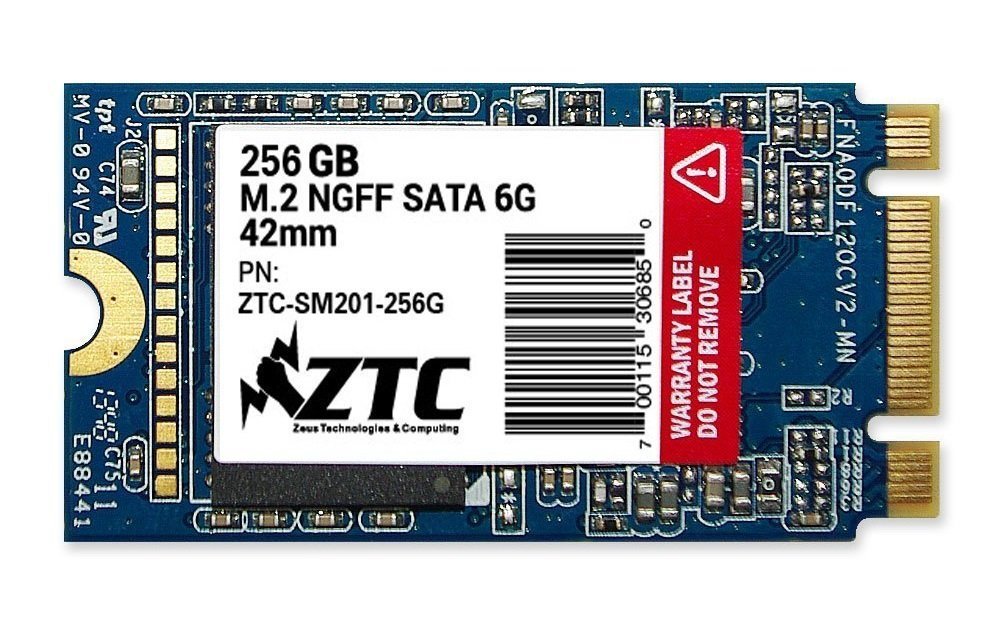
ZTC Armor 42Mm M.2 Ngff 6G Solid State Ssd Disk (256Gb)
★★★★★4.2
$151.99
View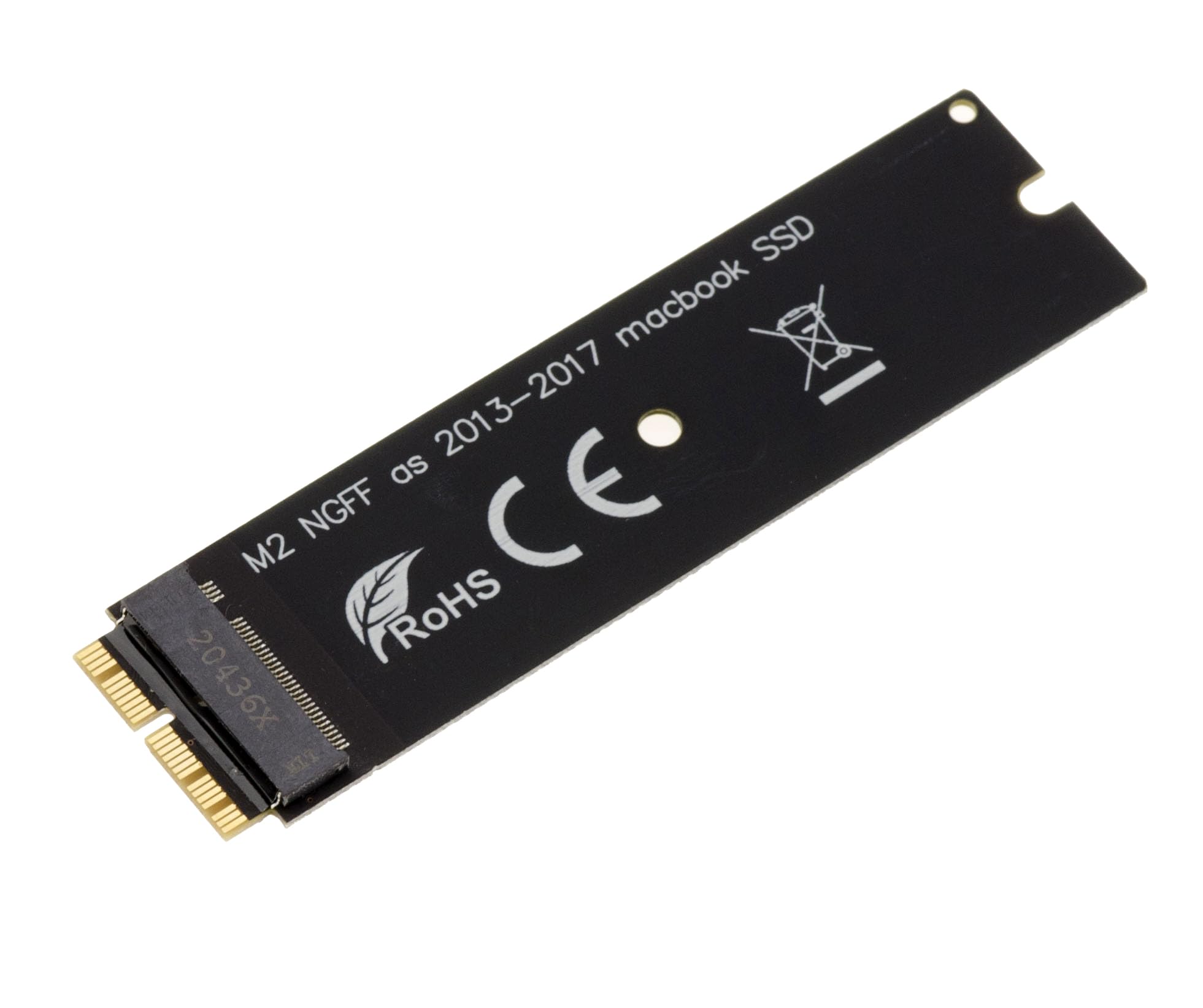
M.2 (NGFF) to MACBOOK Adapter Use: To mount an M.2 M or B+M Key PCIe SSD card instead of the 12+16 pin SSD present on MacBook Air 2013 and up Will not fit M.2 SATA type SSDs Specifications: For M.2 drives only PCIe, M or B+M Key The adapter will allow you to mount the M2 SSD instead of the original SSD on a MAC using a PCie SSD in 12+16 pins (Macbook produced after 2013). 2013, 2014, 2015 Macs do not support NVMe SSDs, so you will need to use an AHCI type SSD with this adapter. Example of supported SSDs: Samsung XP941 (MZHPU128HCGM MZHPU256HCGL MZHPU512HCGL), Samsung SM951 PCIE-AHCI (MZHPV128HDGM MZHPV256HDGL MZHPV512HDGL)... Macs of 2016 and 2017 type "AIR" and 2015, 2016, 2017 "PRO" support NVMe type SSDs. Example of supported SSDs: PM951 PCIE-NVME (MZFLV128HCGR MZFLV256HCHP MZFLV512HCJH), 950 PRO (MZVKV256 MZVKV512), 960 EVO (MZ-V6E250BW MZ-V6E500BW). ,MZ-V6 E1T0BW)... You will need to prepare a "USB DISK DRIVER" to use this adapter. See for example this article to learn how to create a Flash Recovery: http://www.macworld.co.uk/how-to/mac-software/create-mac-flash-recovery-drive-for-emergencies-3499802/. Rq: you have a way to know if your Mac supports NVMe SSDs via the "Harware" menu, if it is the case the mention "NVMExpress" will appear on it Plug and Play
Customer reviews
10 Trustpilot reviews total, with 2 shown at a time.
I wrote to Bigamart's customer support and they accompanied the process of reshipping the item until it finally arrived. I felt a genuine effort to solve the problem till it was finally solved.
The package was here in Australia from England in a few days — so quick! Something was missing and they refunded it straight away. Pretty happy with these guys.
You might also like