Louvolite
✓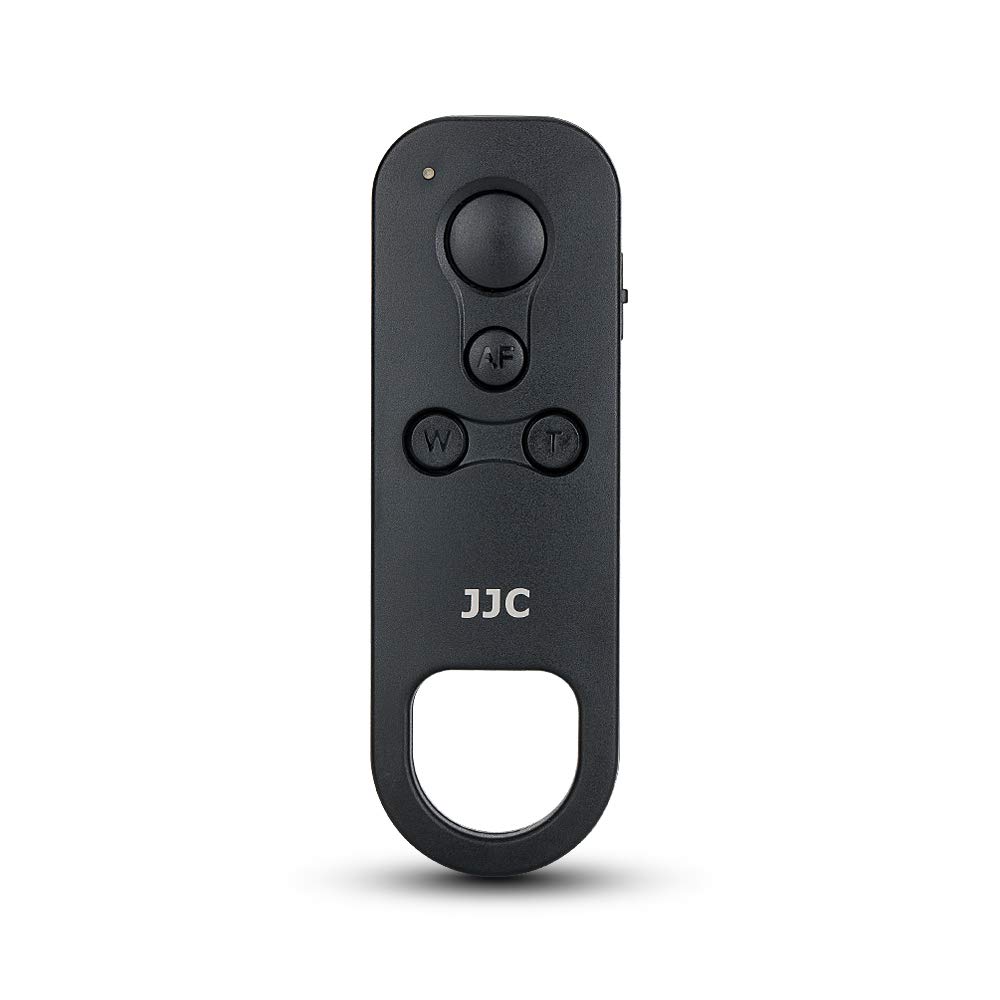
The JJC Wireless Bluetooth Remote replaces the Canon BR-E1 remote control, which is compatible with the following cameras: For Canon EOS R8, R50, R7, R10, R6 Mark II, R, R3, R5, R6, RP, M50, M50 Mark II, M6 Mark II, M200, 6D Mark II, 90D, 77D. For Canon Rebelle SL3, SL2, T8i, T7i. For Canon Powershot G7X III, G5X II, SX70HS For proper use, pair the remote with your camera first, each EOS model is a little different but here are the basic steps for a Canon M50: (1) Activate Bluetooth in camera menus (Menu - Setup tab - Wireless communication settings - Bluetooth function - Remote control) (2) Select "matching" (3) Simultaneously hold the W and T zoom buttons on the remote control for more than 3 seconds (4) When the camera asks if you want to pair with the remote control, press "OK" Attention: When the above steps are completed, it just means that the remote control and camera are paired, you still need to do an extra step to make the remote control work: 1. For still photos: set the camera driving mode to "remote mode", then set the 3-way switch on the side of the remote to the S or 2S icon. 2. To start/stop the video: set the camera to video mode, enter the menu - in the shooting setting - scroll to "remote control" - ON, this setting is only available when the camera is in video mode, and then set the 3 switch on the side of the remote control to the video icon. Notes: The zoom button on the remote only works for Canon EF-S 18-135mm f/3.5-5.6 IS USM lens with the required Canon PZ-E1 electric zoom adapter.
Customer reviews
10 Trustpilot reviews total, with 2 shown at a time.
I wrote to Bigamart's customer support and they accompanied the process of reshipping the item until it finally arrived. I felt a genuine effort to solve the problem till it was finally solved.
The package was here in Australia from England in a few days — so quick! Something was missing and they refunded it straight away. Pretty happy with these guys.
You might also like