TransOurDream
✓
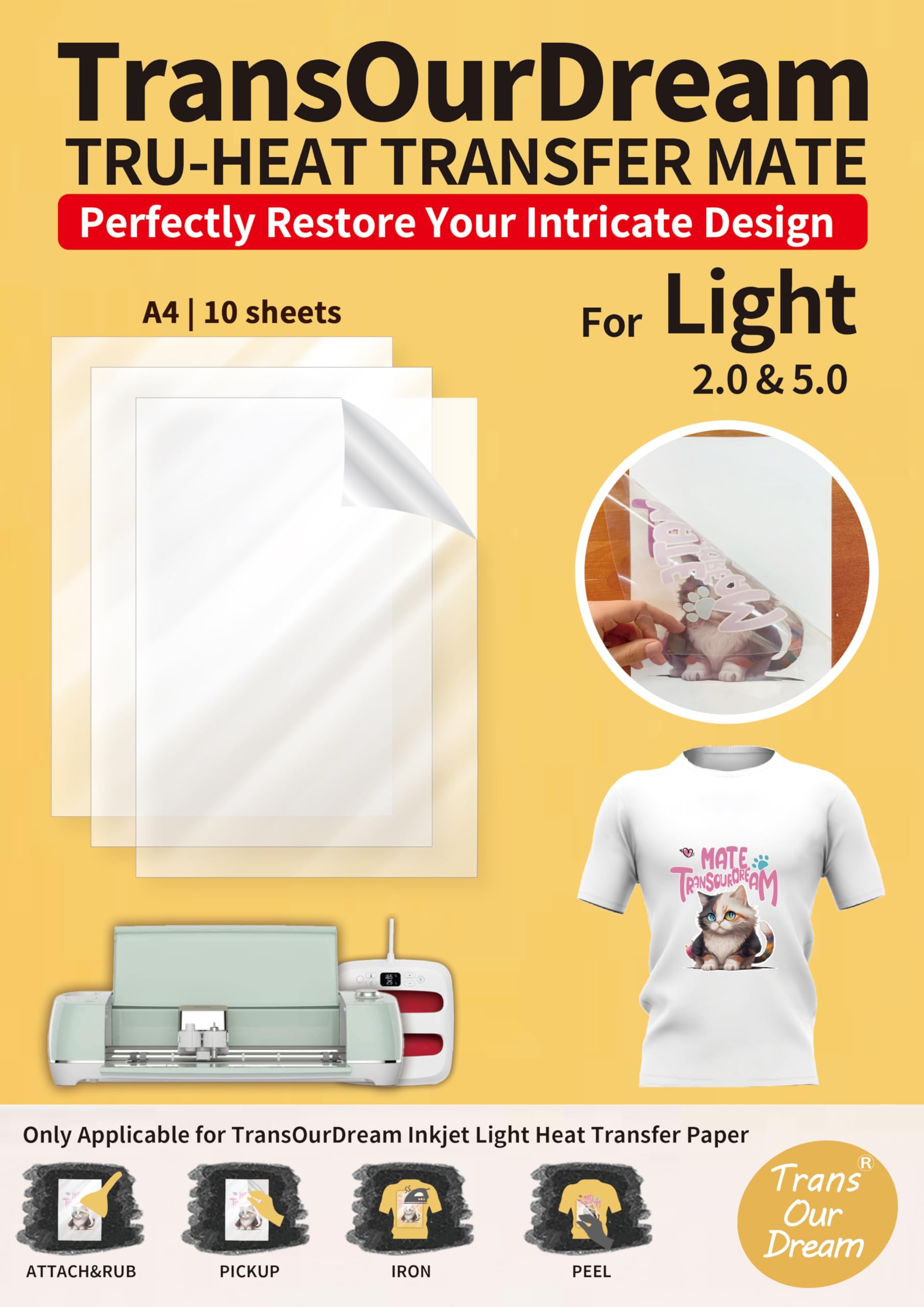
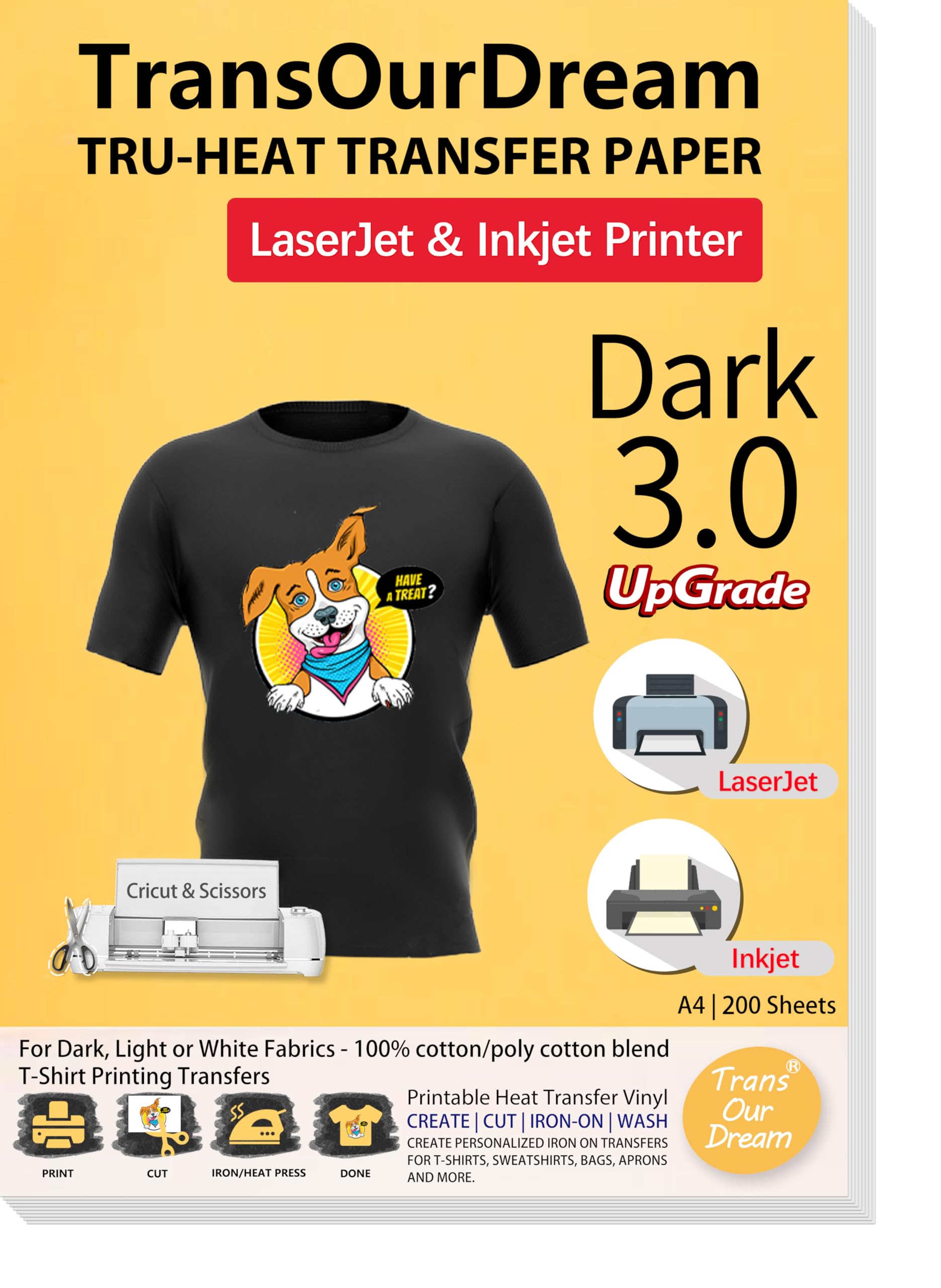
How to use heat transfer paper with a heat press: [1] Print the image on the front side of the iron on transfer paper (the smooth and soft side is the front side). After printing, let the paper dry. [2] Cut the transfer paper for t shirts into the shape you want, being careful not to miss the white edges. [3] Pre-heat the heat press to flatten the fabric. [4] Peel off the backing side and place the printed image face up on the flat fabric and cover the image with parchment paper fully. [5] Heat transfer the image with 329°F ~ 338°F for 15 seconds. [6] After finishing ironing, remove the parchment paper without cooling. How to use printable heat transfer vinyl with a household iron: [1] Print the image on the front side of the printable htv (the smooth and soft side is the front). After printing, allow the paper to dry. [2] Cut the heat transfer paper for t shirts into the shape you want, being careful not to leave a white border. [3] Make sure your iron is free of water and the steam setting is off; then set the iron to the high or cotton setting to flatten the fabric. [4] Peel off the backing side and place the printed image face up on the flat fabric, covering the image with parchment paper. [5] Iron the image evenly with firm pressure for about 2-3 minutes. (Each corner needs to be evenly stressed) [6] After ironing is completed, remove the parchment paper after cooling.
Customer reviews
10 Trustpilot reviews total, with 2 shown at a time.
I wrote to Bigamart's customer support and they accompanied the process of reshipping the item until it finally arrived. I felt a genuine effort to solve the problem till it was finally solved.
The package was here in Australia from England in a few days — so quick! Something was missing and they refunded it straight away. Pretty happy with these guys.
You might also like