BIGLIGHT
✓
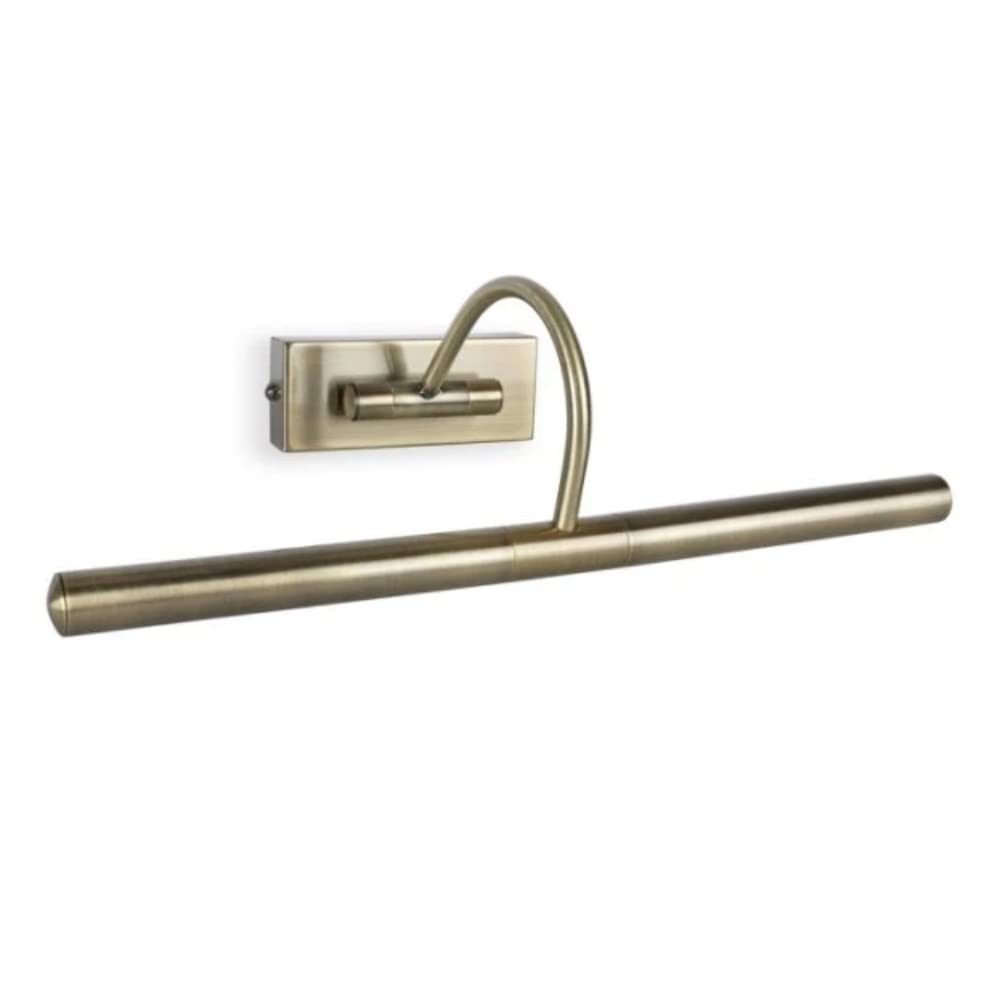
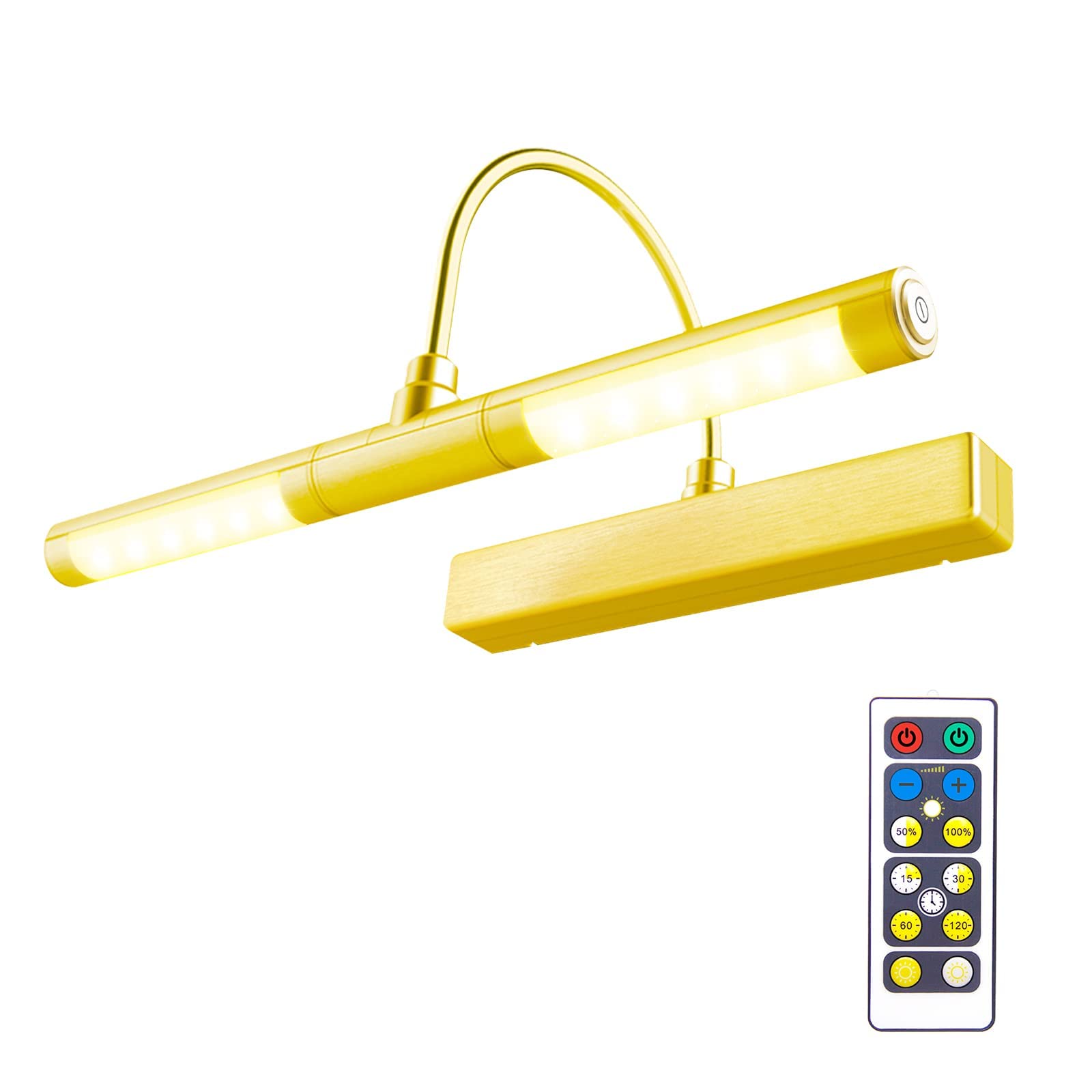
MORE DETAILS * Material: ABS plastic and Aluminum * Power Source: 3pcs AA batteries(not included) * 12 super bright SMD LEDs. 1W, 100 Lumens, 3 Lighting modes are 3000K warm white, 4300K natural white and 8000K cool white, with 30,000 hours lifespan. * Each light tube can be turned 180° up or down, rotate each light head independently to desired angle. Installation Steps: 1.First remove printed paper mounting template from back of unit. 2. Drill two pilot holes in the location where you want to mount the picture light. Place screws (included) in pre-drilled holes. Tighten slightly until secure, but do not tighten all the way. Slide EZ Mount Bracket keyhole slots over screw heads and into position. 3. Use the built-in bubble level to make sure the mounting bracket is level before securing it to the wall. 4. Once you confirm that the bracket is level, tighten the screws to secure it to the wall. Take care not to over tighten. 5. To hang the picture light on the mounting bracket, align the picture light with the mounting bracket and slide the unit down. Picture light will lock into position. 6. To remove the picture light from the mounting bracket: A) Hold the picture light by the base (not light head). B) Slide the unit up. C) Once the body releases from mounting bracket, pull the unit out. PACKING LIST - 1 x Picture Light - 1 x Remote Control - 2 x Screw - 1 x User Manual
Customer reviews
10 Trustpilot reviews total, with 2 shown at a time.
I wrote to Bigamart's customer support and they accompanied the process of reshipping the item until it finally arrived. I felt a genuine effort to solve the problem till it was finally solved.
The package was here in Australia from England in a few days — so quick! Something was missing and they refunded it straight away. Pretty happy with these guys.
You might also like