PORTTA
✓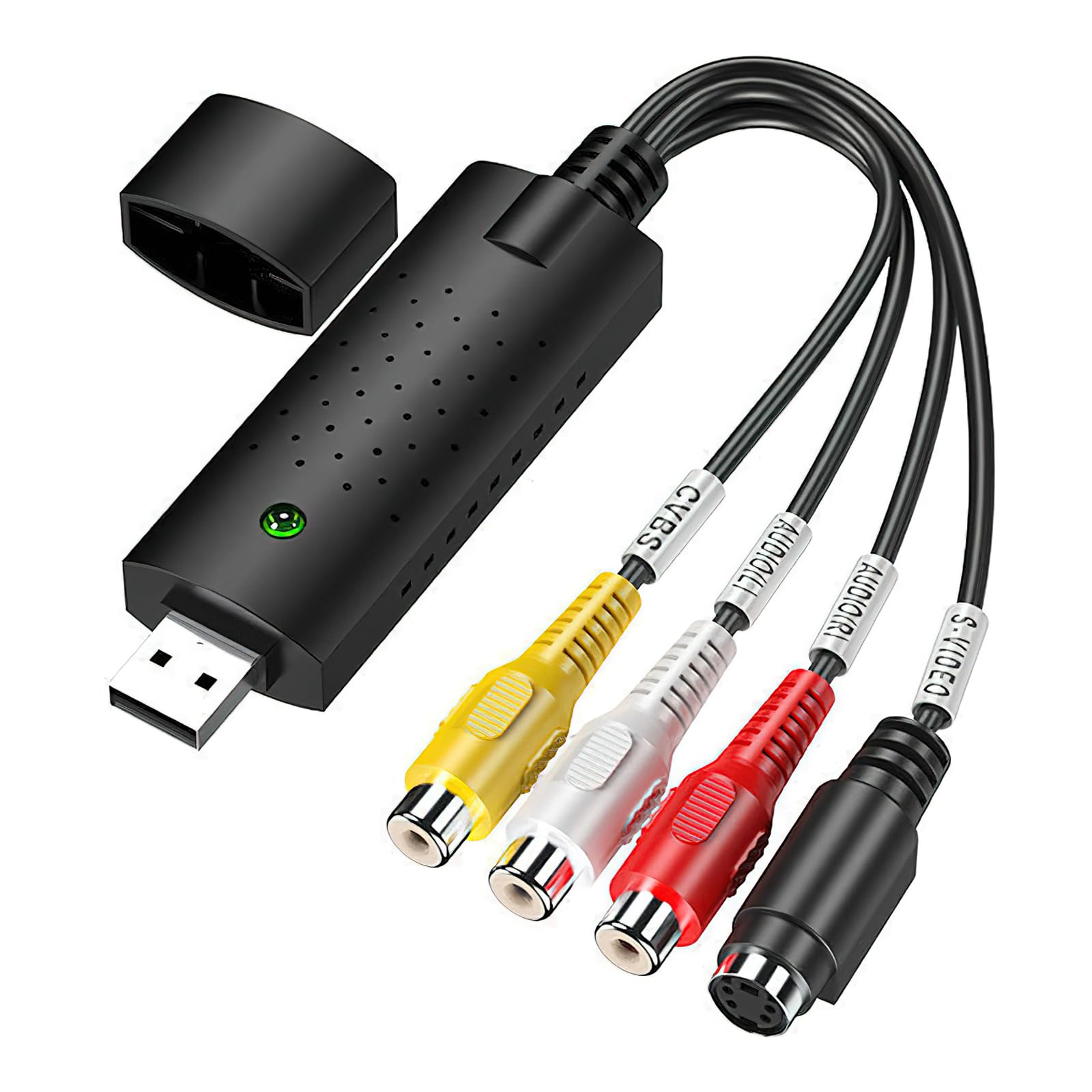
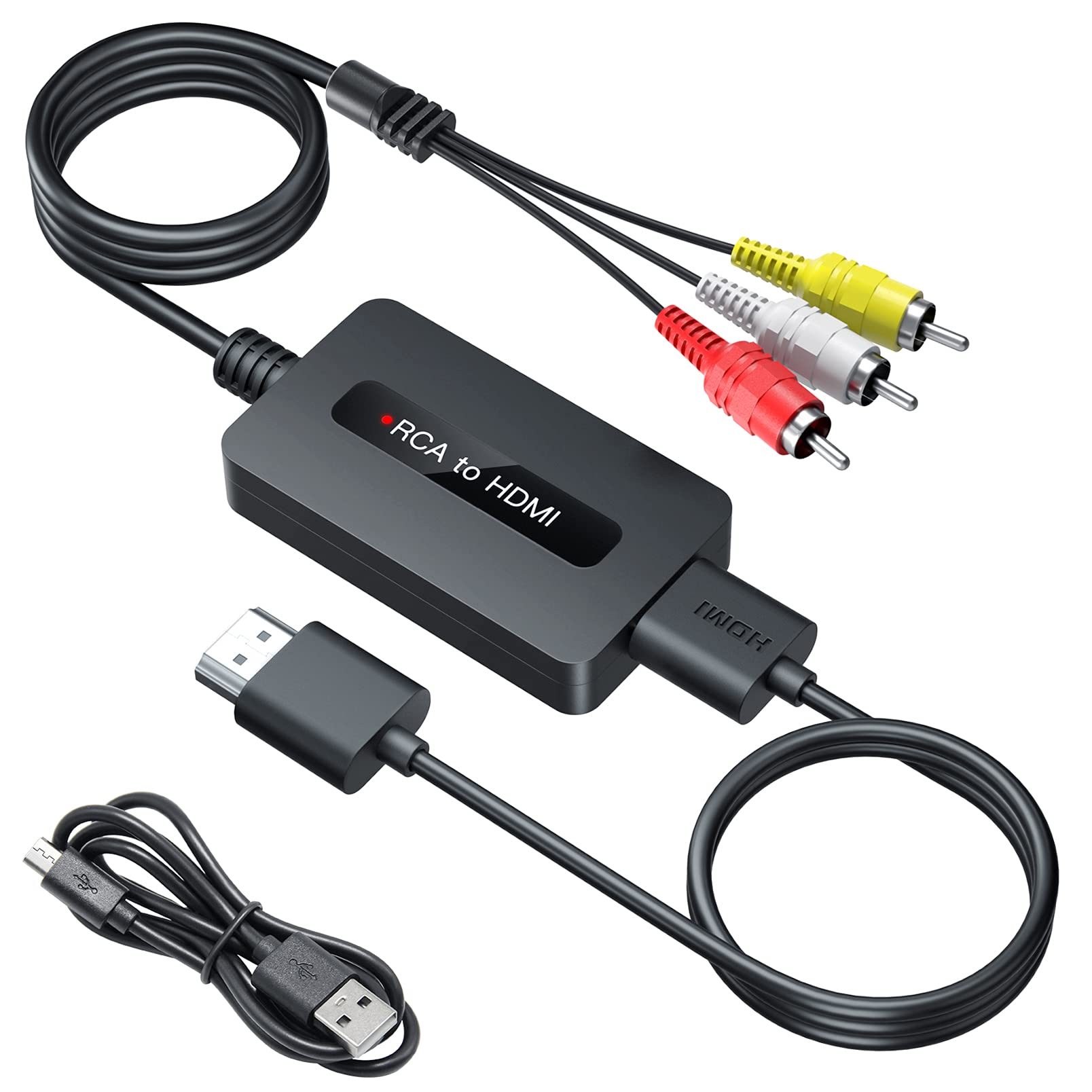
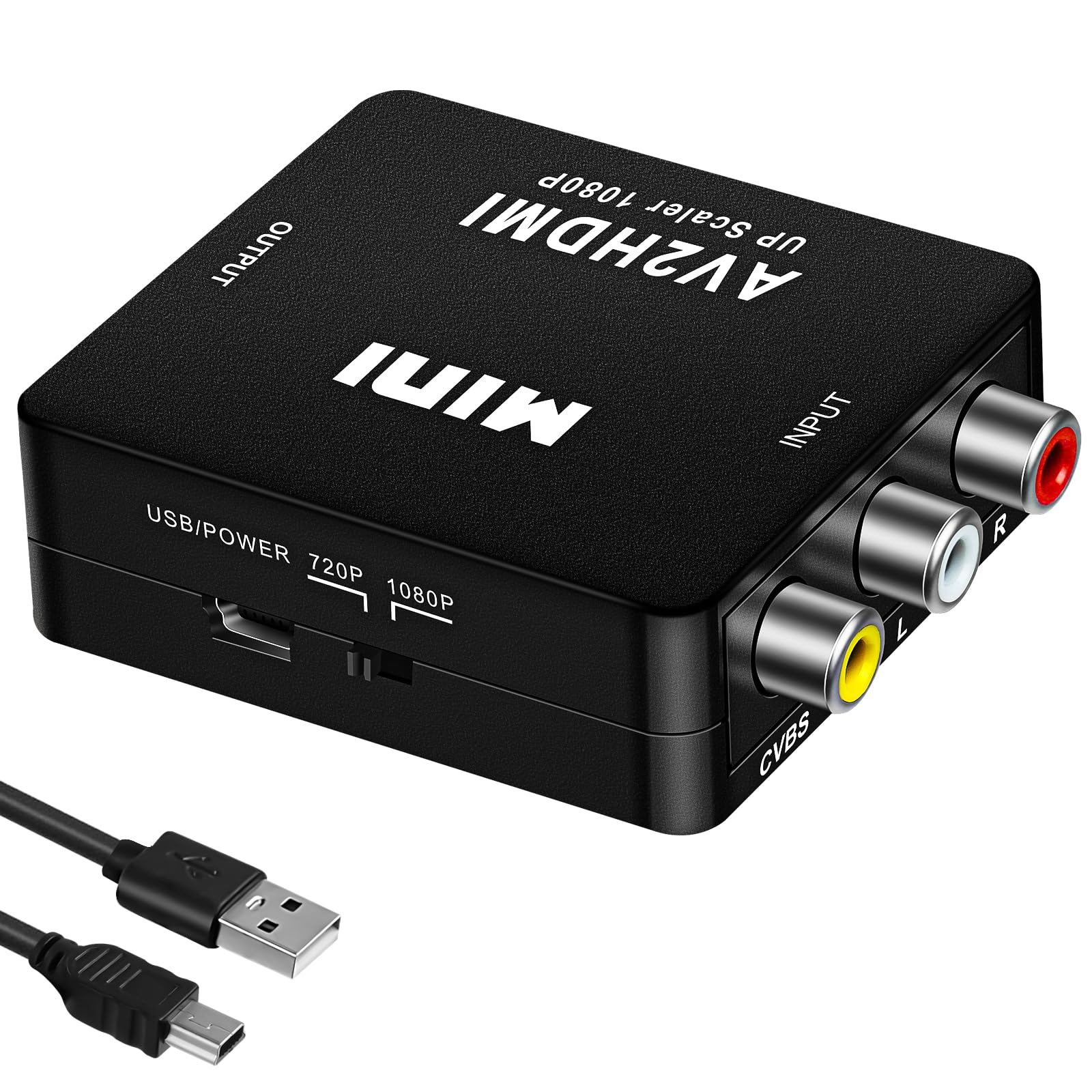
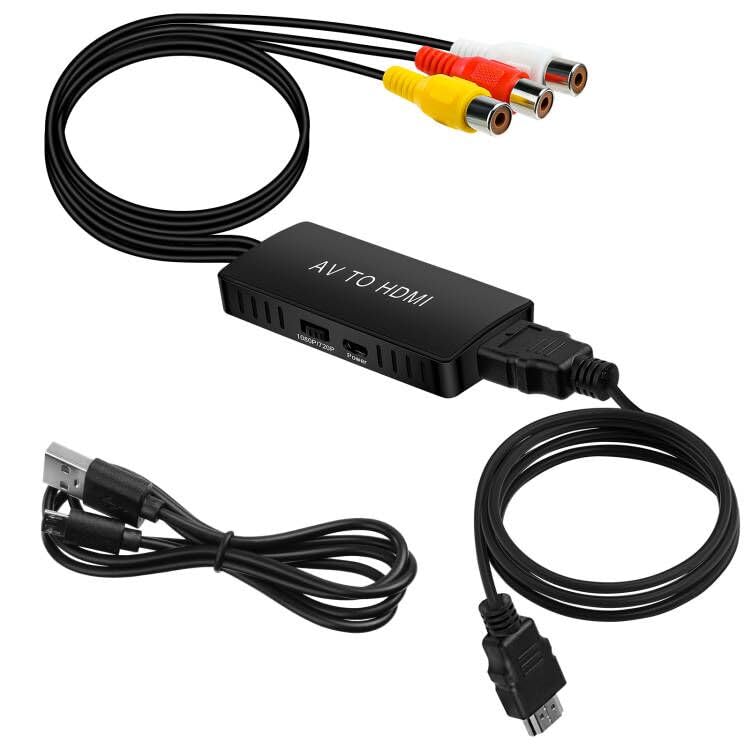
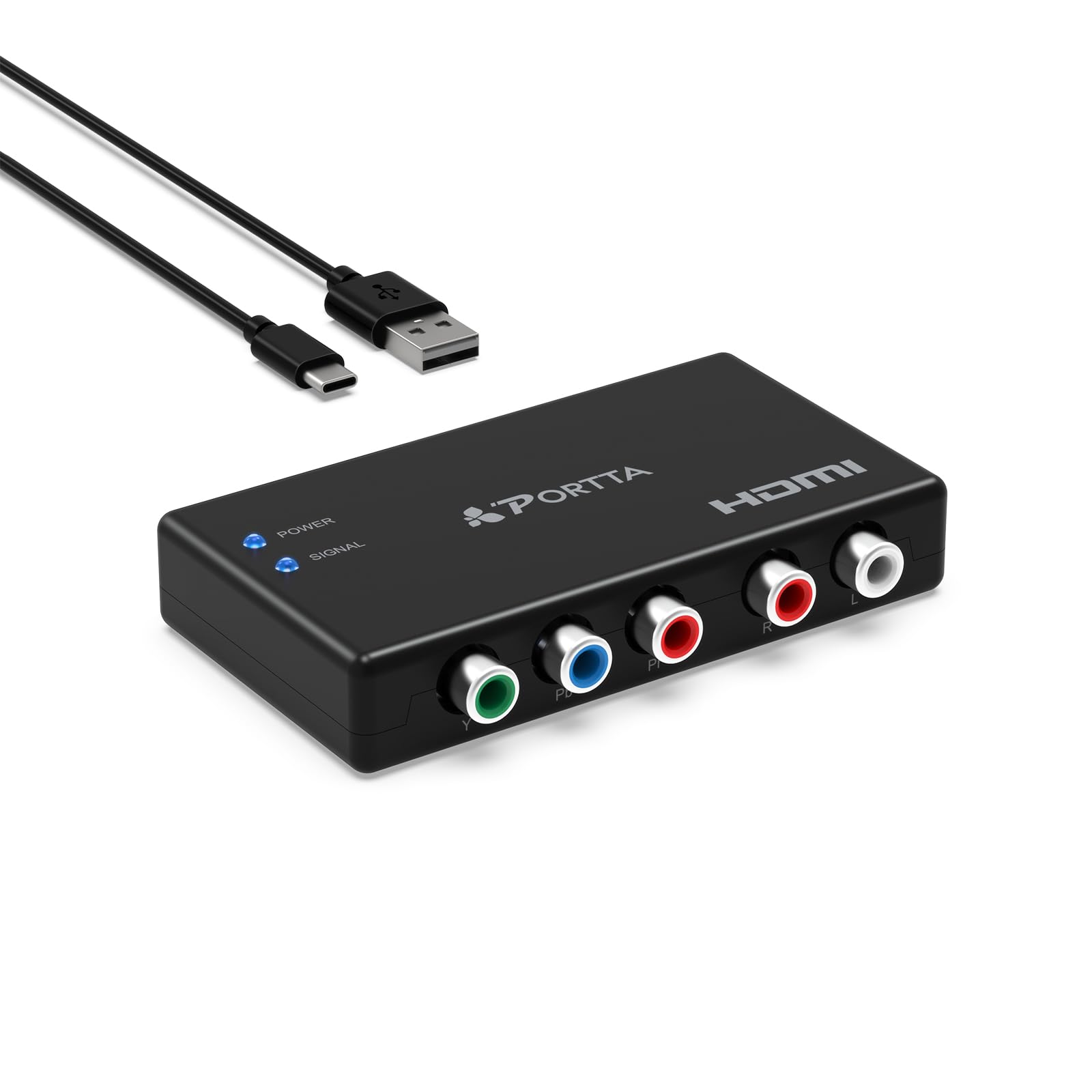
Analogue video recording for your Windows PC. This USB 2.0 plug-and-play video capture device provides users with the easiest and most direct way to transfer video to their PC, including movies from various sources to burn to DVD. With the USB grabber with component video input, you can easily capture/edit videos from any devices with RCA connection at home, such as DV/V8/Hi8/VHS/DVD/players, video game consoles and set-top boxes. Save your favourite videos Video tapes deteriorate over time, your old videos have colour splashes, white spots and other distortions. Don't risk this happening to your home video collection. Video recording compatibility includes: NTSC, PAL, MPEG 4/2/1, JPG and BMP formats and is fully functional on PCs running Windows 7/8/10. Specifications: 1.Compatibility: Windows XP (32/64 bit) / Windows Vista (32/64 bit) / Windows 7 (32/64 bit) / Windows 8 (32/ 64 bit) 64 bit) / Windows 10 (32/64 bit). 2.USB 2.0 interface Capture video and audio via USB 2.0 interface 3.Supports NTSC and PAL video format 4.Support for all formats: Burn to DVDR/RW, DVDVR and DVD. Hint: 1. connect the AV signal source to the AV port input connector of the USB capture card using an AV cable. 2. Plug the USB header of the USB capture card into the US port of the computer. 3. 3. follow the instructions in the user manual Record/edit videos in the recording software. 4. 4. Please use the OBS software to record video/audio if you do not have a CD connection or software on your computer and computer. Download OBS online / CD-ROMs are not compatible with video equipment. 5. it works better if it is connected directly to the USB port. Try to avoid the USB extension cable as it affects the working performance . 6. disconnect the converter from the USB port and connect it again if the device is not recognised. 7. 7. restart your PC/laptop after installing the CD driver. Video resolution: NTSC: 720 x 480 at 30 fps. PAL: 720 x 576 at 25 fps. Video input: Composite RCA, S-Video. Audio input: Standard RCA left and right. Compatible with all Windows systems: Windows XP/7/8 / 10/2000 Supports NTSC and PAL video recording.
Customer reviews
10 Trustpilot reviews total, with 2 shown at a time.
I wrote to Bigamart's customer support and they accompanied the process of reshipping the item until it finally arrived. I felt a genuine effort to solve the problem till it was finally solved.
The package was here in Australia from England in a few days — so quick! Something was missing and they refunded it straight away. Pretty happy with these guys.
You might also like