VCELINK
⏳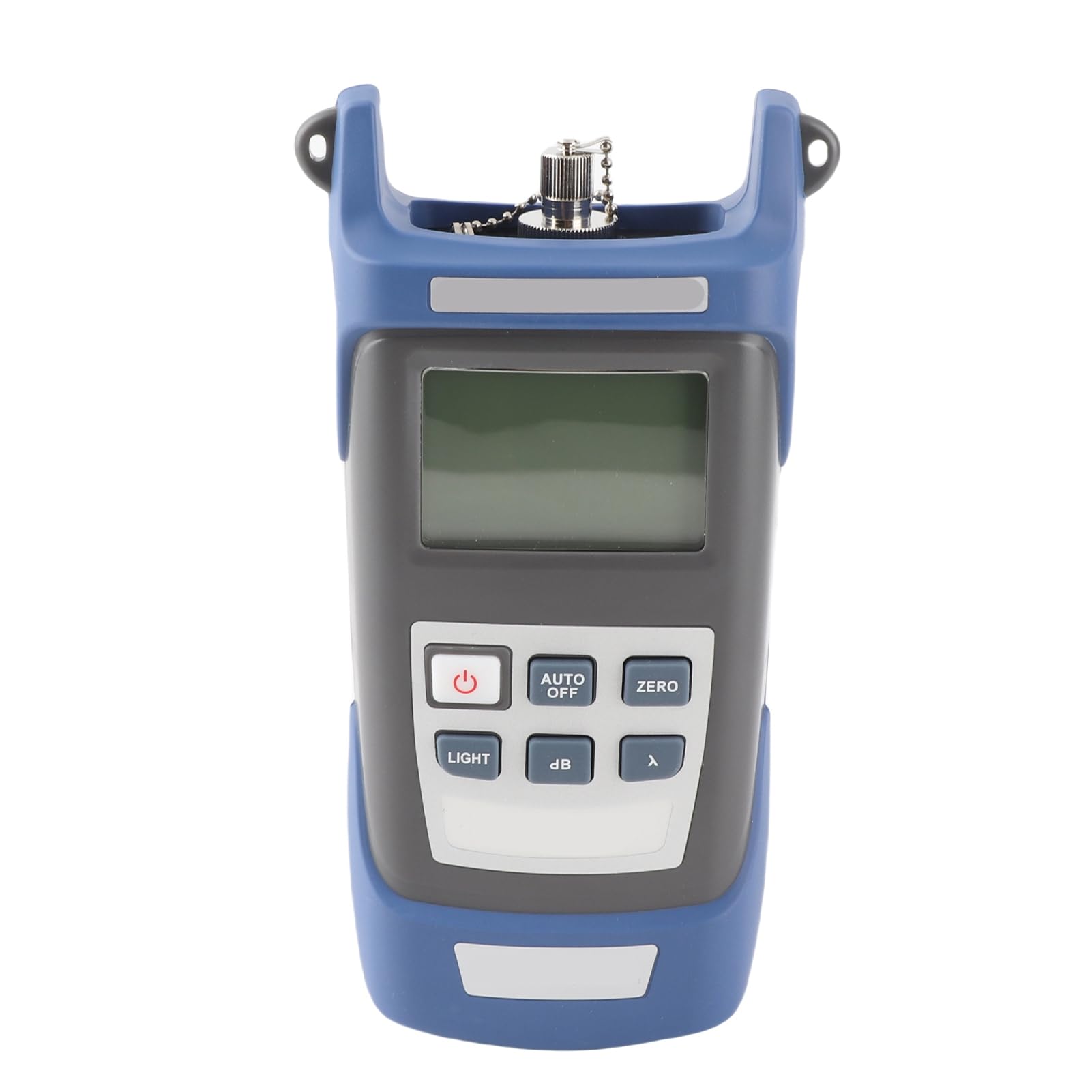
Item Type:Fiber Optical Power Meter Wavelength Range: 800-1700 Connection Port: SC/FC/ST Probe Range: IngaAs Measuring Range: -70~+6db Uncertainty: ±5% Linear Display: 0.1% Working Temperature: -10~60℃ Storage Temperature: -25~70℃ Automatic Shutdown Time: 10min Battery:3 x AA Battery(Not Included) Package List: 1 x Power Meter 1 x Connector Note: The LED display is weak and the boot cannot be displayed. It may be because the battery is low, you can replace the battery in time. LED display data is not normal? It is possible that the connector is faulty, dirty or locked. Reconnect the connector and clean the sensor How to restore the factory settings? Press the in + zero button at the same time The calibration steps are as follows: 1. Press the λ + LIGHT button at the same time, the nm at the end of the first line is not displayed. 2. Each time the LIGHT button is pressed, the power value is increased by 0.05dBm, and the power value is adjusted to the standard value by these two buttons. 3. Press the zero button to save 4. Restart the optical power meter or press the in + LIGHT The nm at the end of the first line of the key is displayed and ready for use.
Customer reviews
10 Trustpilot reviews total, with 2 shown at a time.
I wrote to Bigamart's customer support and they accompanied the process of reshipping the item until it finally arrived. I felt a genuine effort to solve the problem till it was finally solved.
The package was here in Australia from England in a few days — so quick! Something was missing and they refunded it straight away. Pretty happy with these guys.
You might also like