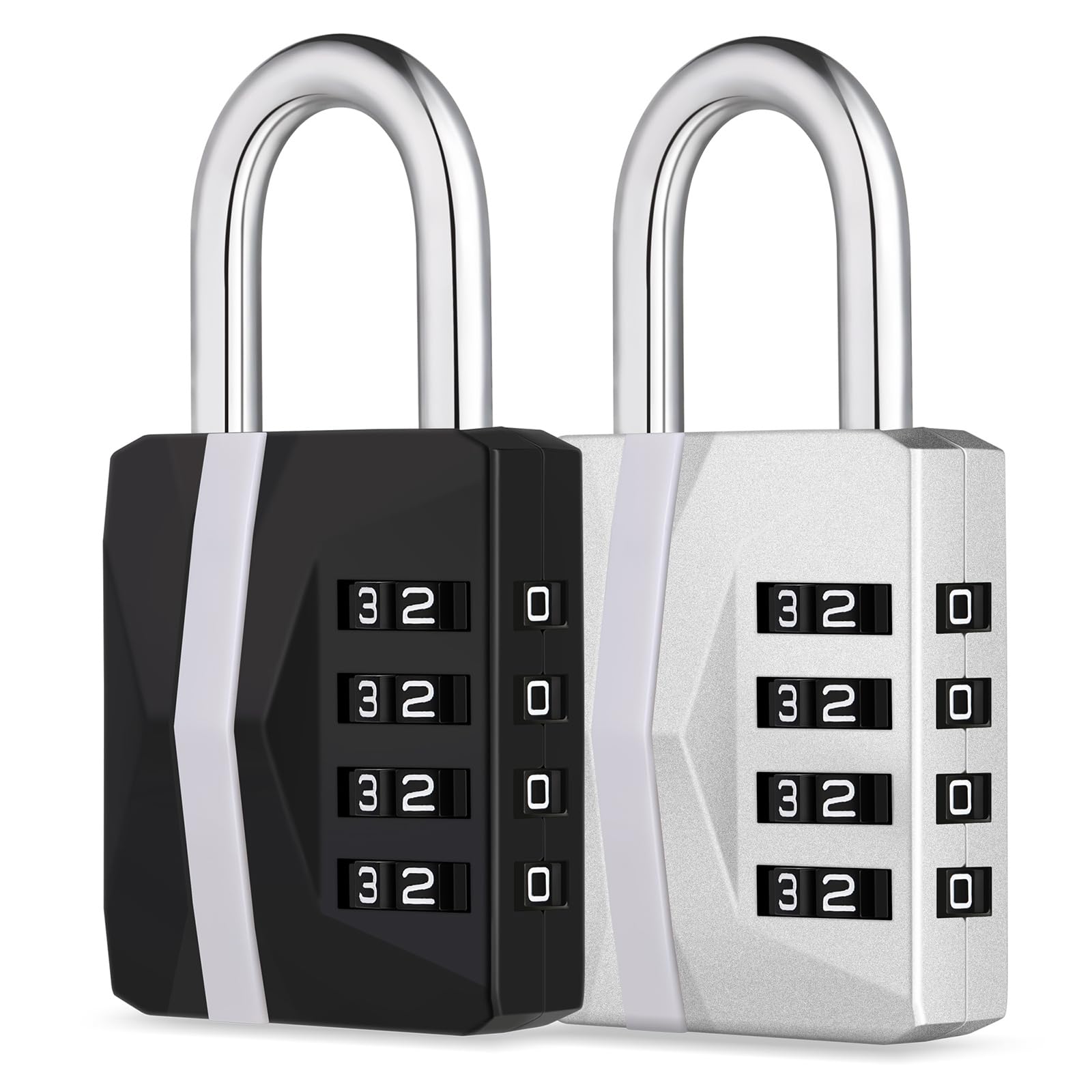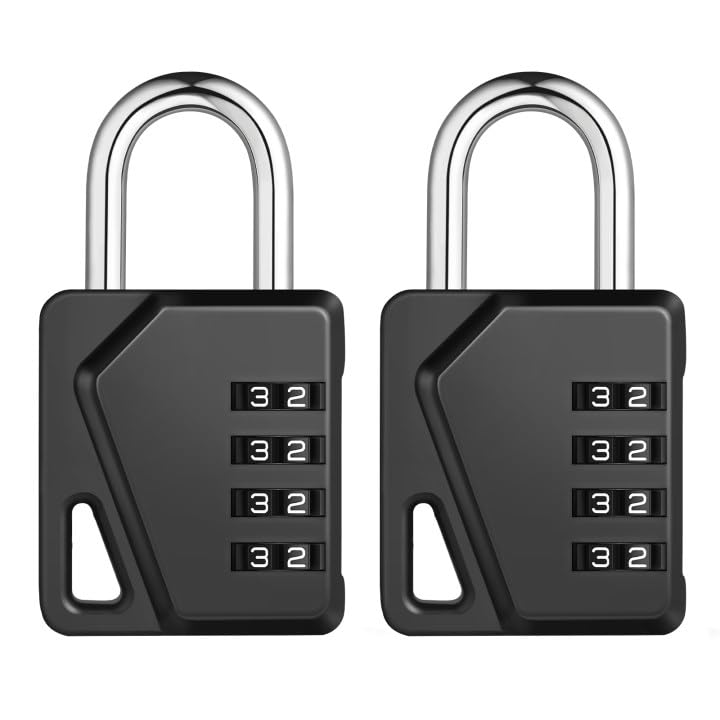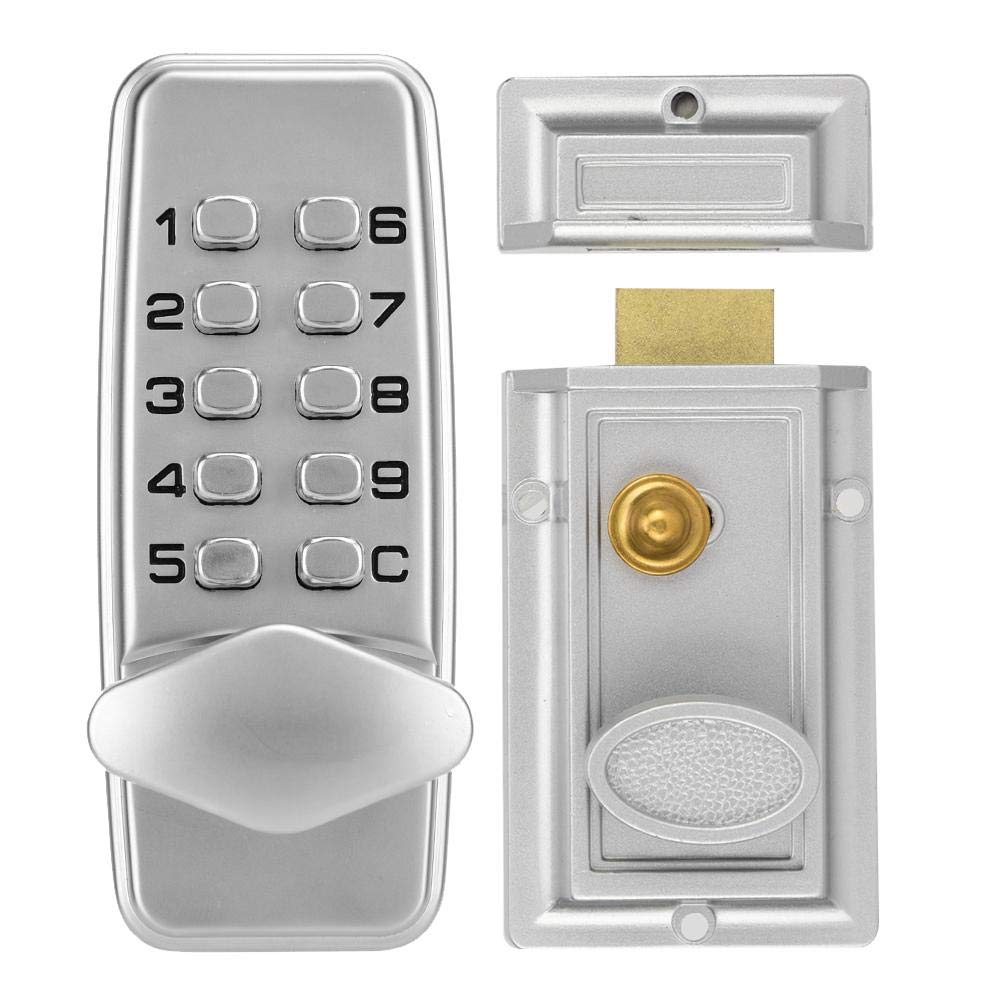

Hakeeta Alloy Lock Box, Chrome-Plated Mechanical Code Lock, Waterproof, Indoor/Outdoor, 2-4 Position
About this item
- MECHANICAL DIGITAL DOOR LOCKS: 2-4 digit keyless combination latch locks for multiple locations, can be installed on gates, fences, windows. Opens you up to secure digital code access protection. The smart door lock uses mechanical unlocking mode, no key, no batteries or wires required, avoiding problems such as lost keys, more convenient, safer and faster.
- WATERPROOF: The combination lock has an efficient waterproof surface and is perfectly suited for outdoor use, installed on your patio's gate. Each of our locks is polished with a brushed chrome finish for a smooth surface that boasts a comfortable feel and longer life.
- HIGH QUALITY ALLOY LOCK CASING: The overall lock casing is made of high quality alloy material with a special cold rolled finish for a smooth and durable surface that can effectively resist violent damage. Better protection for your property and personal safety.
- EASY TO INSTALL: Easy to install with just a screwdriver, no new screw holes or hard wiring required. Even if you are a novice, you will be able to install this smart door lock in no time at all.
- STYLISH AND SECURE: With its silver body and smooth finish, every detail is carefully polished for simplicity and beauty, so you don't have to worry about it looking out of place in your home. Also the 2-4 digit code setting, which can have many different code combinations, is 100% mechanical and suitable for both internal and external use. Designed for light commercial and domestic use with high levels of security.
Product description
Specification: Product model: 38D Panel material: zinc alloy Password length: 2-4 digits Applicable door thickness: 10-60mm Applicable type: indoor, outdoor door Features: waterproof, no battery Center distance of the lock tongue: standard 60mm Lock Size: about 107 * 43 * 20mm / 4.2 * 1.7 * 0.8in Package list: 1 * Mechanical lock set 1 * English manual 2 * Installation package Note: The passwords are not in order, the numbers cannot be repeated, refer to the manual. Change the Password: 1. Remove the 4 red screws from the rear panel of the outer door keyboard. 2. Open the back panel and be careful not to tamper with many small parts inside. 3. See 3 red ciphers, 6 blue regulars and 1 C. 4. Press the C button to move the internal lock piece, but do not move the C piece. 6. Pay attention to the different characteristics of the red and blue locking tabs and insert them into the slots. 7. After placing it, cover the back panel after correcting it. After tightening, check it repeatedly. Edit the password button according to your own, and you can unlock it smoothly and confirm the success. 8. Please pay attention to that there are spare locks in the accessories, you can change the number of passwords to 2 to 4.
Product details
Customer reviews
What customers say about Bigamart
10 Trustpilot reviews total, with 2 shown at a time.
I wrote to Bigamart's customer support and they accompanied the process of reshipping the item until it finally arrived. I felt a genuine effort to solve the problem till it was finally solved.
The package was here in Australia from England in a few days โ so quick! Something was missing and they refunded it straight away. Pretty happy with these guys.
You might also like
Similar items