LL TRADER
✓Repair Kits
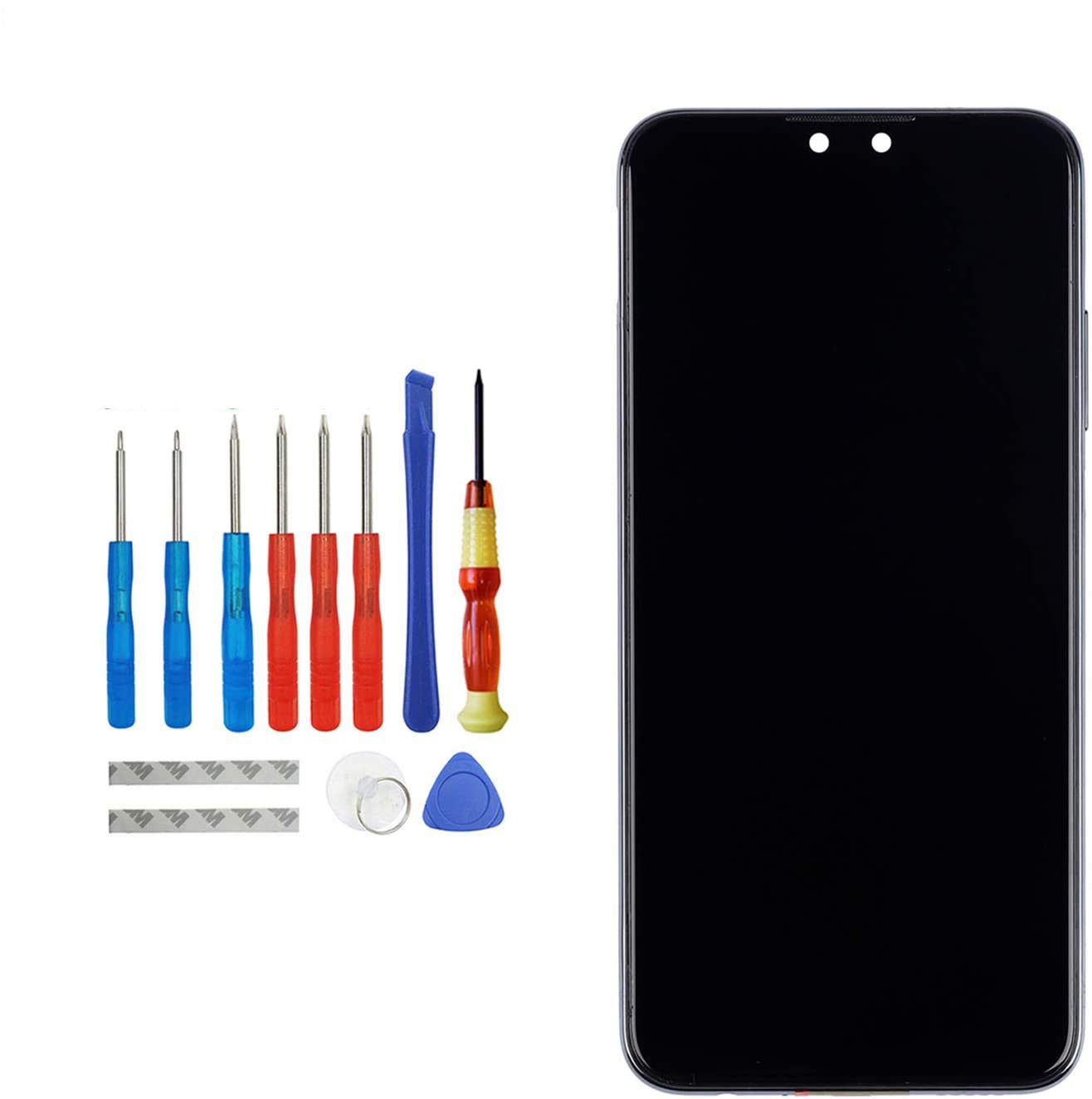
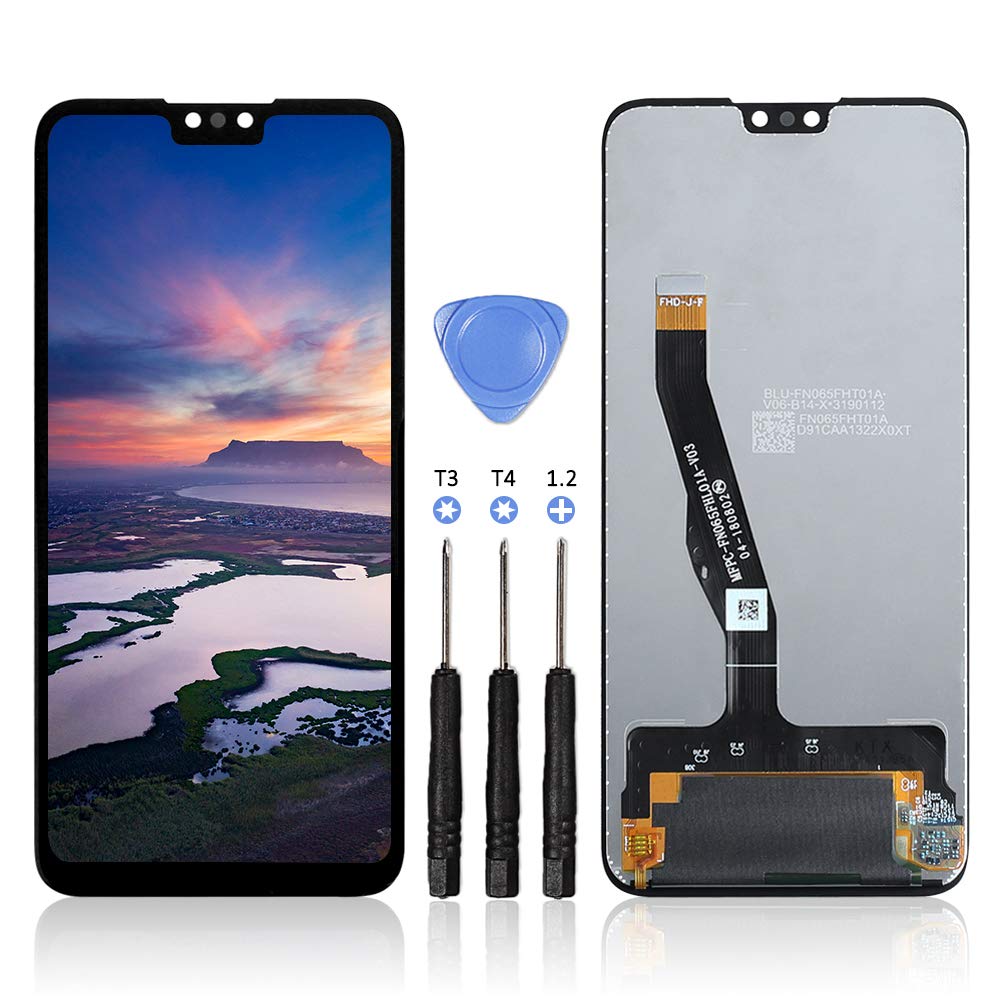
LL TRADER for HUAWEI Y9 2019 Screen Replacement 6.5" LCD and Digitizer Assembly Display Glass Replacement Touch Screen +Repair Tools
★★★★★3.8
Price unavailableView
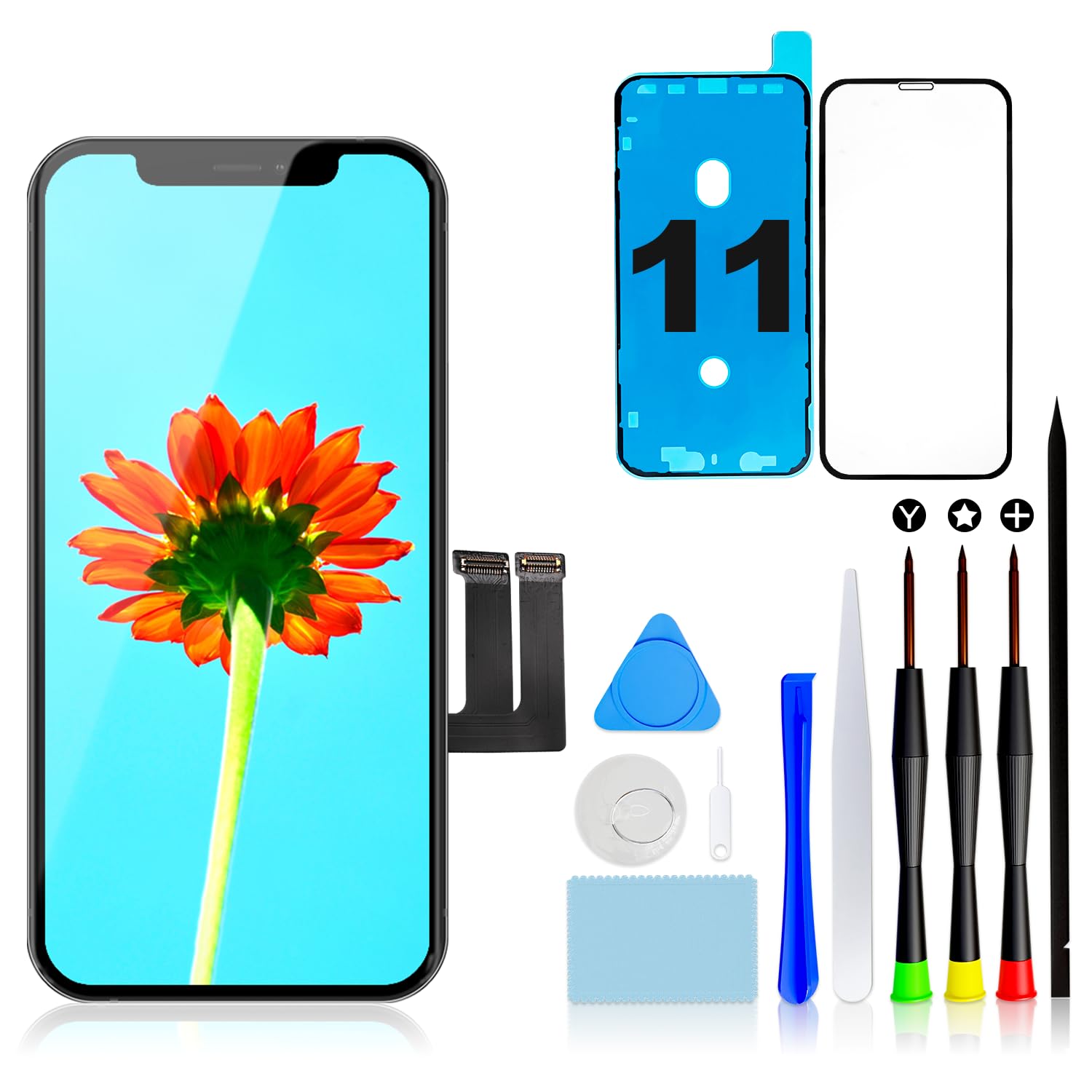
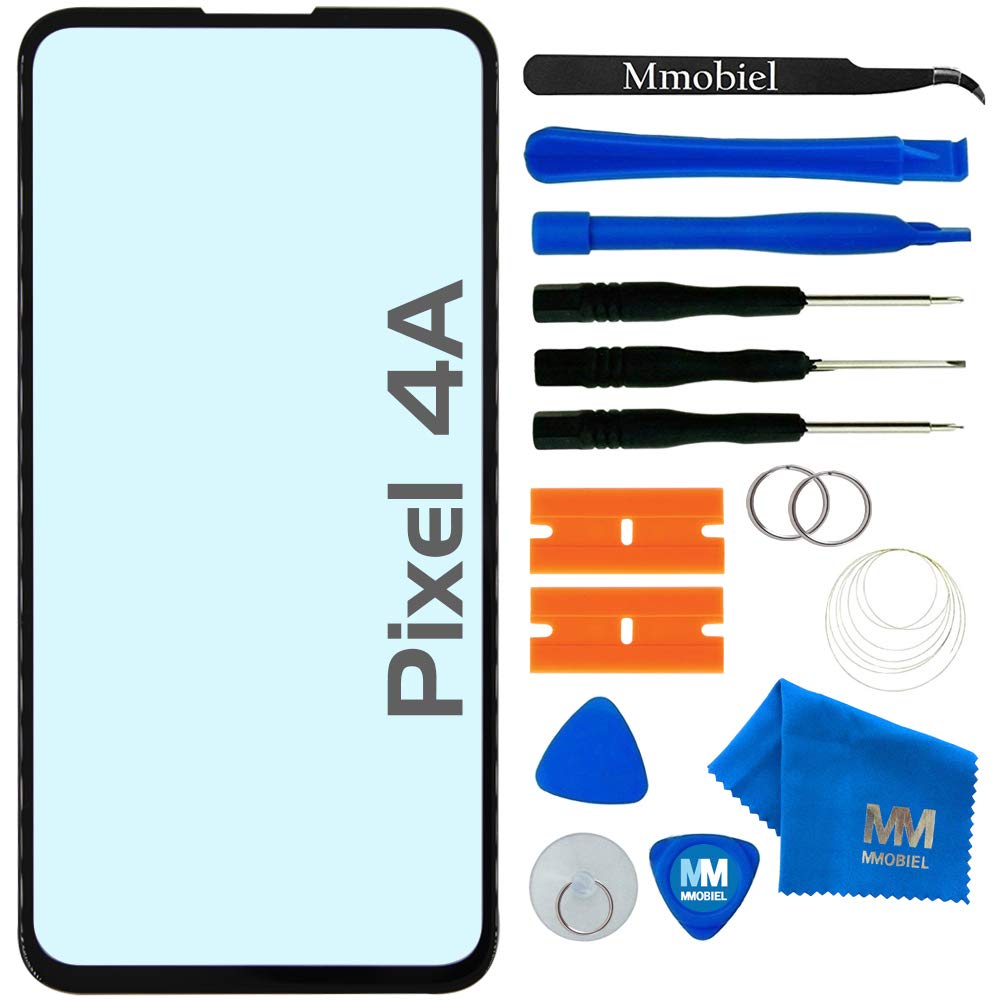
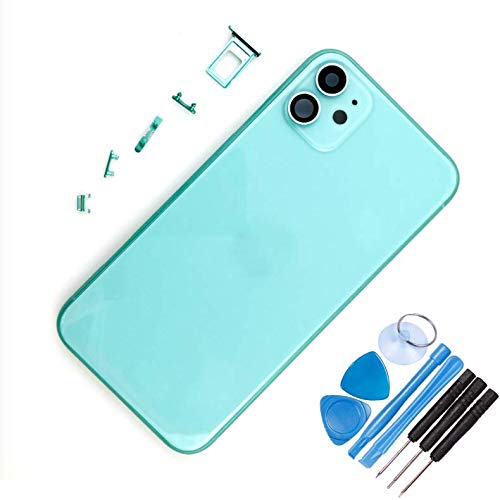
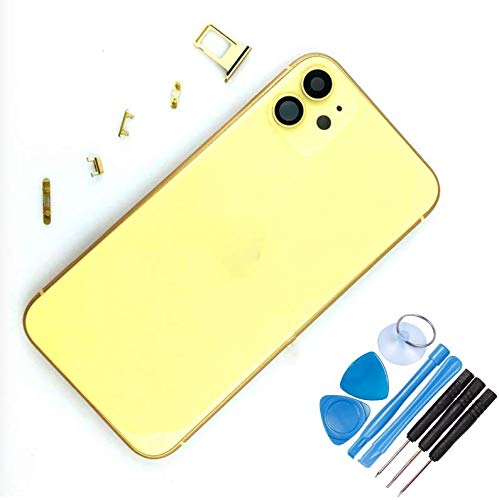
Description ●Compatibility: iPhone 11 ●Color: Black ●Package includes: -1 * New iPhone 11 LCD Screen and Digitizer -1 * 0.2mm tempered glass protective film -1 * Repair tools set -1 * User's Guide ● Note: 1. We strongly recommend that you watch the operational video on YOUTUBE before installation through scanning the QR code in the manual or searching "Replace iPhone 11 Screen". 2. Disconnect the battery cable before installation or make sure your phone is powered off. 3. Please mark the position of each screw when you unscrew the screws. Because there are many screws in different sizes,if screws are placed in the wrong hole,then the screen might be damaged. 4. Please connect the flex cable one by one and make sure all the connector well seated.The flex cable will be properly connected with a "click" sound. 5. After connecting the flex cable,please test the LCD screen to make sure the flex cables are in good condition and no debris on the connector. 6. Touch ID and fingerprint identification only can work on your original home button.You will need to transfer the home button from your original screen to the new one. 7. If you have any question,please contact us directly,We will try our best to help you out,thanks.
Customer reviews
10 Trustpilot reviews total, with 2 shown at a time.
I wrote to Bigamart's customer support and they accompanied the process of reshipping the item until it finally arrived. I felt a genuine effort to solve the problem till it was finally solved.
The package was here in Australia from England in a few days — so quick! Something was missing and they refunded it straight away. Pretty happy with these guys.
You might also like