tickit
✓Kitchen Timers
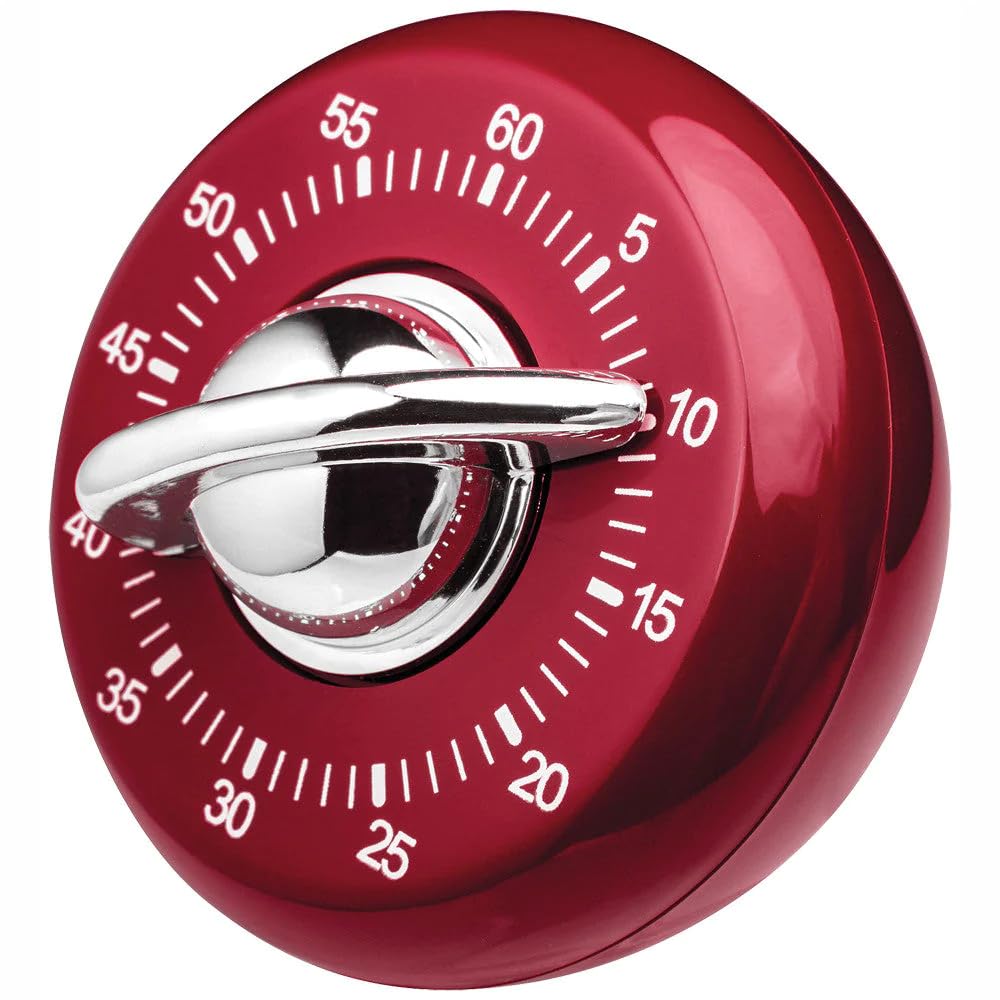
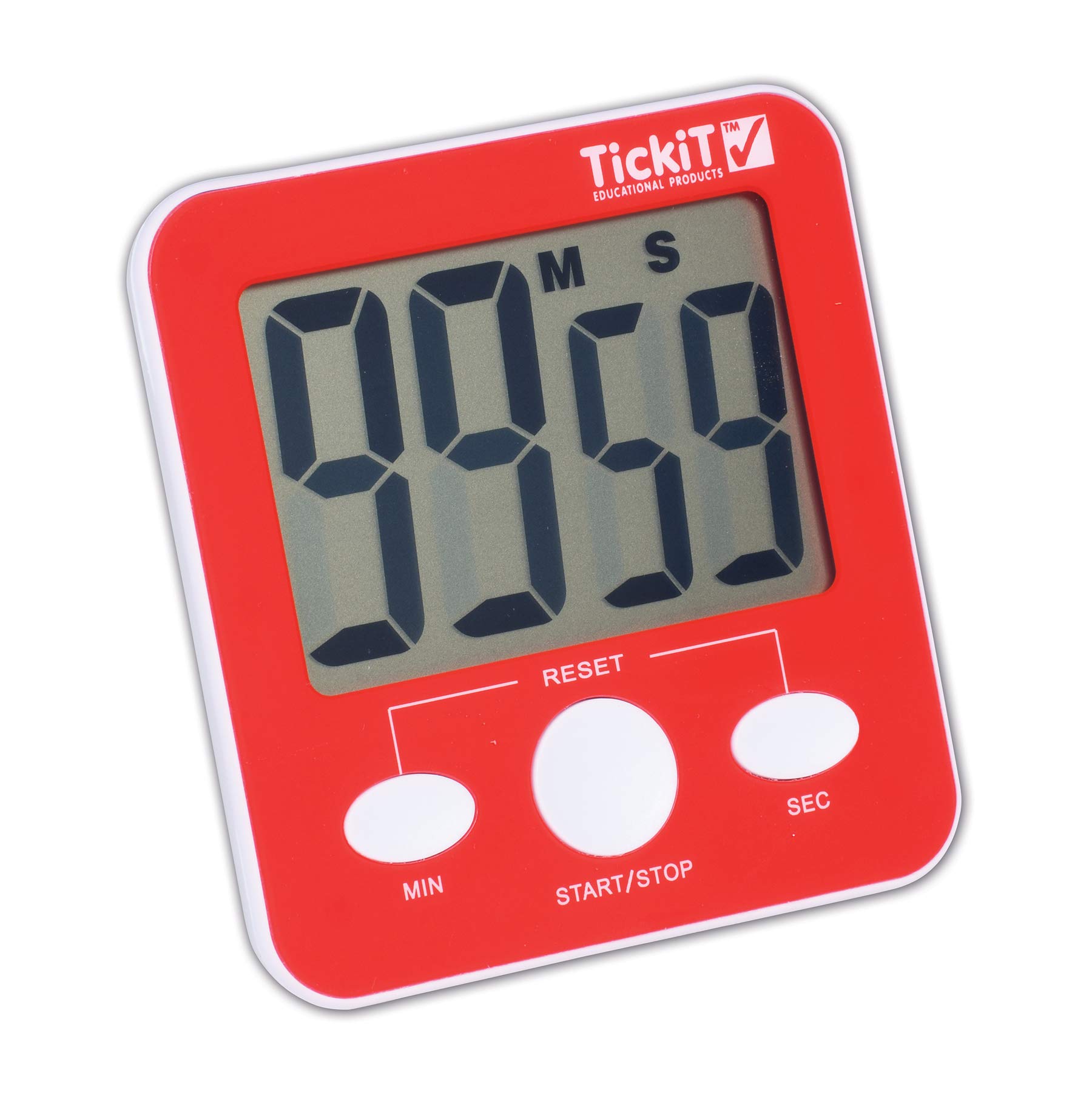
TickiT 92077 Jumbo Timer - Red - Digital Timer with Large Display Stand and Magnet for Mounting
★★★★★4.1
$28.99
View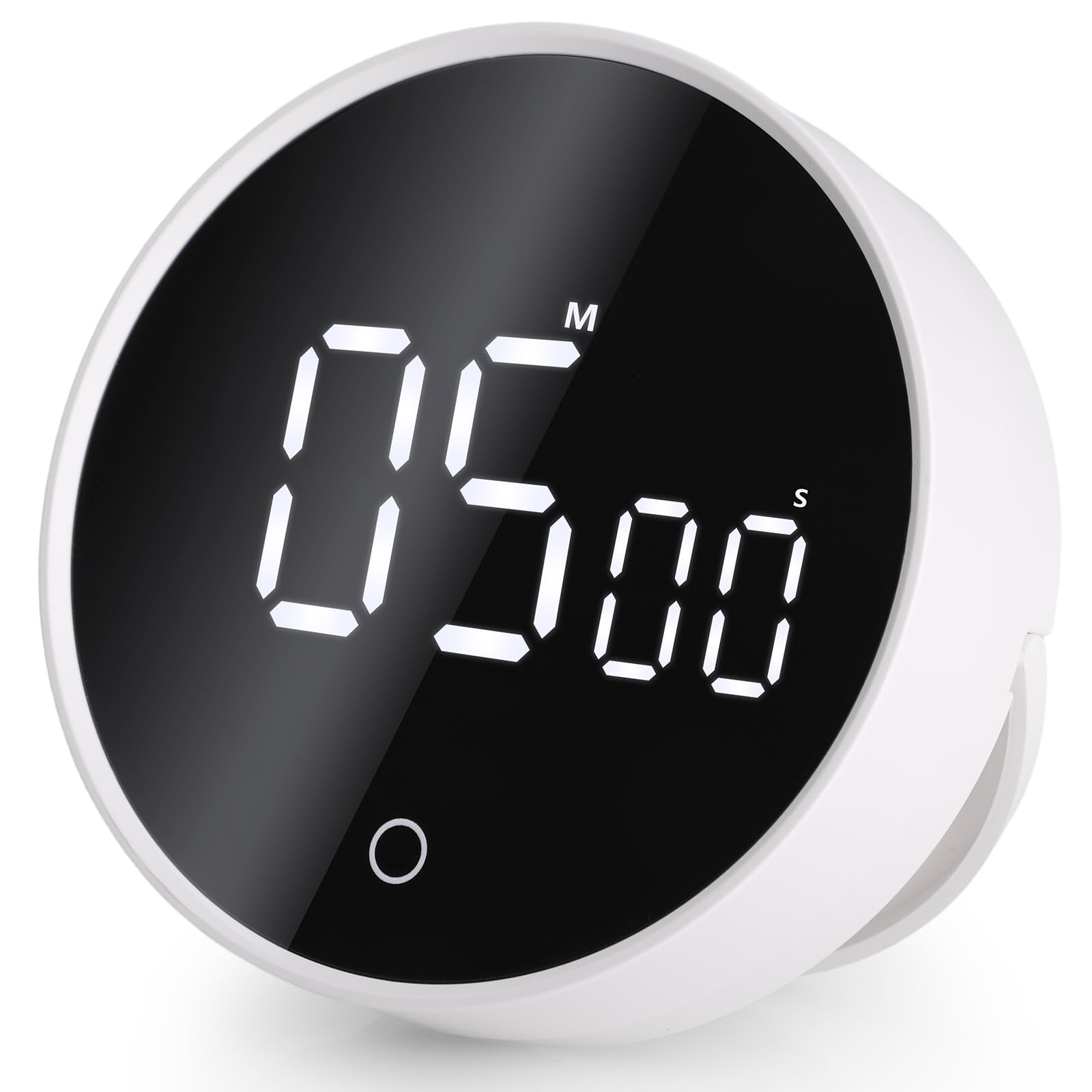
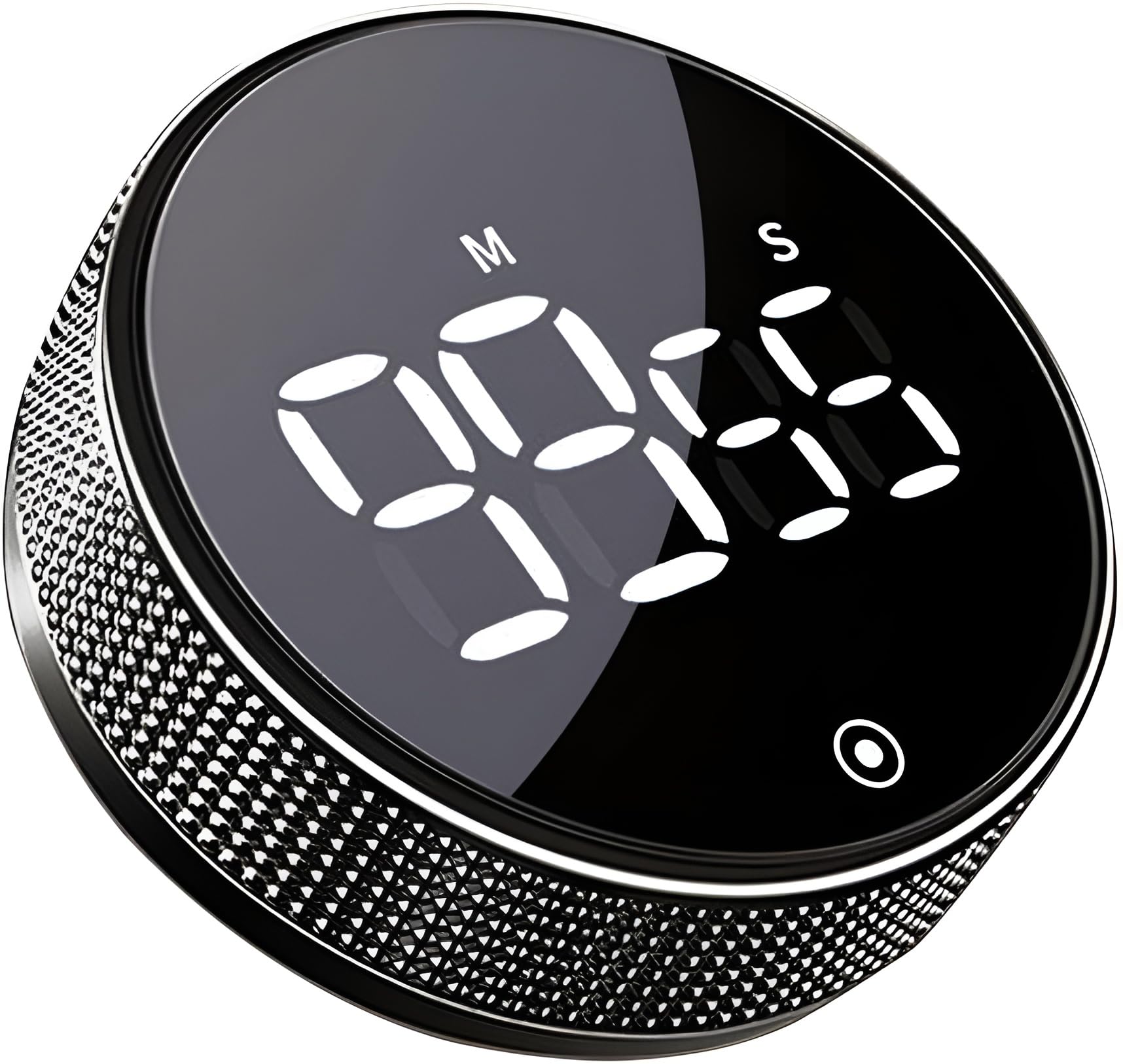
How to use the rotary productivity timer. Countdown settings 1.Turn the knob to set the desired countdown time, turn the knob to the right to increase the value, and turn it to the left to decrease the value. (When rotating quickly and the angle is greater than 60 degrees, the minute value can be quickly set, and the second value can be fine-tuned after an interval of 1 second). 2. After the setting is completed, press [O] to start the countdown. After the countdown is displayed as 00:00, there will be a beep sound and the screen will flash. When the timer reaches 00:00, there will be a beep sound for up to 1 minute. Press to stop the beep sound. 3. During the countdown, short press [O] to pause. After the countdown is paused, press and hold O to reset and display 00:00. Notice: Seconds are set in units of 5 seconds. In the working state, the display brightness will automatically decrease after 5 seconds of no operation; In the non-working state, the brightness of the display will automatically decrease after 5 seconds of no operation, and the display will automatically turn off after 10 seconds, and enter the power saving mode. Countup timing settings When the display is 00:00, press [O] to start timing, and then short press IO! to pause. After the timing is paused, press and hold [O] to reset it, and the display will be :00:00.
Customer reviews
10 Trustpilot reviews total, with 2 shown at a time.
I wrote to Bigamart's customer support and they accompanied the process of reshipping the item until it finally arrived. I felt a genuine effort to solve the problem till it was finally solved.
The package was here in Australia from England in a few days — so quick! Something was missing and they refunded it straight away. Pretty happy with these guys.
You might also like